
Android · 0:28 video
Choose a character and dice keypad
Pick a Campaign character and try the optional dice-pip keypad. Dice pips still enter ordinary digits.
Download videoDownload captions
1Open character choices
In Campaign, open Settings. Scroll below Appearance.
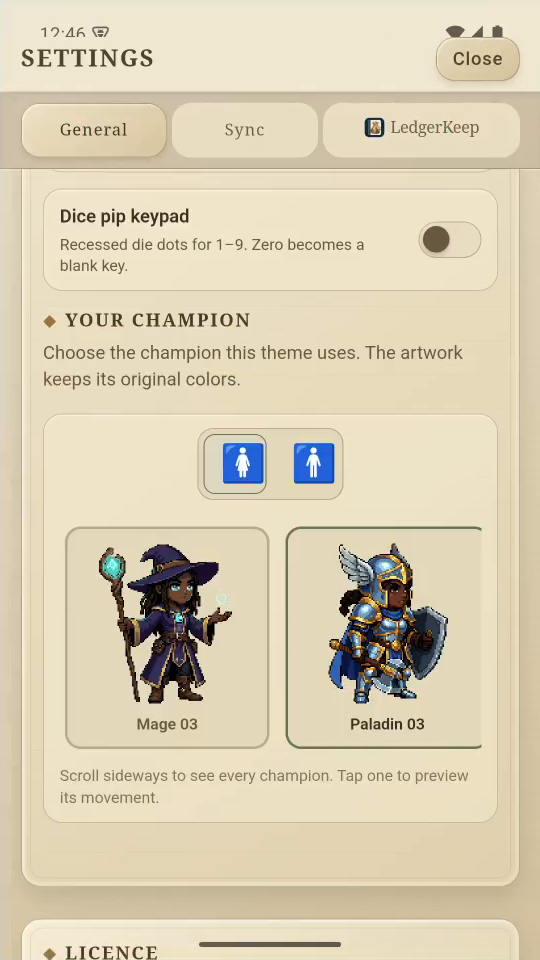
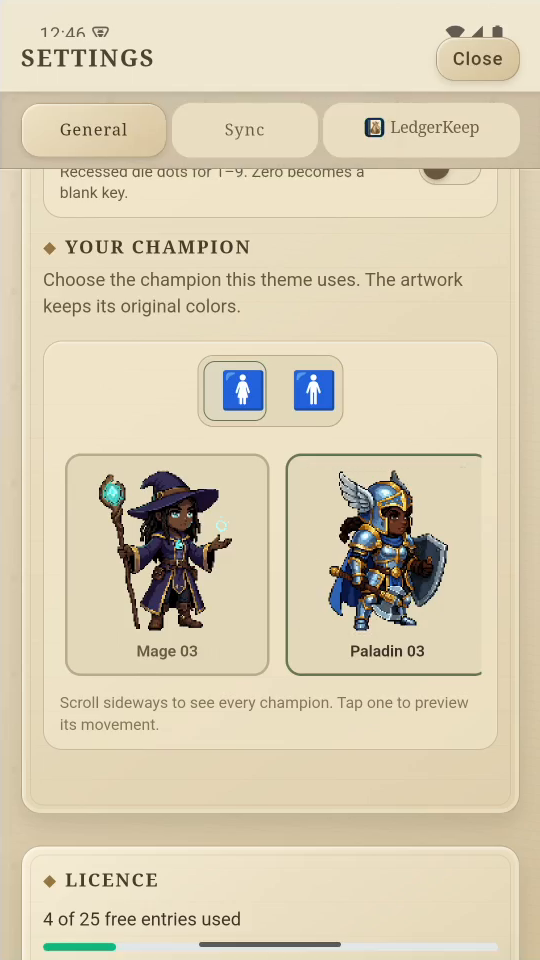
2Choose a character
Choose Female or Male, then tap a hero to preview movement.
3Try the dice keypad
Turn on Dice pip keypad. Close Settings and tap +.
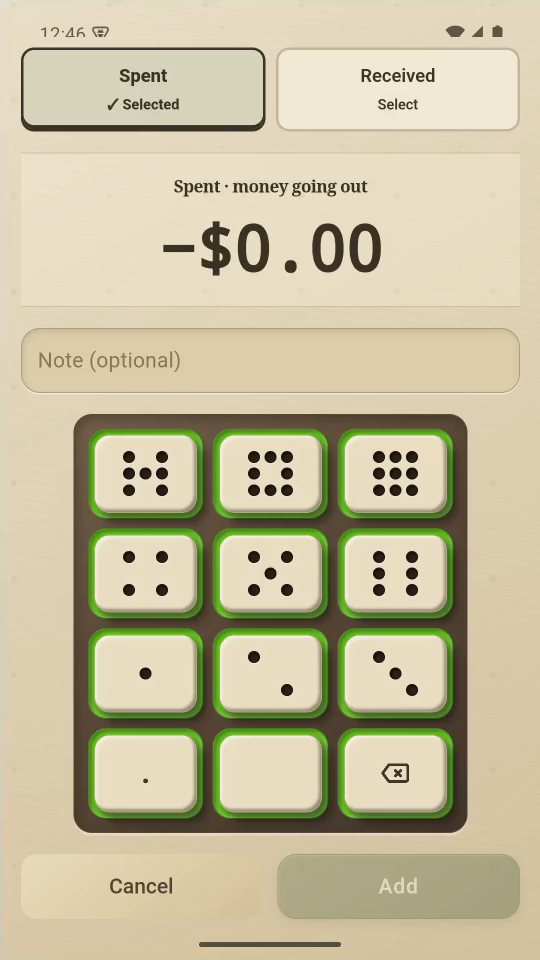
4Enter with dice pips
Tap the keys for 1, 2, 3, 4. They still enter $12.34.
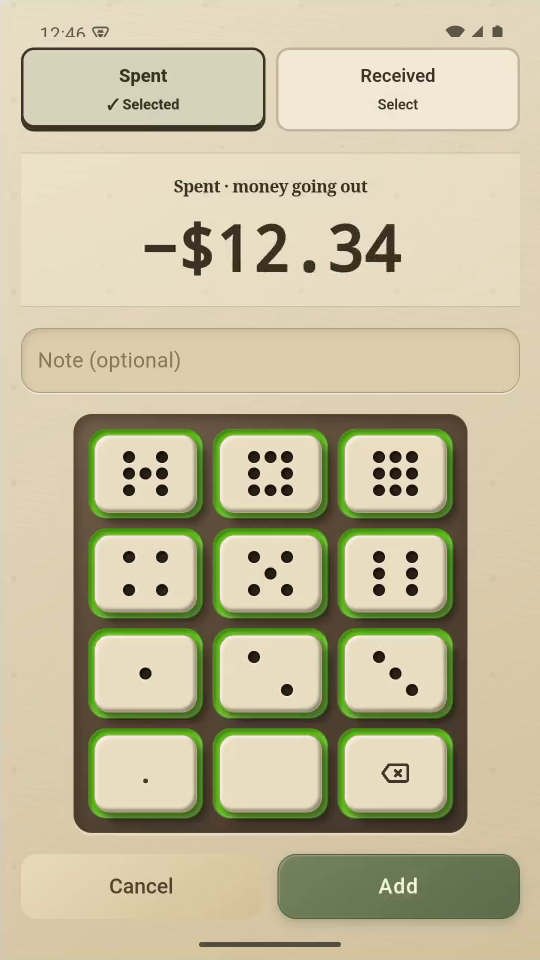
5Finish
Tap Cancel to discard this example.
Result: The example enters $12.34, then cancels without saving an expense.