
Android · 0:25 video
Send an entry to LedgerKeep
Send the $8 Coffee entry from Pocket Nerd to LedgerKeep on the same Android phone.
Before you start: Both apps installed, with a local LedgerKeep ledger already created.
Download videoDownload captions
You still choose accounts and approve the entry inside LedgerKeep. Sending it does not automatically write a transaction.
1Open LedgerKeep settings
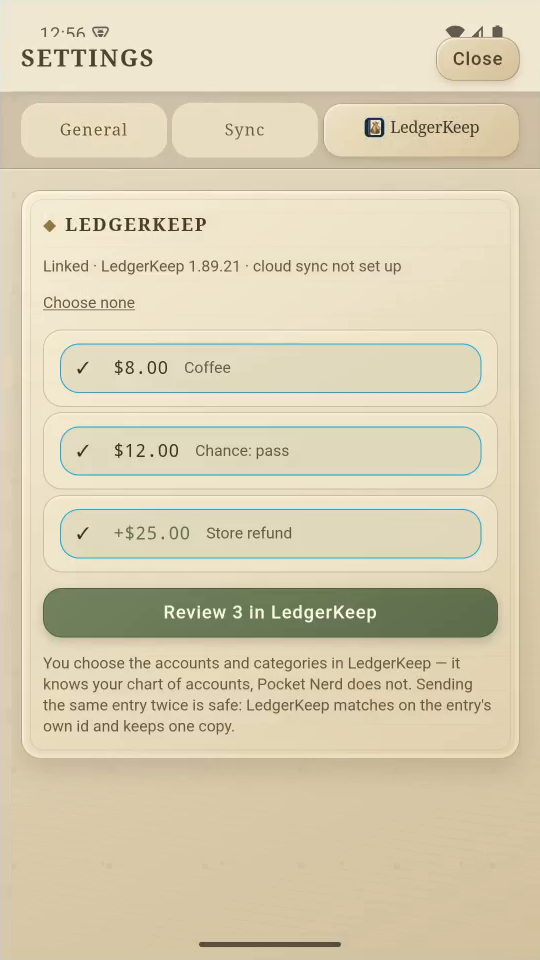
Open Settings, then the LedgerKeep tab.
2Choose the entry
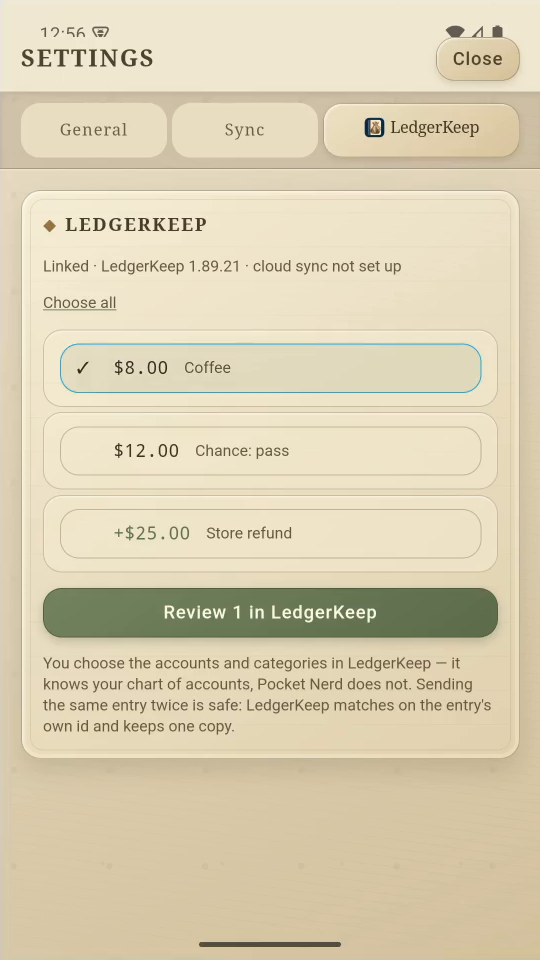
Tap Choose none, then select the $8 Coffee entry.
3Send for review
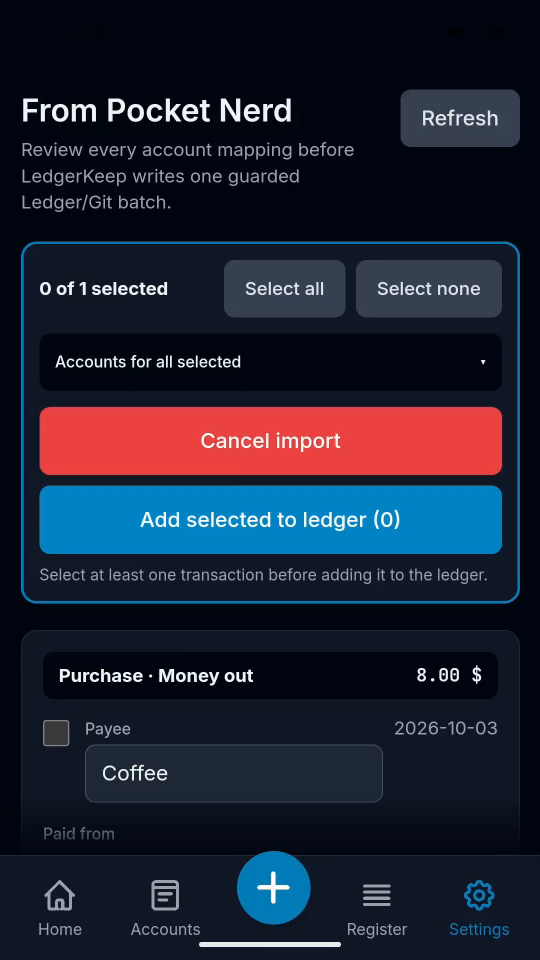
Tap Review 1 in LedgerKeep. LedgerKeep opens its review inbox.
4Review before importing
Choose the accounts in LedgerKeep. Sending alone does not post it.
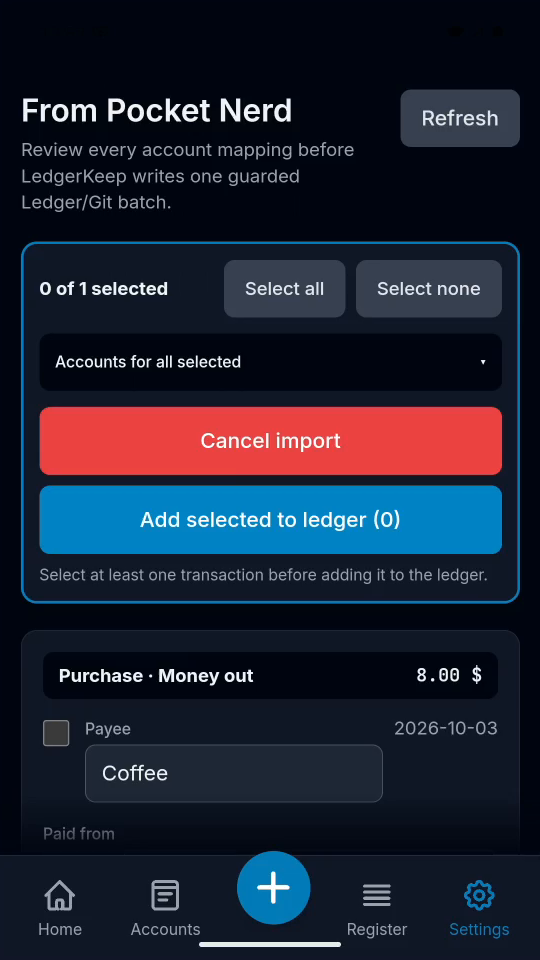
Result: The entry is waiting in LedgerKeep’s review inbox.