
the web · 0:18 video
Ask in your own words
Type a question the way you would ask it. Explore finds the arguments, evidence and answers that match.
Before you start: Resolve by Reason open on your phone, or nk.tools/resolve-by-reason in a browser.
Download videoDownload captions
1Open Explore
Tap Explore at the bottom of the screen.
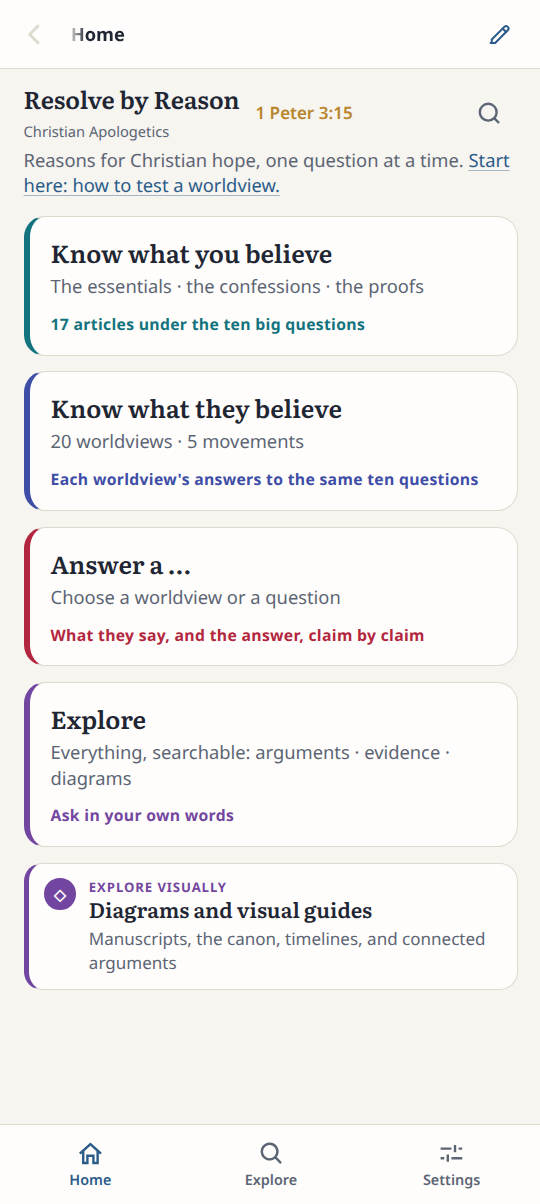
2Type your question
Type the question in your own words.
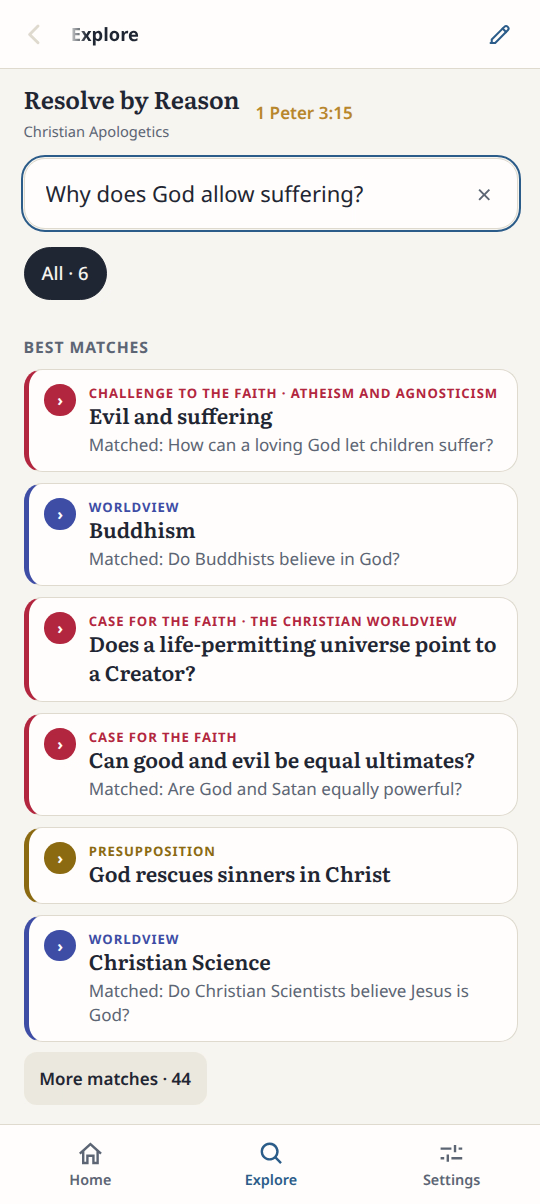
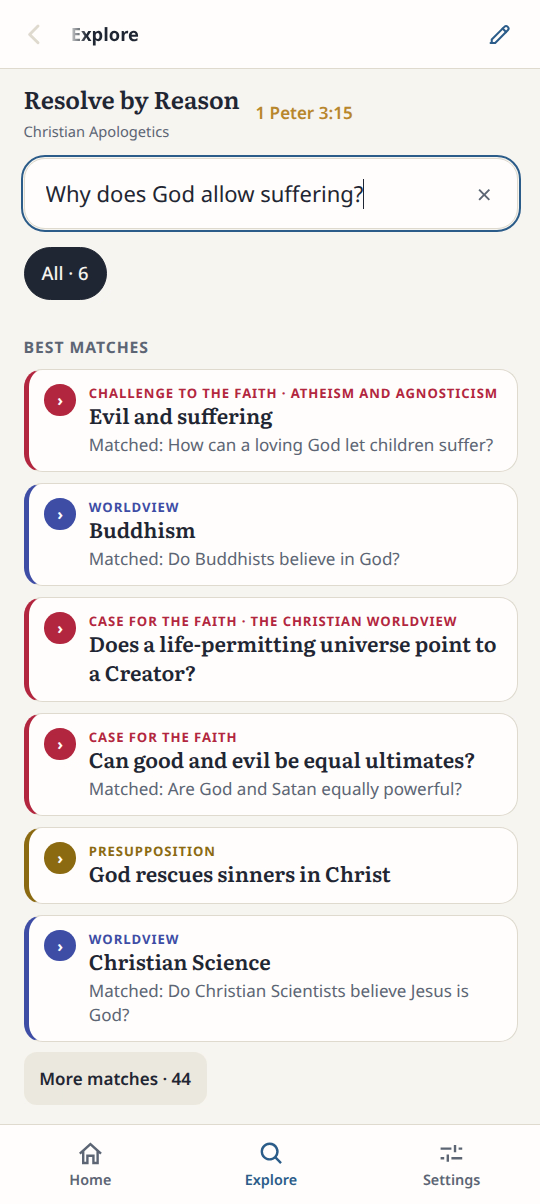
3Pick a result
The best match is first. Tap it.
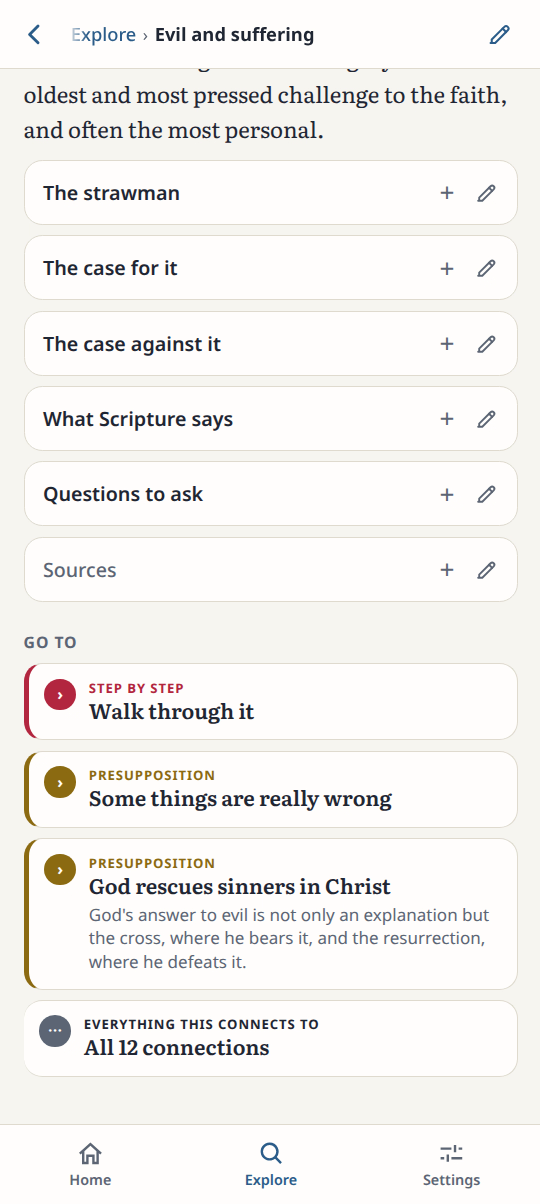
4Read the entry
The entry opens with its answer and sources.
Result: The matching entries are listed with the best match first.