
Android · 0:12 video
Create a ledger on your phone
Create a fresh local ledger on Android and open Quick Entry.
Download fictional practice books · View the example statement
Before you start: LedgerKeep installed on a phone with no existing local ledger selected.
Download videoDownload captions
1Start a new ledger
On the welcome screen, tap Create New Ledger.
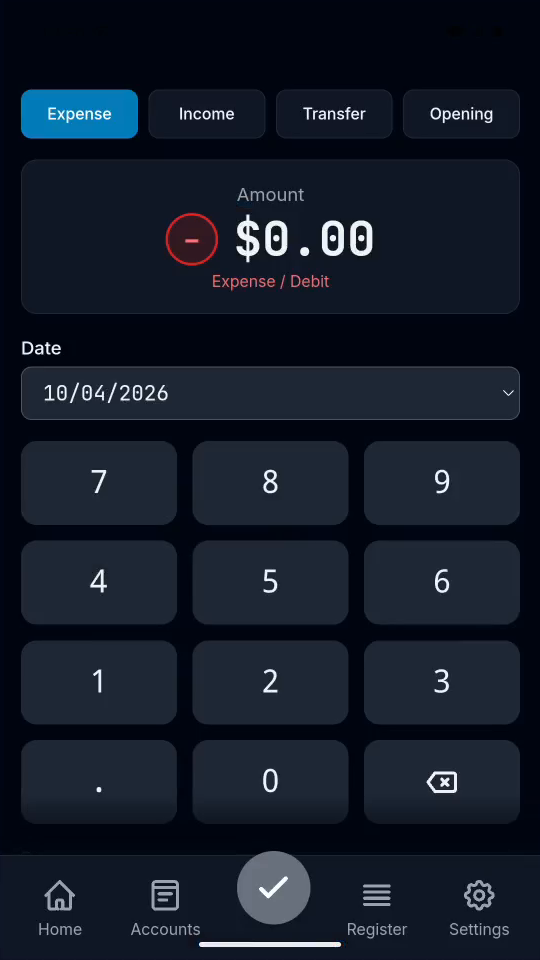
2Start with Quick Entry
Choose an entry type. Expense is selected first.
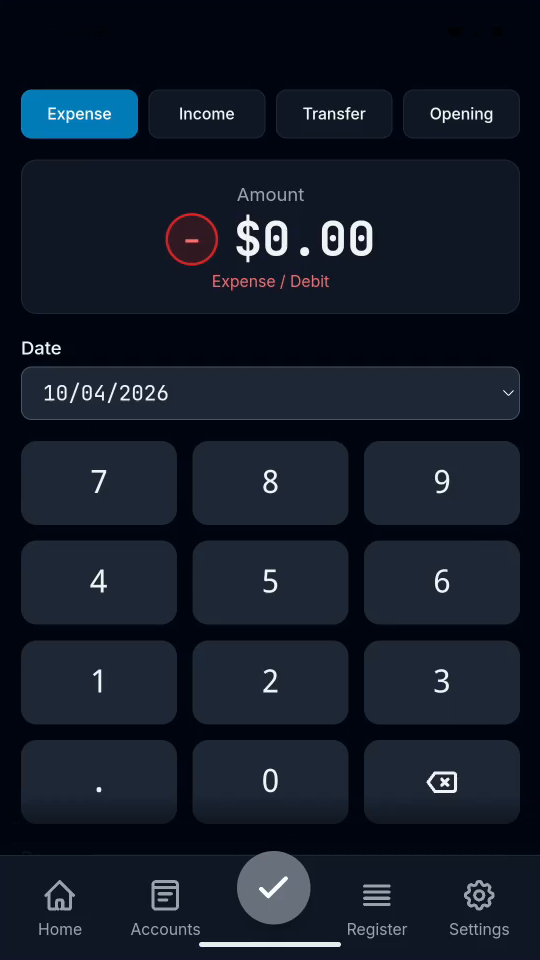
Result: Quick Entry is ready for your first transaction.