
Android · 0:21 video
Add an account
Create an asset account for a travel fund. Explicitly choose Assets in Type, then enter Travel.
Download fictional practice books · View the example statement
Download videoDownload captions
1Open Accounts
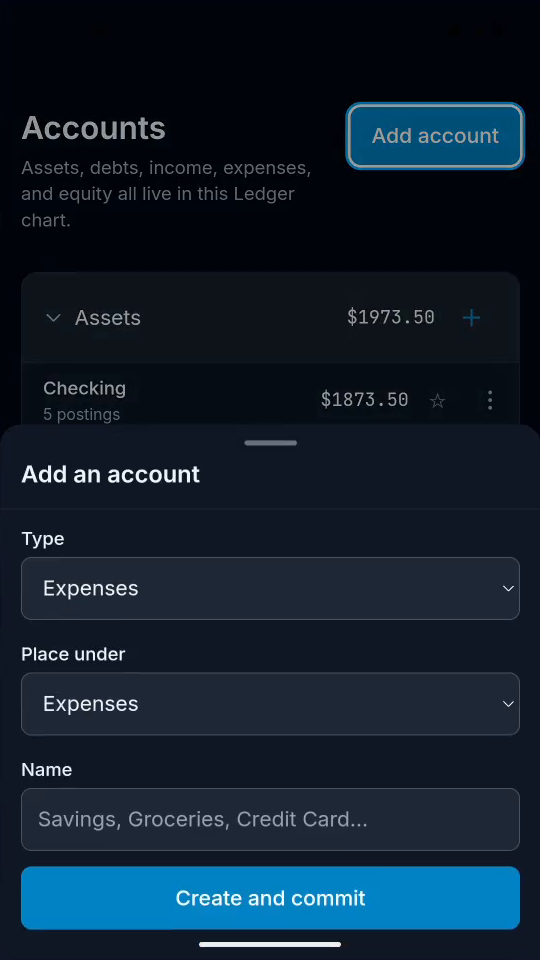
Tap Accounts, then Add account.
2Choose the account type
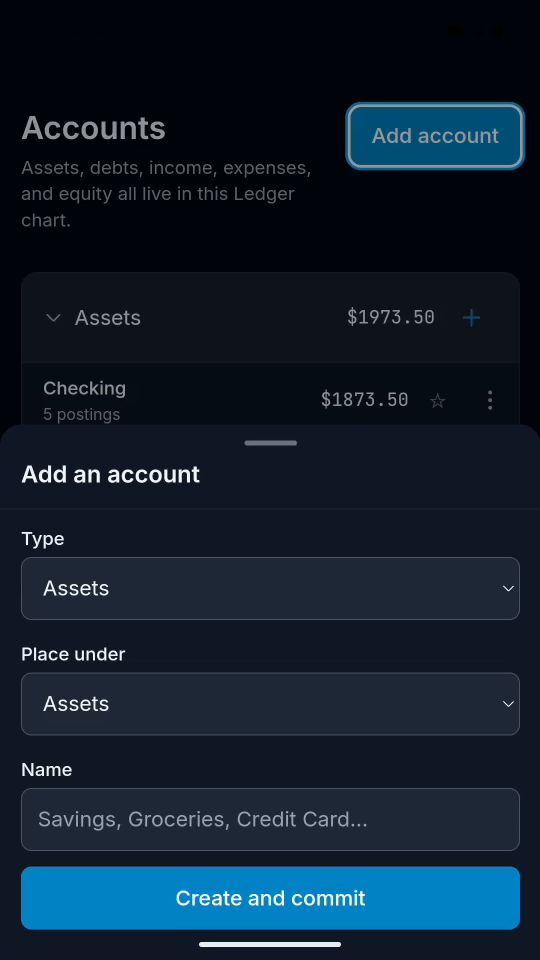
Set Type to Assets. Leave Place under as Assets.
3Name the account
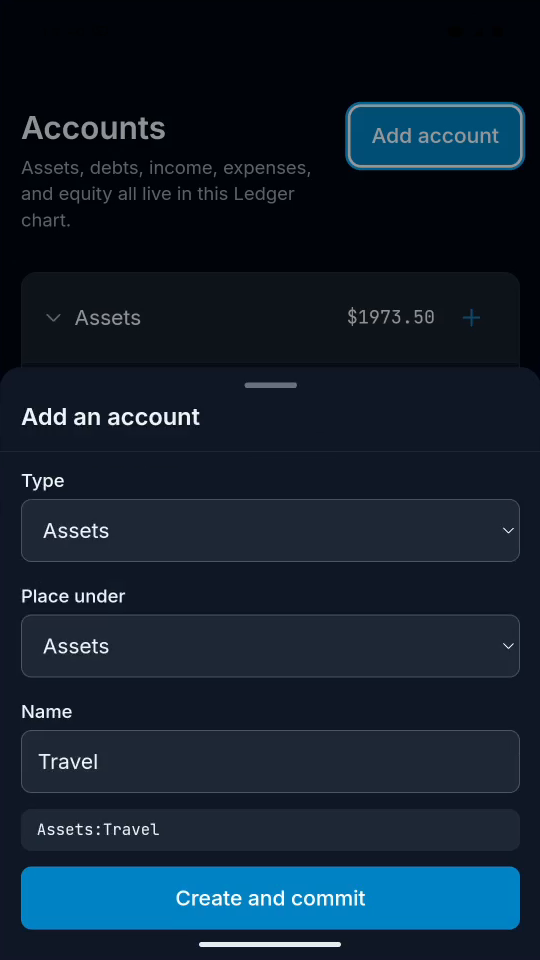
Enter Travel. Check that the full name is Assets:Travel.
4Save the account
Tap Create and commit. Find Travel in your Assets.
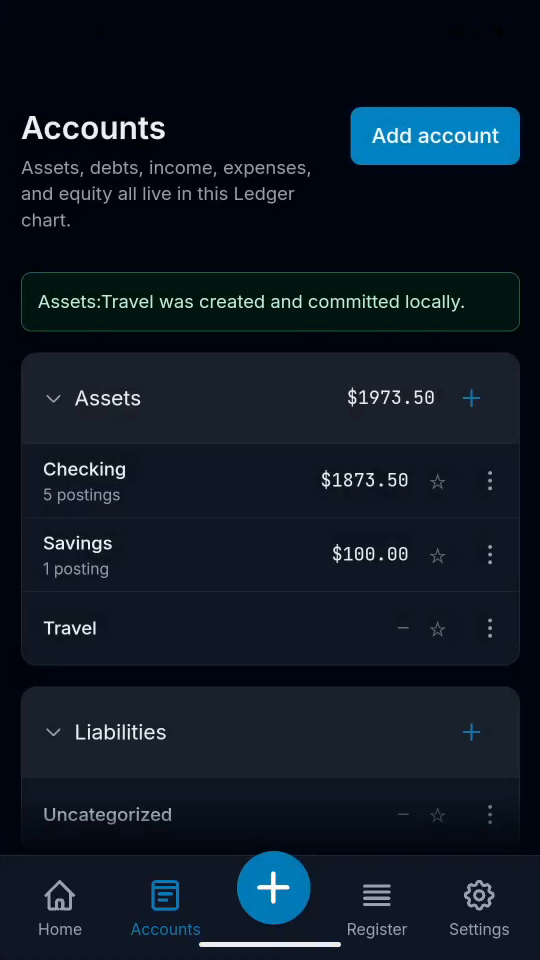
Result: Assets:Travel appears in the account chart.