
Android · 0:25 video
Transfer between accounts
Move $100 from Checking to Savings without treating it as spending or income.
Download fictional practice books · View the example statement
Before you start: Both accounts already exist in Accounts.
Download videoDownload captions
1Choose Transfer
Tap Transfer and enter 1, 0, 0, 0, 0 for $100.00.
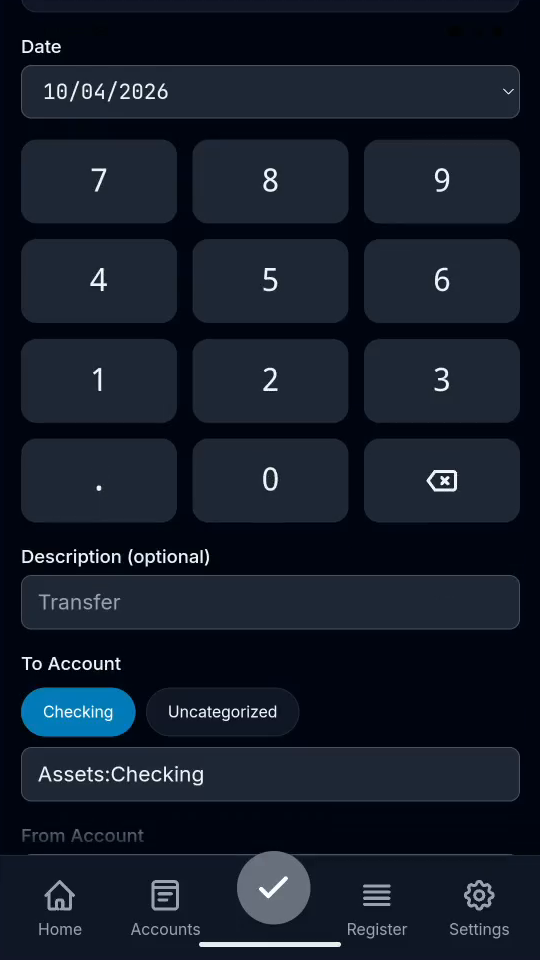
2Choose the destination
Choose Assets:Savings as the receiving account.
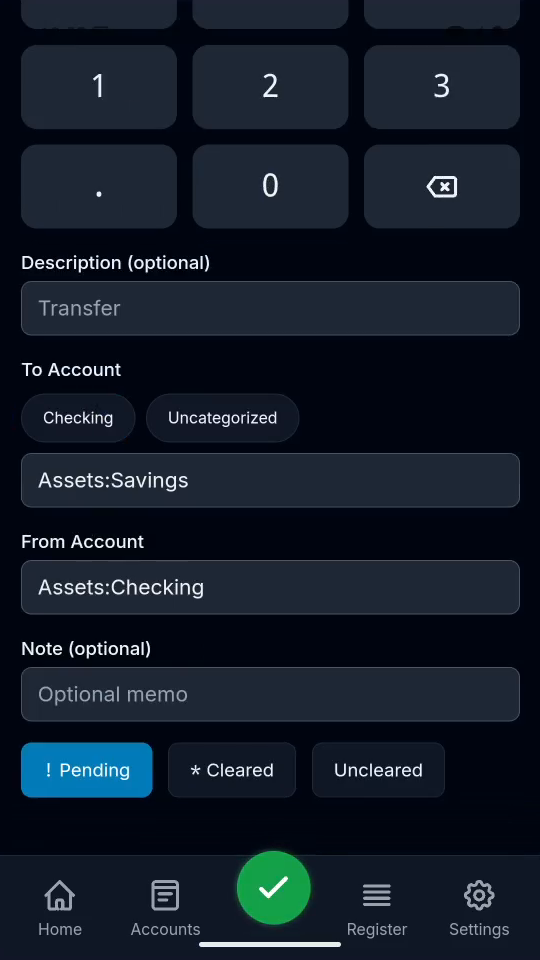
3Choose the source
Choose Assets:Checking as the source account.
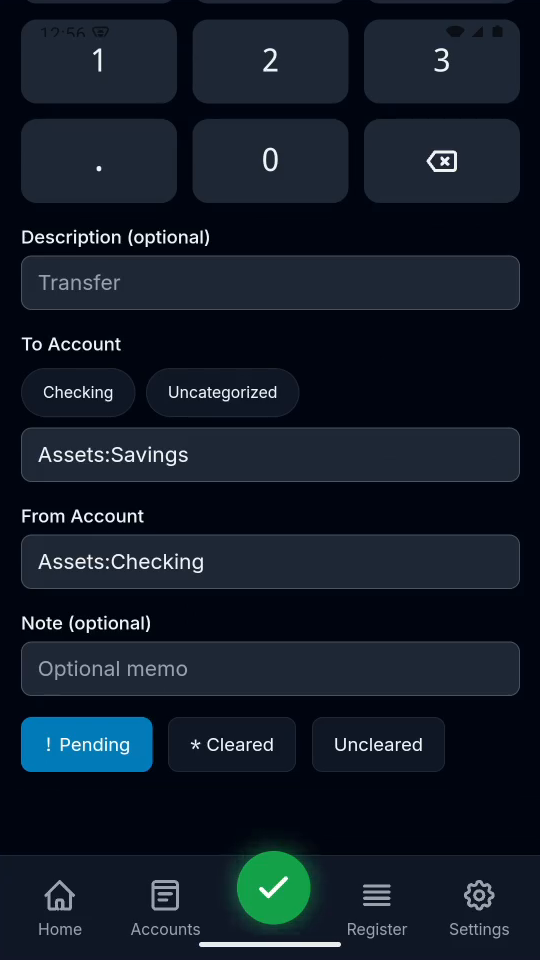
4Save and verify
Tap the checkmark, then Register. Check the transfer entry.
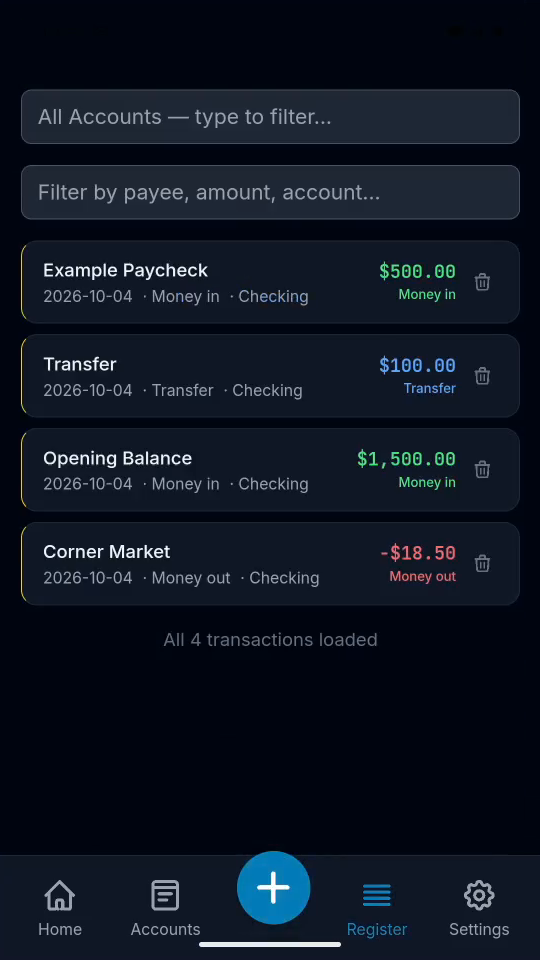
Result: The transfer appears in Register. Checking falls by $100 and Savings rises by $100.