
Linux · 0:17 video
Create desktop books
Create a new local set of books in an empty folder on Linux.
Download fictional practice books · View the example statement
Before you start: Choose a dedicated empty folder for the new books.
Download videoDownload captions
1Create new books
On Dashboard, choose Create new books.
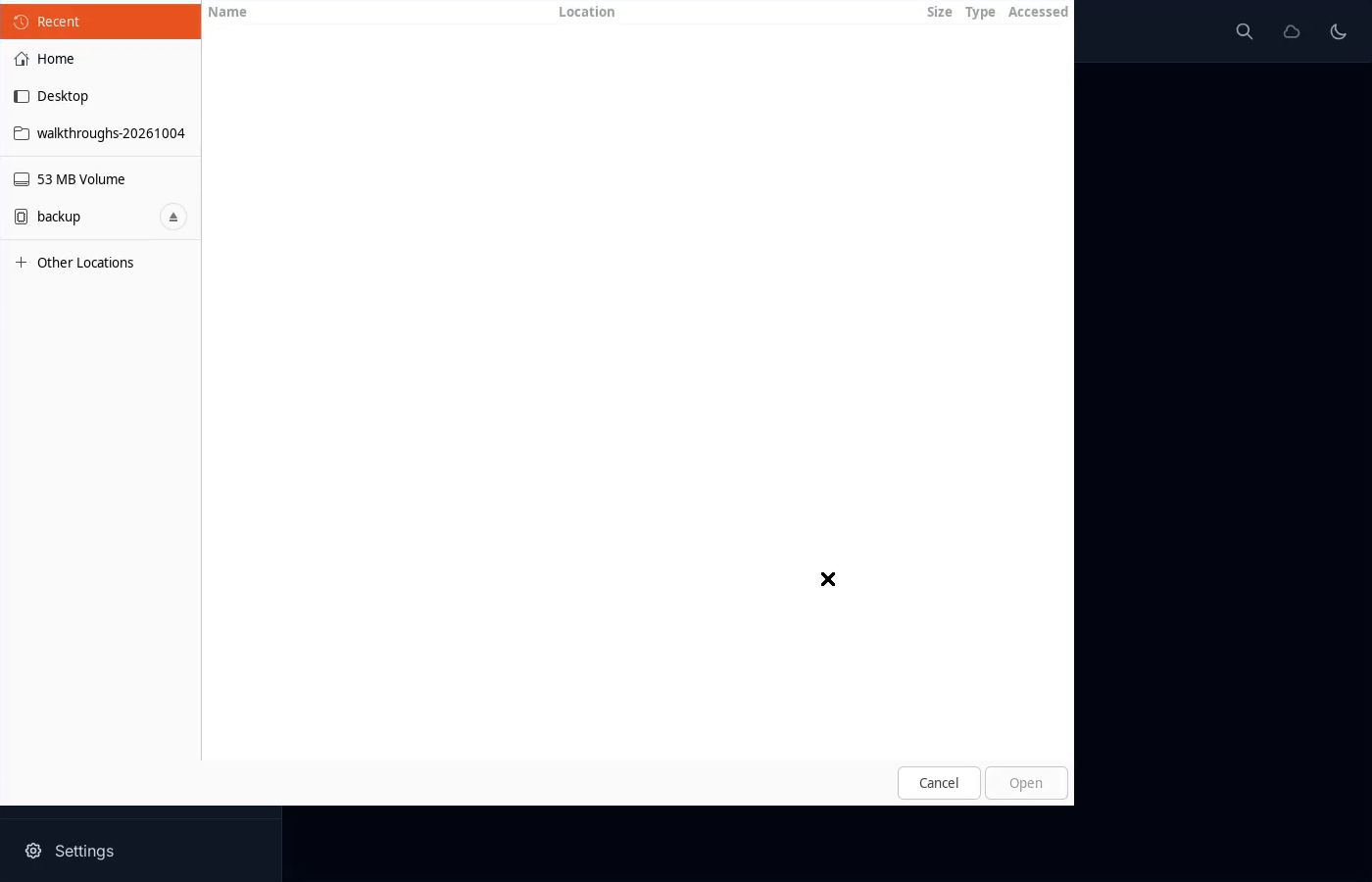
2Choose an empty folder
Select a folder for this book. This example uses starter-books.
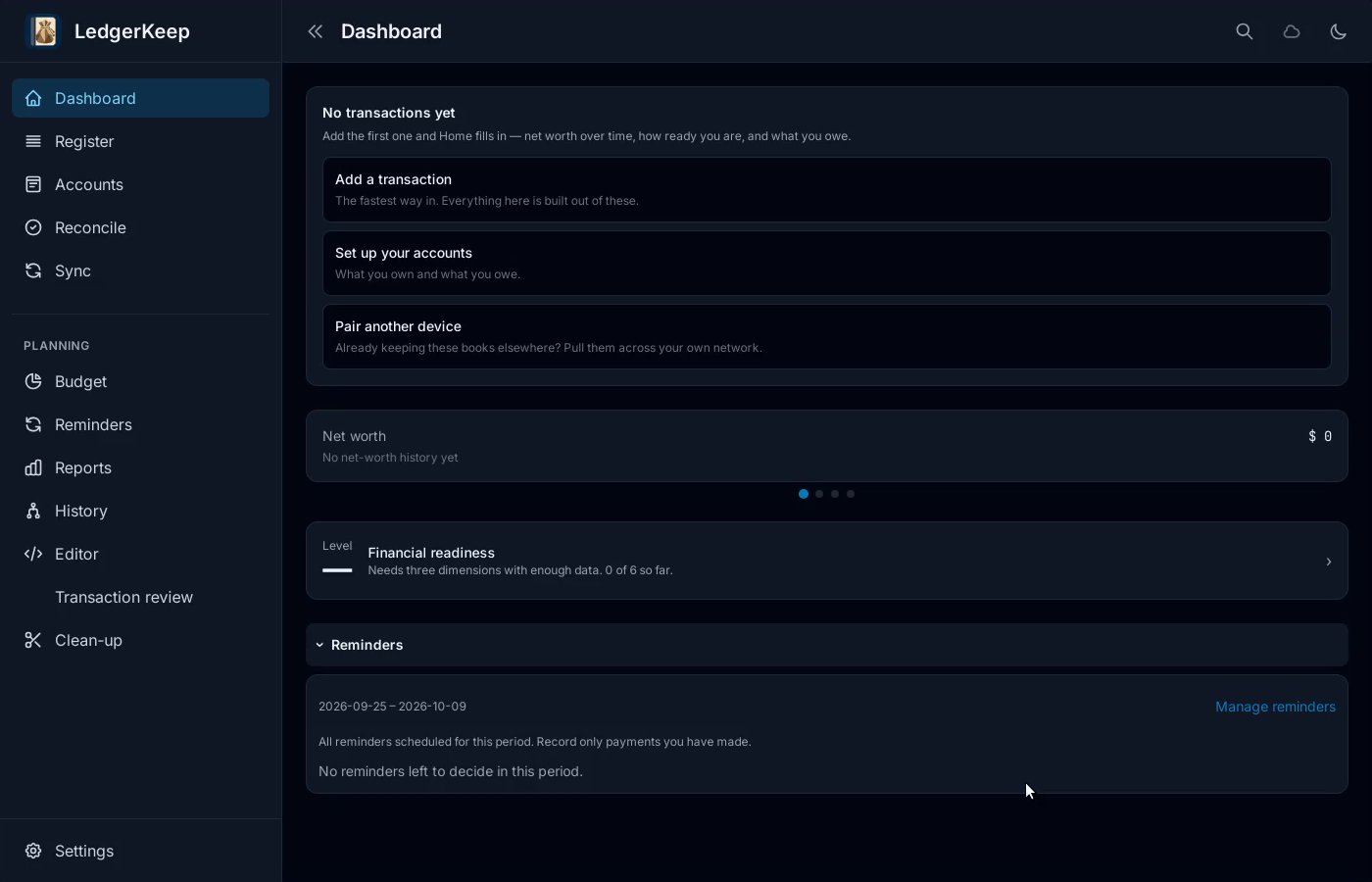
3Check the new book
Your empty books open on Dashboard. Add accounts and your first entry.
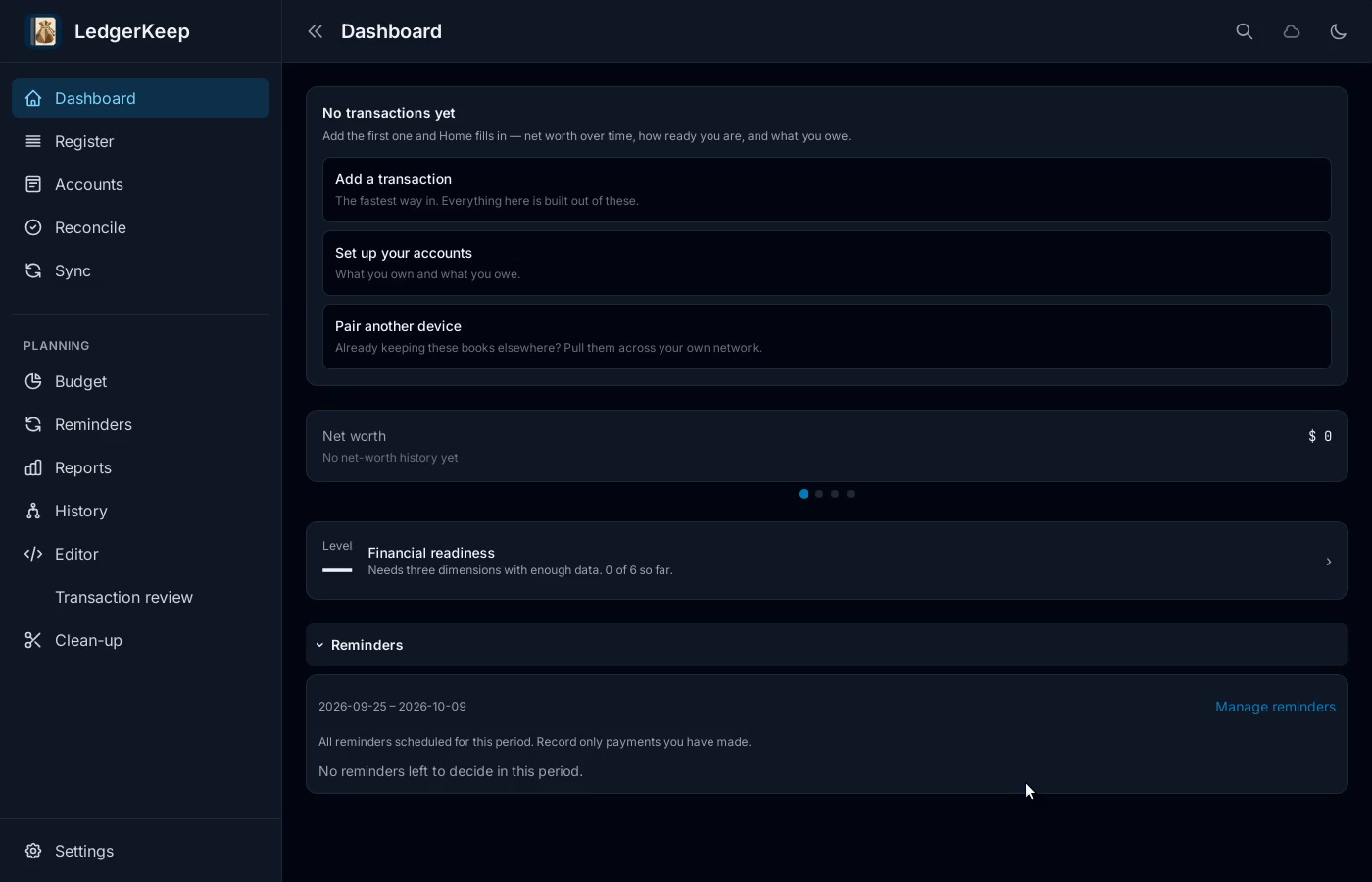
Result: An empty Dashboard is ready for accounts and transactions.