
Linux · 0:17 video
Open existing books
Switch LedgerKeep to a folder containing existing plain-text ledger books.
Download fictional practice books · View the example statement
Download videoDownload captions
Select the project folder, including its main ledger and included files.
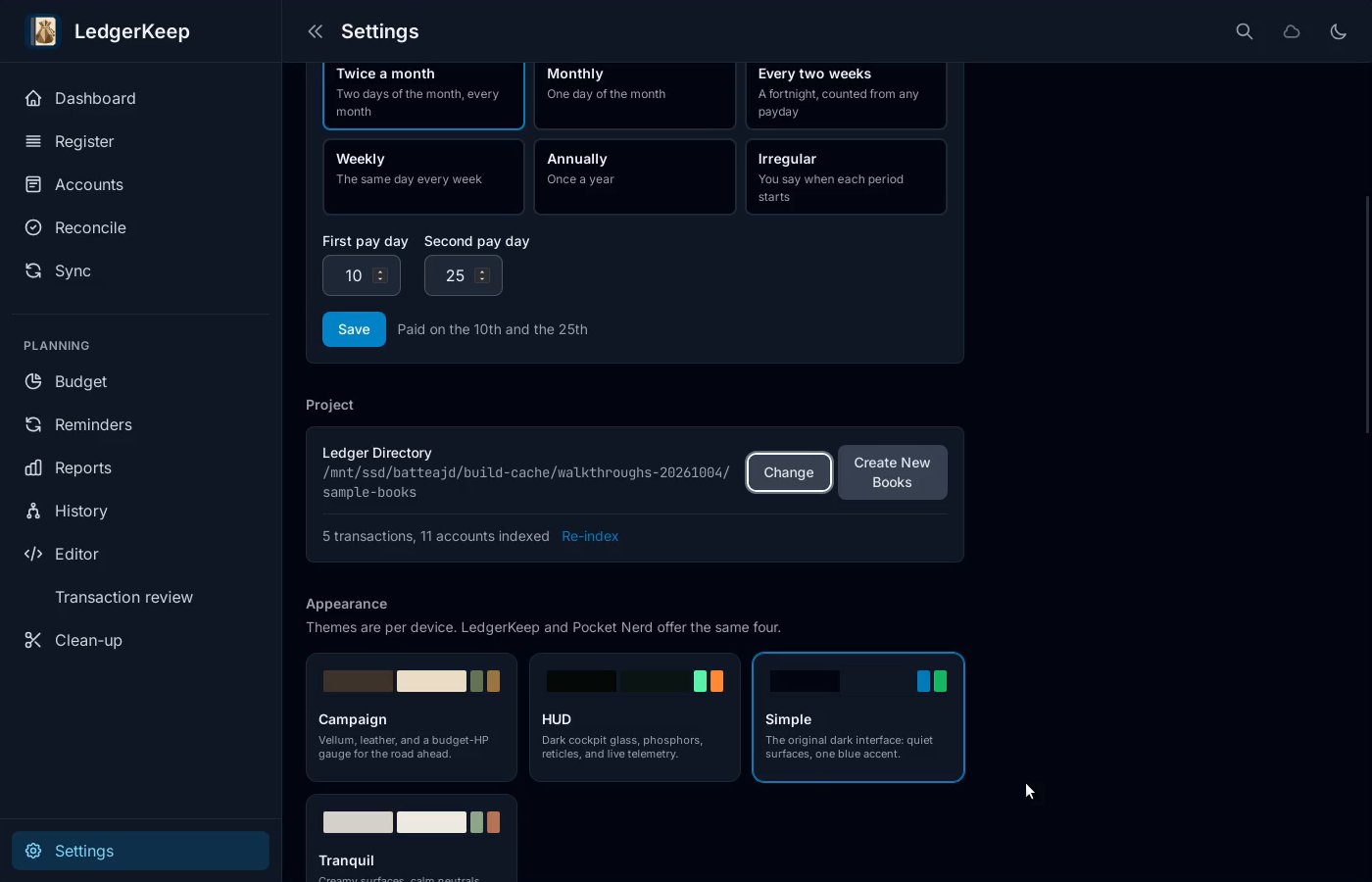
1Choose another folder
In Settings, find Project and click Change.
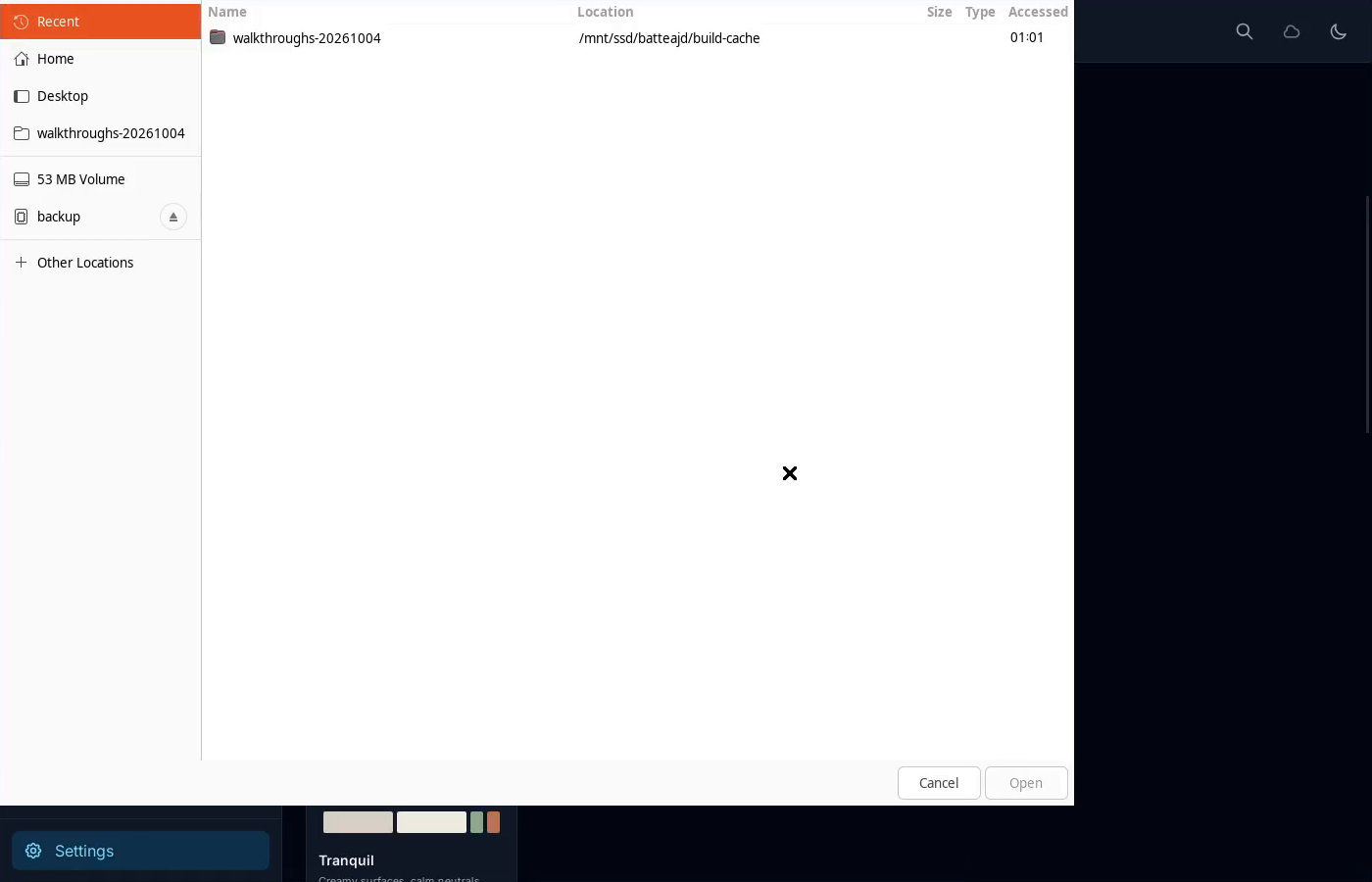
2Select the ledger folder
Choose the folder containing your existing ledger files.
3Open Dashboard
Dashboard now reads the selected books. Check the balances.
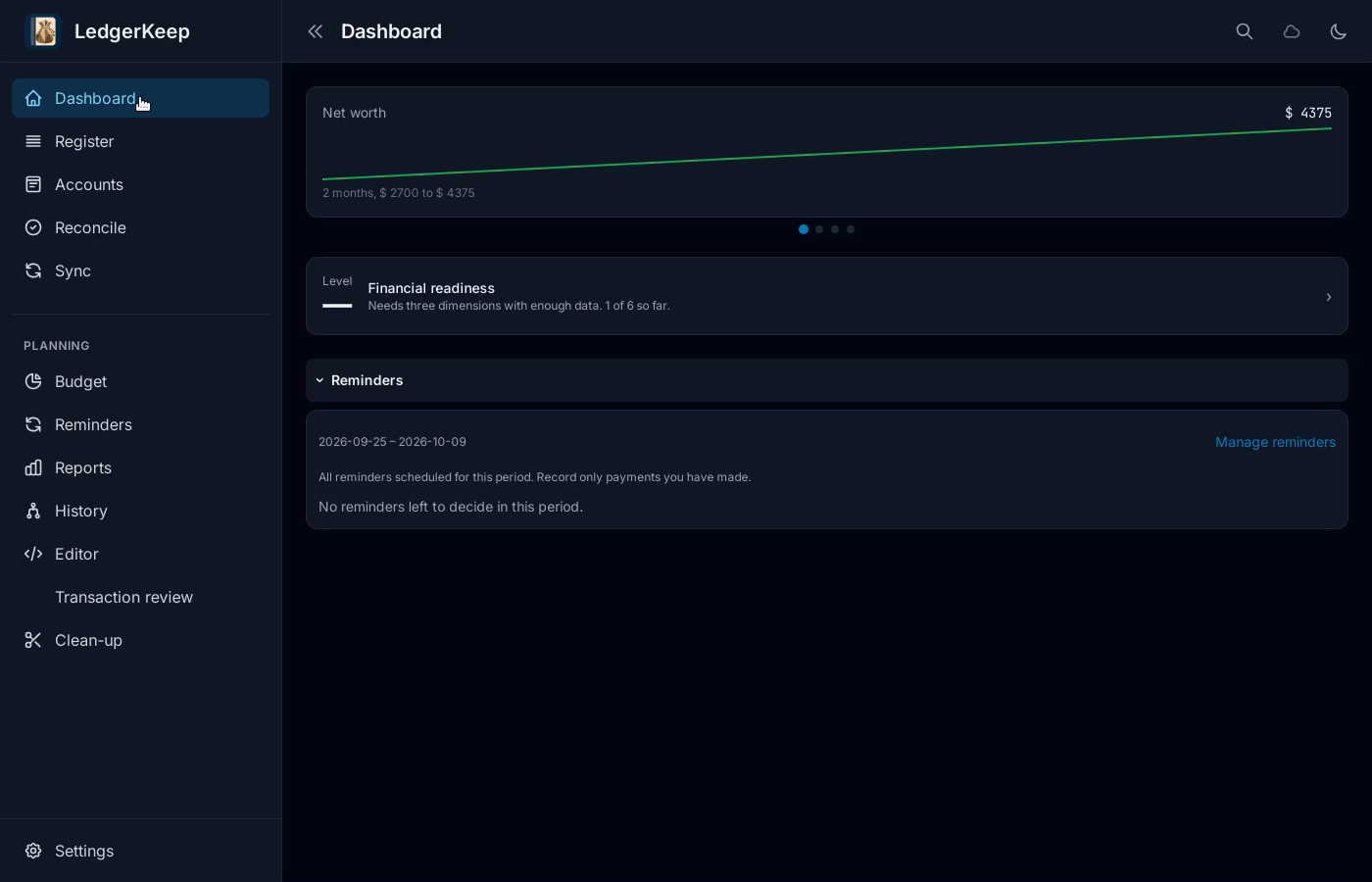
Result: The fictional household ledger opens with $4,375 net worth.