
Linux · 0:23 video
Plan a debt payment
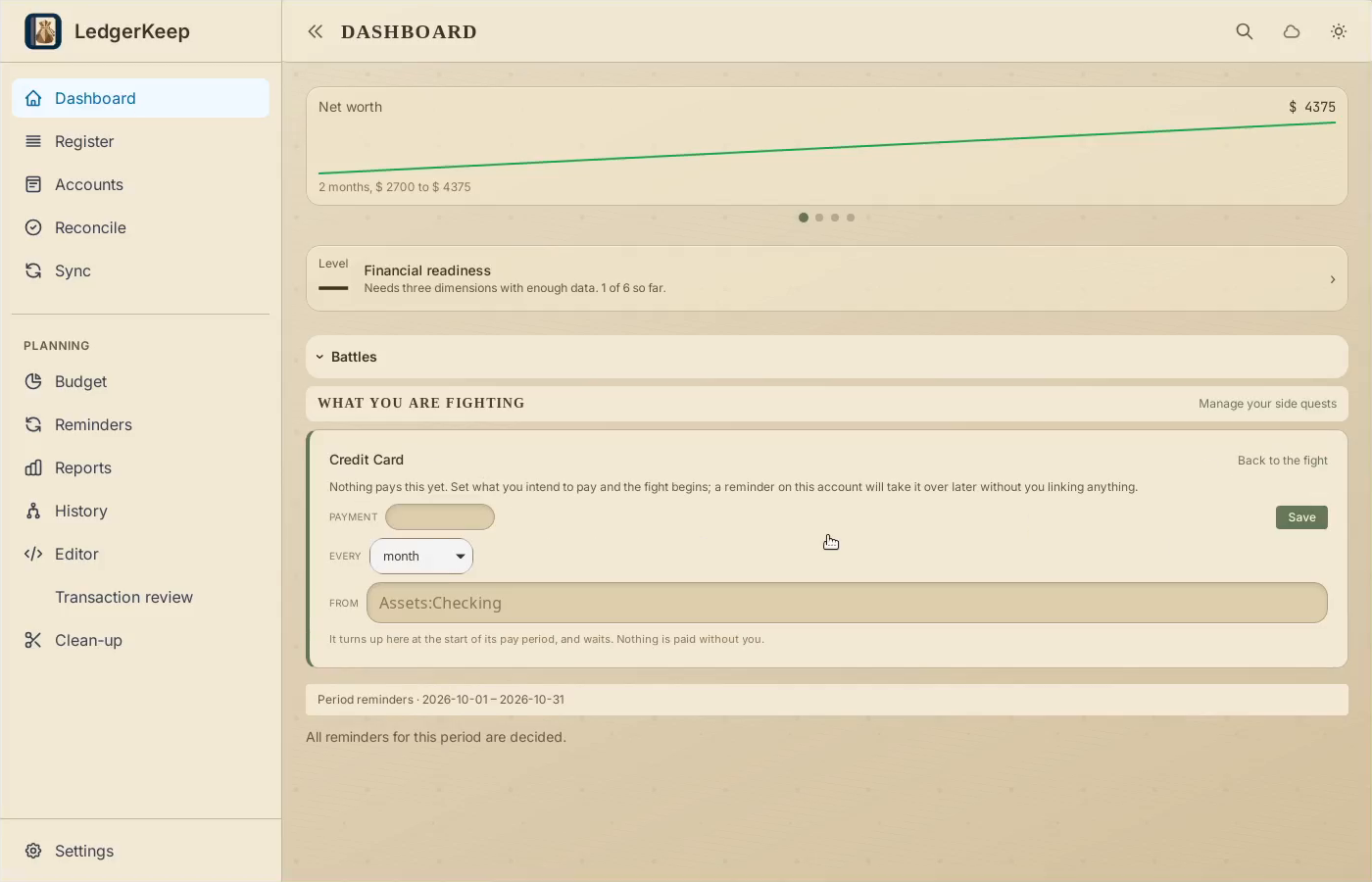
Turn over the Credit Card battle card and set a $100 monthly payment from Checking.
Download fictional practice books · View the example statement
Download videoDownload captions
This records your plan. It does not send money to the card provider.
1Turn over the debt card
In Campaign, click the Credit Card battle to show its payment plan.
2Set the payment
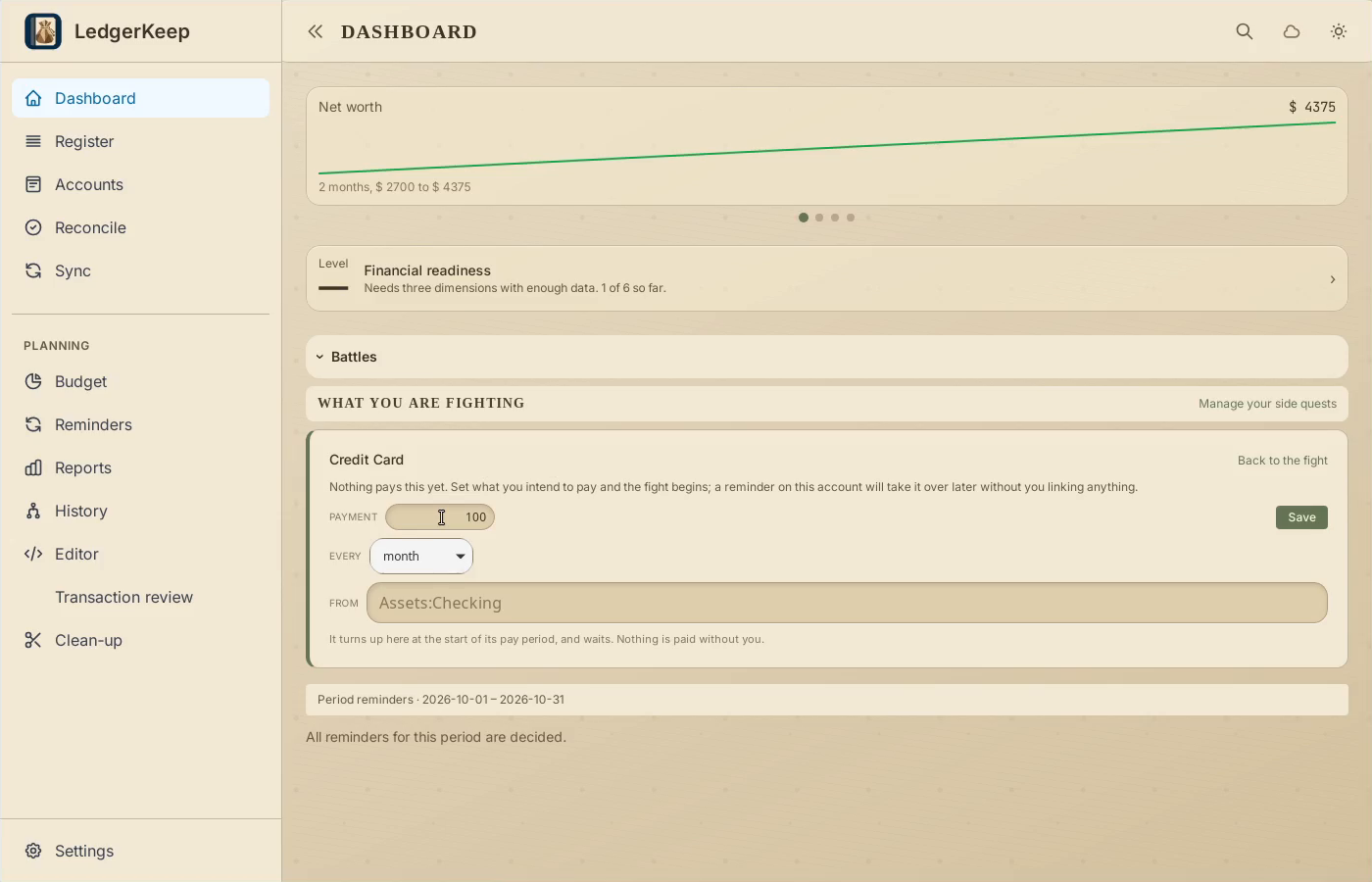
Enter 100. Choose month for the frequency.
3Choose where it is paid from
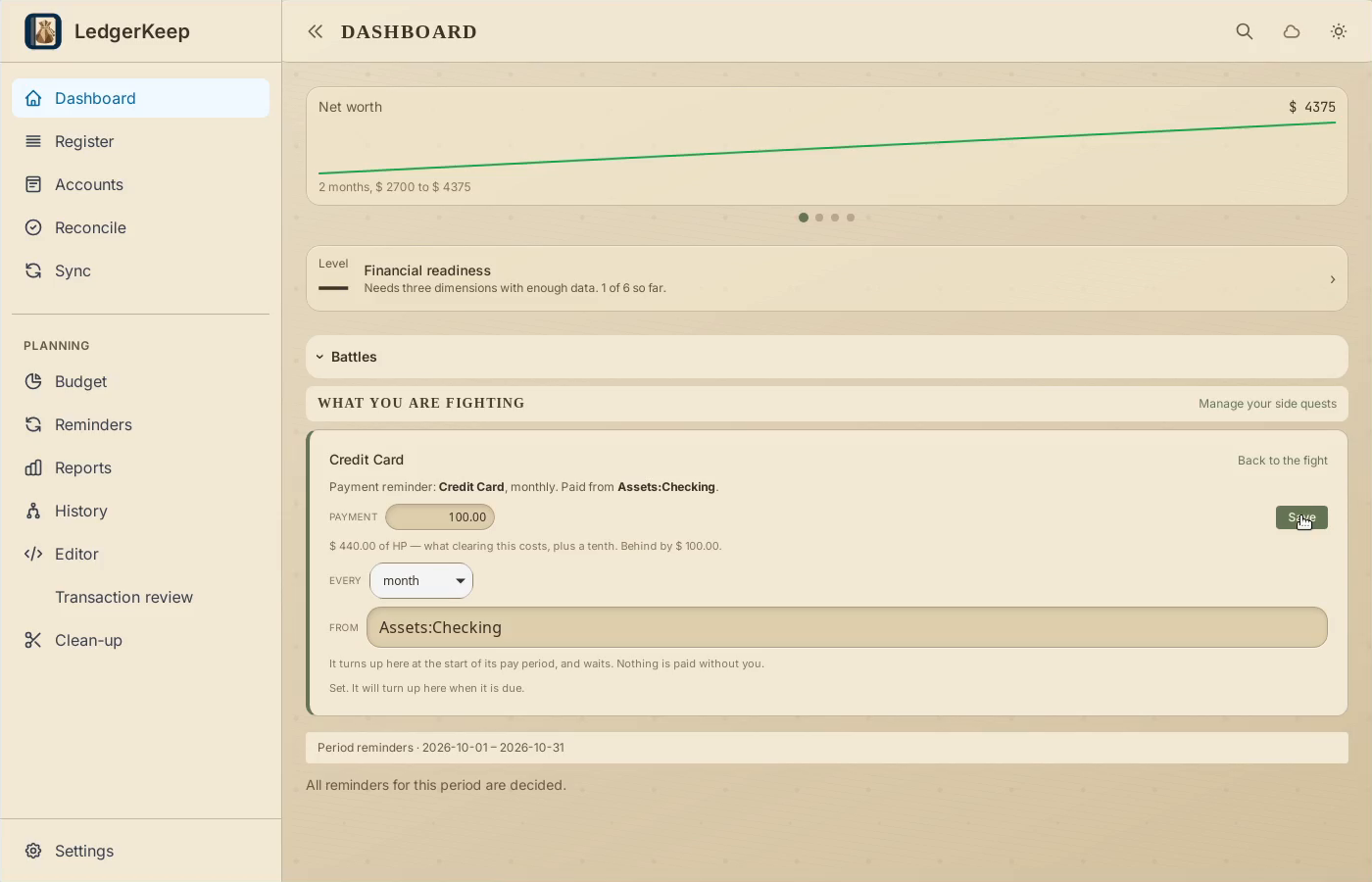
Choose Assets:Checking, then click Save on the card.
4Review the reminder
The saved plan creates a reminder. Record a payment only after you have made it.
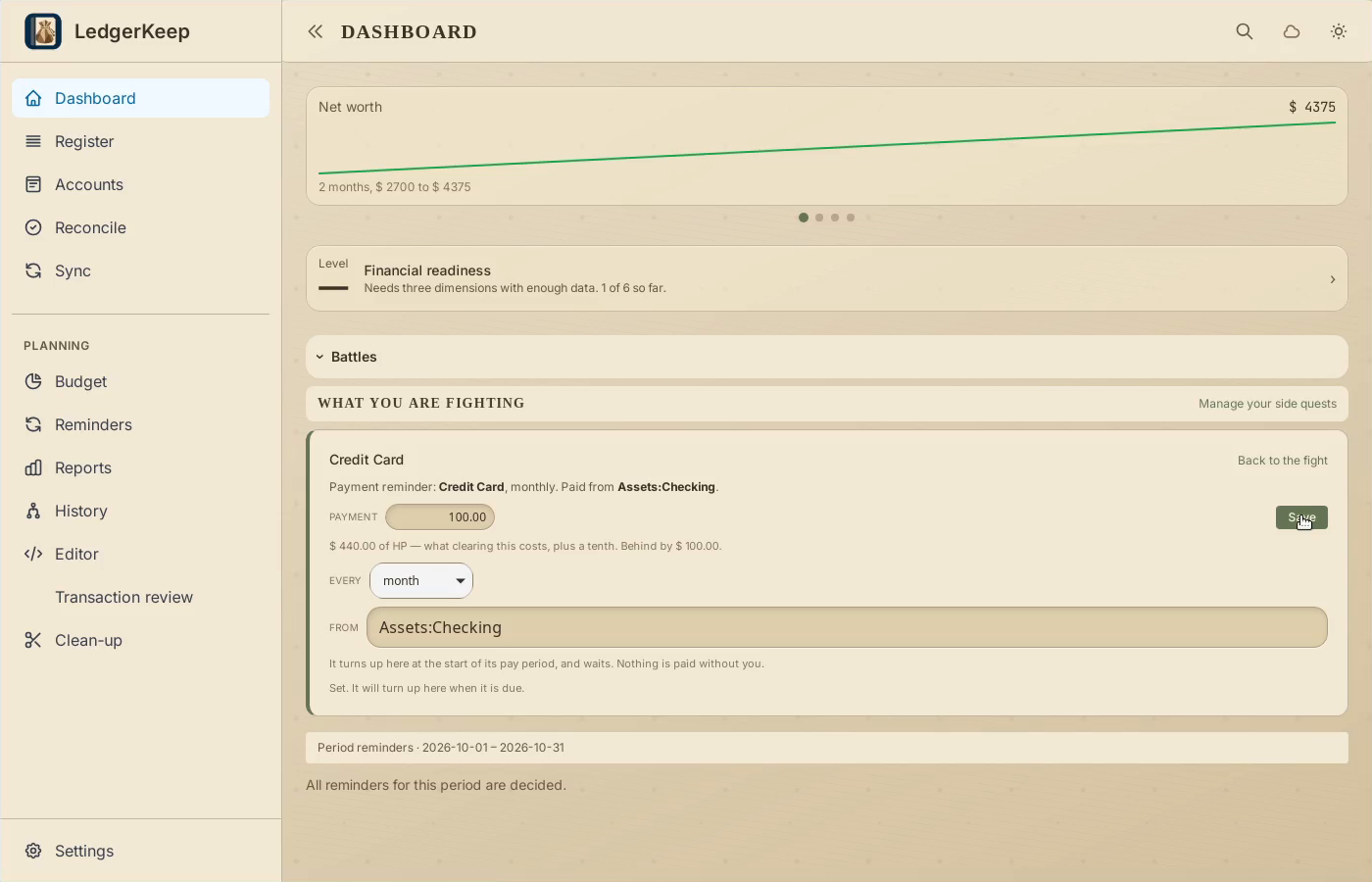
Result: The saved plan creates a reminder.