
Linux · 0:26 video
Create a bill reminder
Create a $60 monthly Example Internet reminder as a Campaign side quest.
Download fictional practice books · View the example statement
Download videoDownload captions
A reminder does not pay the provider. It waits for your decision.
1Open side quests
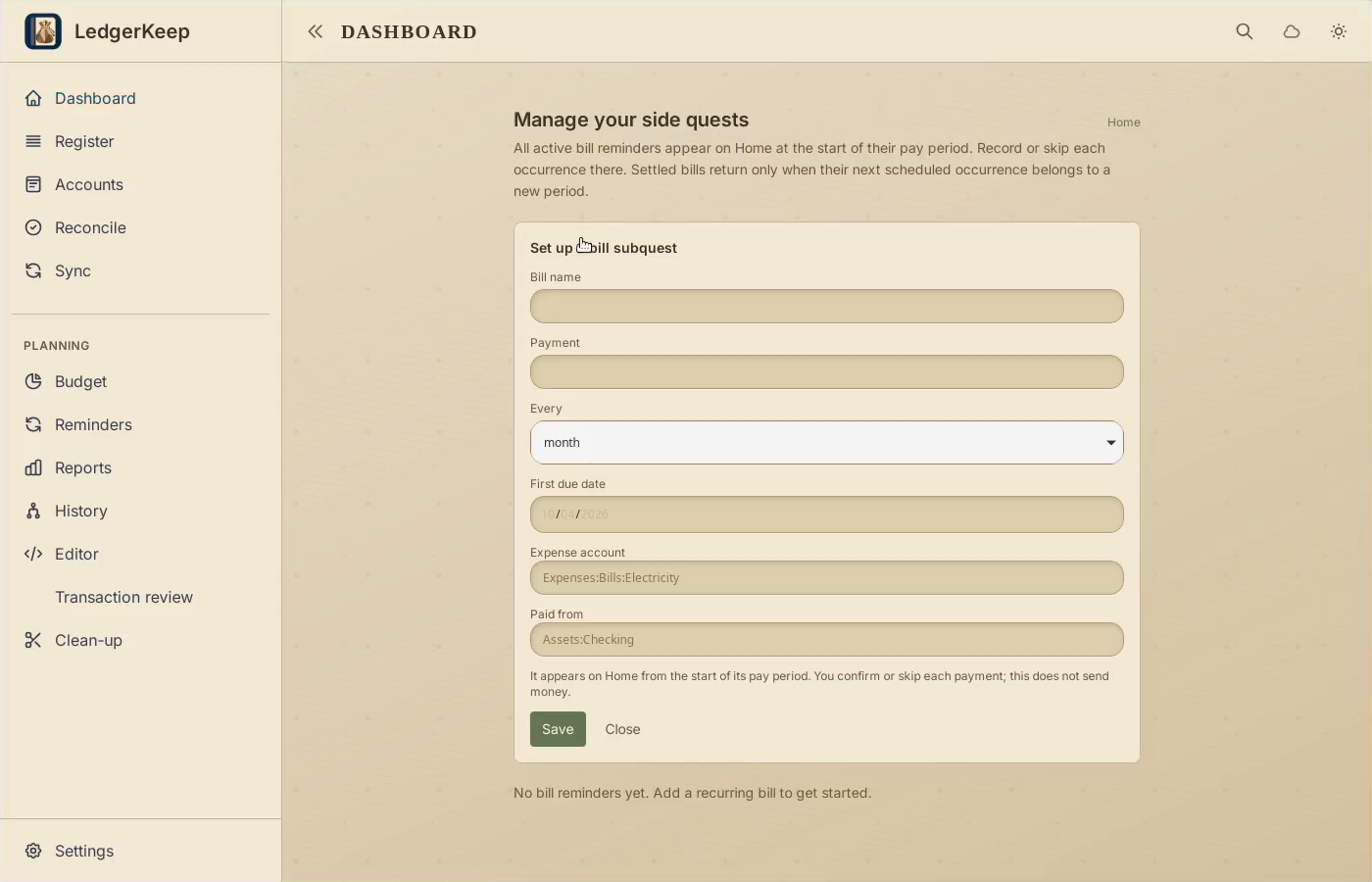
On Dashboard, choose Manage your side quests, then Add bill reminder.
2Set amount and schedule
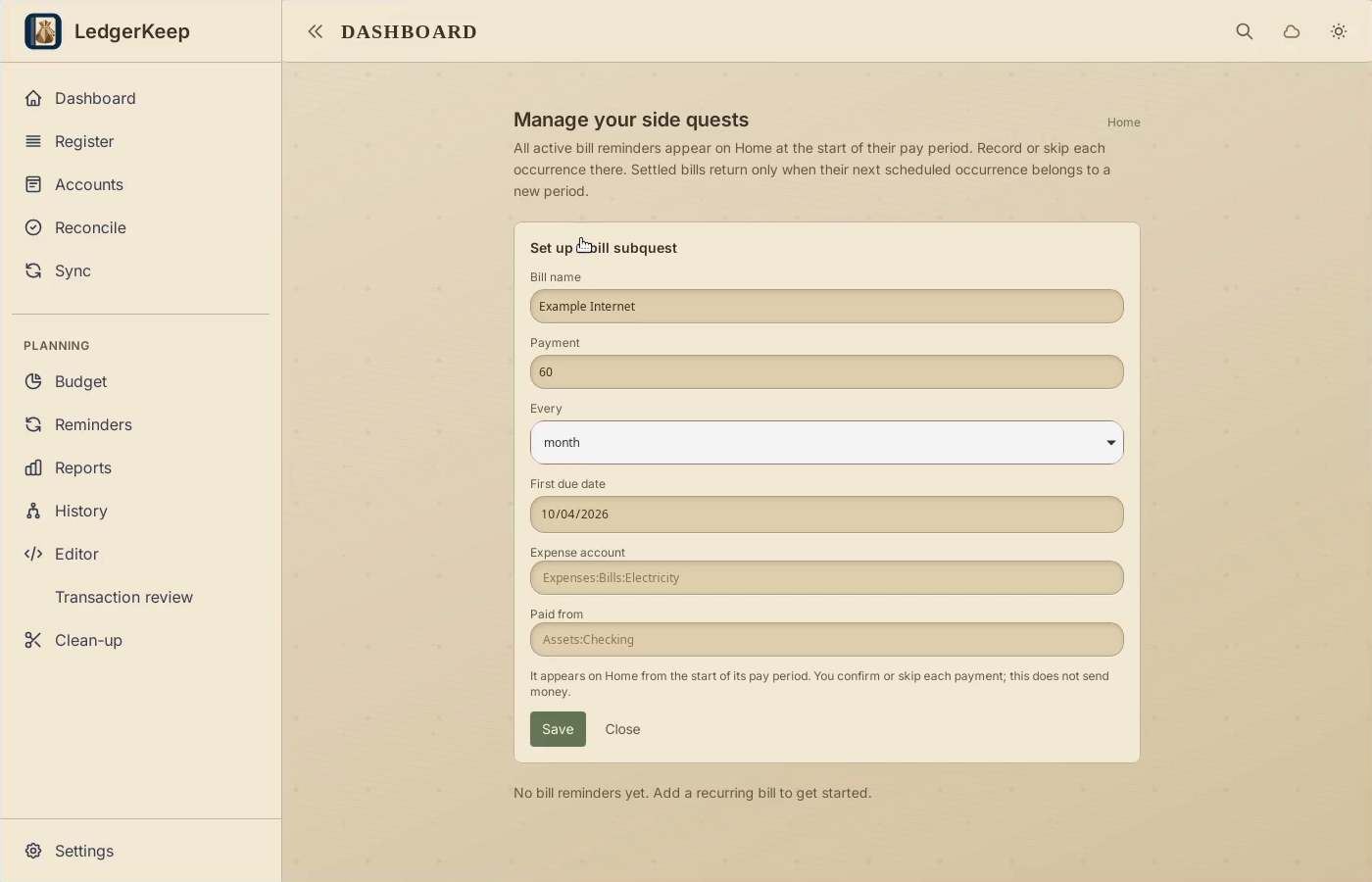
Enter Example Internet, 60, every month, first due October 4.
3Choose both accounts
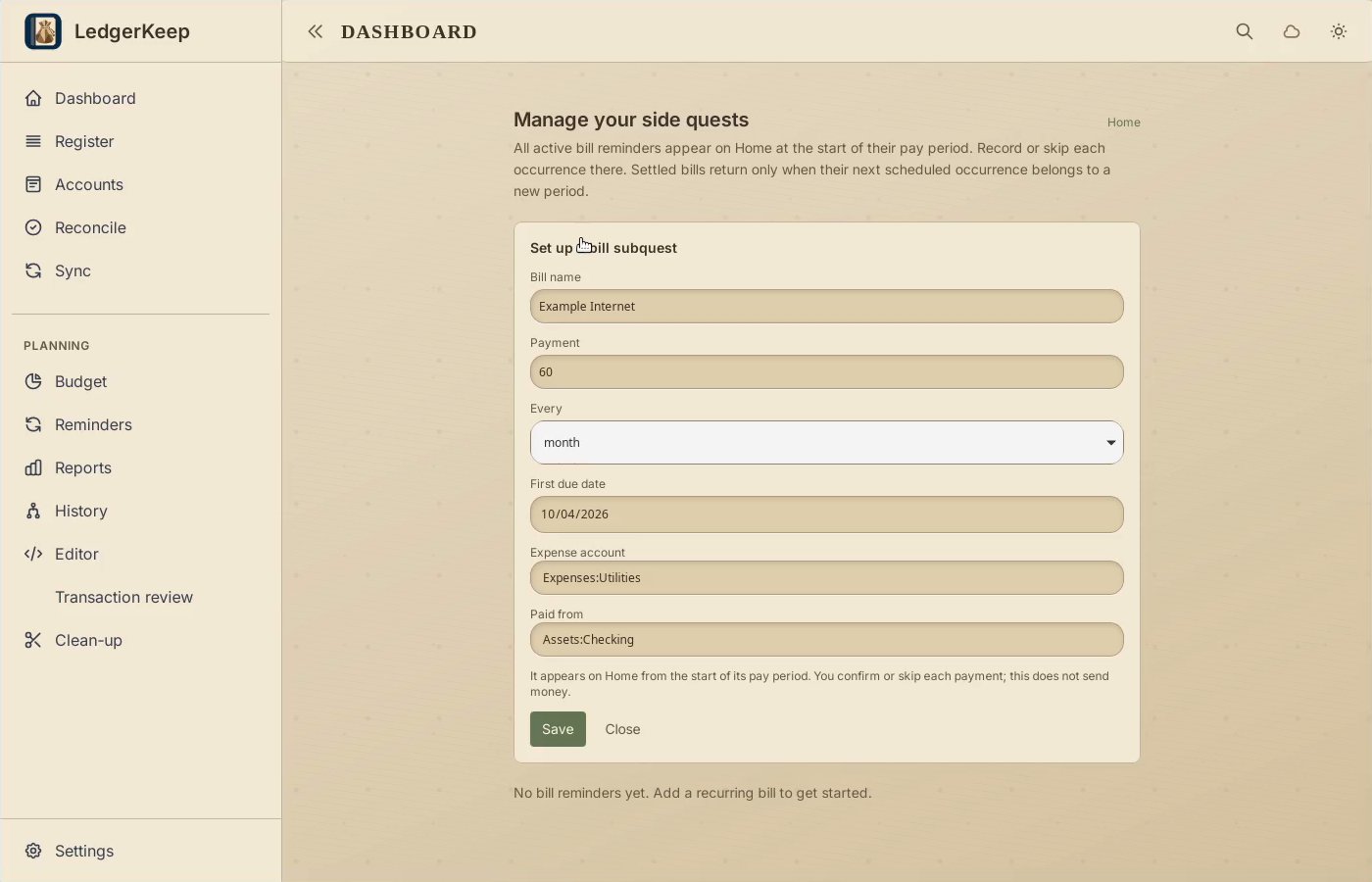
Use Expenses:Utilities and pay from Assets:Checking.
4Save the reminder
Click Save, then Home to find the new bill in this period.
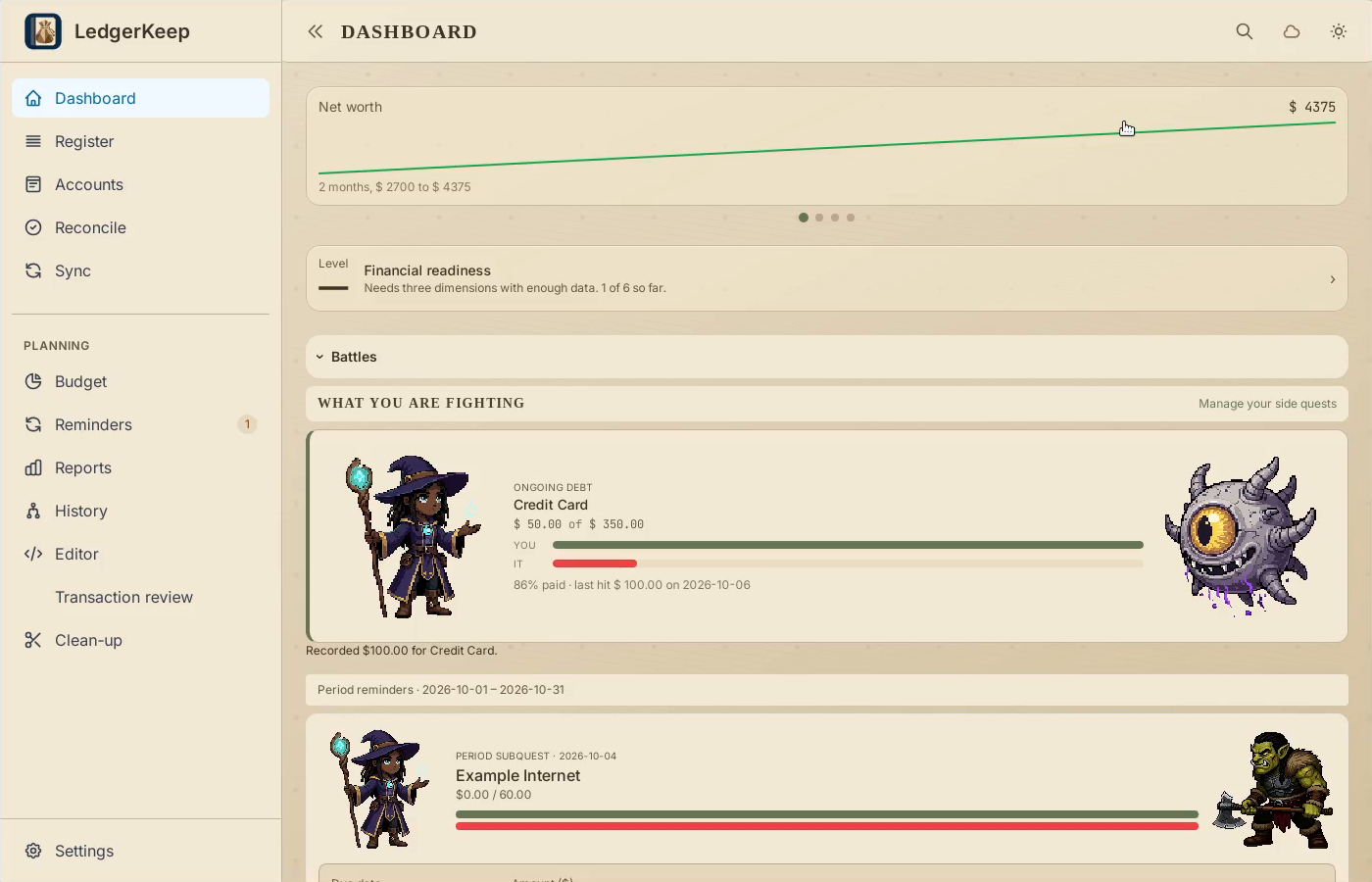
Result: The bill appears on Dashboard for the current period.