
Linux · 0:33 video
Record bill payments
Record two $30 payments against the $60 Example Internet bill.
Download fictional practice books · View the example statement
Download videoDownload captions
The Dashboard may take a moment to refresh after a payment. Register lets you verify the saved entries.
1Review the bill
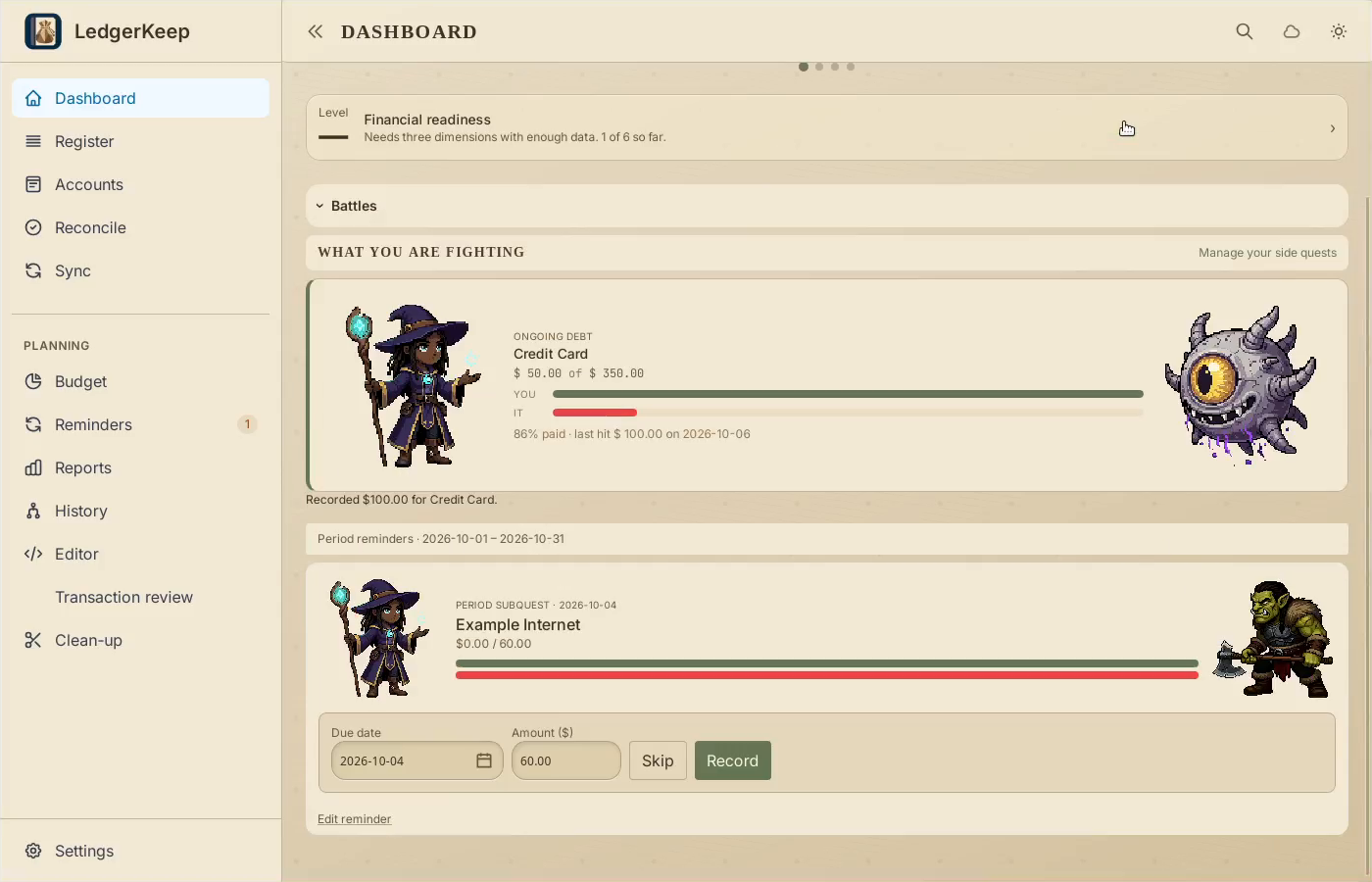
Find Example Internet. Check the date and $60 total.
2Record a partial payment
Enter 30 and click Record after making the first payment.
3Check what remains
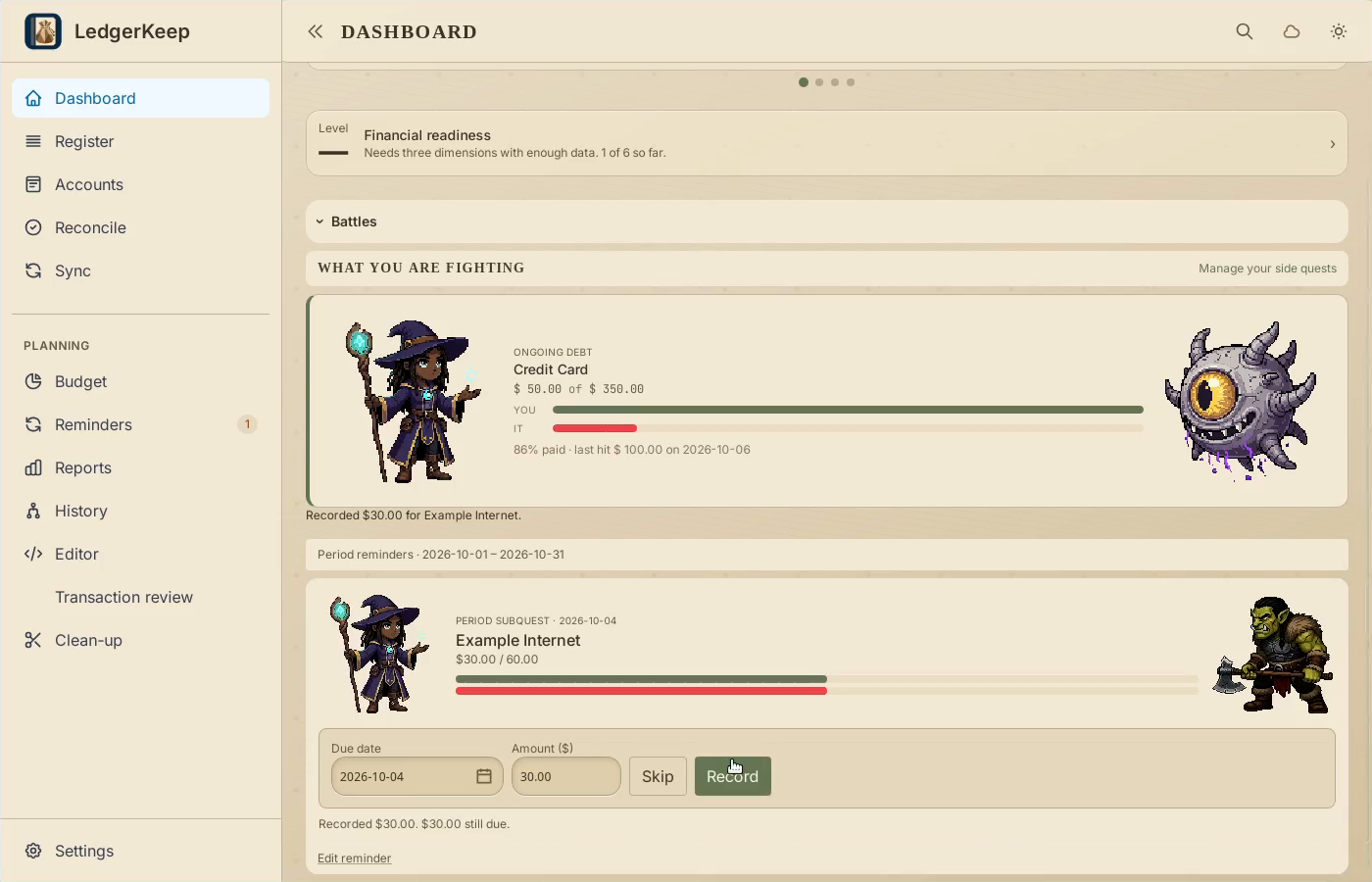
The reminder keeps $30 outstanding. Check it before recording the rest.
4Record the remaining $30
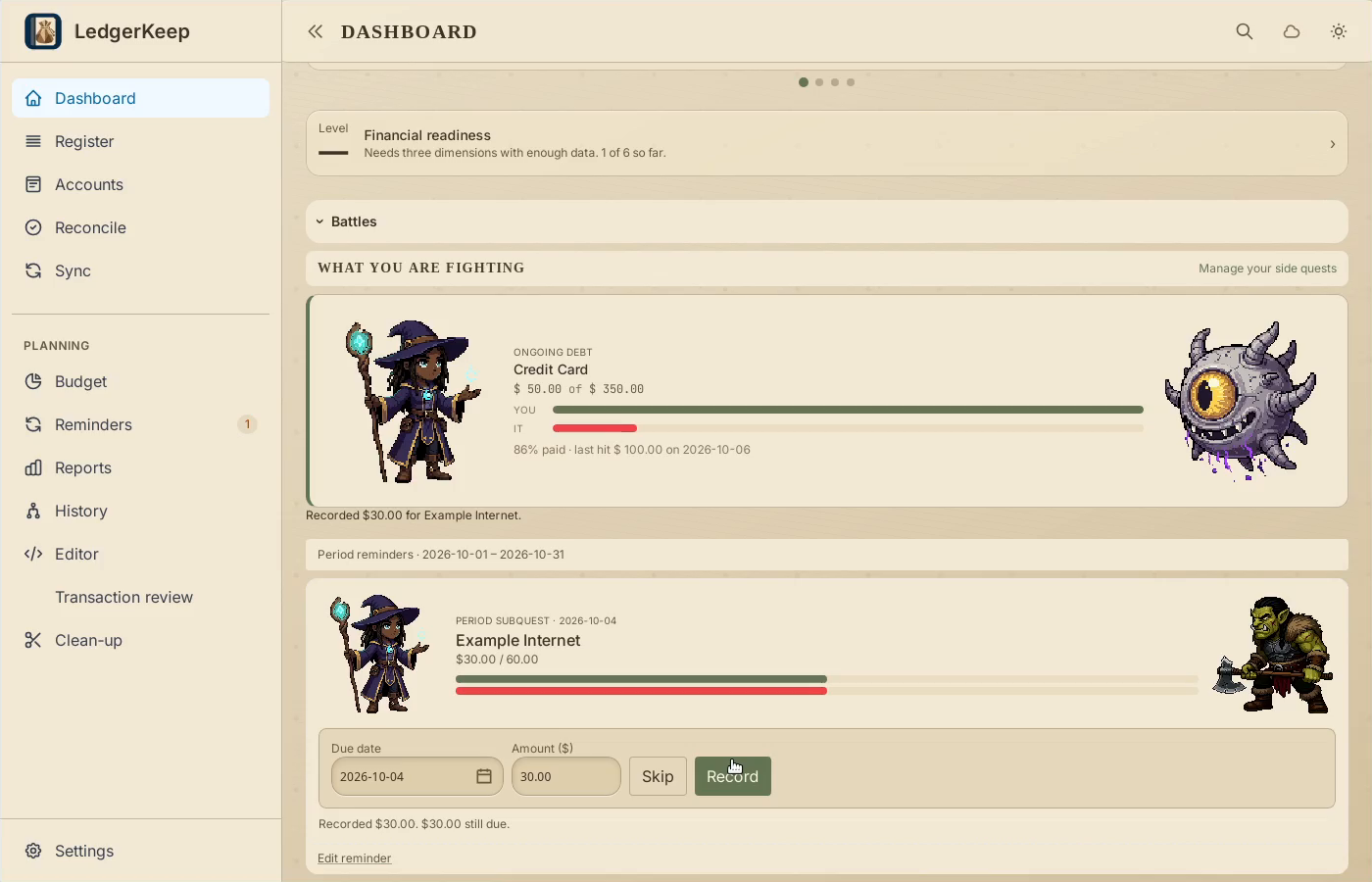
After making the second payment, click Record again. Watch the battle finish.
5Verify the result
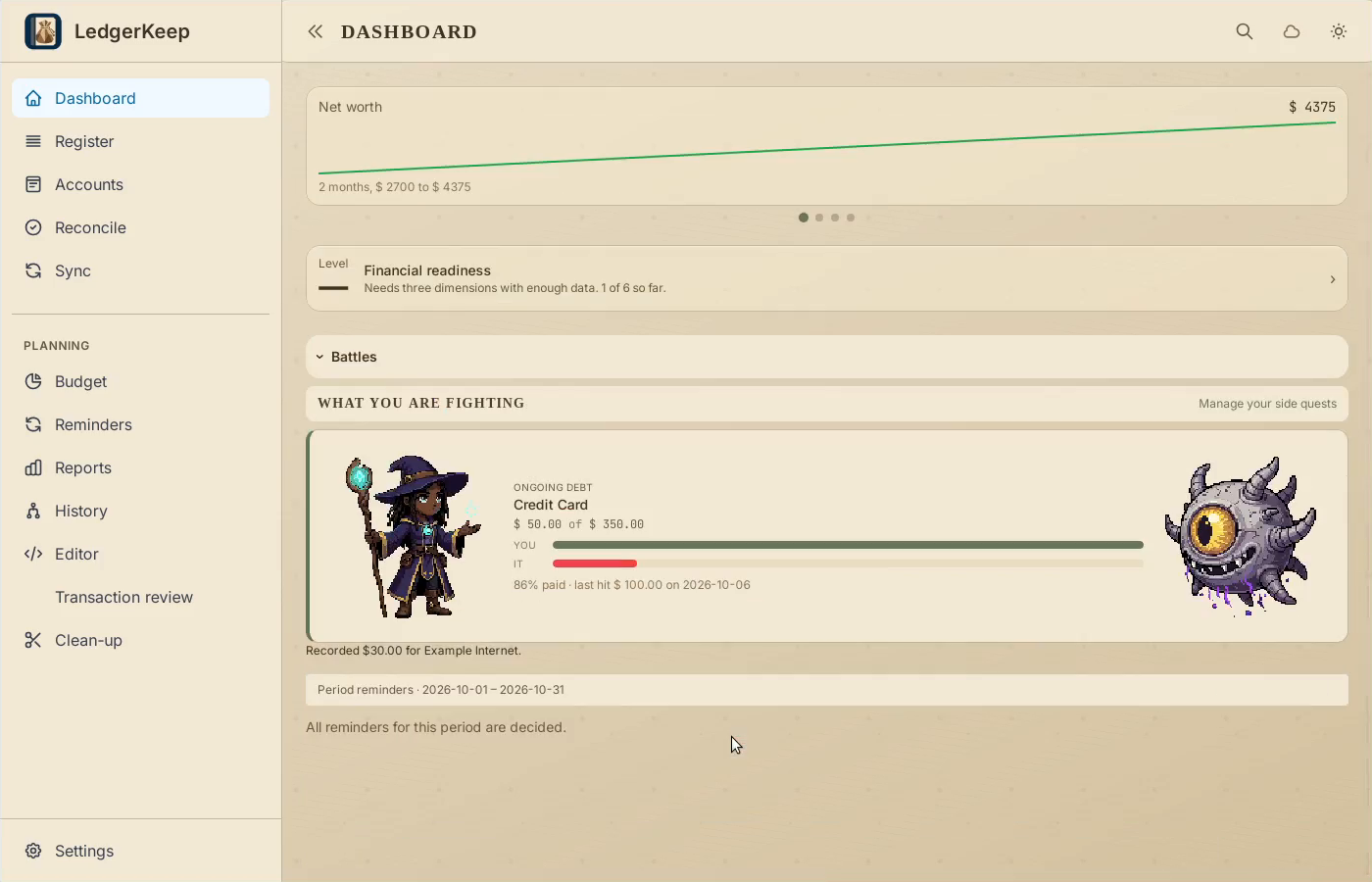
Check both payments in Register. Return to Dashboard to see the completed bill.
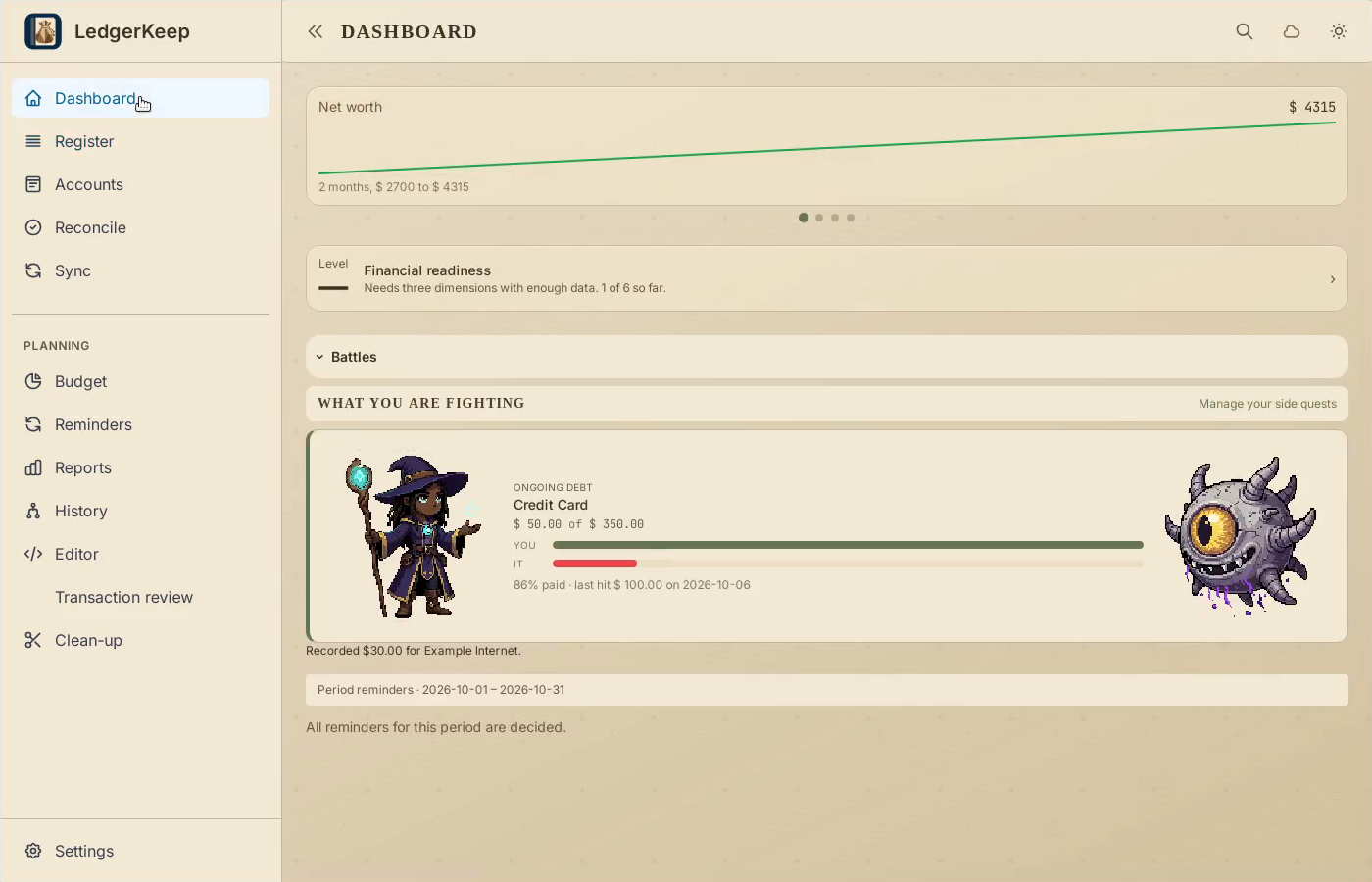
Result: The first payment leaves $30 due. The second settles the occurrence and finishes the battle.