
Linux · 0:18 video
Choose your character
Choose a different Campaign hero and preview its animation.
Download fictional practice books · View the example statement
Download videoDownload captions
1Open the character roster
In Campaign, open Settings and scroll below Appearance.
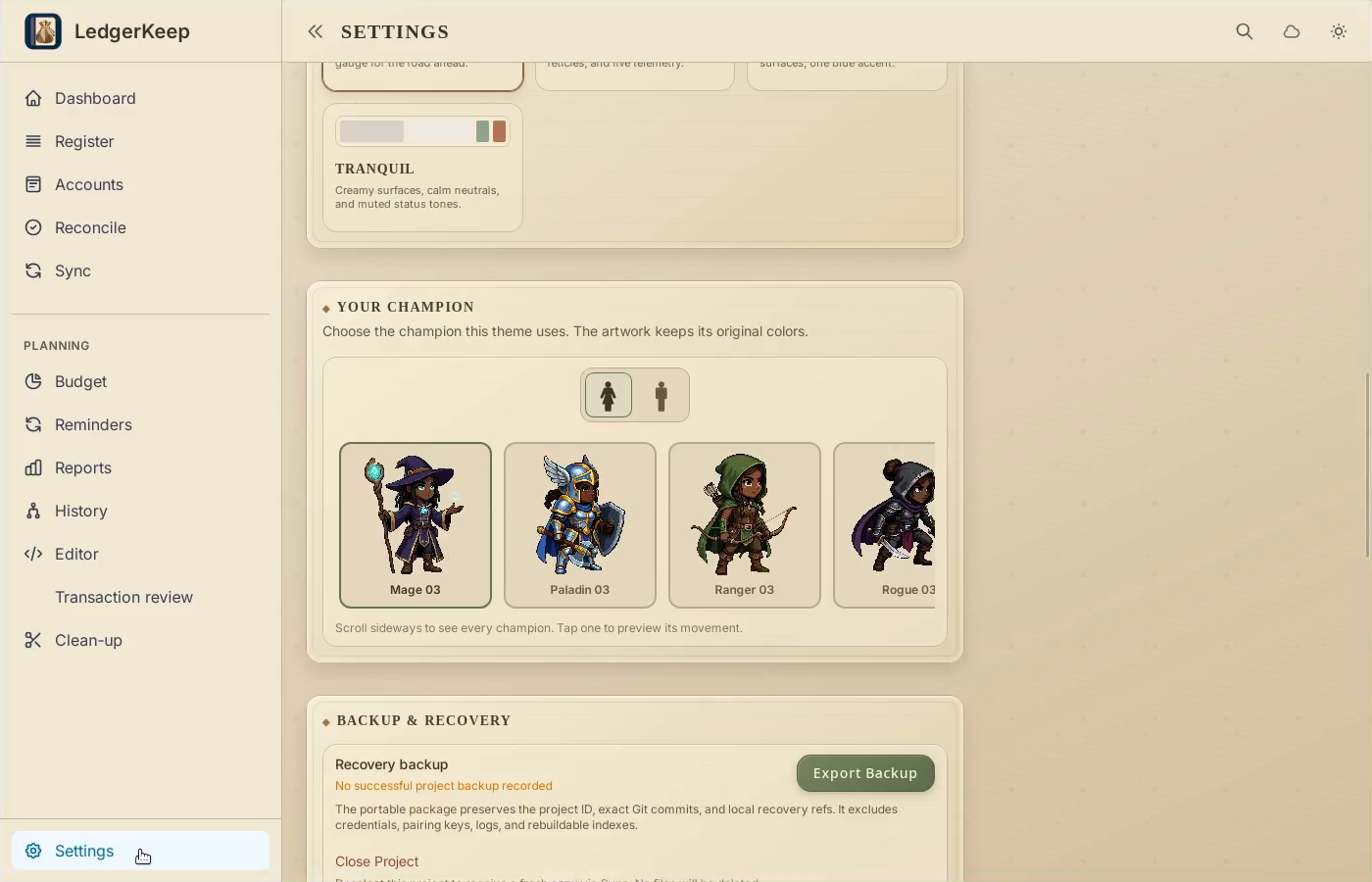
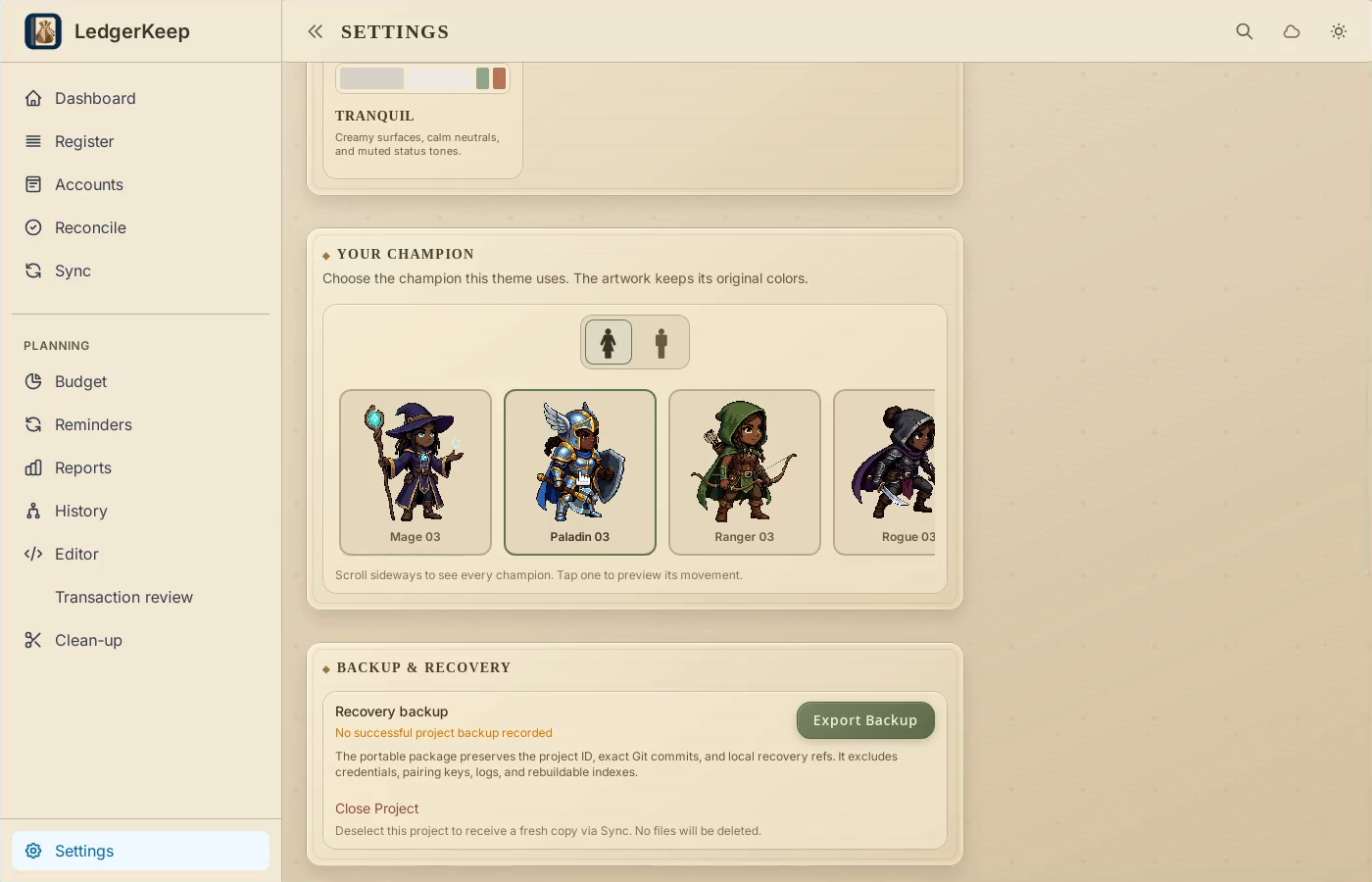
2Choose a hero
Choose Female or Male, then select a character. Its preview animates.
3Return to your battles
Open Dashboard. Your selected hero appears beside the debt.
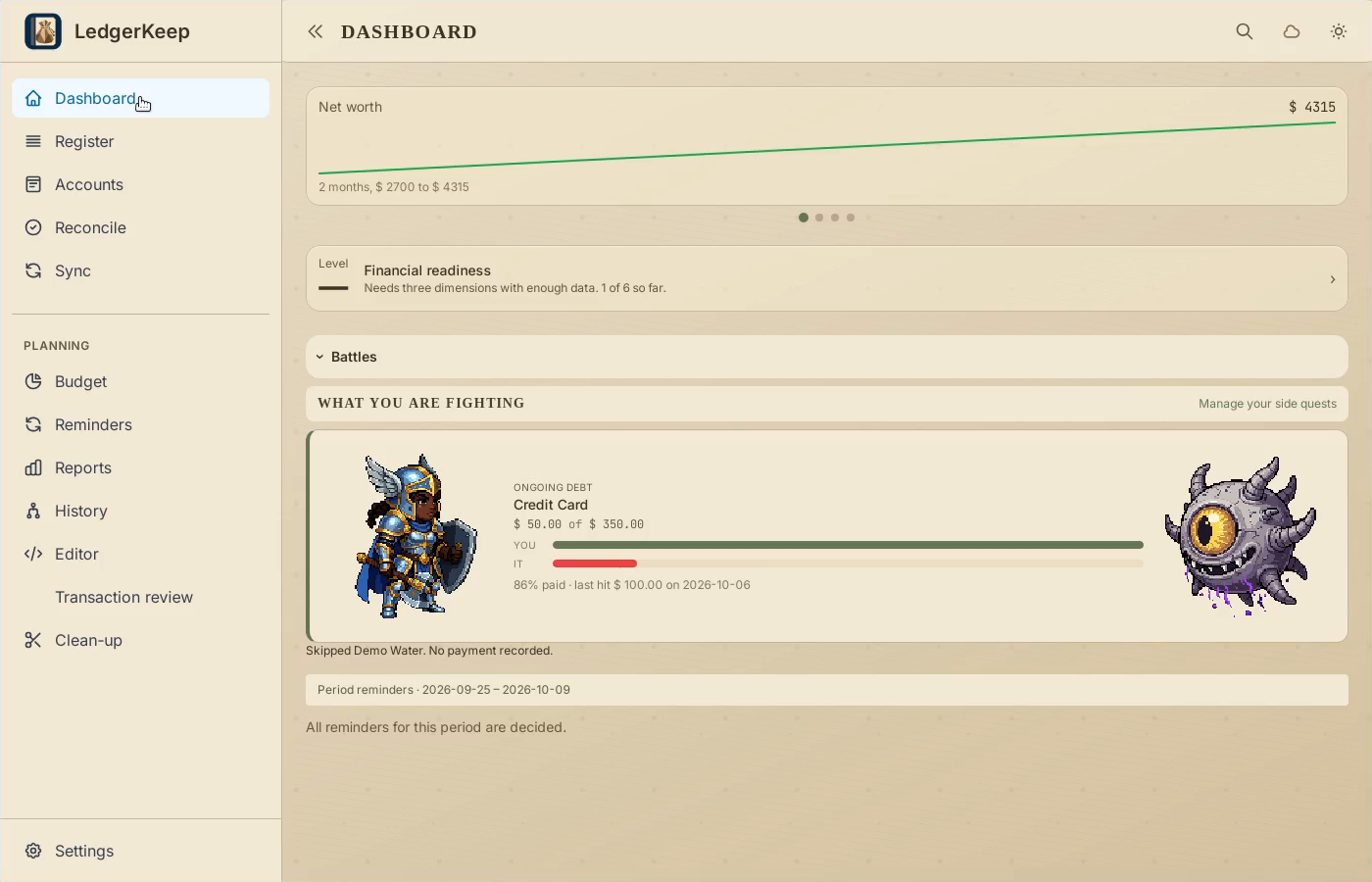
Result: The selected character appears beside the debt battle.