
Linux · 0:22 video
Edit a budget target
Change Groceries from a $250 target to $300 for one selected pay period.
Download fictional practice books · View the example statement
Before you start: Existing budget buckets. The downloadable example includes budgets.ledger with Groceries, Fuel, and Utilities targets.
Download videoDownload captions
Planned funding is separate from your bank balance. The target edit affects only the selected period.
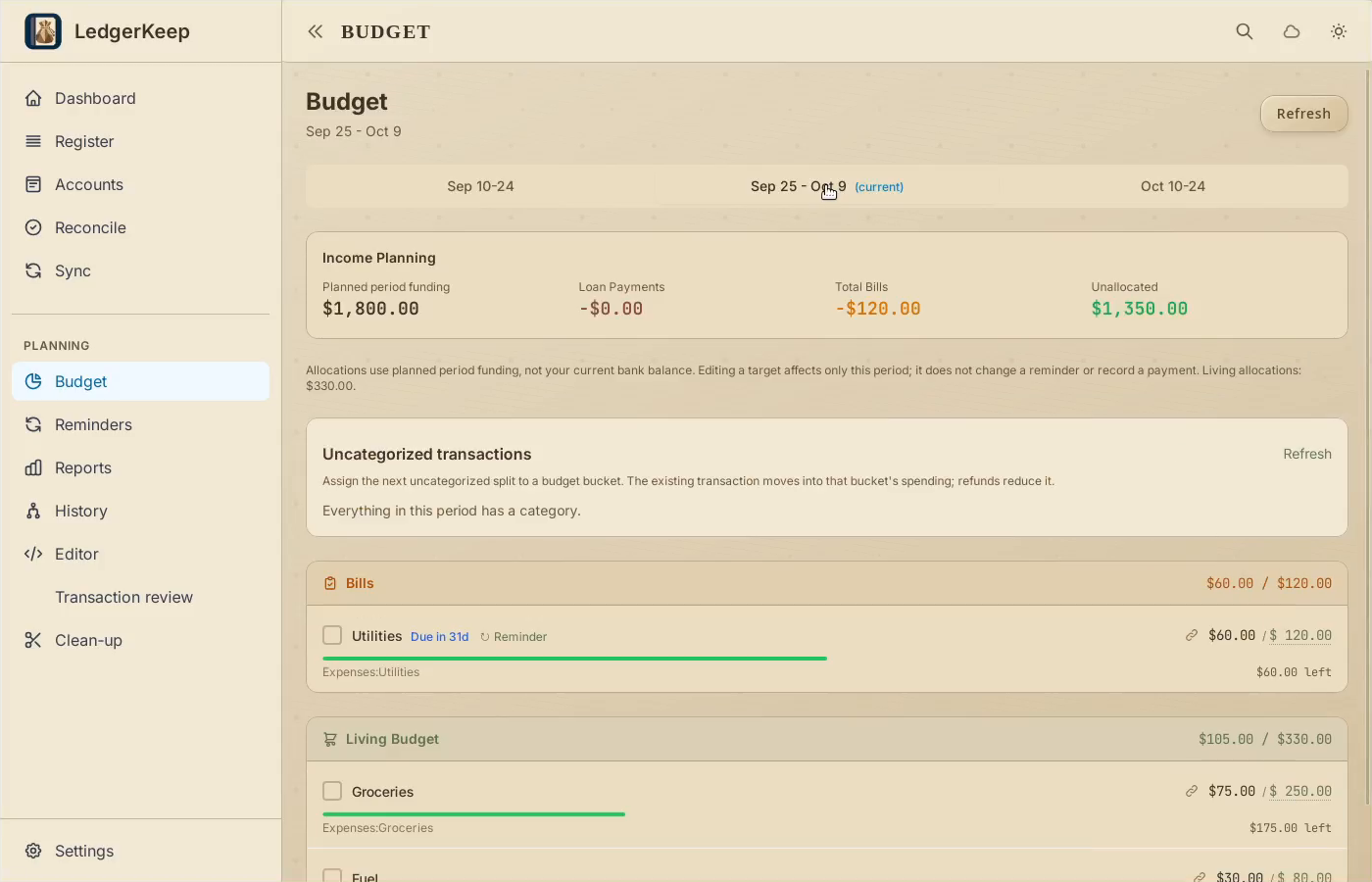
1Choose the period
Open Budget and select the current period. Review funding and allocations.
2Edit the target
Click the Groceries allocation. Enter 300.
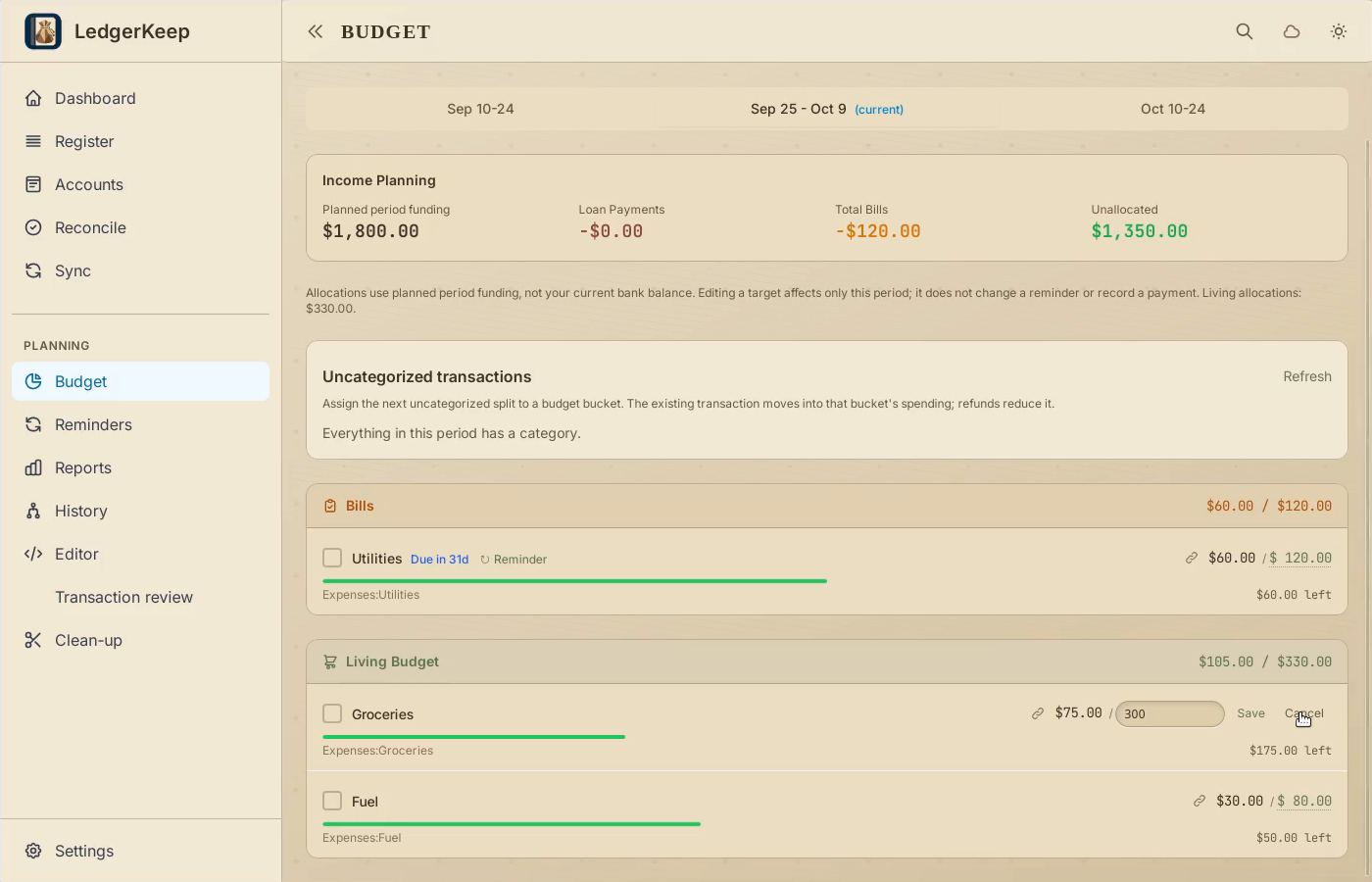
3Save this period
Click Save beside the amount. This changes the target for this period.
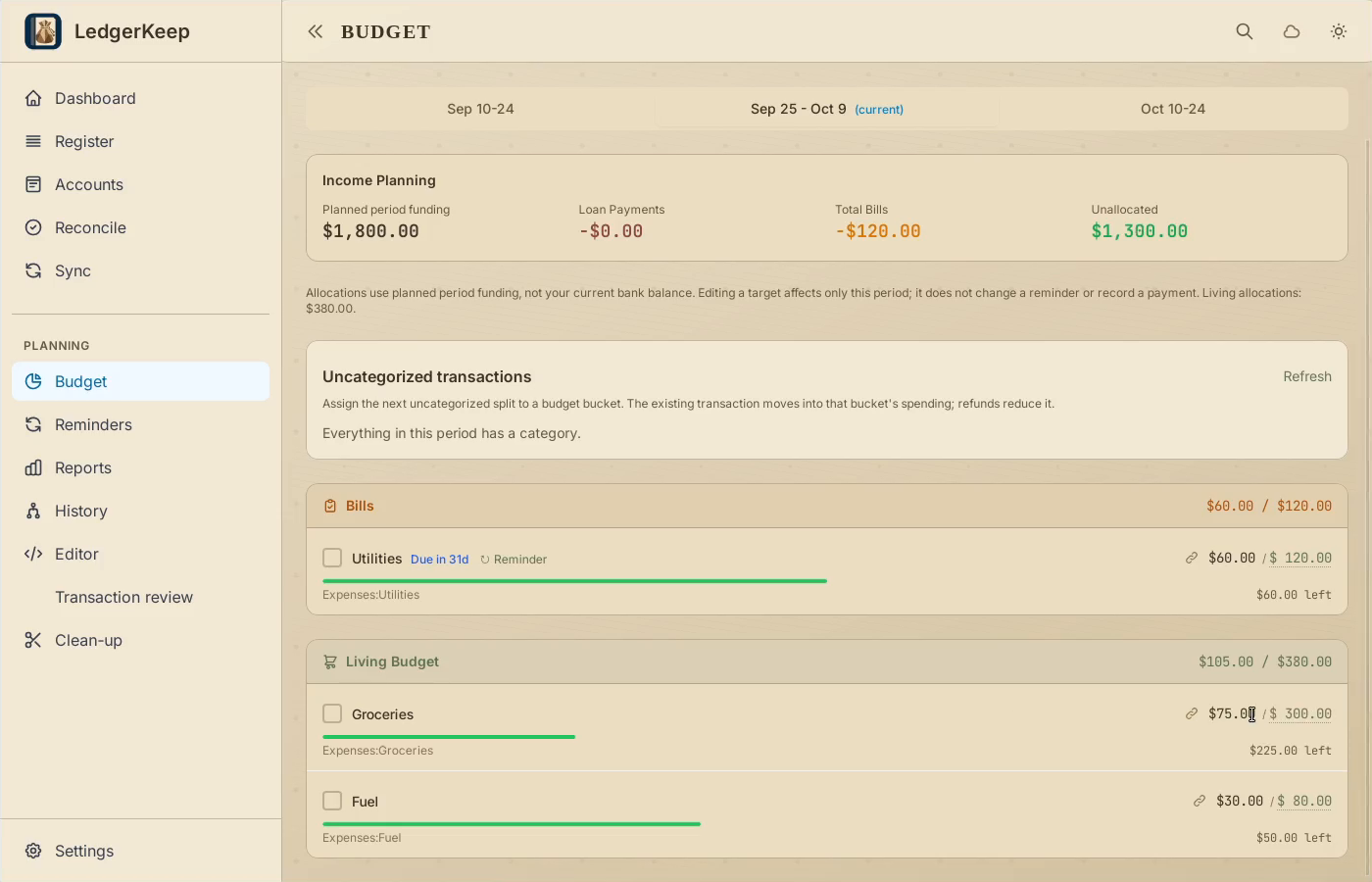
4Compare target and spending
Groceries shows $75 spent of $300, leaving $225. No transaction was added.
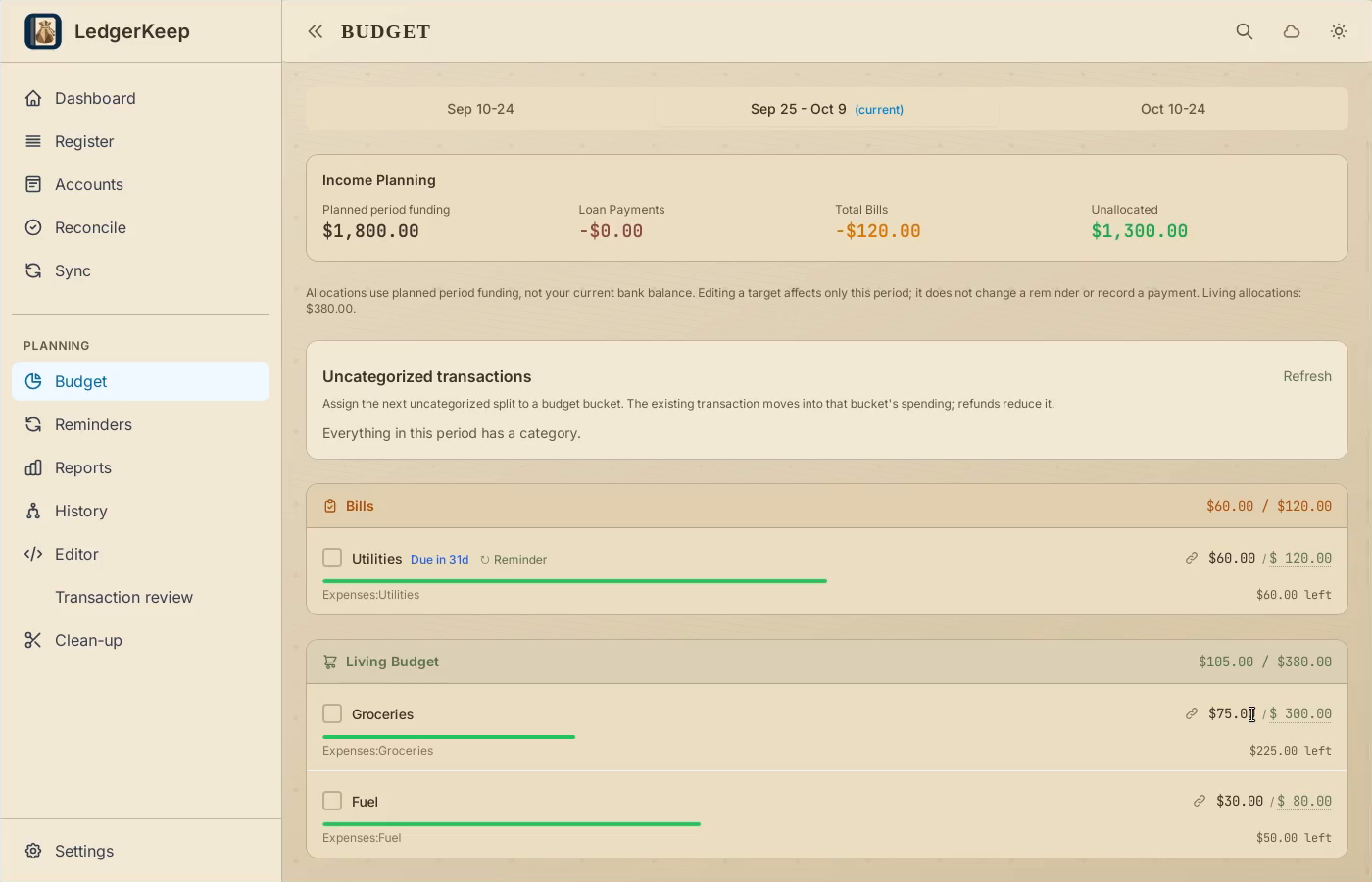
Result: The budget shows $75 spent and $225 left. No transaction is added.