
Linux · 0:22 video
Add a desktop expense
Use Register’s new-entry row to record a $5 Demo Stationery expense from Savings.
Download fictional practice books · View the example statement
Download videoDownload captions
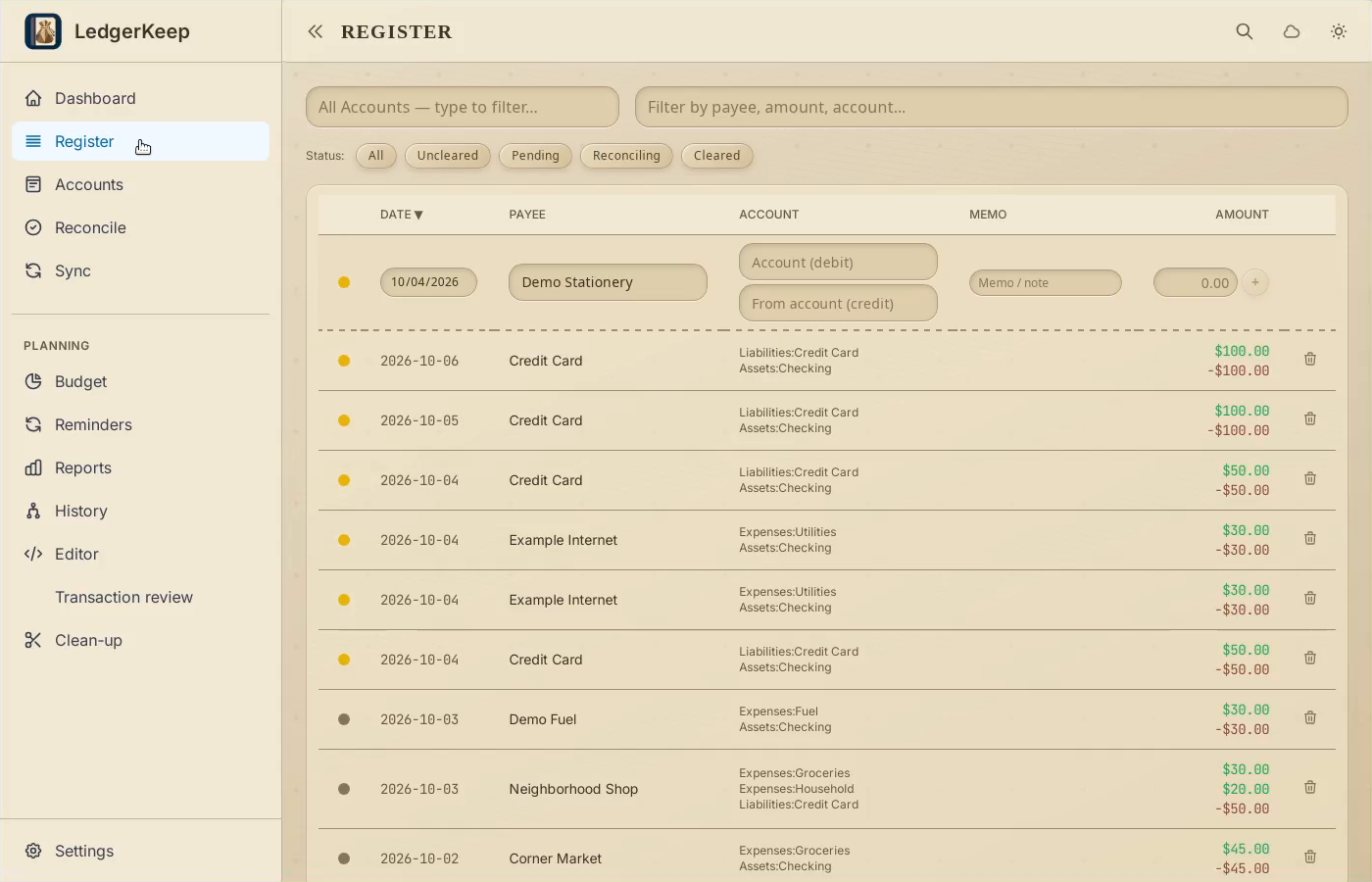
1Use the new-entry row
In Register, enter Demo Stationery in the top Payee field.
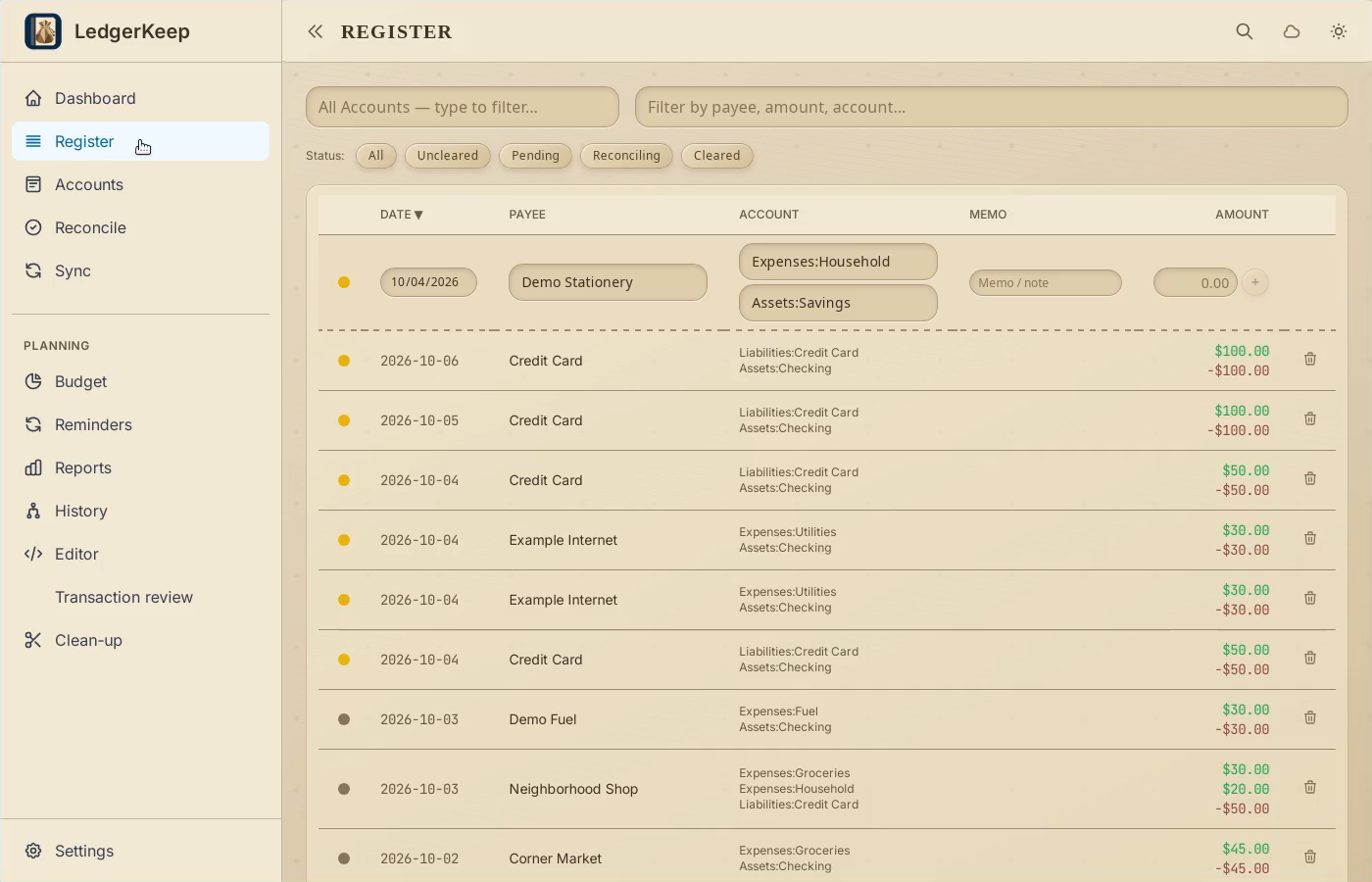
2Choose both postings
Use Expenses:Household for Account (debit), and Assets:Savings for From account.
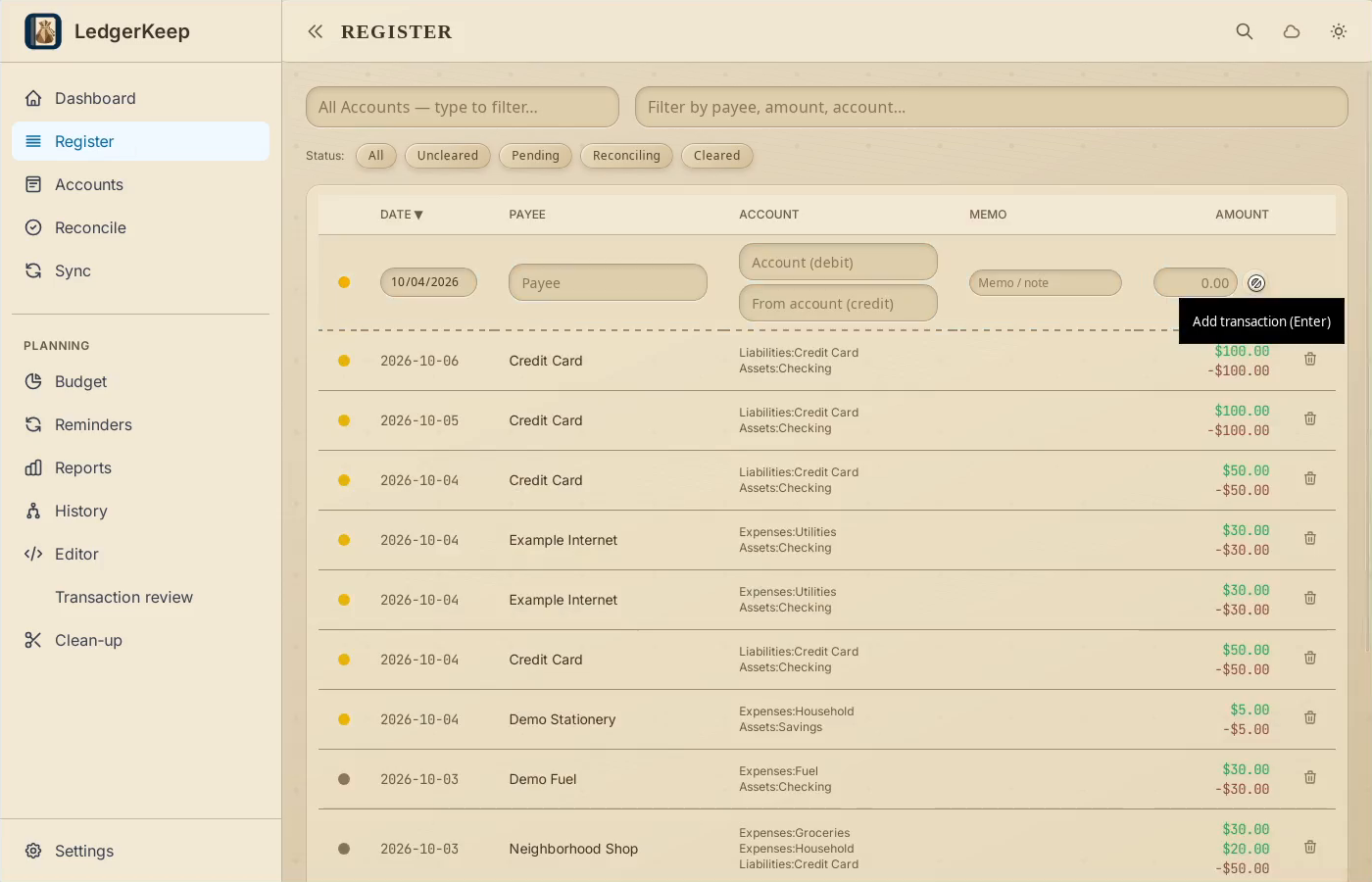
3Enter and save the amount
Enter 5.00, then click the + button in the new-entry row.
4Find the saved entry
Search for Demo Stationery. Check both account postings and the $5 amount.
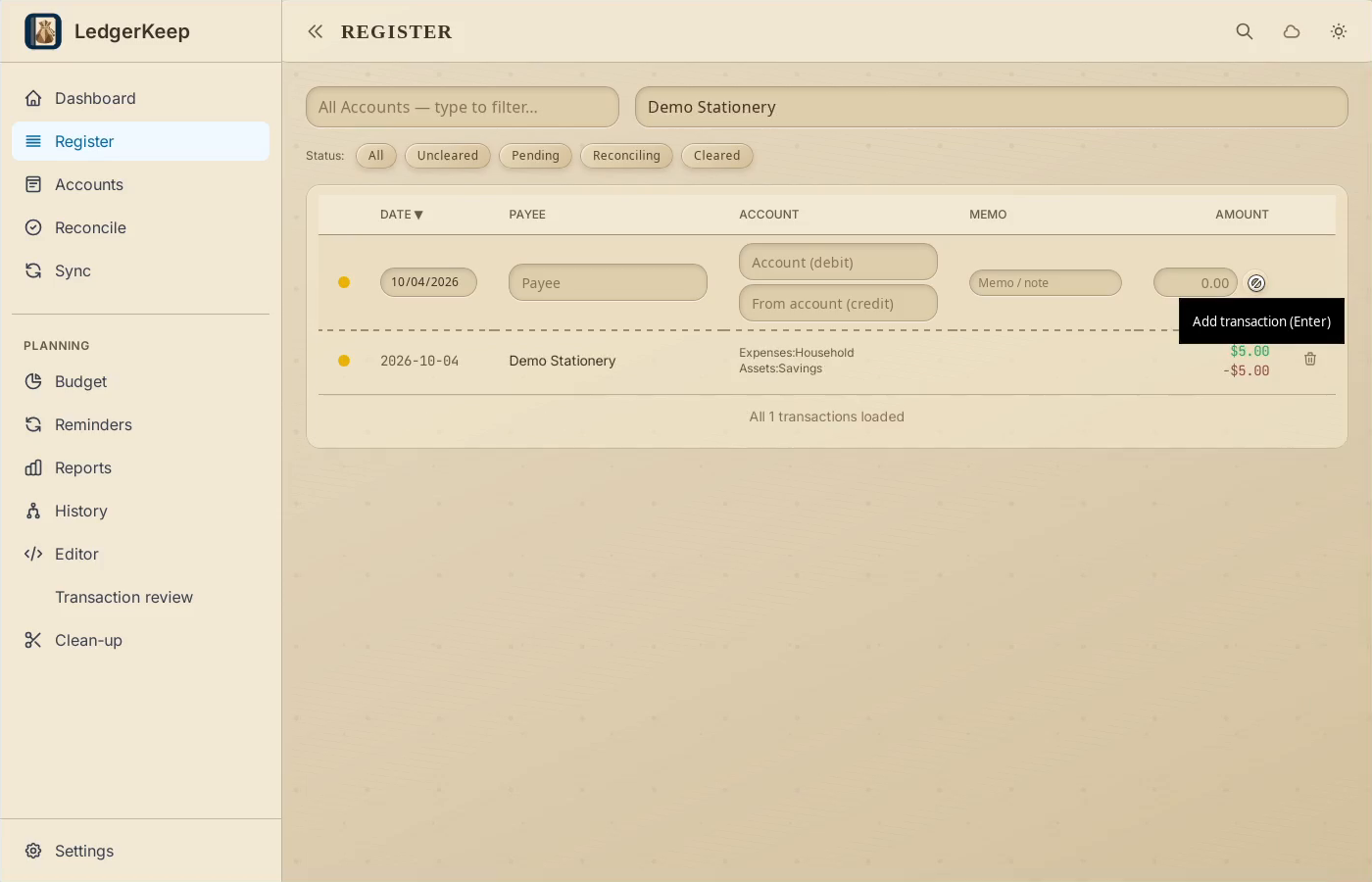
Result: The saved transaction contains matching Household and Savings postings.