
Linux · 0:26 video
Export a recovery backup
Export a portable recovery package of the open books and wait for LedgerKeep to verify it.
Download fictional practice books · View the example statement
Download videoDownload captions
The file picker is the Linux system dialog. Choose a location you can find again and keep a separate recovery copy.
1Open Backup and Recovery
In Settings, find Backup & Recovery. Check the current backup status.
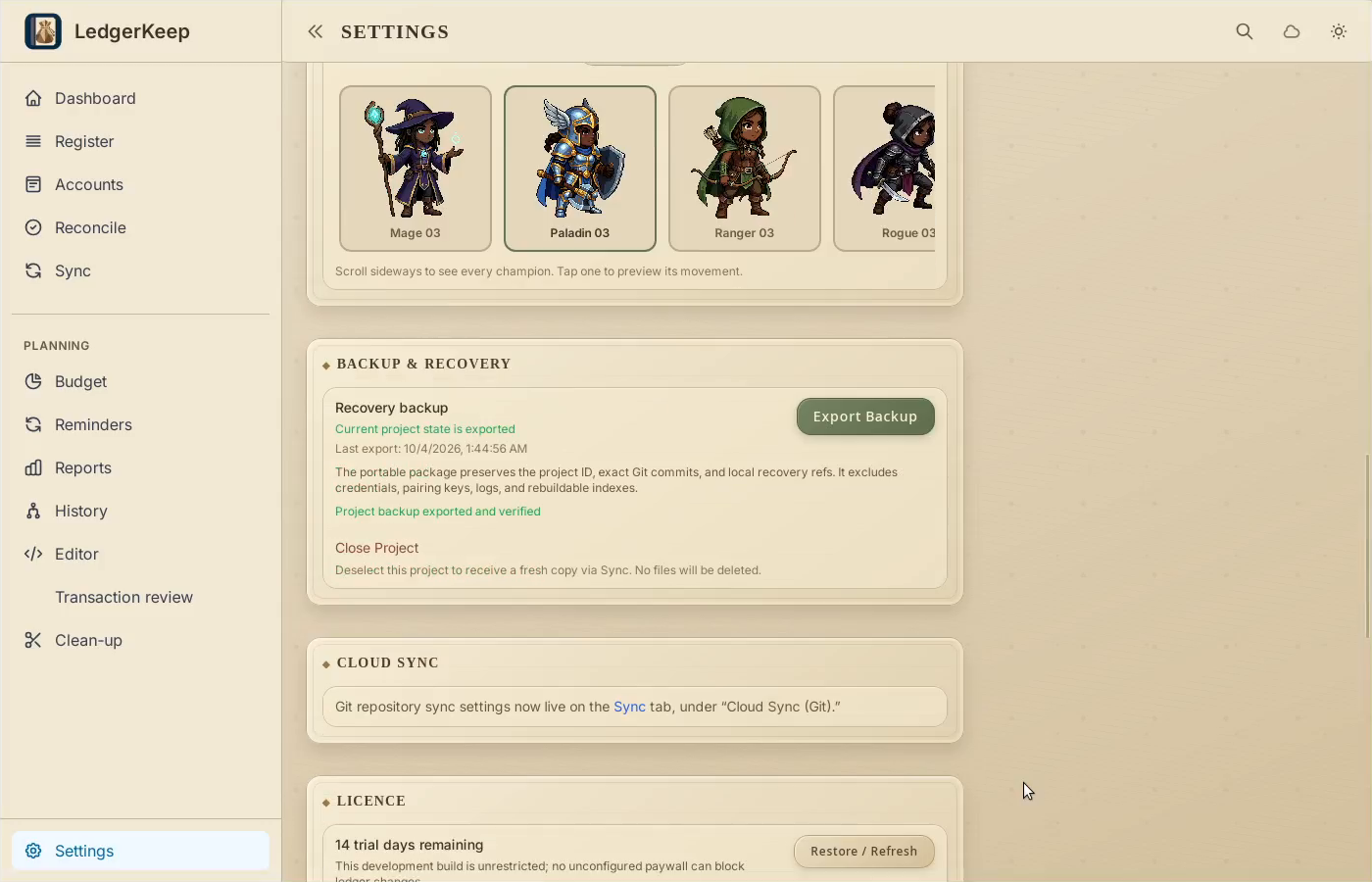
2Export the package
Click Export Backup. Choose a folder and a recognizable filename.
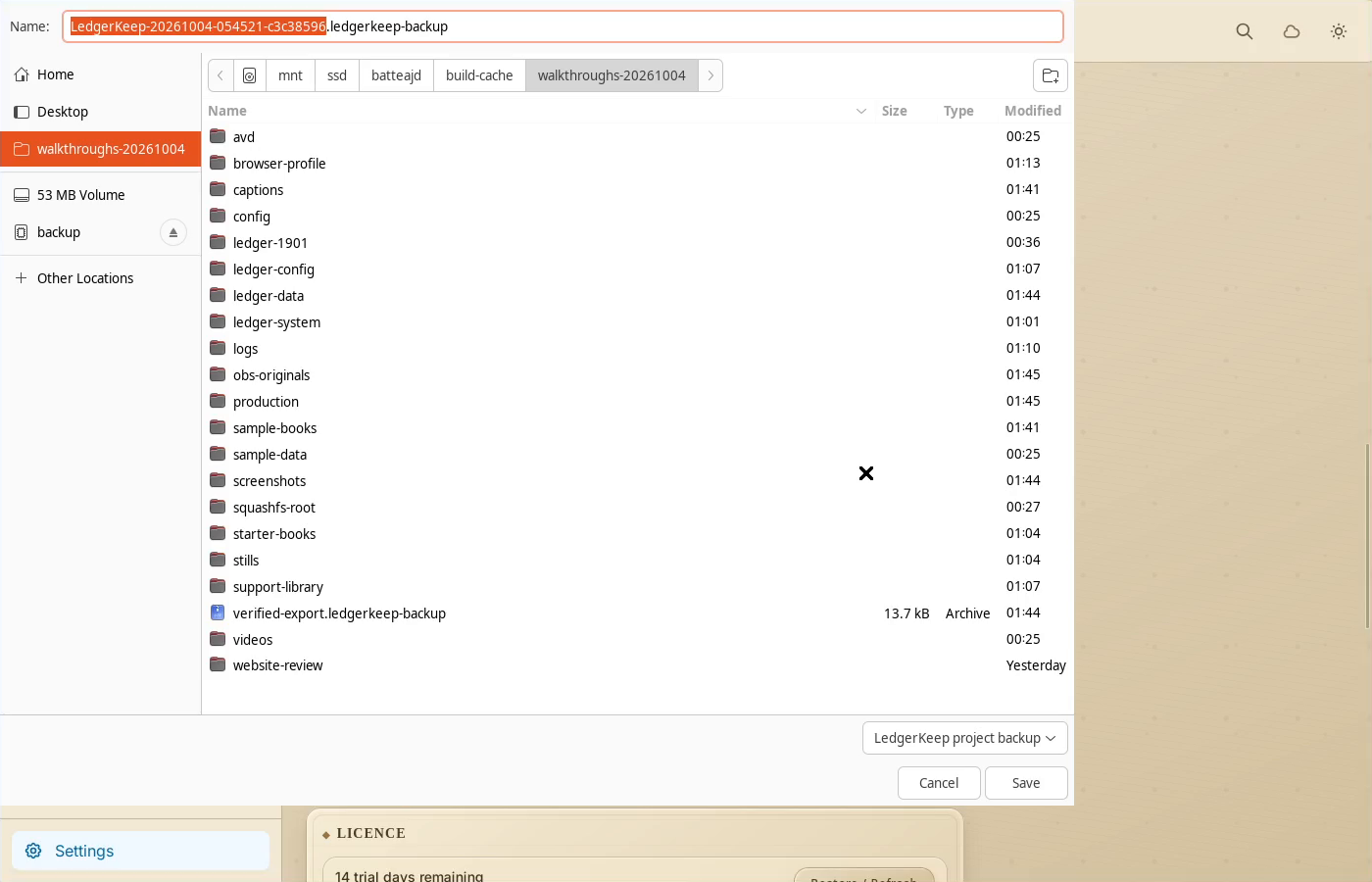
3Save and wait for verification
Save the example as sample-backup.ledgerkeep-backup. Wait for the verified message.
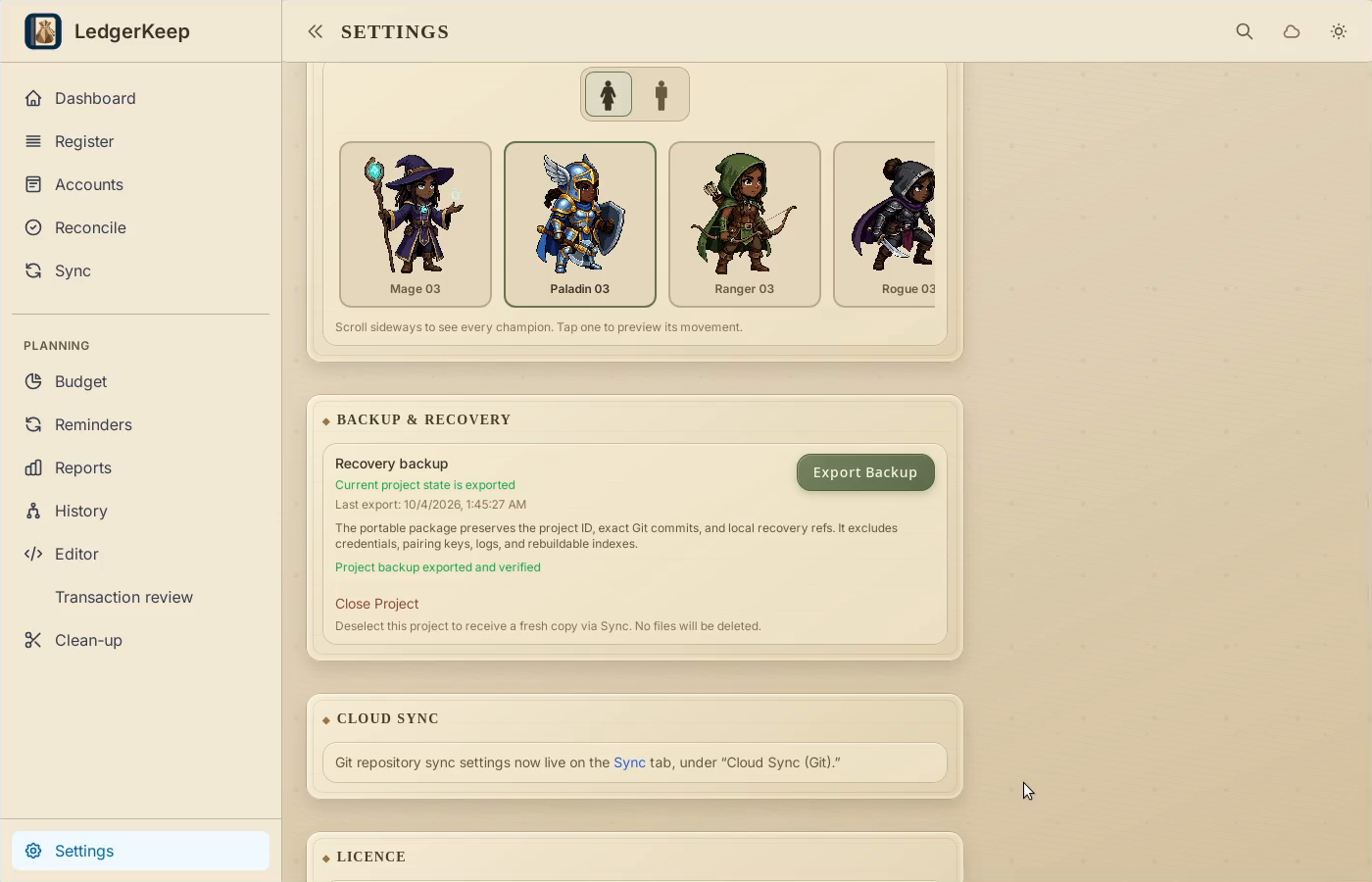
4Keep the recovery copy
Backup status is now current. Keep the exported package in a separate safe location.
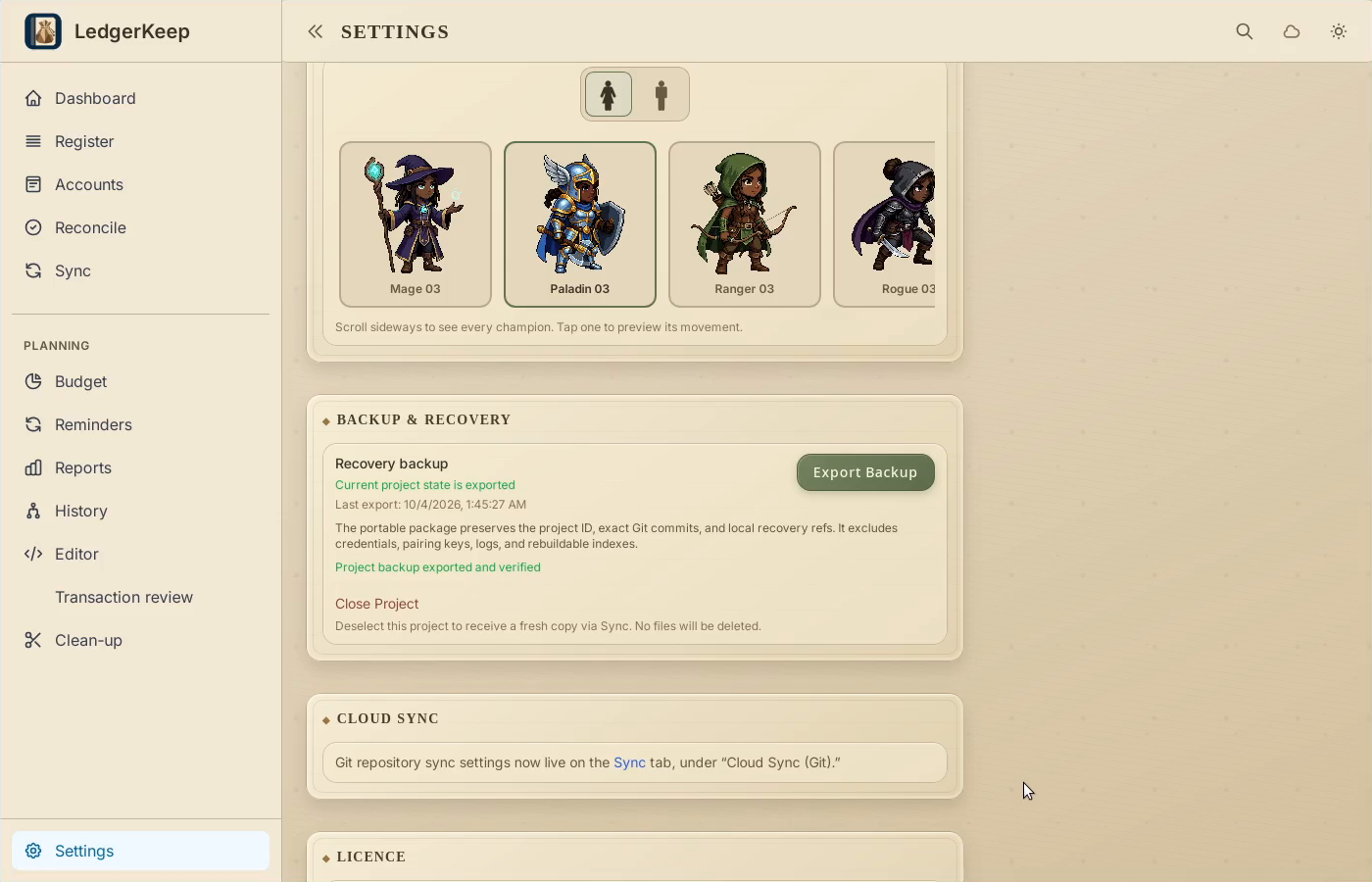
Result: The package is saved as sample-backup.ledgerkeep-backup, and Settings reports that the current project state is exported.