
Linux · 0:26 video
Inspect change history
Open a saved change to see its timestamp and the exact ledger lines it changed.
Download fictional practice books · View the example statement
Download videoDownload captions
Reading History does not change the books. The red and green lines compare the previous text with the saved replacement.
1Open History
Open History. Recent saved changes appear at the top.
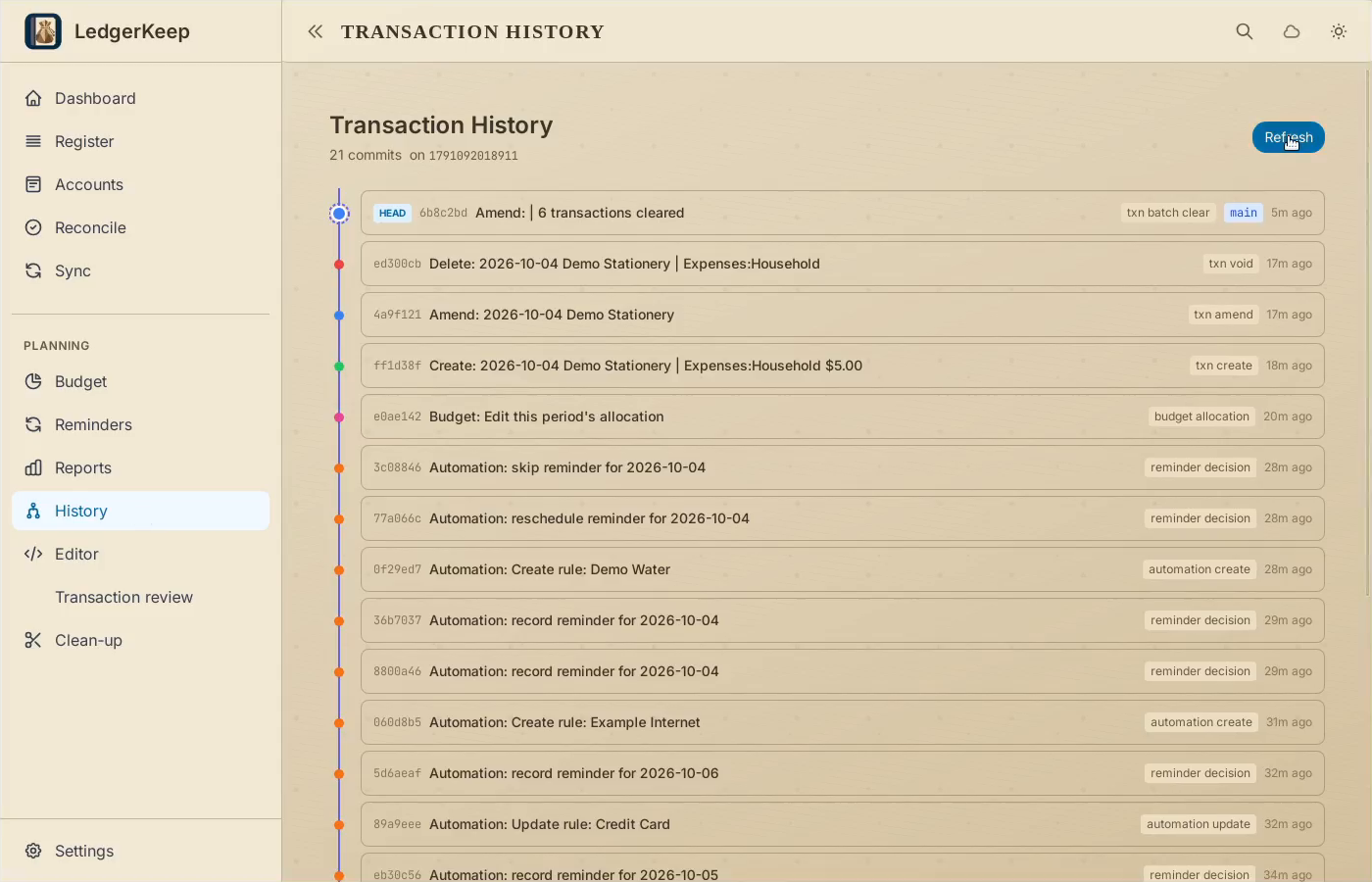
2Expand a change
Select the newest entry: six transactions cleared. The detail shows changed lines.
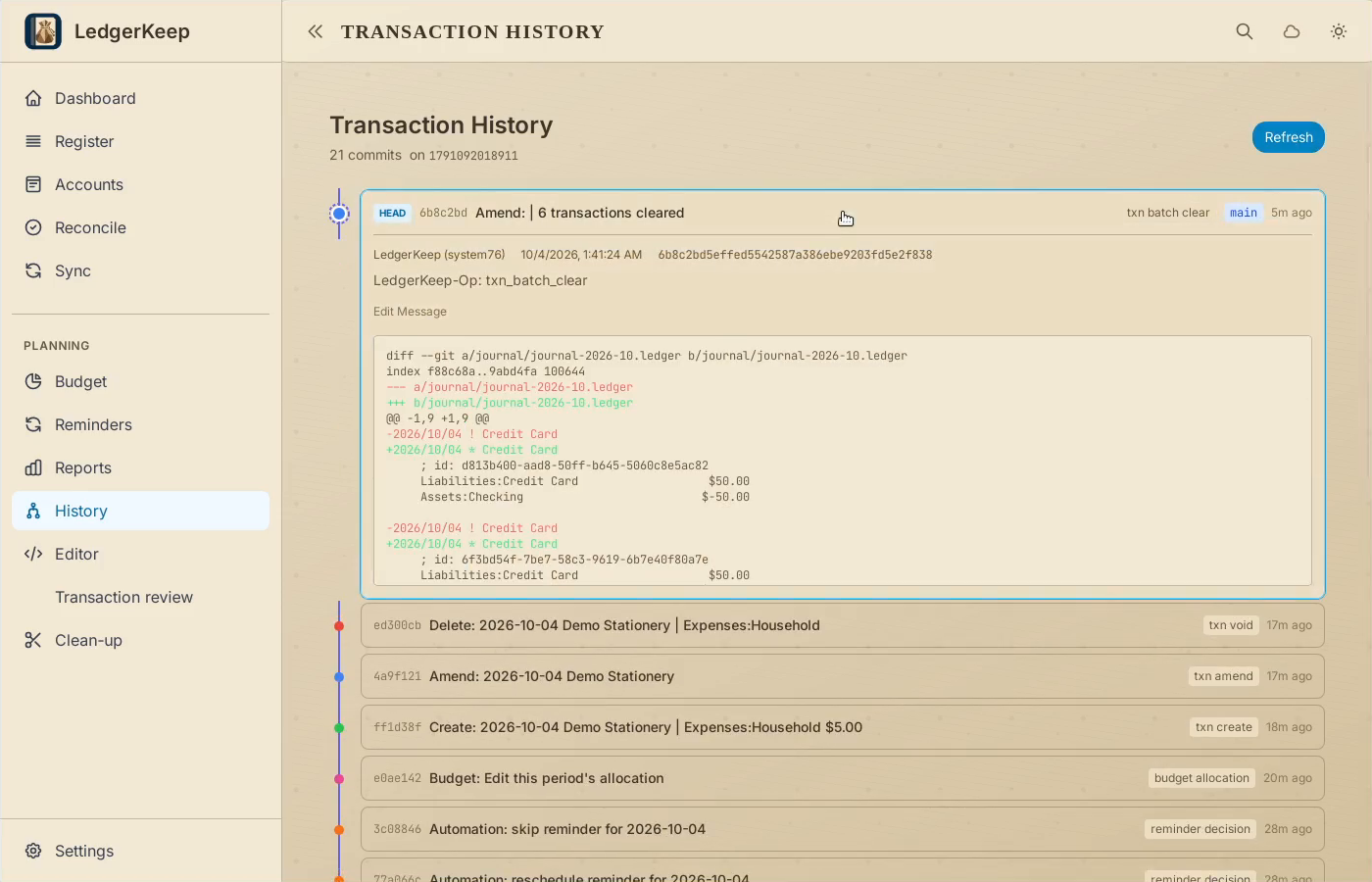
3Read the comparison
Red minus lines are the previous text. Green plus lines show the saved replacement.
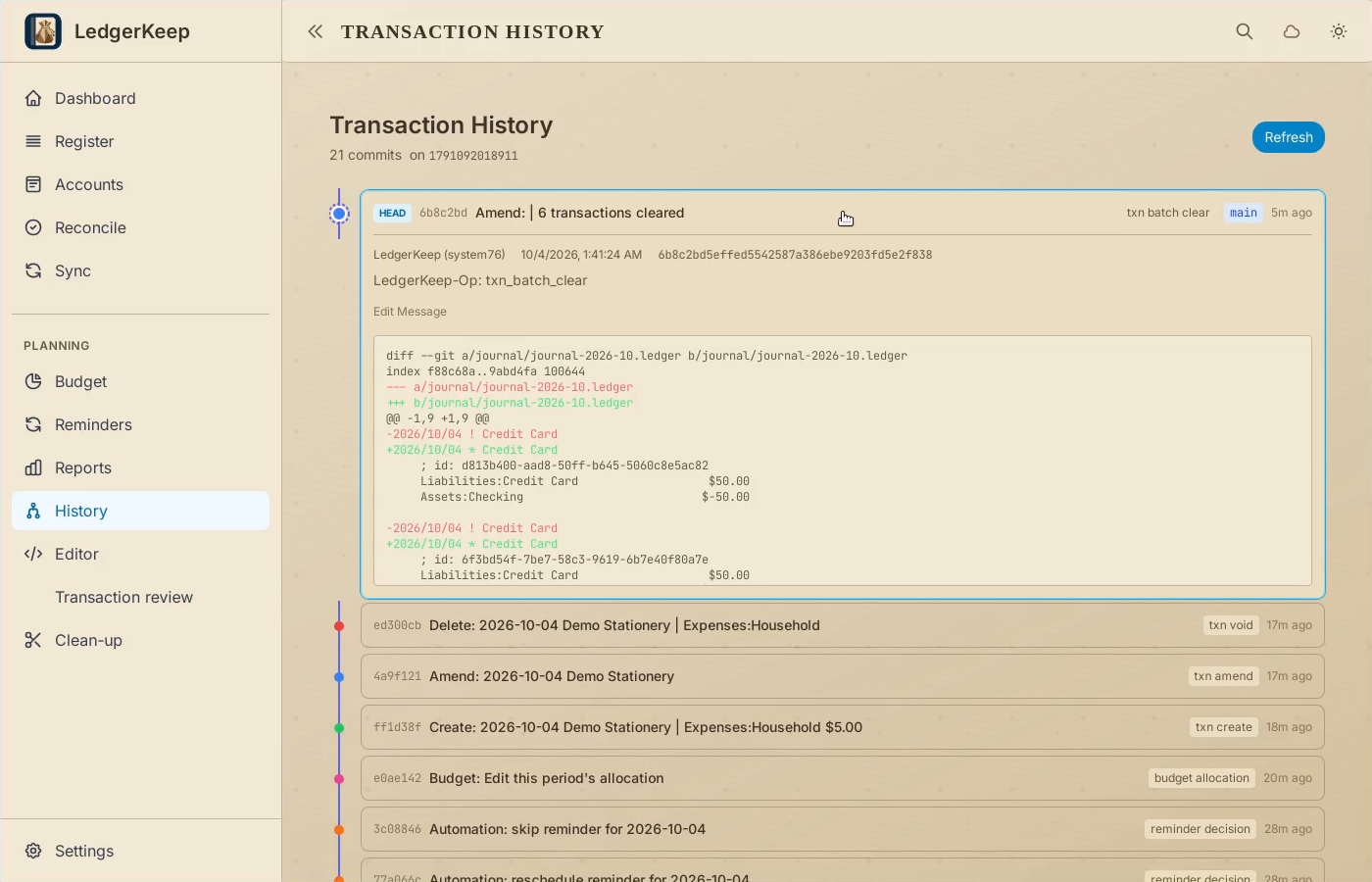
4Inspect an earlier change
Select the Demo Stationery deletion to see exactly which entry was removed.
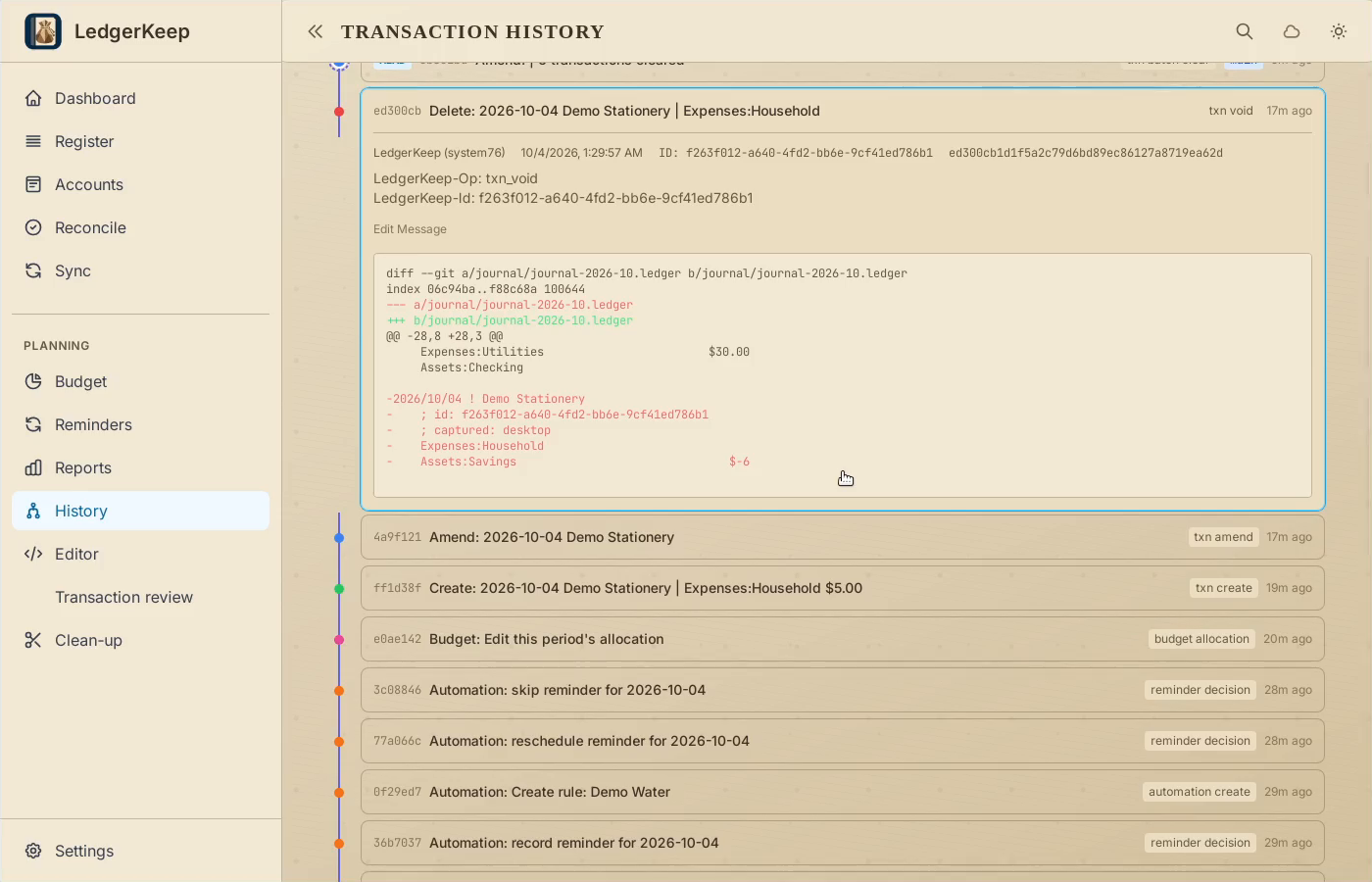
Result: You can trace both the reconciliation and the earlier Demo Stationery deletion.