
Linux · 0:24 video
Edit a ledger file
Open main.ledger, add a semicolon comment, and save it in the built-in editor.
Download fictional practice books · View the example statement
Download videoDownload captions
This example edits a comment only. Ledger transactions require balanced postings and valid syntax.
1Open the file
Open Editor and select main.ledger in the file tree.
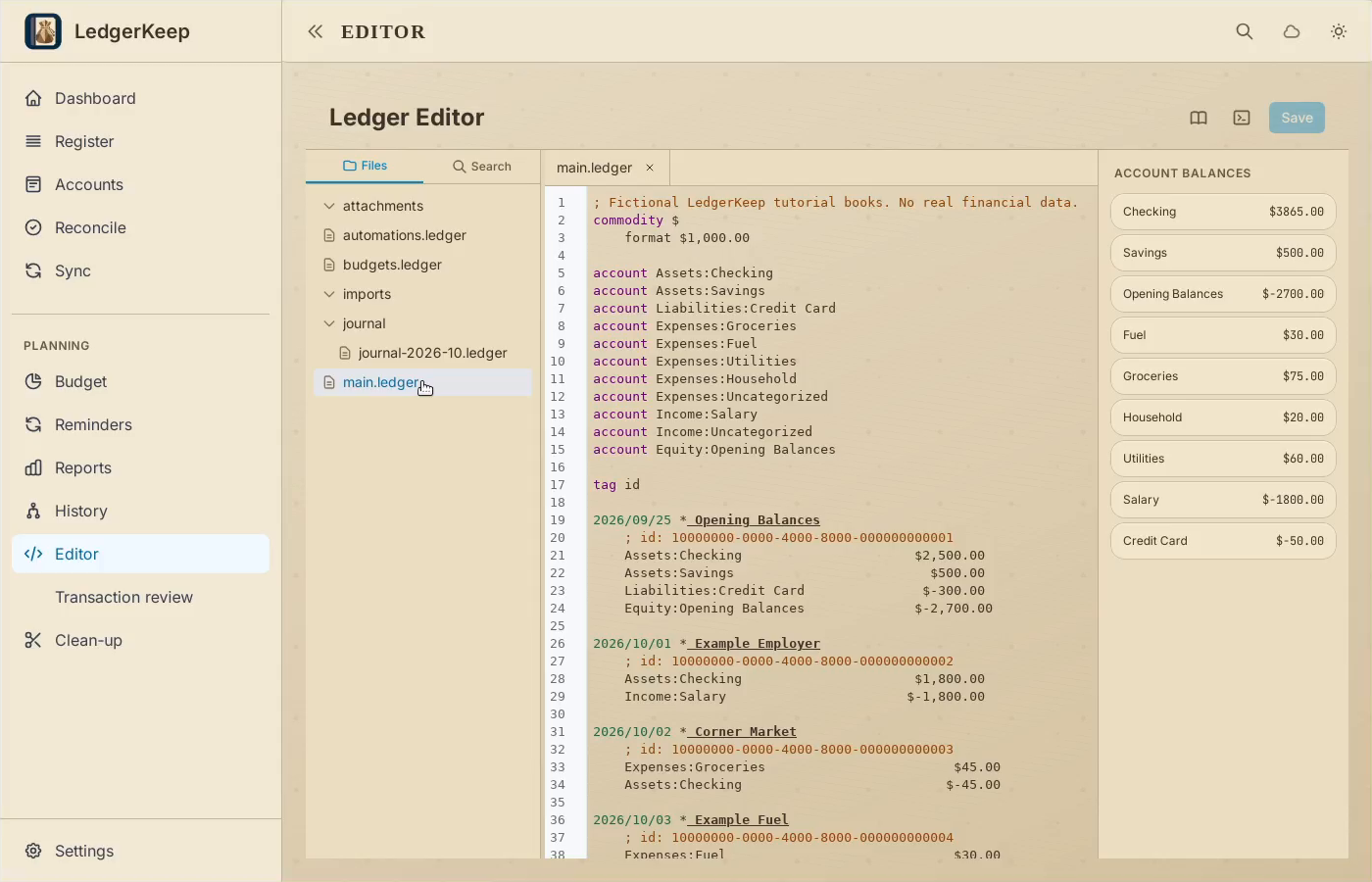
2Add a comment
At the top, type a semicolon followed by your note. Comments do not add transactions.
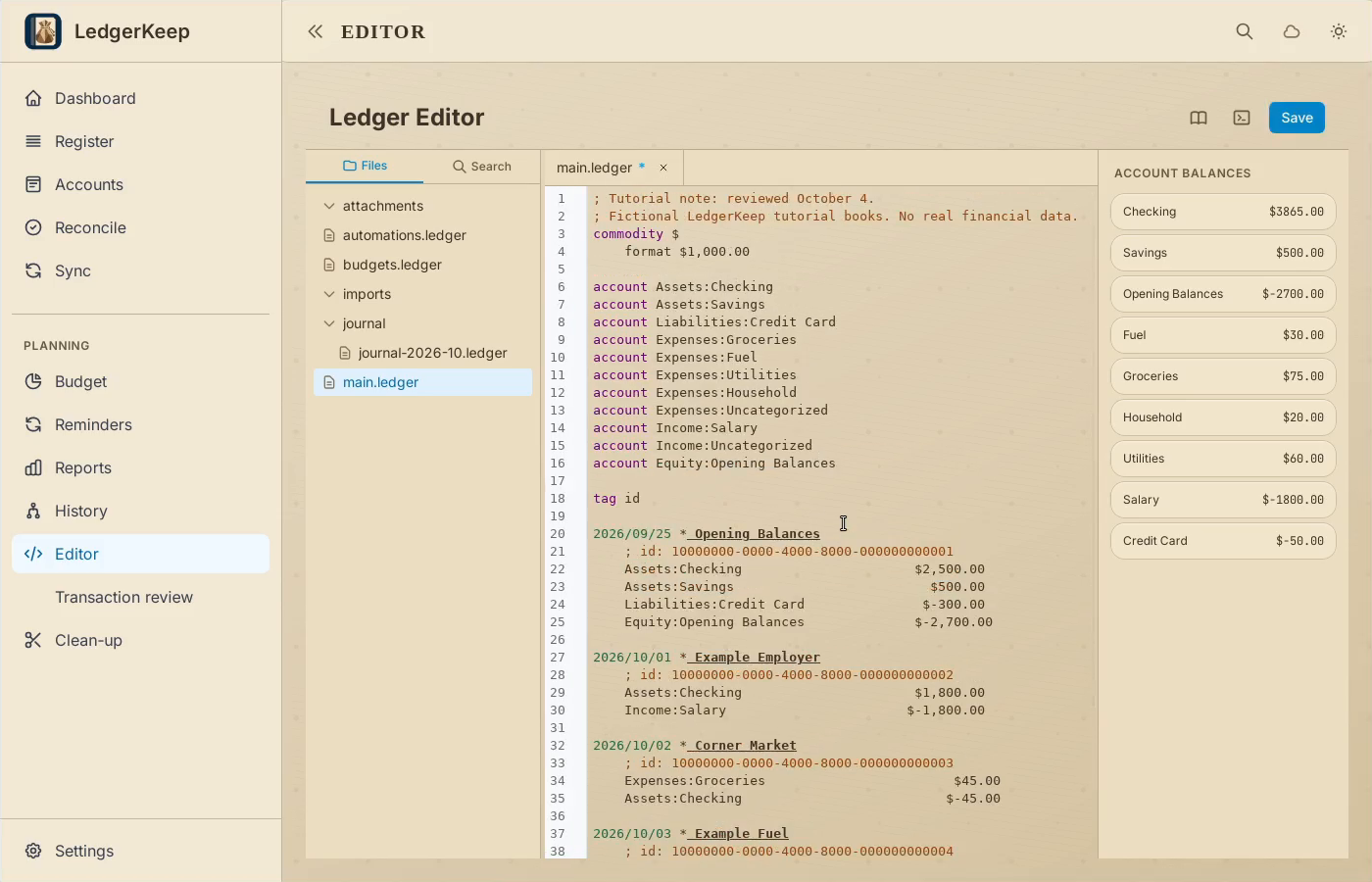
3Save the file
Click Save. Check the saved message before leaving the editor.
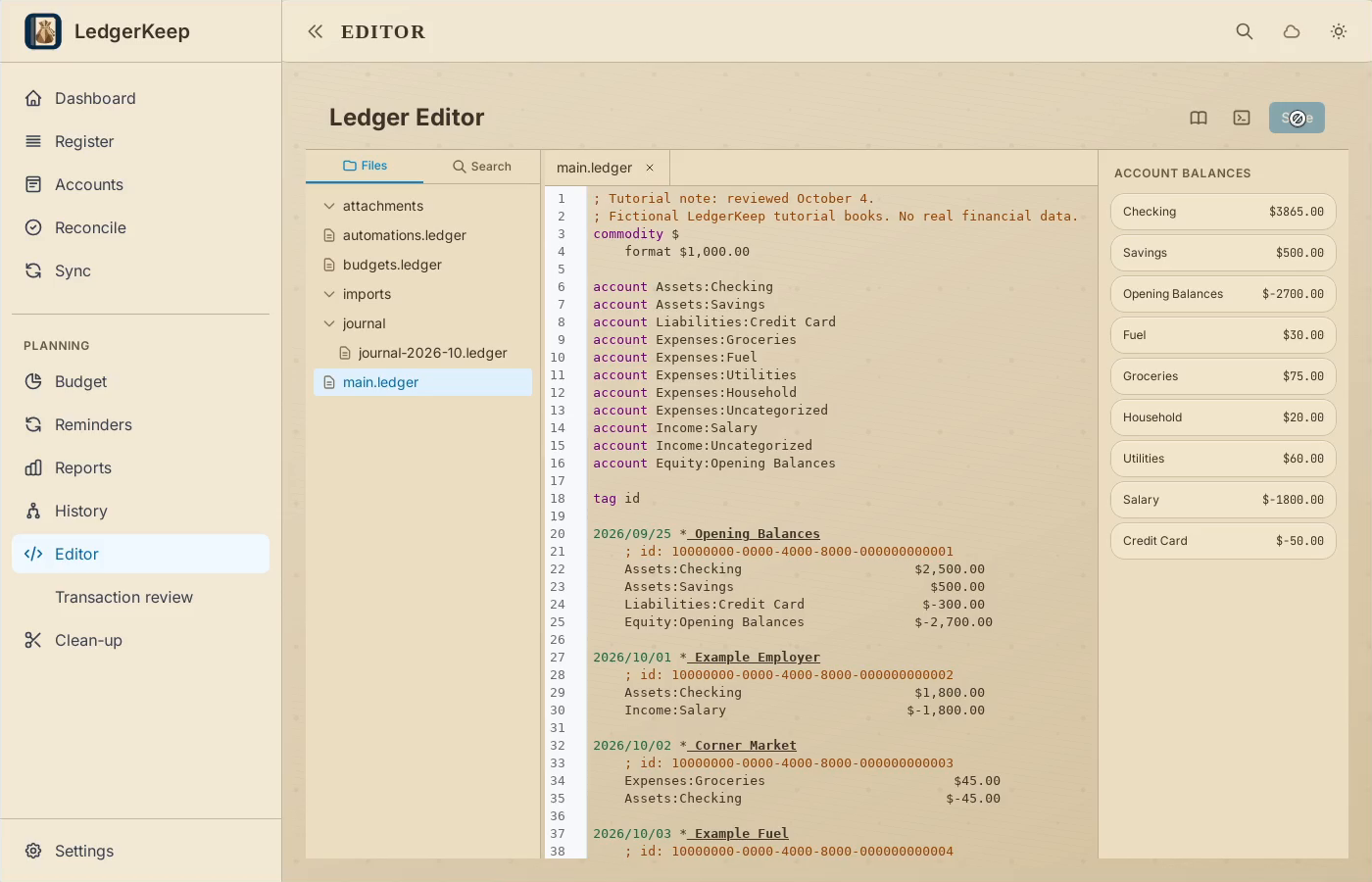
4Verify the result
The comment remains in the file. Account balances are unchanged.
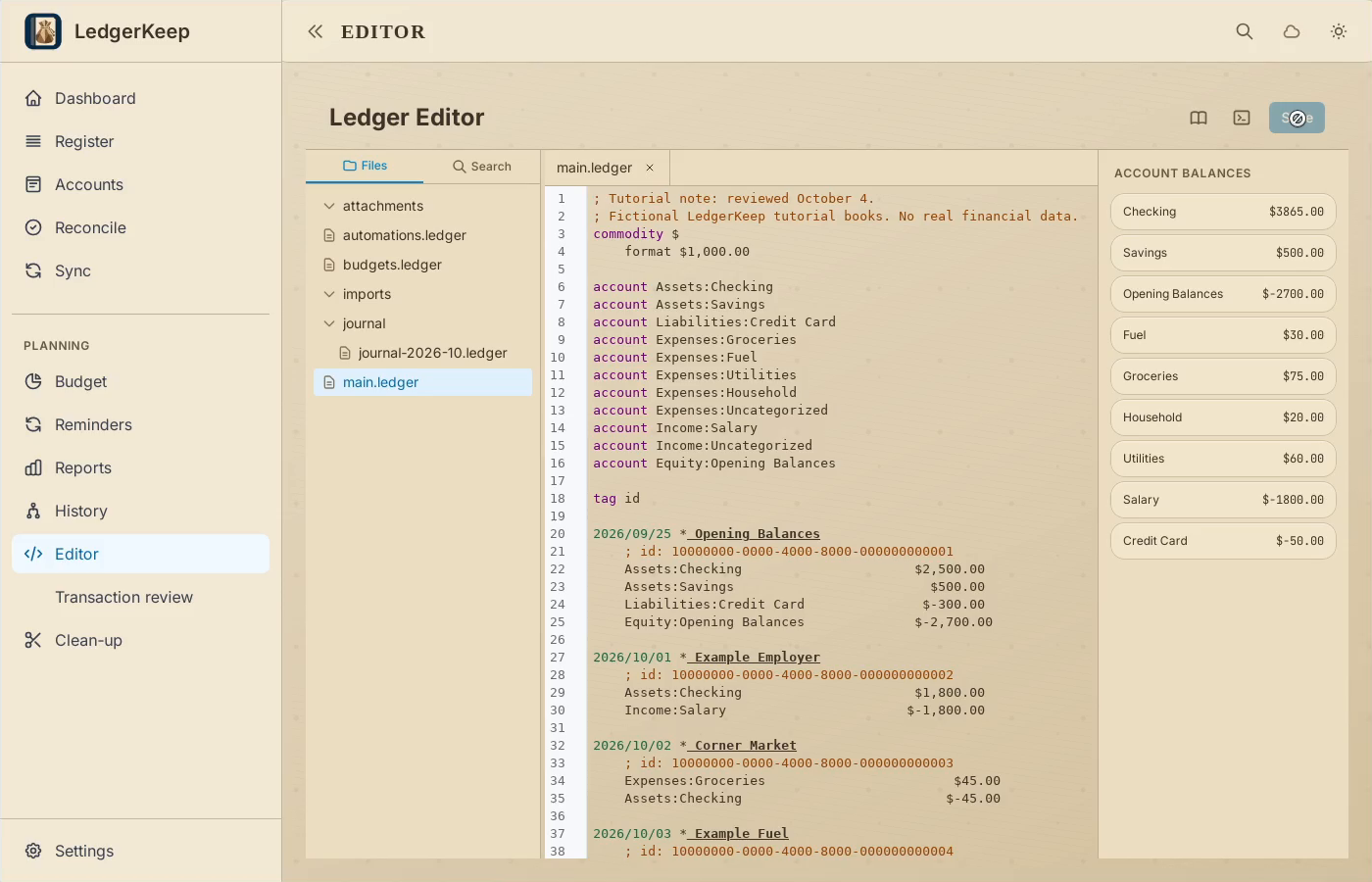
Result: The comment is saved and the account balances are unchanged.