
Linux · 0:23 video
Read the readiness breakdown
Open Financial readiness and read the explanation behind each rated or unrated dimension.
Download fictional practice books · View the example statement
Download videoDownload captions
Read the thresholds and missing-data explanations shown by your version. These app scores are a rough indicator, and some thresholds are identified in the app as unsourced.
1Open Financial readiness
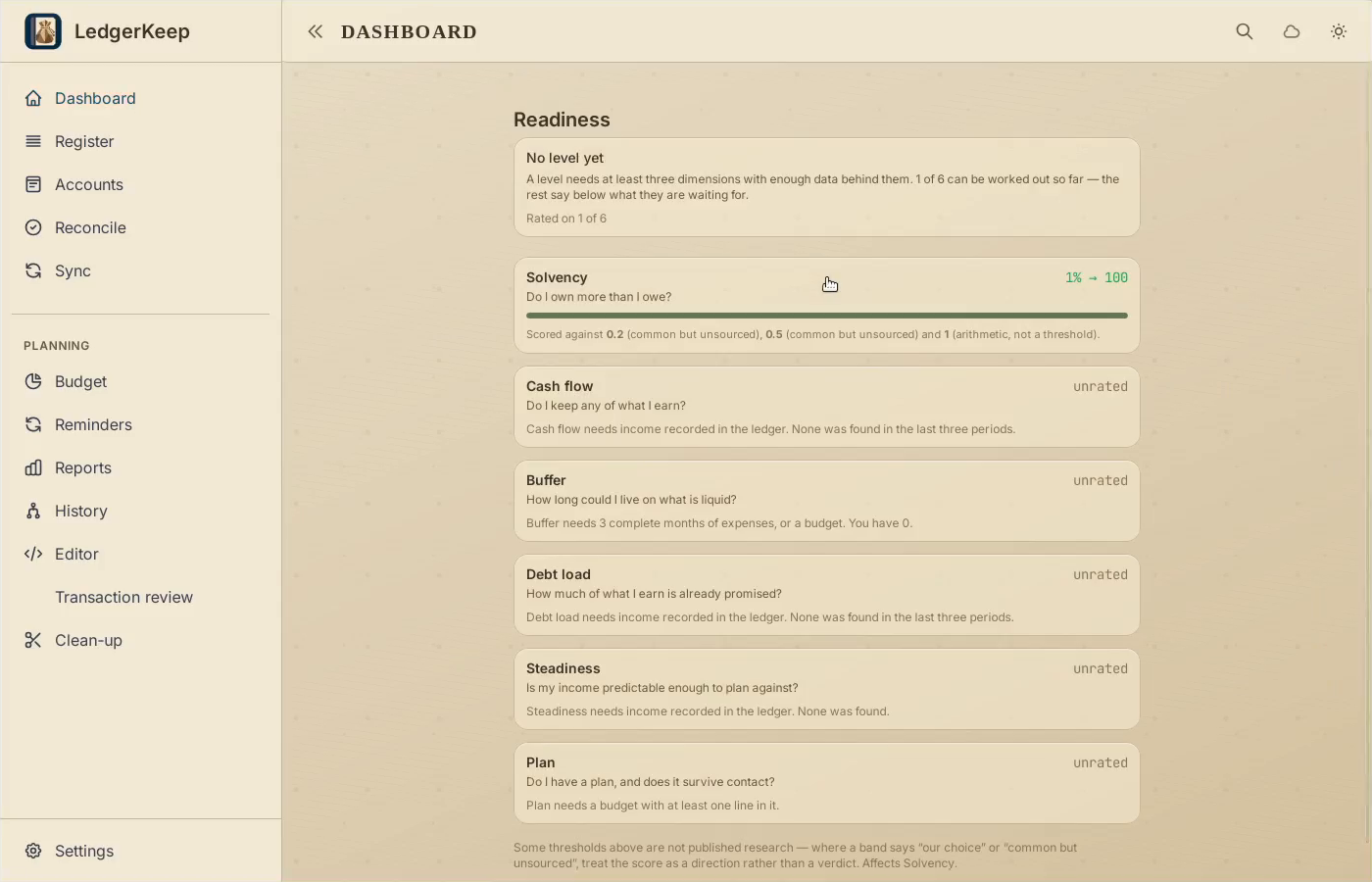
On Dashboard, click Financial readiness to see the breakdown.
2Read a rated dimension
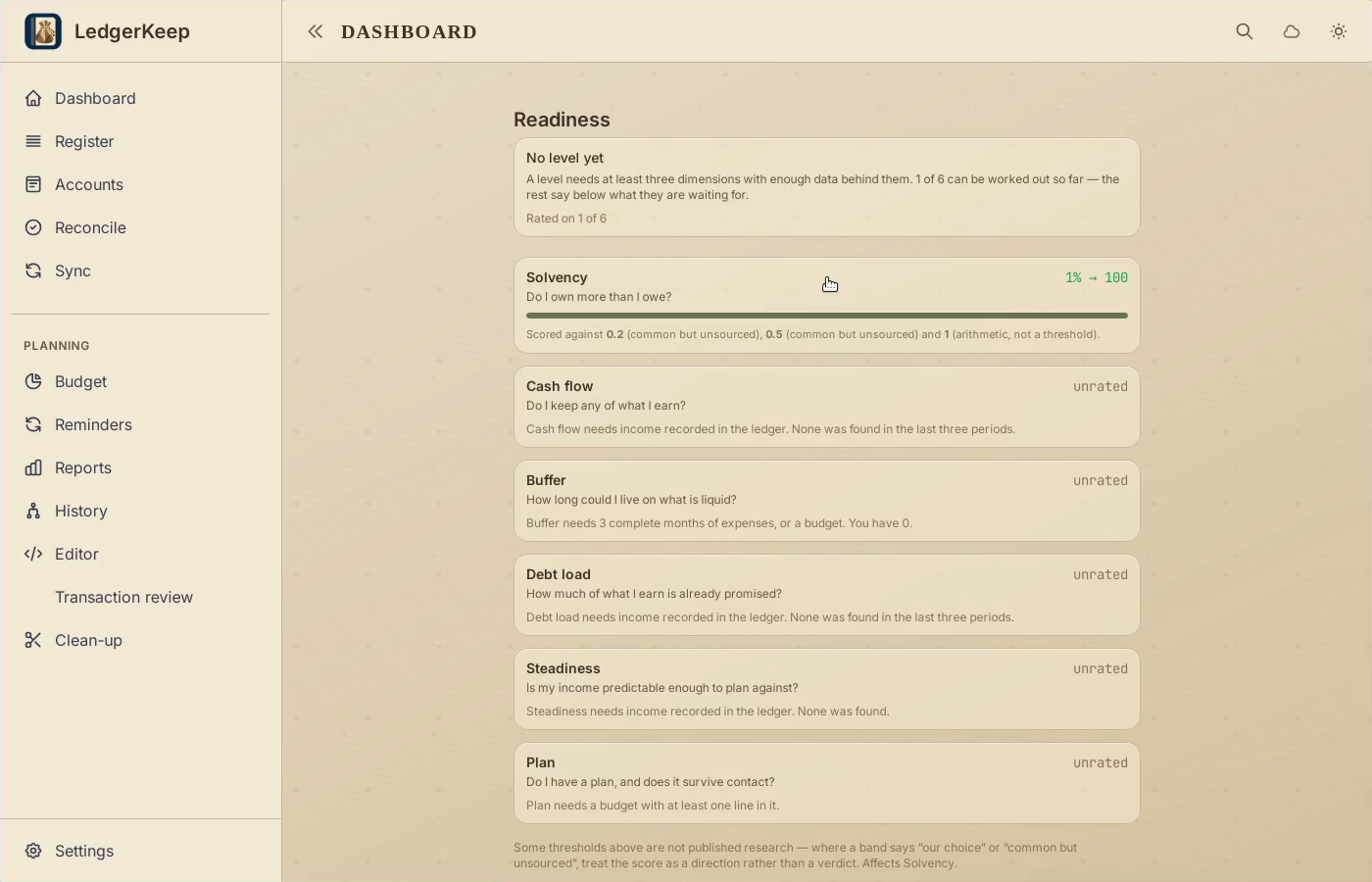
Solvency shows a value, score, and the thresholds used by this version.
3Check missing data
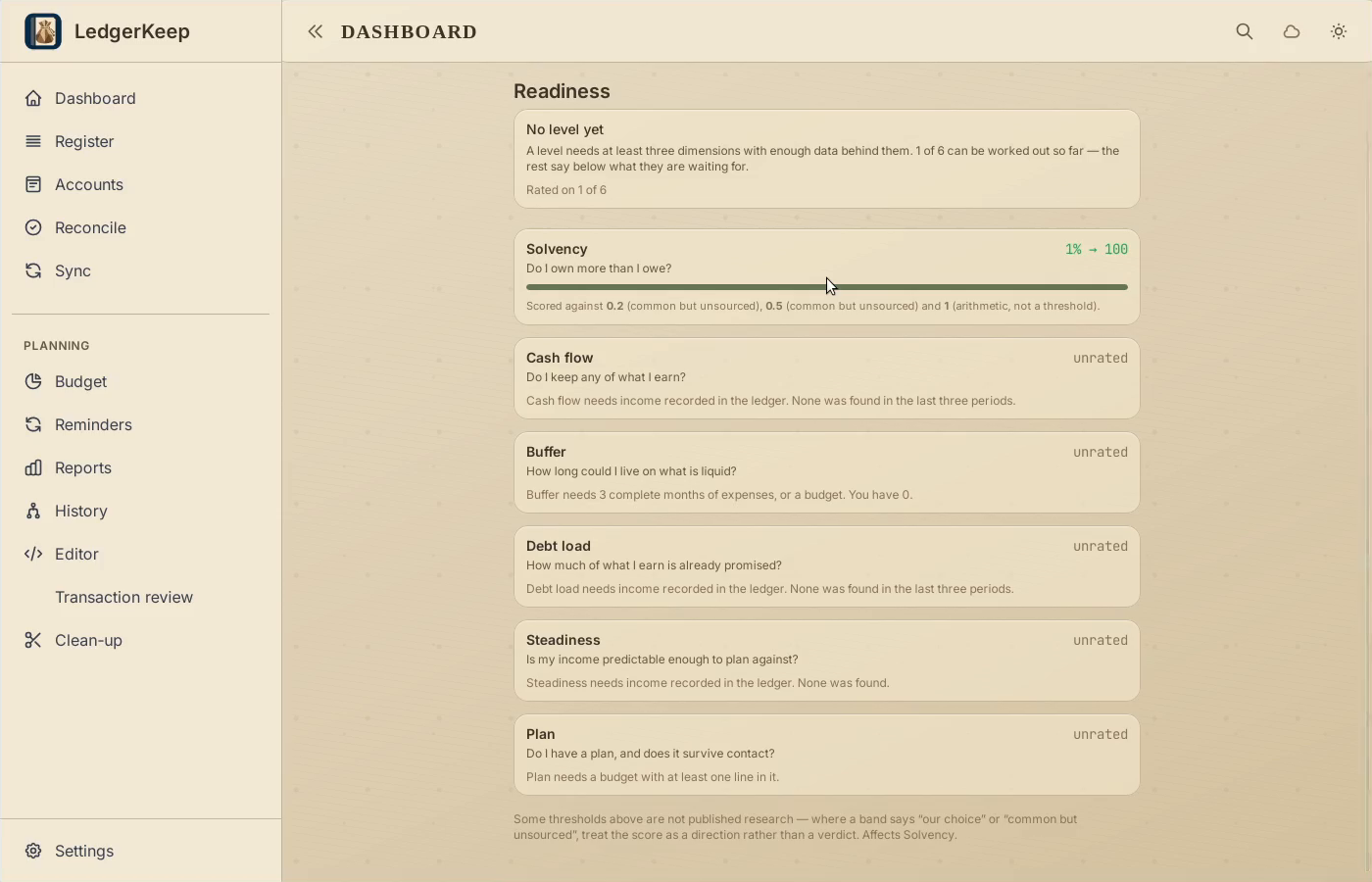
Read the unrated explanations. This short sample does not have enough history for a level.
4Return to your books
Return to Dashboard after reviewing the explanations.
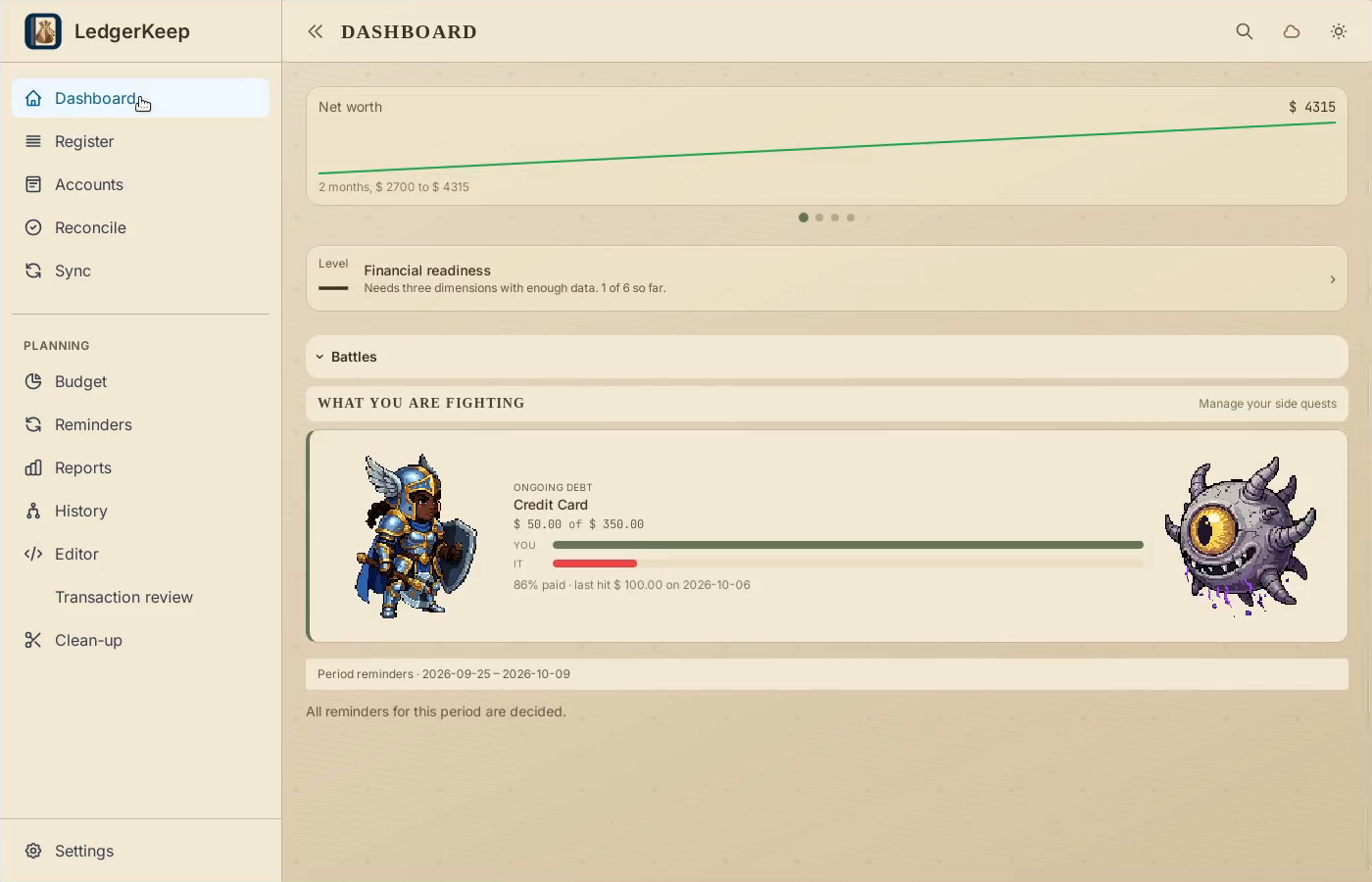
Result: The sample shows why it has no level yet: only one of six dimensions can be rated.