
Android · 0:35 video
Restore a backup
Restore the fictional desktop backup as a separate Android book named Recovered Household.
Download fictional practice books · View the example statement
Download the verified fictional backup
Before you start: A .ledgerkeep-backup package available in the phone’s Downloads folder. The example uses the package exported in the backup walkthrough.
Download videoDownload captions
Restore the backup as an additional book to keep your current books. Then use the book switcher to open the restored copy.
1Open your ledger list
In Settings, scroll to Project and tap Manage.
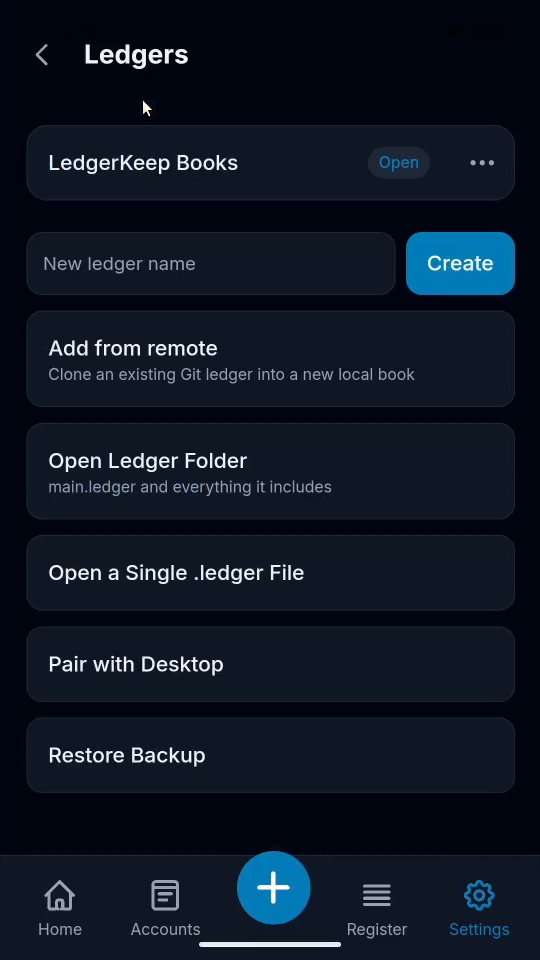
2Name the recovered book
Enter Recovered Household in New ledger name.
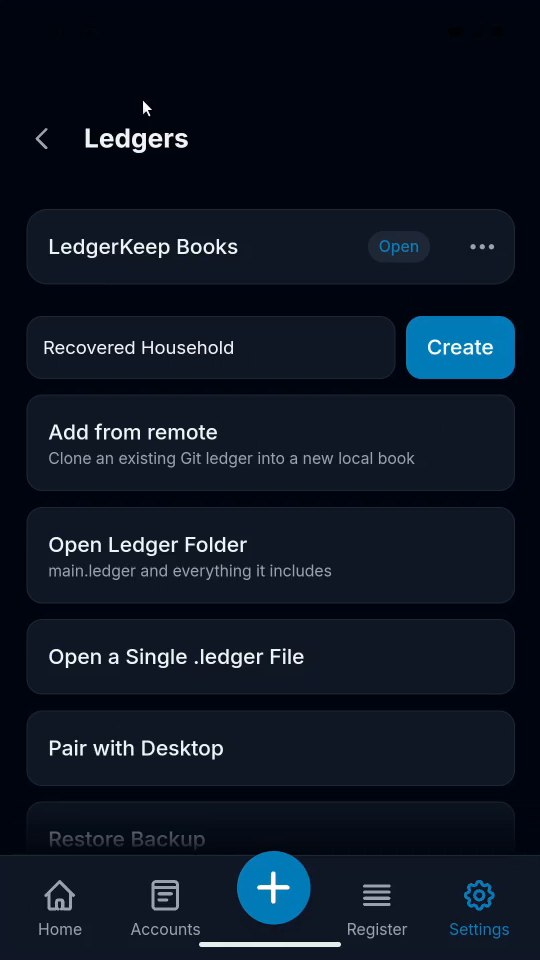
3Find the backup
Tap Restore Backup. In the file picker, open Downloads.
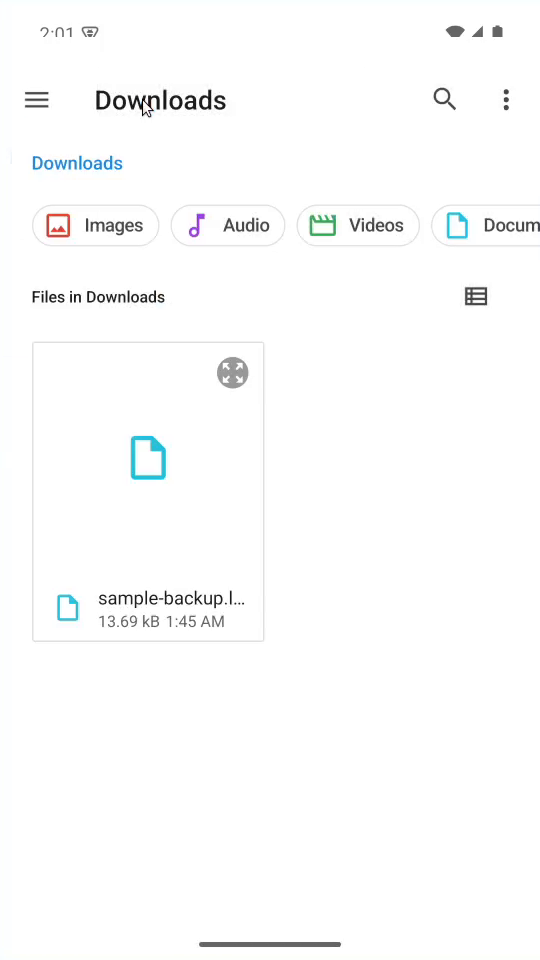
4Restore the package
Choose sample-backup.ledgerkeep-backup. Wait for Recovered Household to appear.
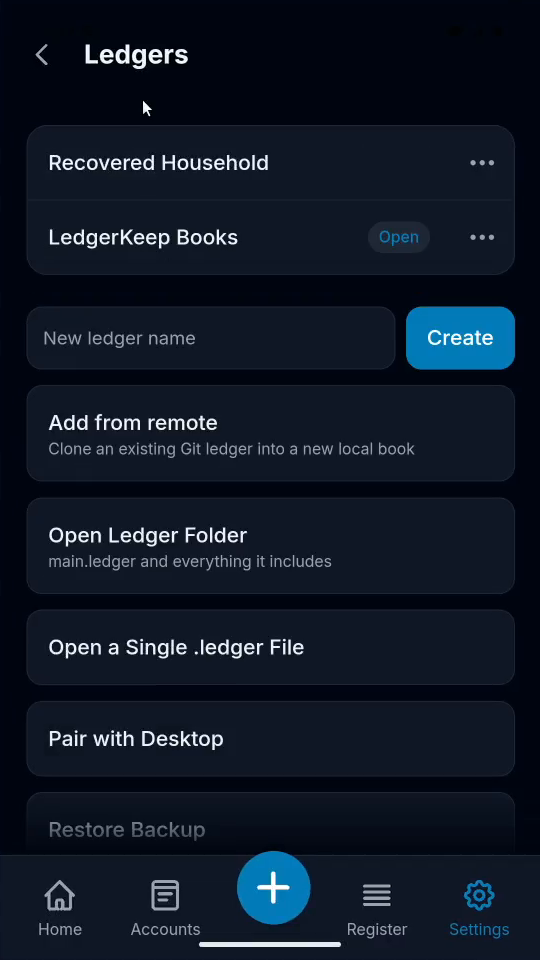
5Check both books
The recovered book is listed. Your original book is still available.
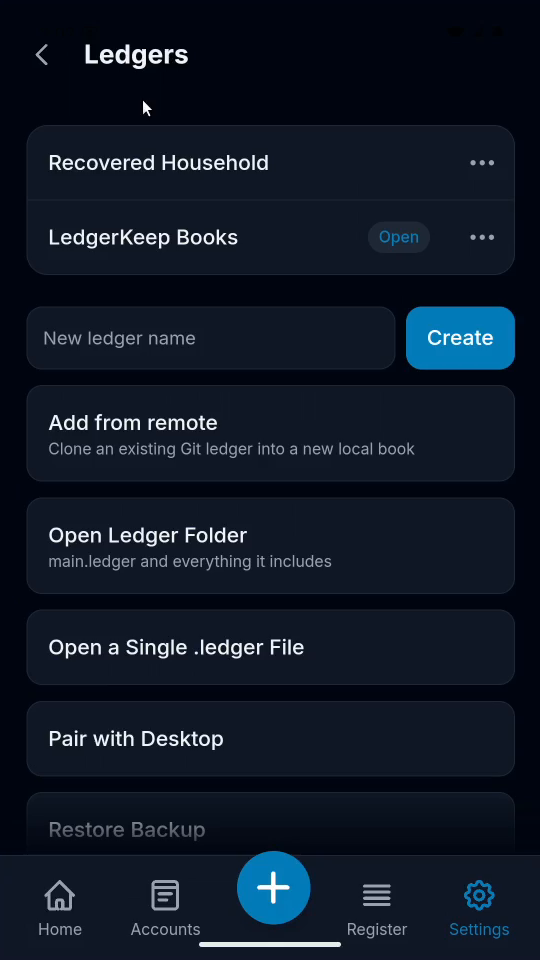
Result: Recovered Household appears in Ledgers alongside the original LedgerKeep Books.