
Android · 0:32 video
Switch between ledgers
Open the recovered household book, inspect its entries, then return to the original mobile book.
Download fictional practice books · View the example statement
Before you start: Two books in the Ledgers list, such as the original book and the restored practice backup.
Download videoDownload captions
1Open the recovered book
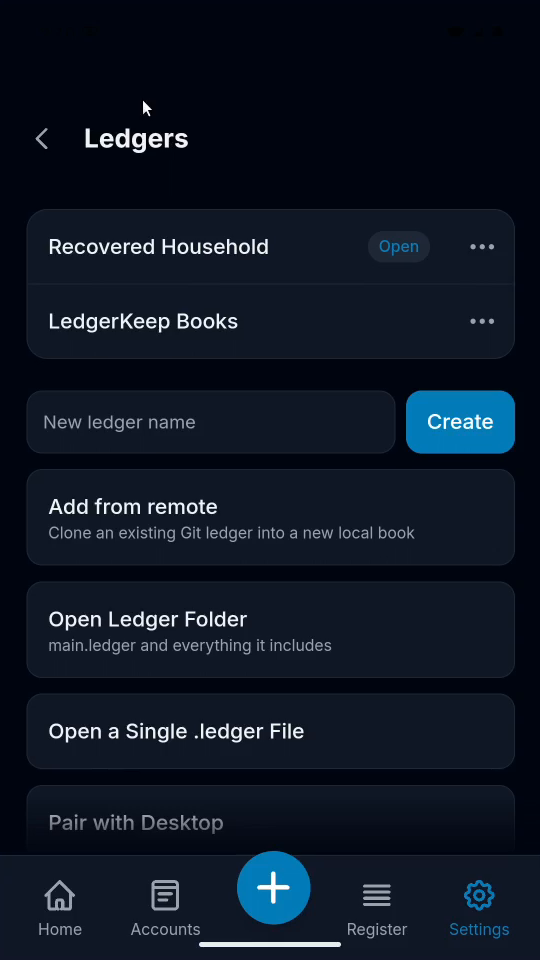
In Ledgers, tap Recovered Household. Tap OK and wait for it to open.
2Check its entries
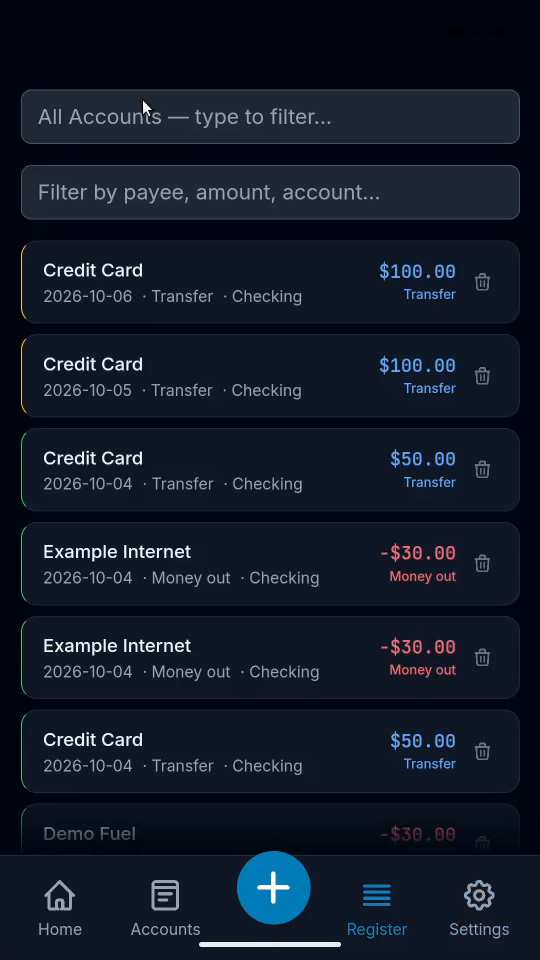
Open Register. The recovered book contains the desktop sample entries.
3Return to the ledger list
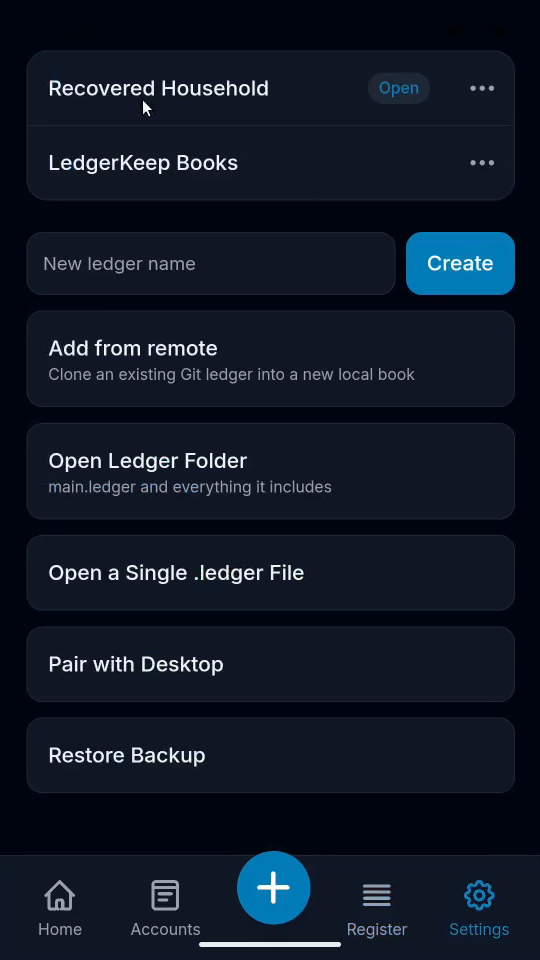
Open Settings, then Manage in the Project section.
4Switch back and verify
Tap LedgerKeep Books, confirm OK, then Accounts. Checking is still $1,873.50.
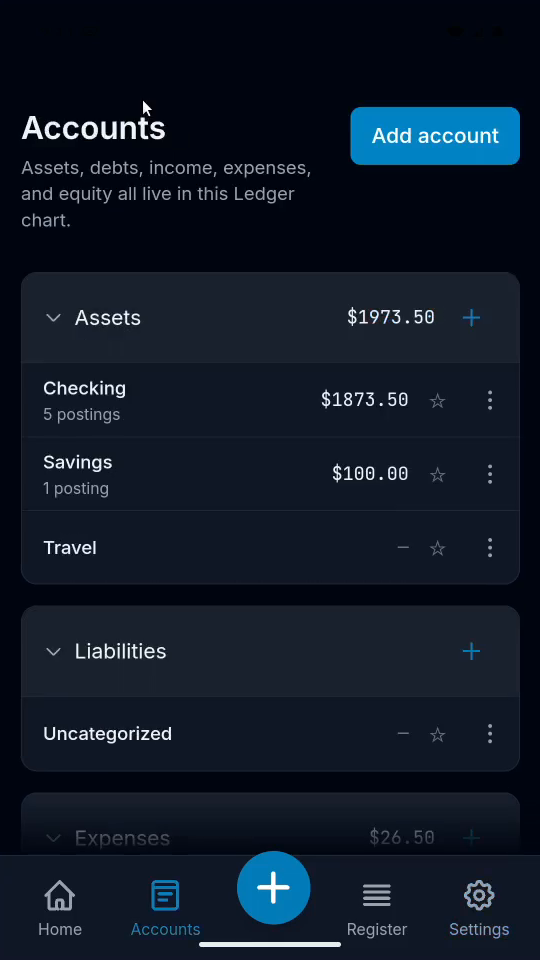
Result: Both books open independently. The original Checking account still contains $1,873.50.