
Linux · 0:20 video
Import a ledger file on desktop
Build new books from a single Ledger file, such as an export from another app.
Download fictional practice books · View the example statement
Before you start: LedgerKeep open on a Linux computer.
Download videoDownload captions
The file pickers are the Linux system dialogs.
1Import a ledger file
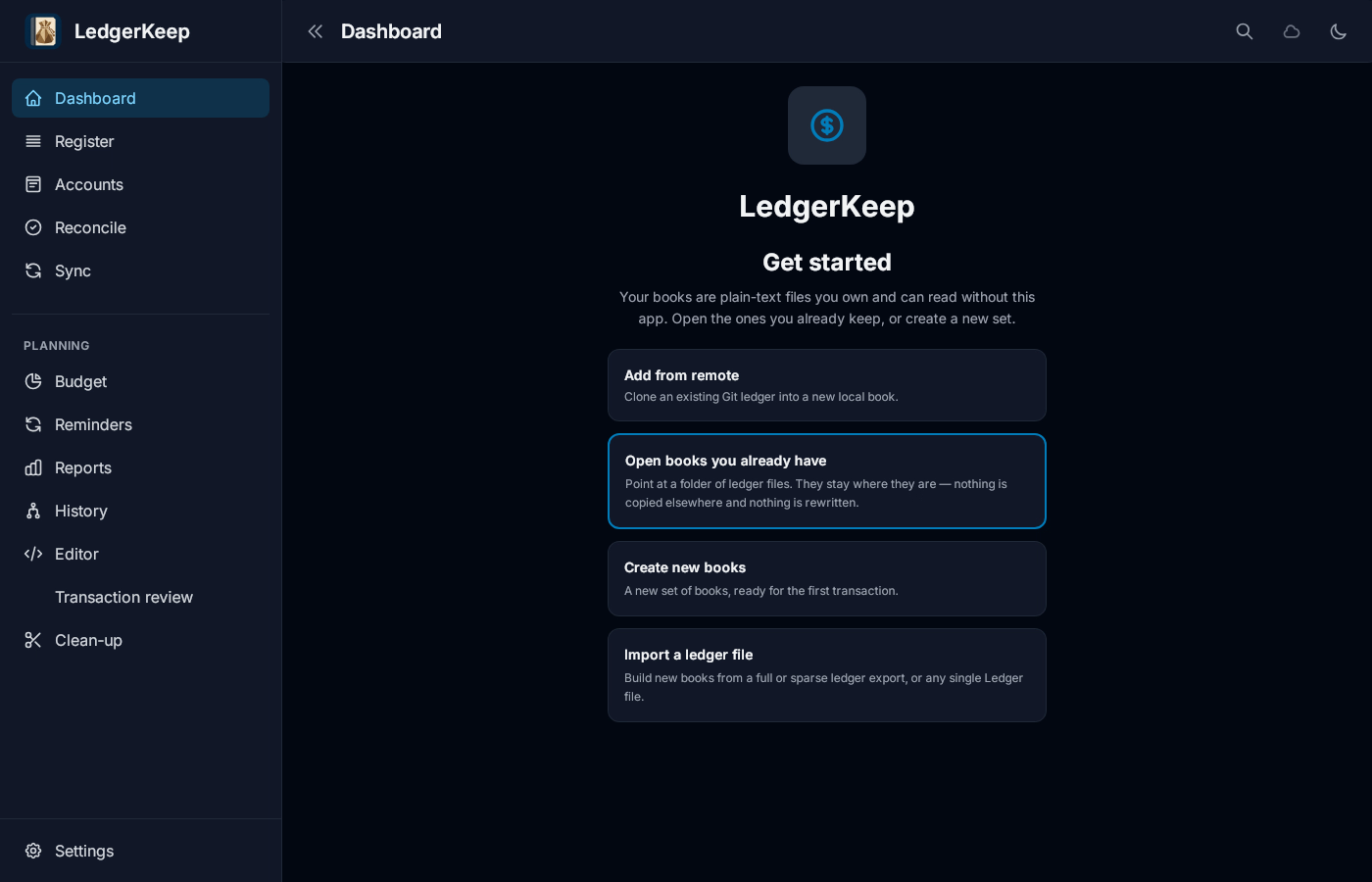
On the Get started screen, click Import a ledger file.
2Choose the file
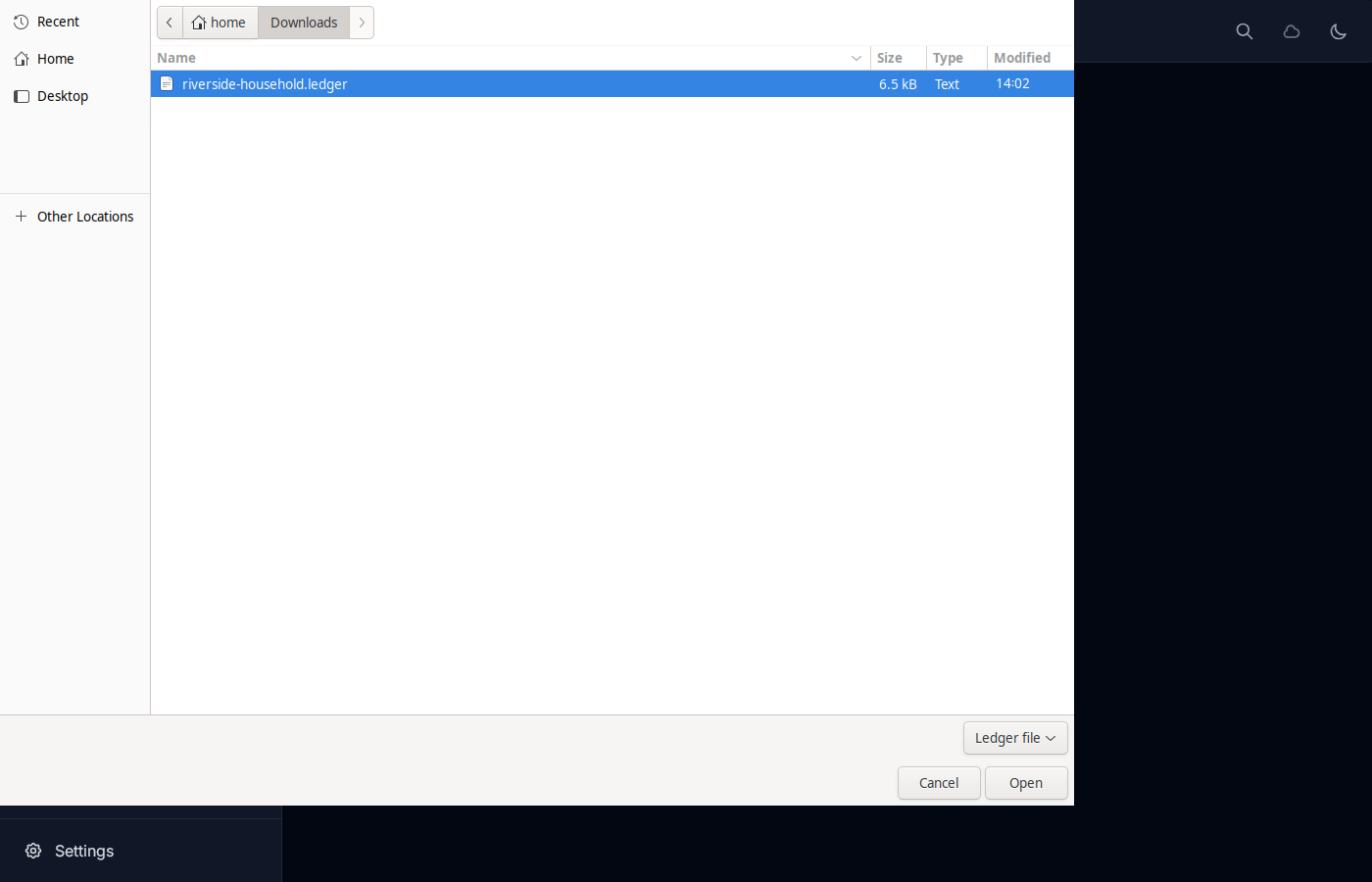
Pick the .ledger file. Here it is in Downloads.
3Choose where the books go
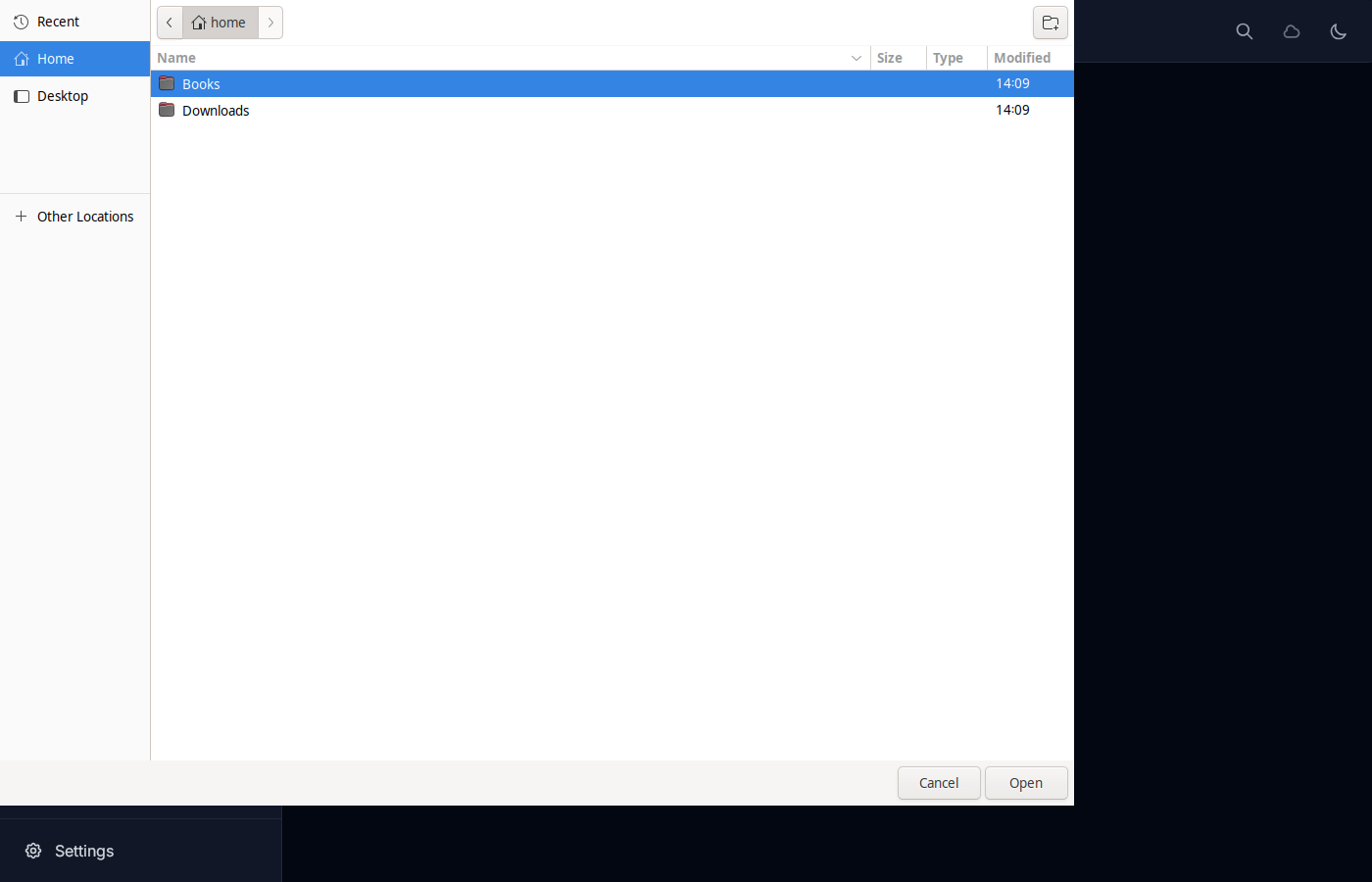
Pick a folder for the new books, then click Open.
4Check the books
Dashboard shows net worth. Accounts lists every balance from the file.
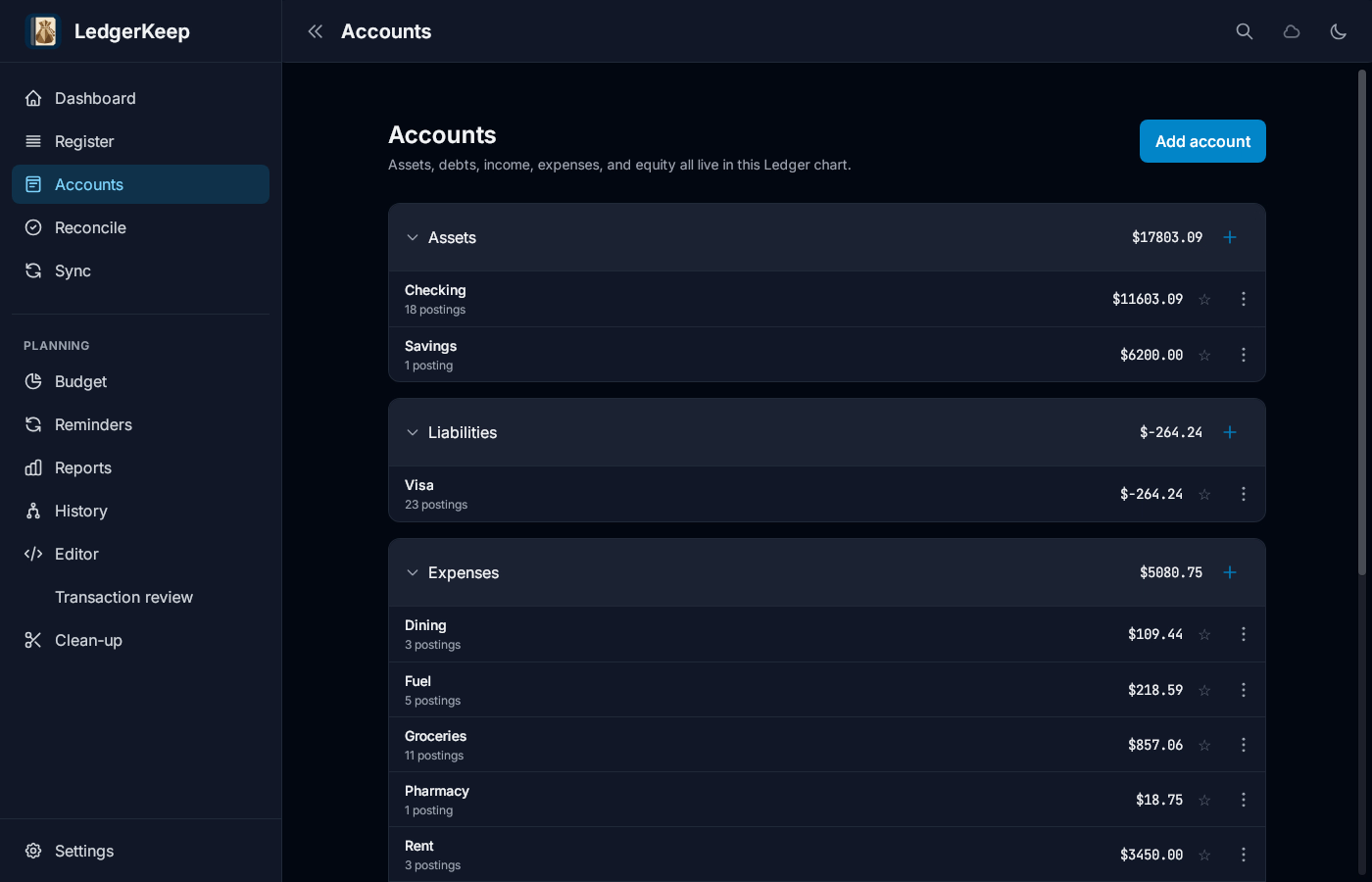
Result: New books named riverside-household open with the file’s accounts, balances and net worth.