
Linux · 0:19 video
Find transactions in the Register on desktop
Narrow the Register by payee, account and status.
Download fictional practice books · View the example statement
Before you start: LedgerKeep open on a Linux computer.
Download videoDownload captions
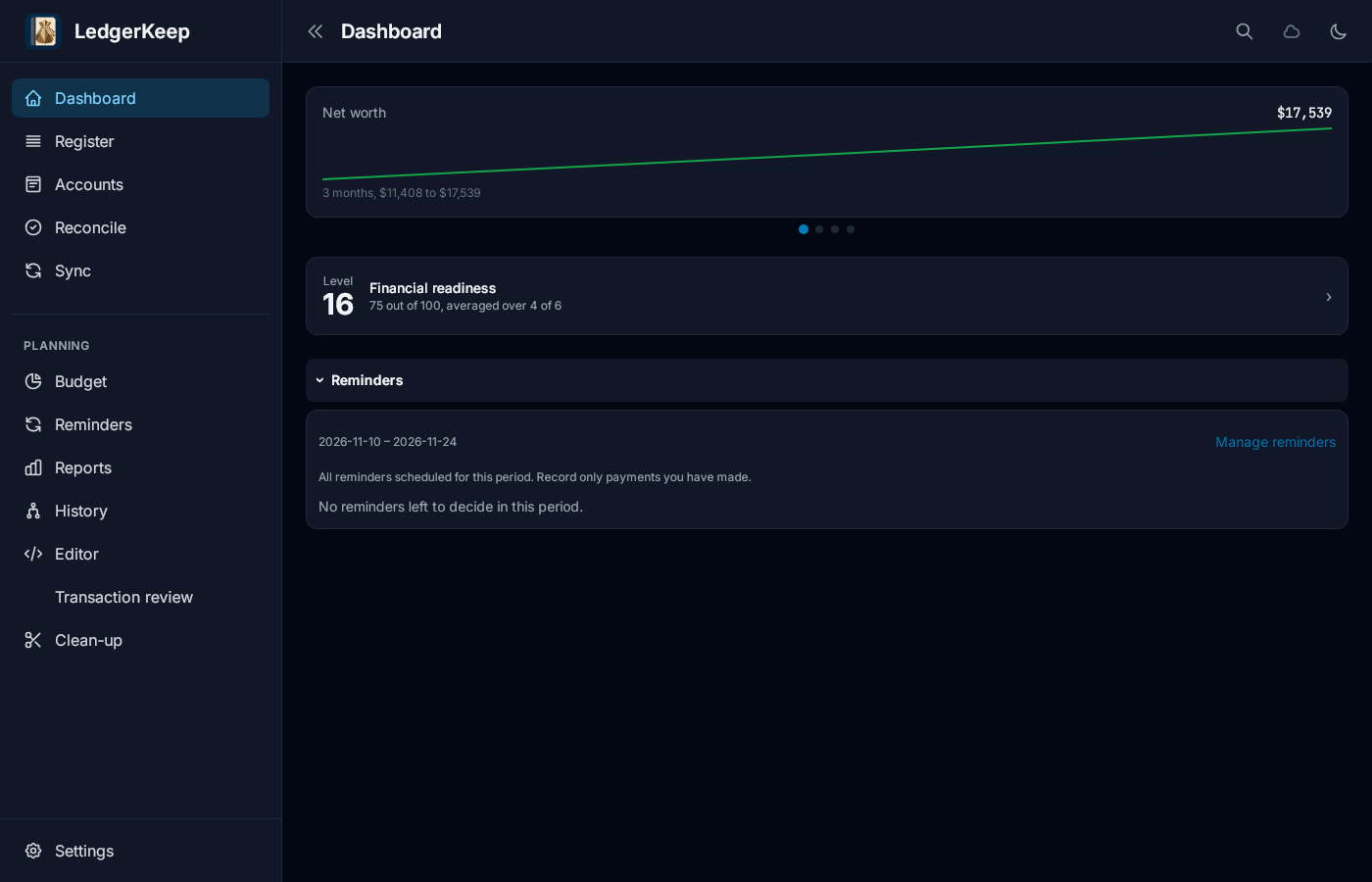
1Open Register
Click Register.
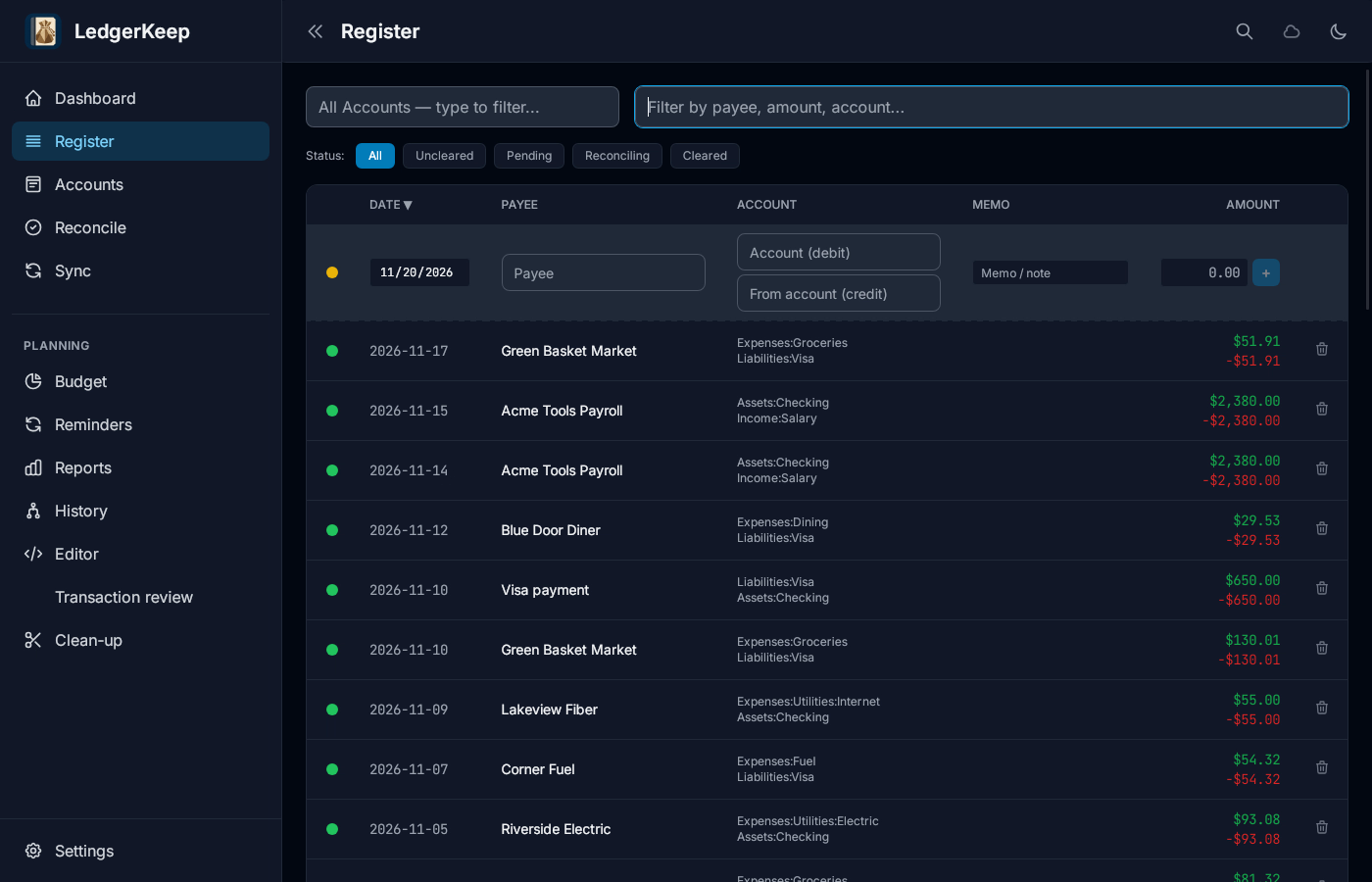
2Filter by payee
Type Green Basket in Filter by payee, amount, account.
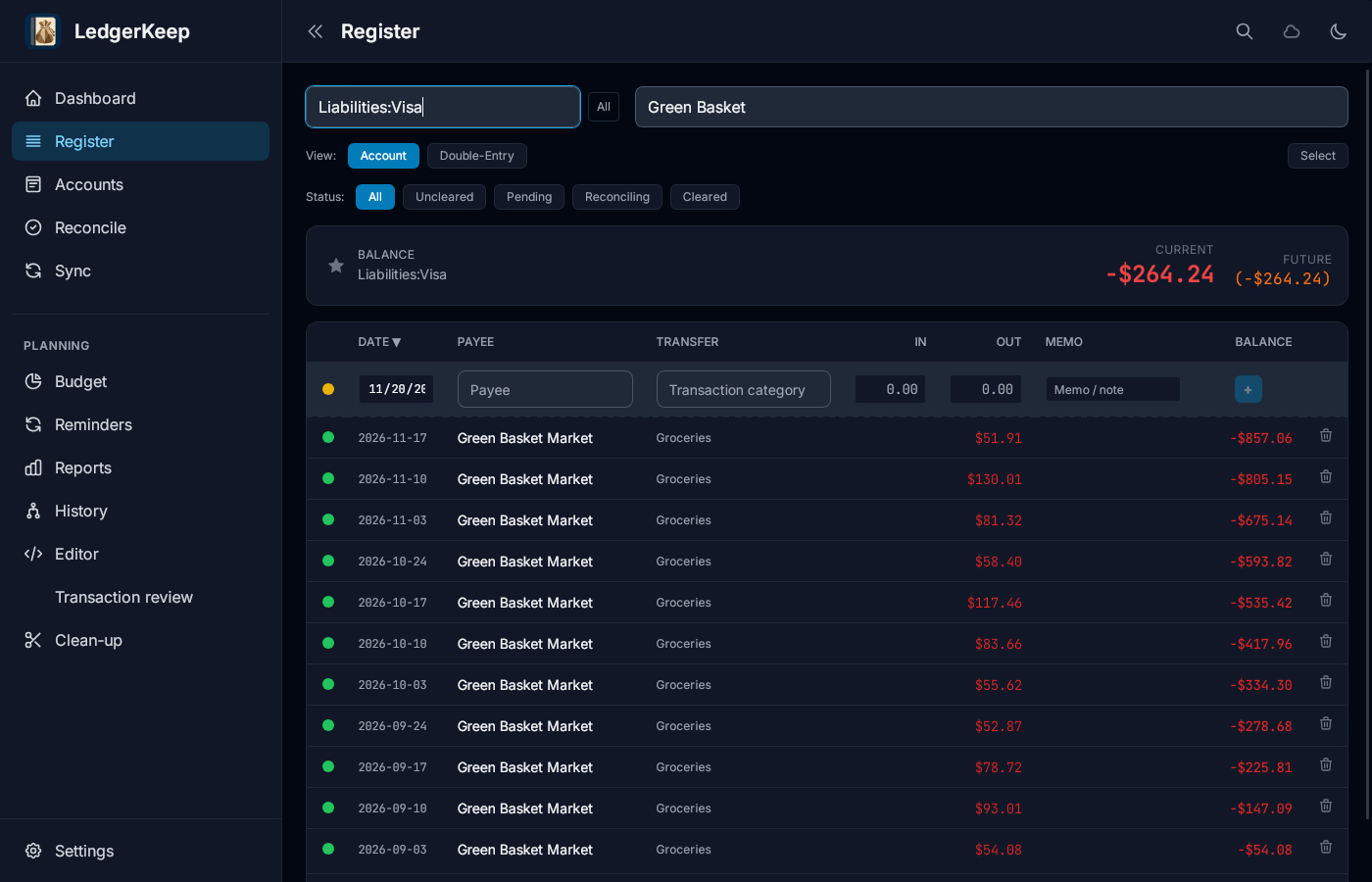
3Pick an account
Type Visa in the account box and choose Liabilities:Visa.
4Filter by status
Click Cleared. Click All to show every status again.
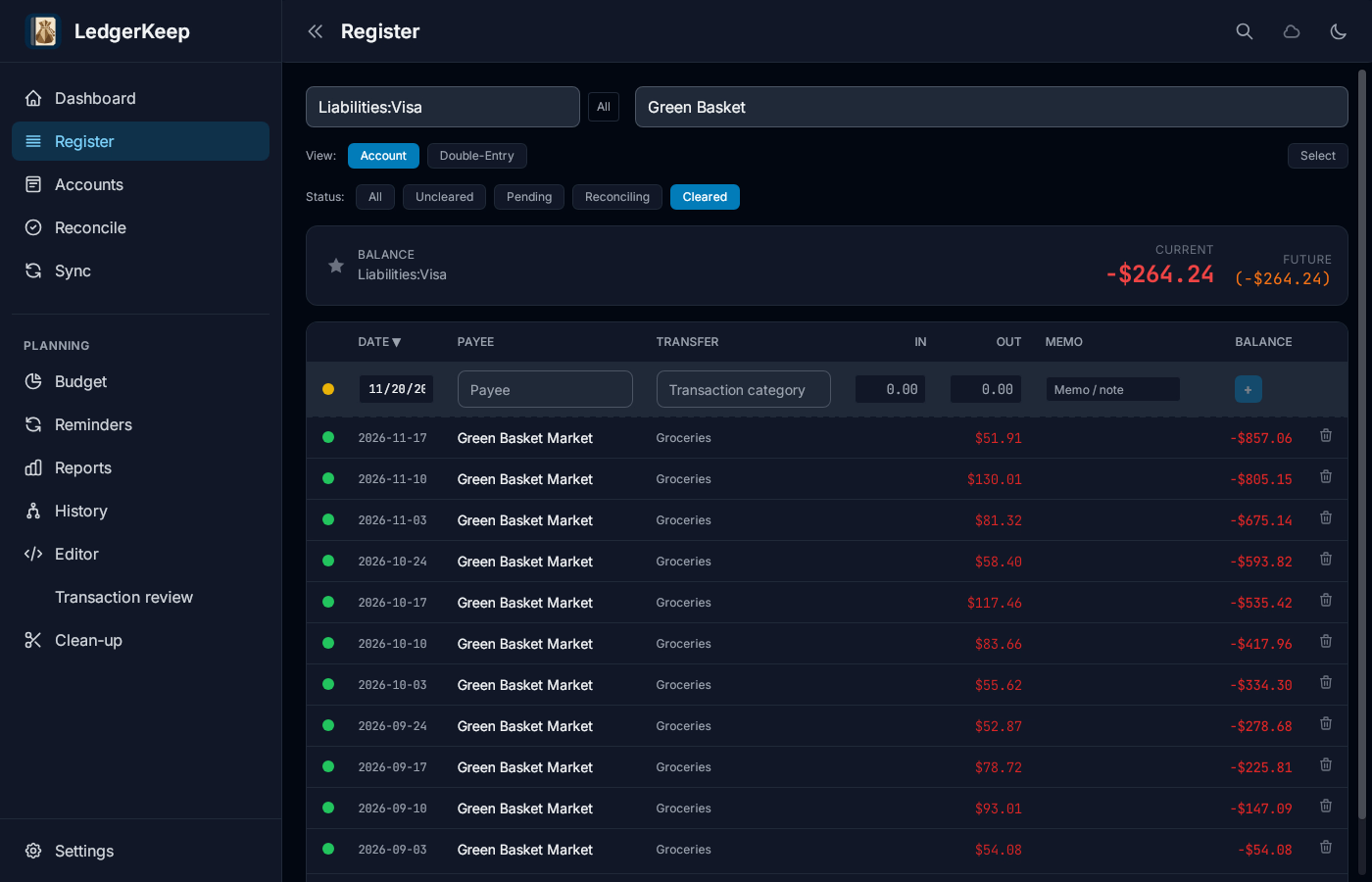
Result: The Register lists only cleared Green Basket Market purchases on the Visa card.