
Android · 0:20 video
Set a spending period
Set the dates and amount for one spending period. This example starts with $700 over seven days.
Before you start: Pocket Nerd open on Android.
Download videoDownload captions
1Open setup
Tap Settings (the gear). On a new phone, tap Set the period.
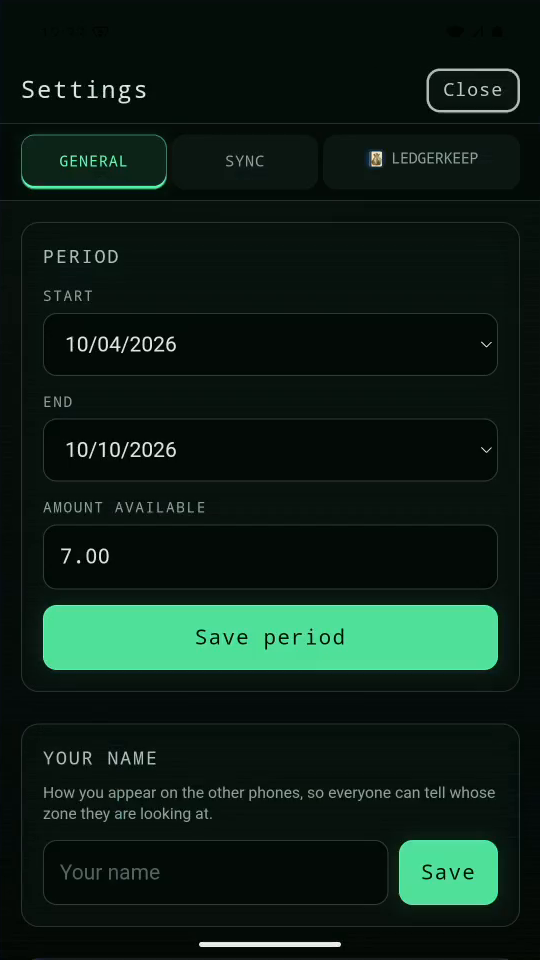
2Set the dates
Set Start to October 4. Set End to October 10.
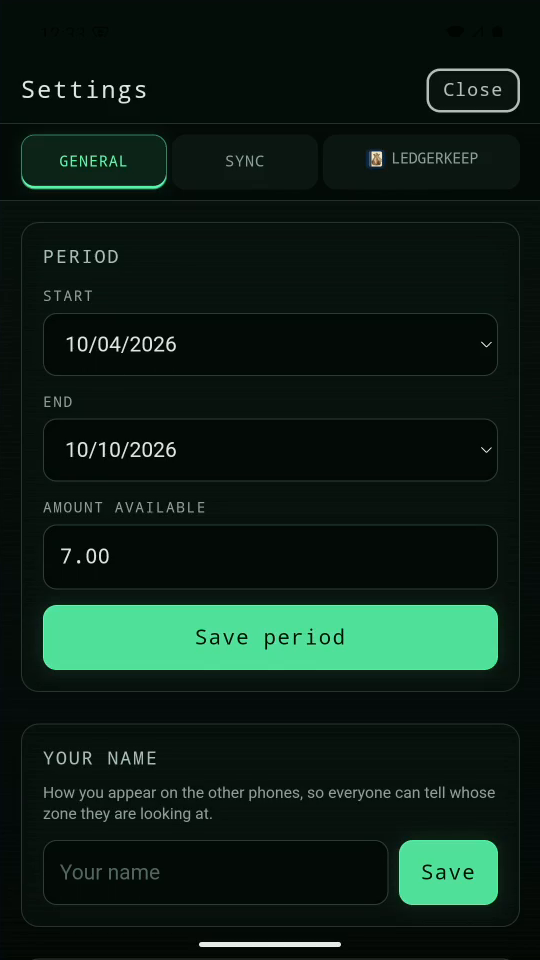
3Set the pot
Type 70000 to enter $700.00. Tap Save period.
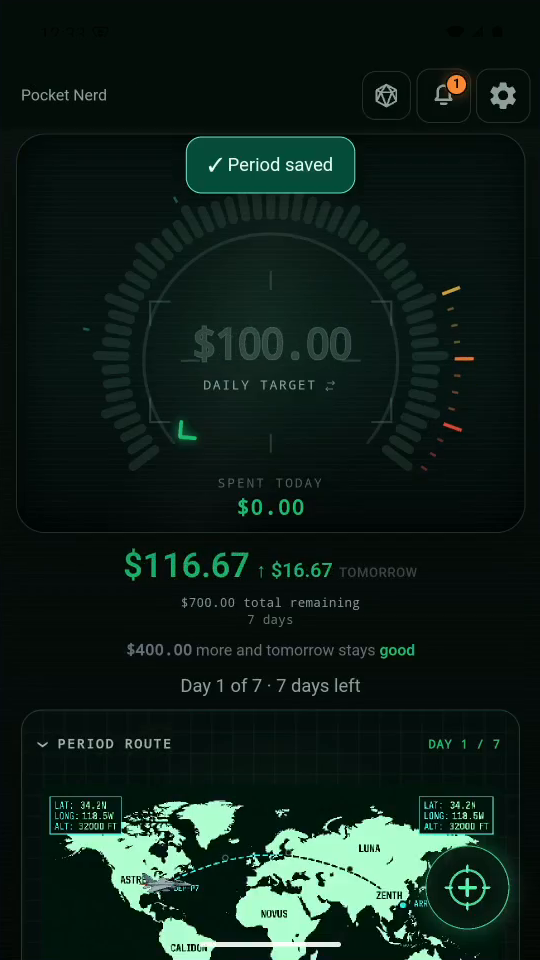
4Read your runway
Your pot covers seven days. Today starts with a $100 runway.
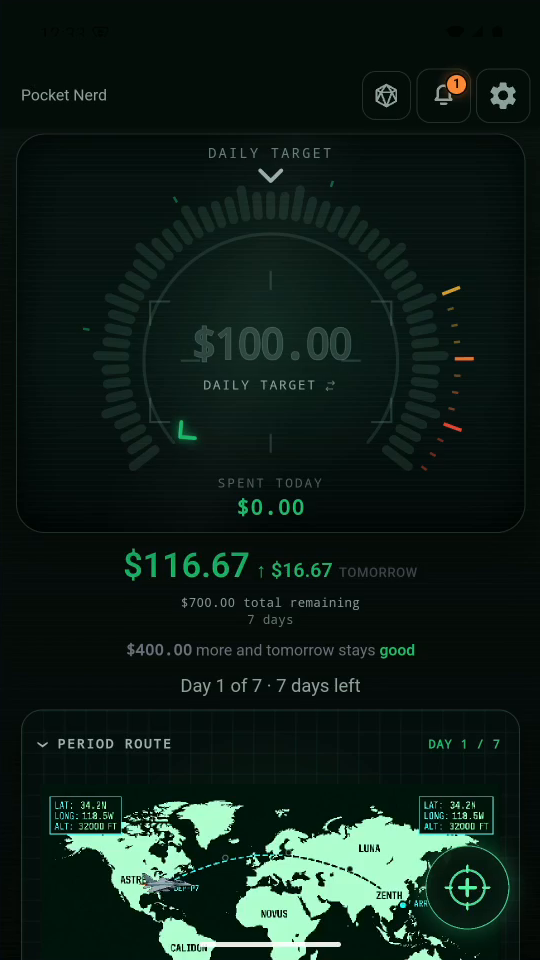
Result: The gauge shows a $100 daily target before any entries.