
Android · 0:22 video

Record money received

Add money back to the pot when you receive a refund or other money. This example records a $25 store refund.

Download videoDownload captions

1Choose the direction

Tap +, then Received. Use this for money coming in.
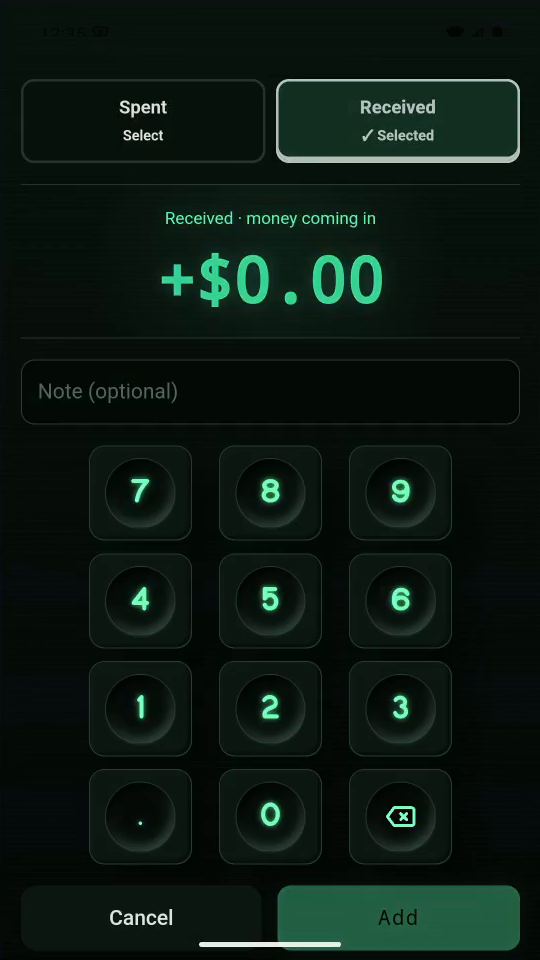
1 · Choose the direction. Tap +, then Received. Use this for money coming in.Record money received — step 11
Received. Select the image to enlarge it.

2Enter the refund

Tap 2, 5, 0, 0 for $25.00. Add the note Store refund.
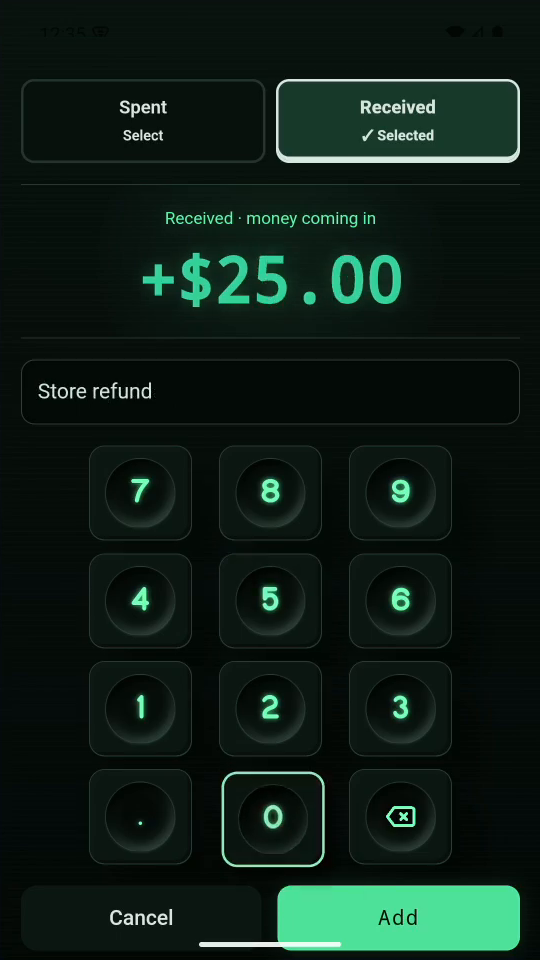
2 · Enter the refund. Tap 2, 5, 0, 0 for $25.00. Add the note Store refund.Record money received — step 22
Amount and note. Select the image to enlarge it.

3Save and check

Tap Add. The +$25.00 entry increases your available money.
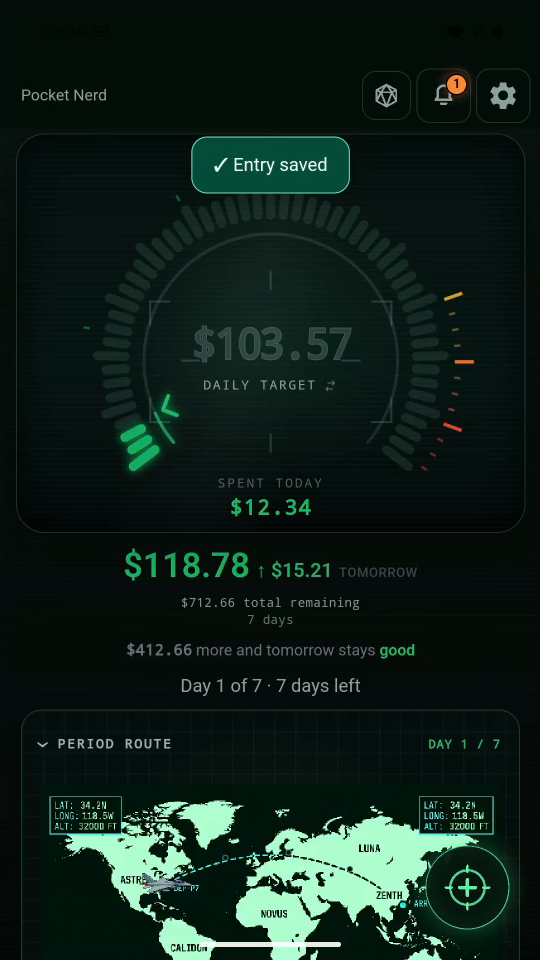
3 · Save and check. Tap Add. The +$25.00 entry increases your available money.Record money received — step 33
Updated total remaining. Select the image to enlarge it.

4Result

The shared pot is now $712.66. Received entries appear with a +.
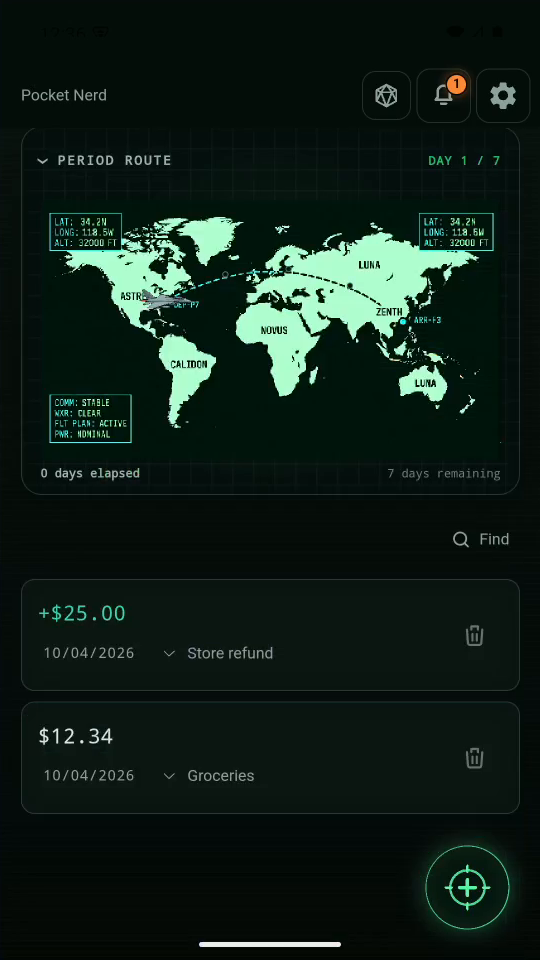
Result. The shared pot is now $712.66. Received entries appear with a +.Record money received — step 44
Received entry. Select the image to enlarge it.

Result: The received entry increases the remaining amount.