
Android · 0:21 video

Set your comfort zones

Personalize the greeting and choose the gauge thresholds that suit your own spending plan. This example uses Alex and thresholds of 80, 50, and 20.

Download videoDownload captions

The numbers are fictional examples, not recommended financial thresholds.

1Name your viewpoint

Open Settings. Under Your name, enter Alex and tap Save.
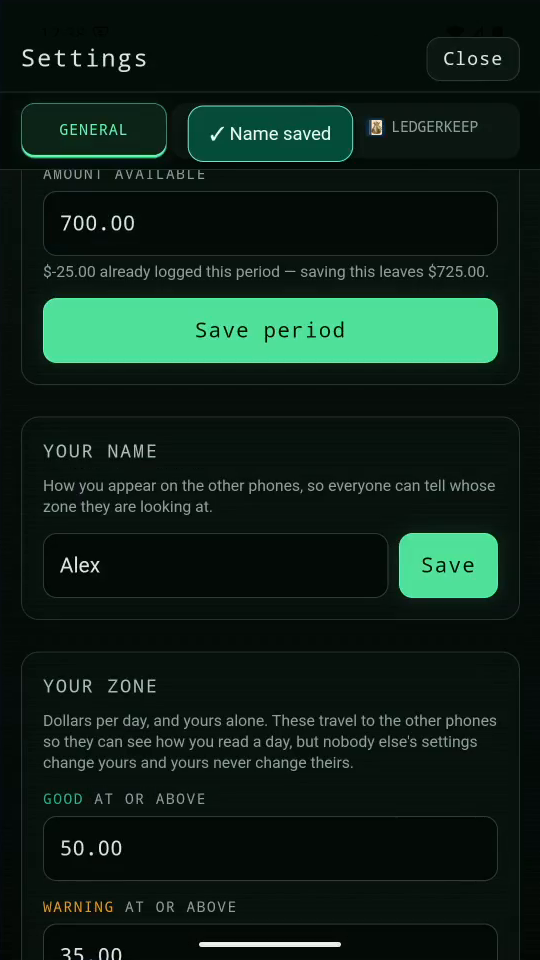
1 · Name your viewpoint. Open Settings. Under Your name, enter Alex and tap Save.Set your comfort zones — step 11
Saved name Alex. Select the image to enlarge it.

2Set daily thresholds

Set Good to 80.00, Warning to 50.00, and Danger to 20.00.
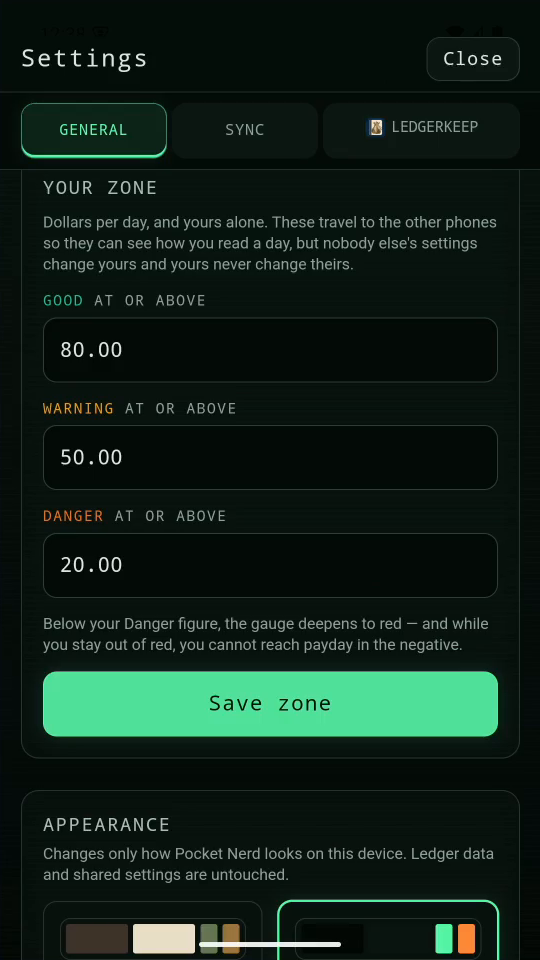
2 · Set daily thresholds. Set Good to 80.00, Warning to 50.00, and Danger to 20.00.Set your comfort zones — step 22
Good, Warning, and Danger. Select the image to enlarge it.

3Save your zone

Tap Save zone. These figures express your comfort per day.
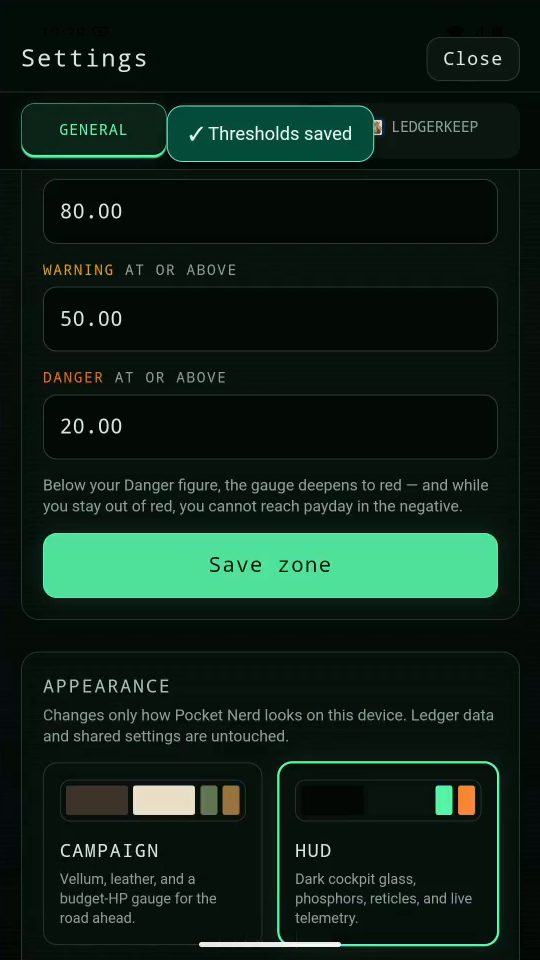
3 · Save your zone. Tap Save zone. These figures express your comfort per day.Set your comfort zones — step 33
Saved thresholds. Select the image to enlarge it.

4Result

The gauge uses your thresholds. They do not change the shared pot.
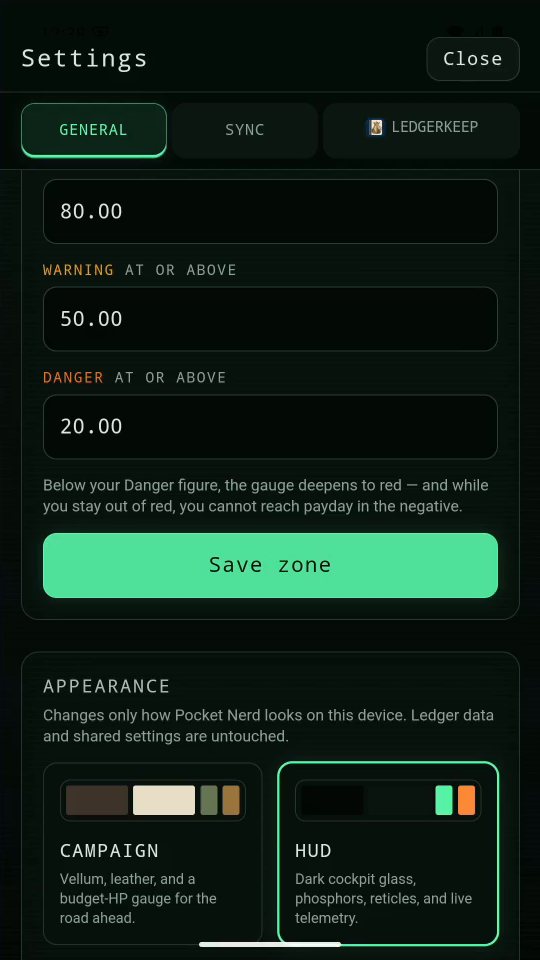
Result. The gauge uses your thresholds. They do not change the shared pot.Set your comfort zones — step 44
Daily comfort thresholds. Select the image to enlarge it.

Result: The saved name and zone thresholds are used by the app.