
Android · 0:30 video
Roll a D20 and log a choice
Roll Campaign's D20 for a $12 example purchase, accept the result, and explicitly log the purchase.
Download videoDownload captions
Accepting a result and logging a purchase are separate actions. An accepted play uses that day's chance; the game itself does not buy anything.
1Open the themed game
Choose Campaign in Settings. Tap the game icon on the main screen.
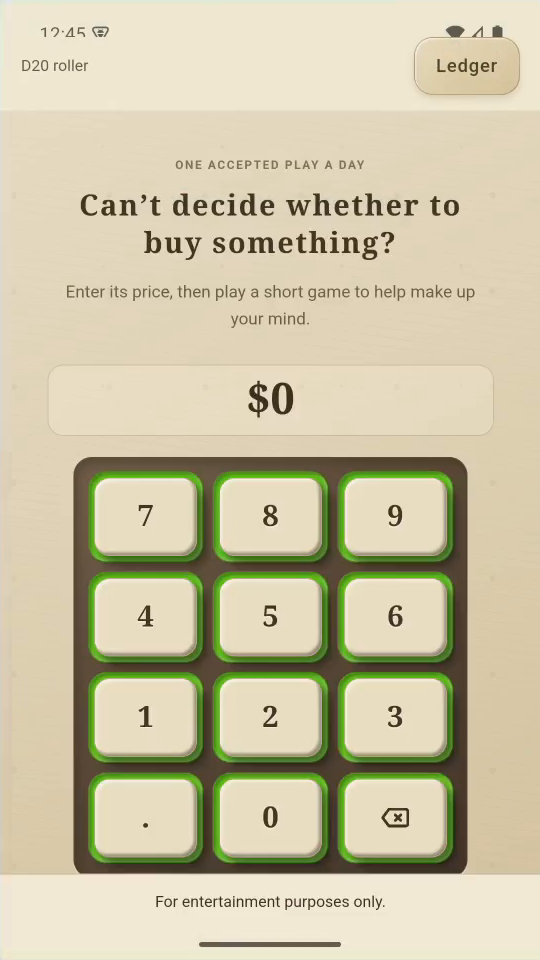
2Enter a possible purchase
Enter 12 for a $12 purchase. Tap Continue to game.
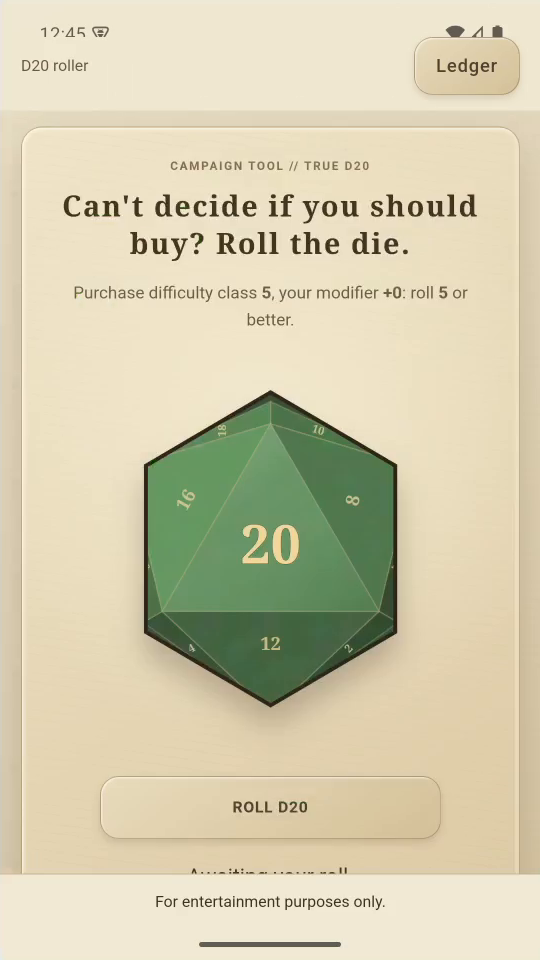
3Play
Tap ROLL. Your roll and modifiers are compared with the difficulty.
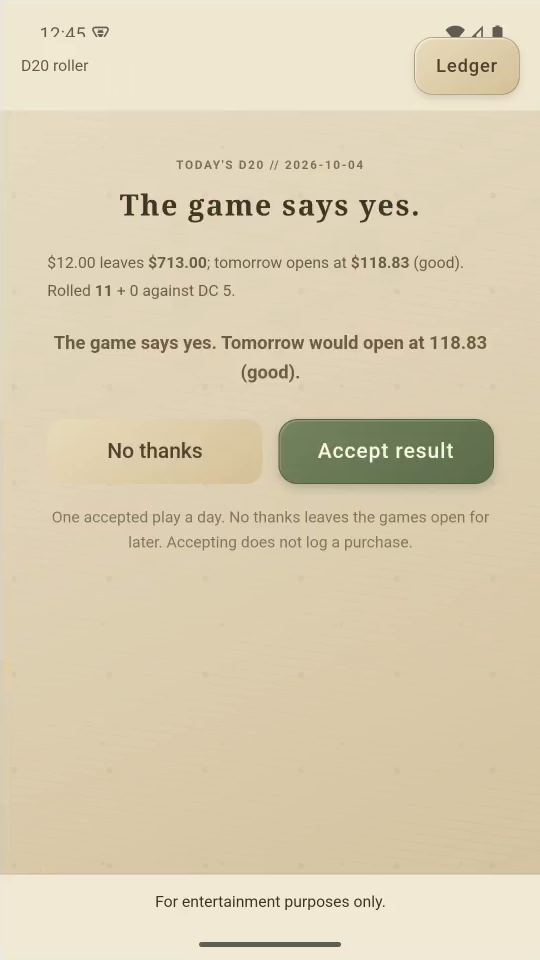
4Accept the result
Tap Accept result. Accepting alone does not log a purchase.
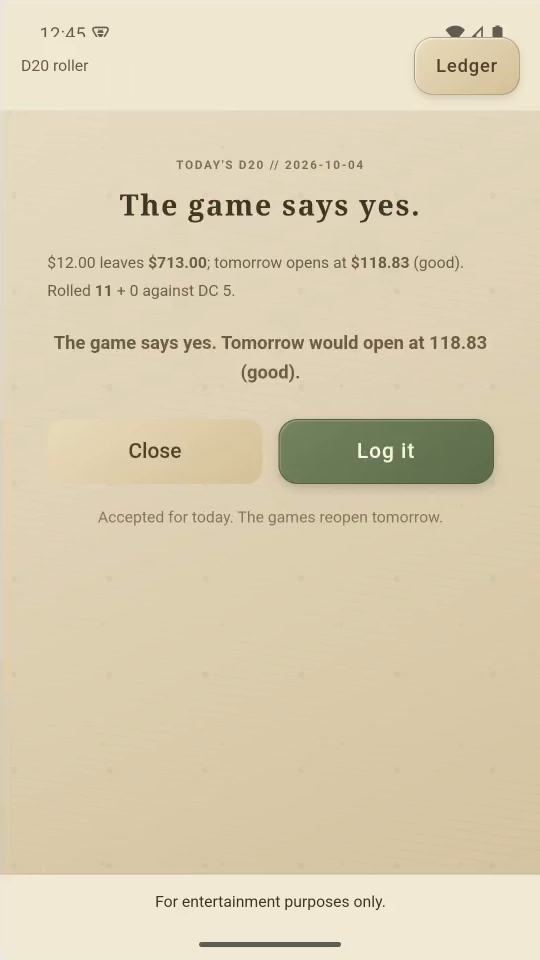
5Record your choice
To record the actual purchase, tap Log it (or Log it anyway).
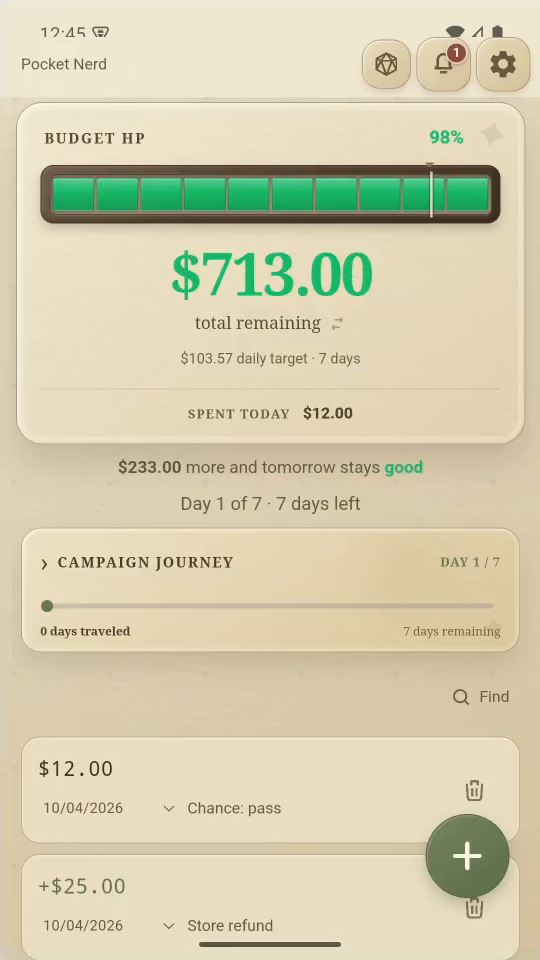
Result: A $12 Chance entry appears in the activity list.