
Android · 0:20 video
Review app notifications
Read app messages and clear the demo inbox after reviewing them.
Download videoDownload captions
1Open notifications
Tap the bell on the main screen.
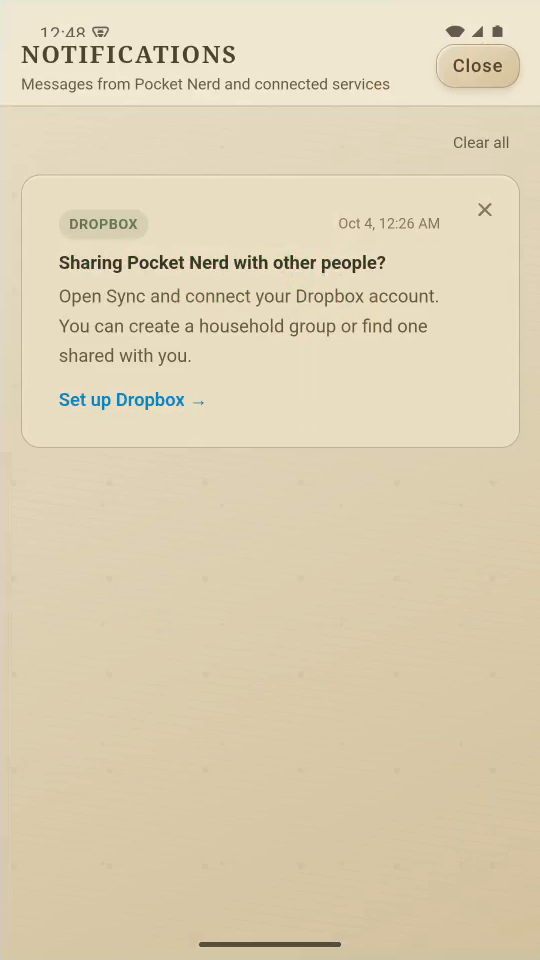
2Review messages
Read each message before dismissing it. Service invitations appear here.
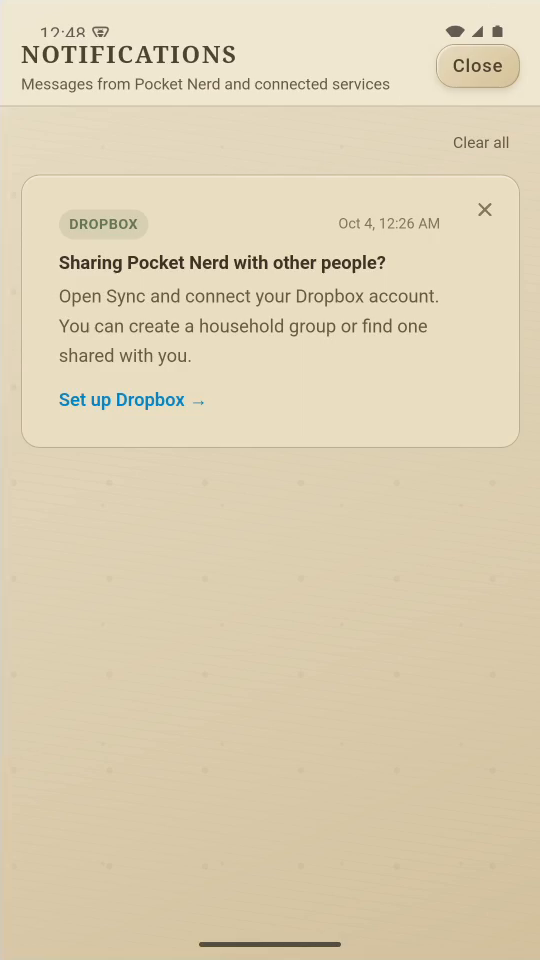
3Clear the demo messages
Tap Clear all to remove the messages you have finished with.
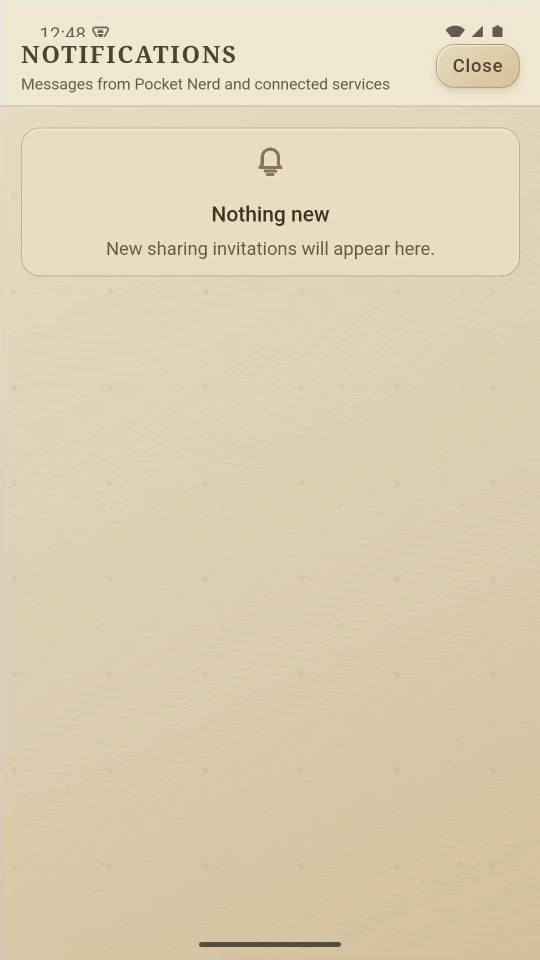
4Return to your pot
Tap Close to return to the gauge.
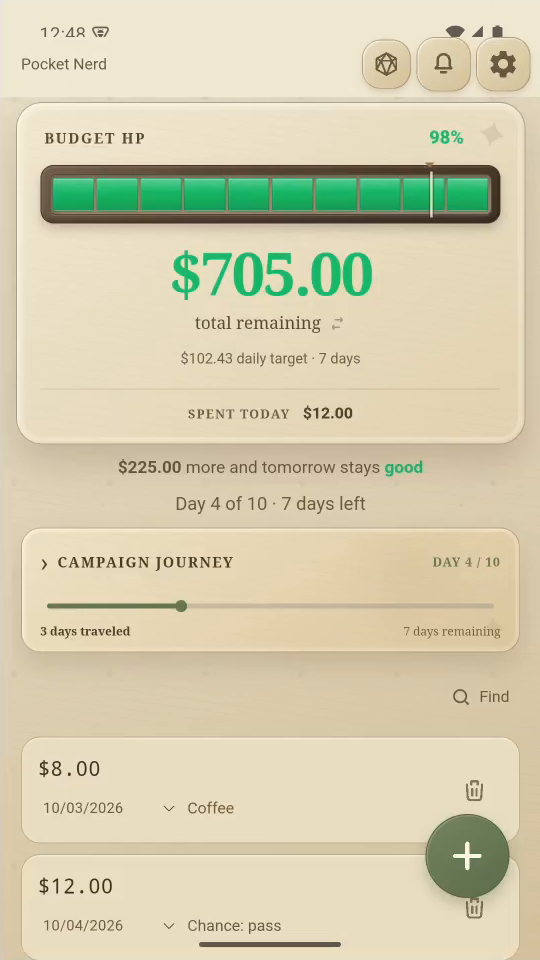
Result: The messages disappear from Notifications and you return to the pot.