
Linux · 0:18 video
Add an instrument and play it on desktop
Add an instrument to a riff and play it from the on-screen keys or your keyboard.
Before you start: RiffWright open on a Linux computer.
Download videoDownload captions
1Open Riffs
Click Riffs.
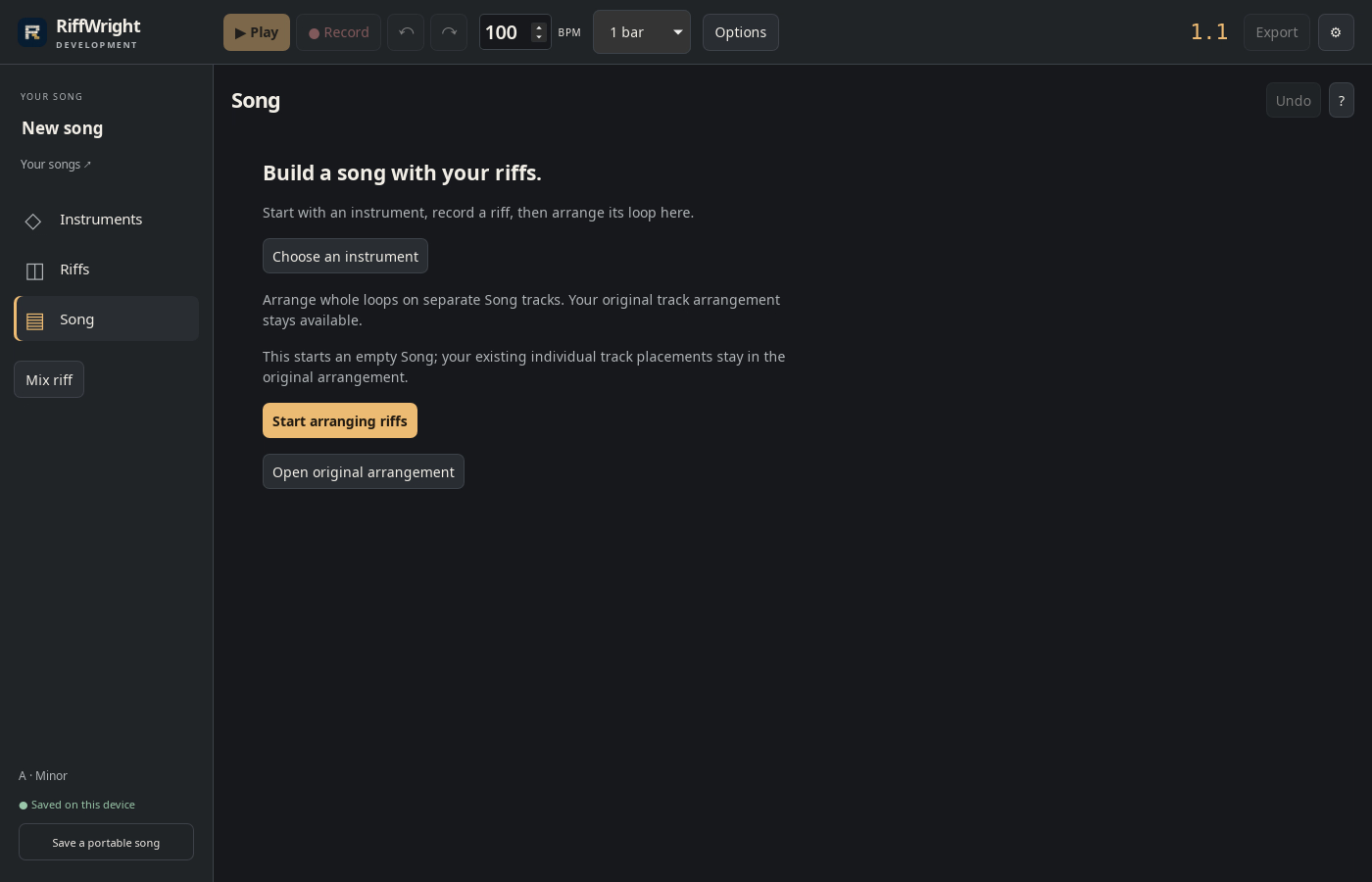
2Add an instrument
Click Add your first instrument.
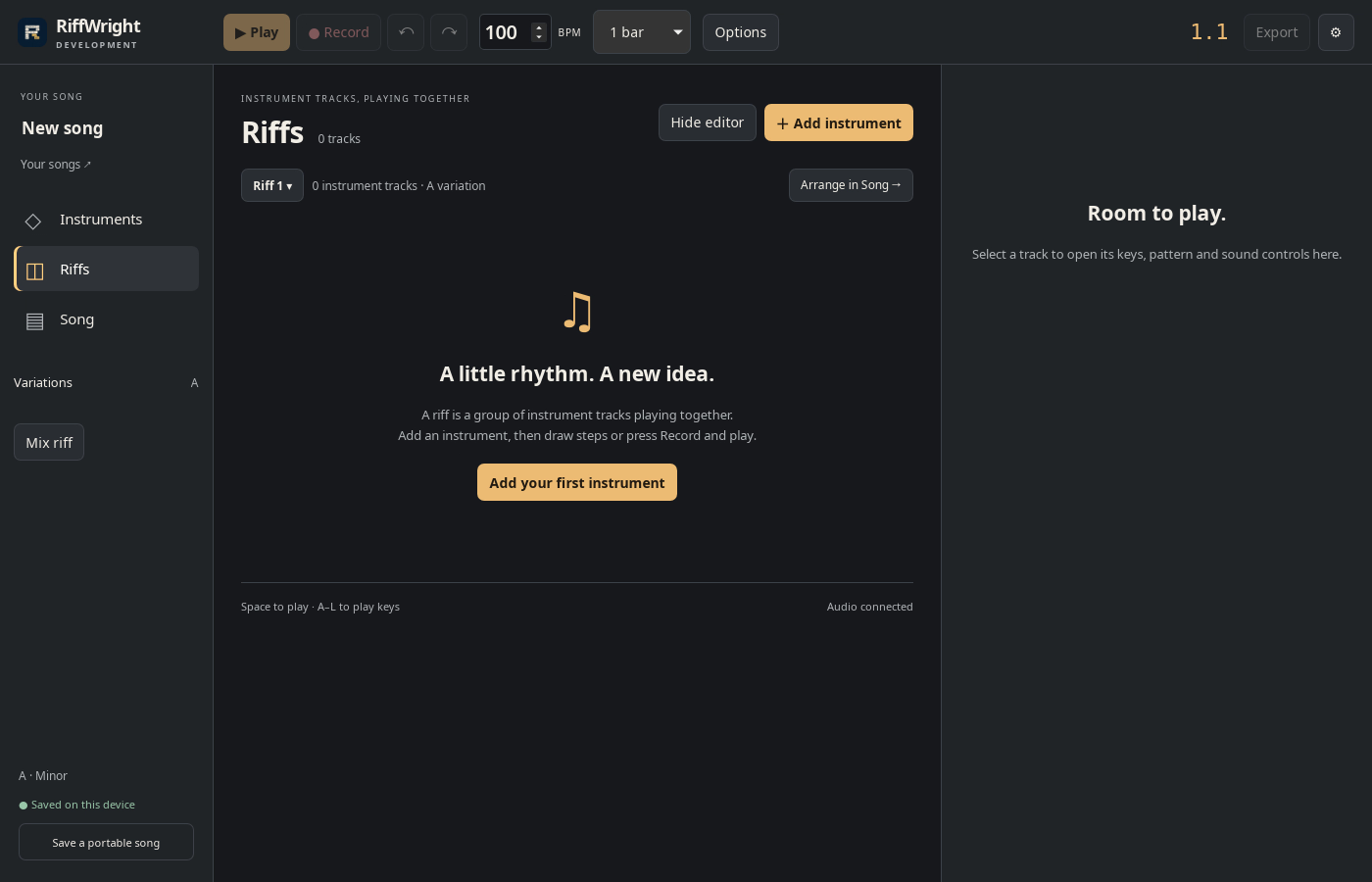
3Pick a sound
Click Keys. Drums, textures and instruments are included.
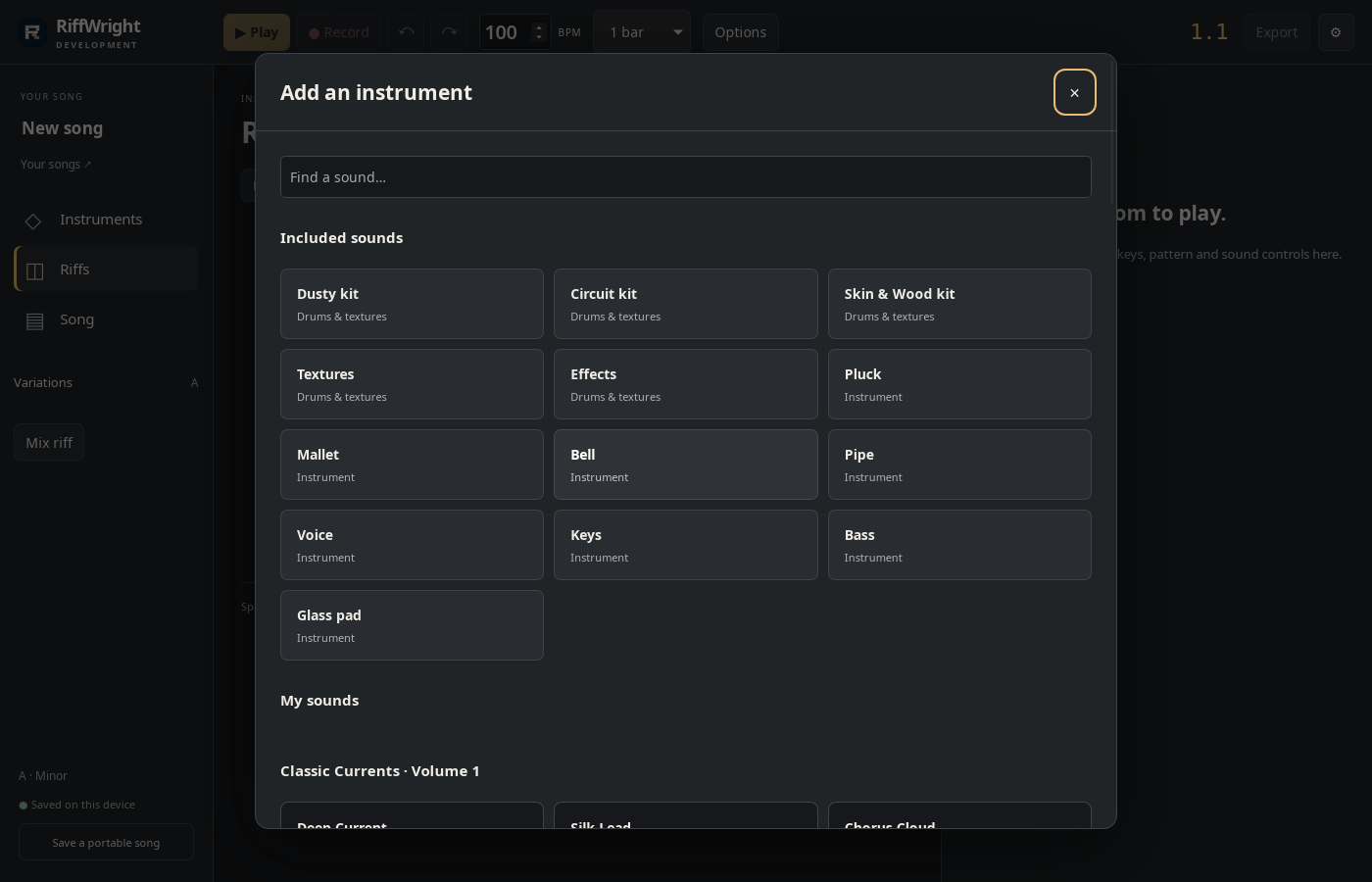
4Play
Click the keys, or type the letter under each key.
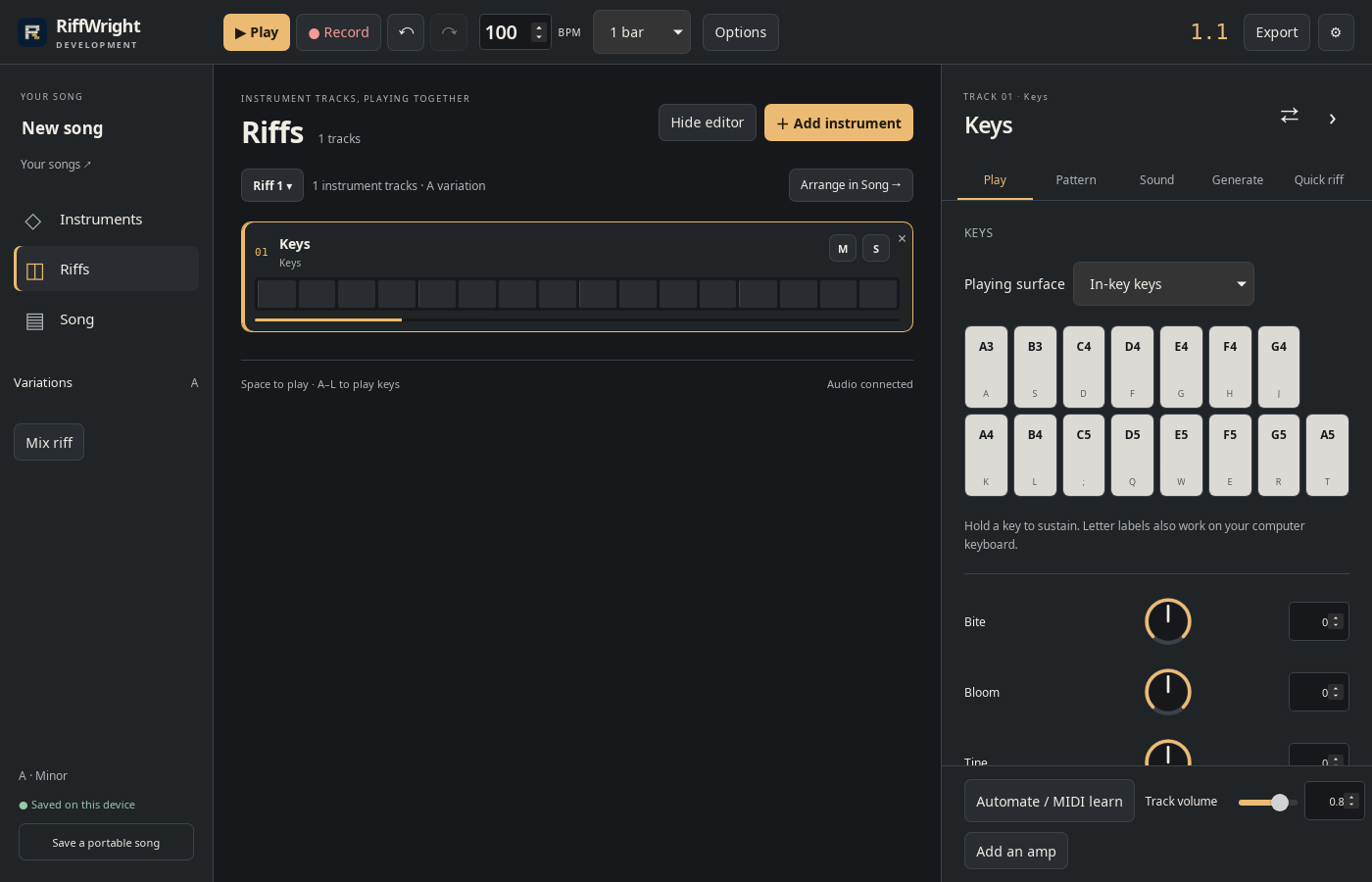
Result: Keys is track 01 of Riff 1. Its keys play with the mouse or the letters A–L.