
Linux · 0:20 video
Record a second track on desktop
Add another instrument and record it while the first track loops.
Before you start: RiffWright open on a Linux computer.
Download videoDownload captions
1Add instrument
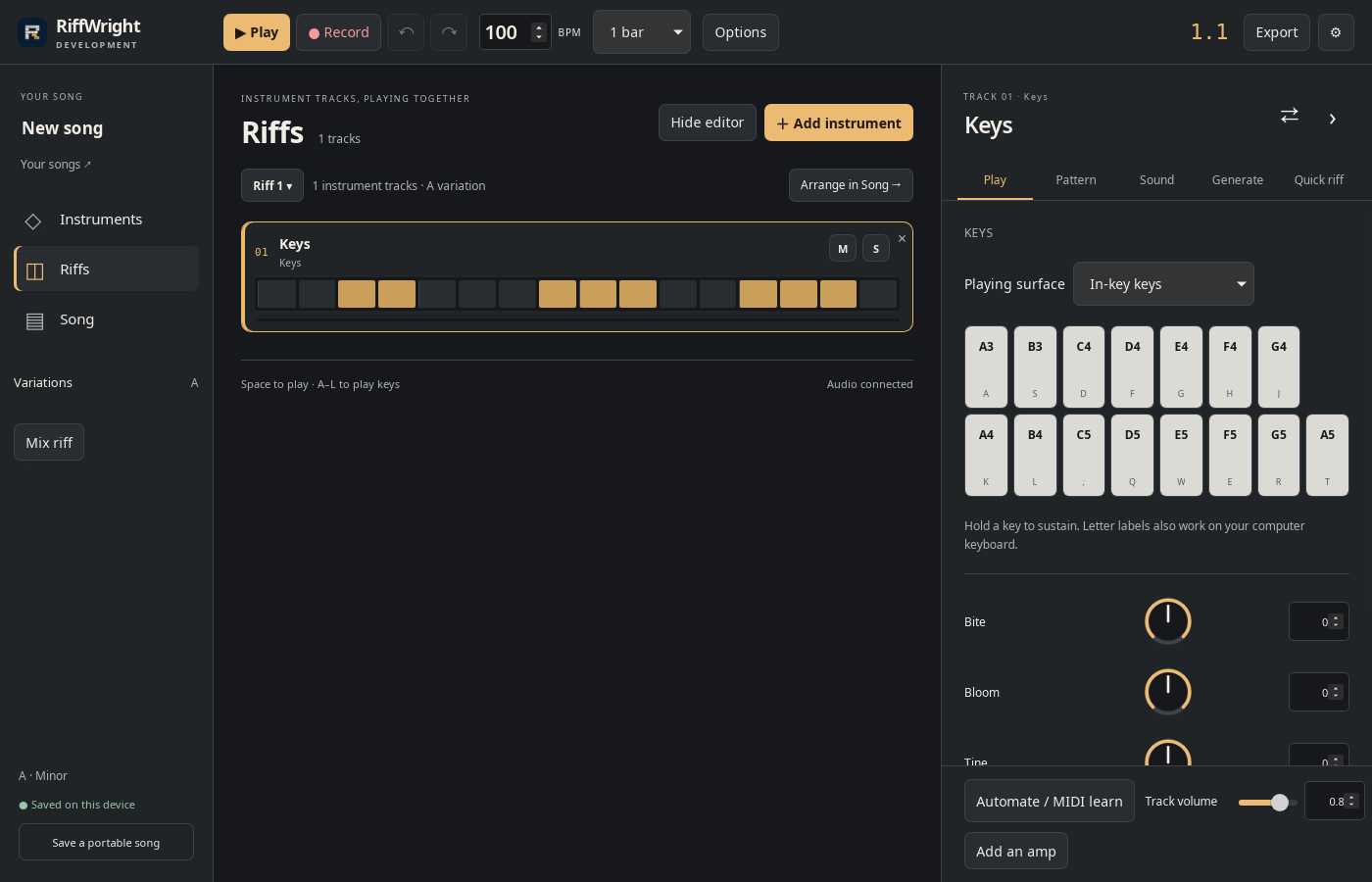
In Riffs, click + Add instrument.
2Pick a sound
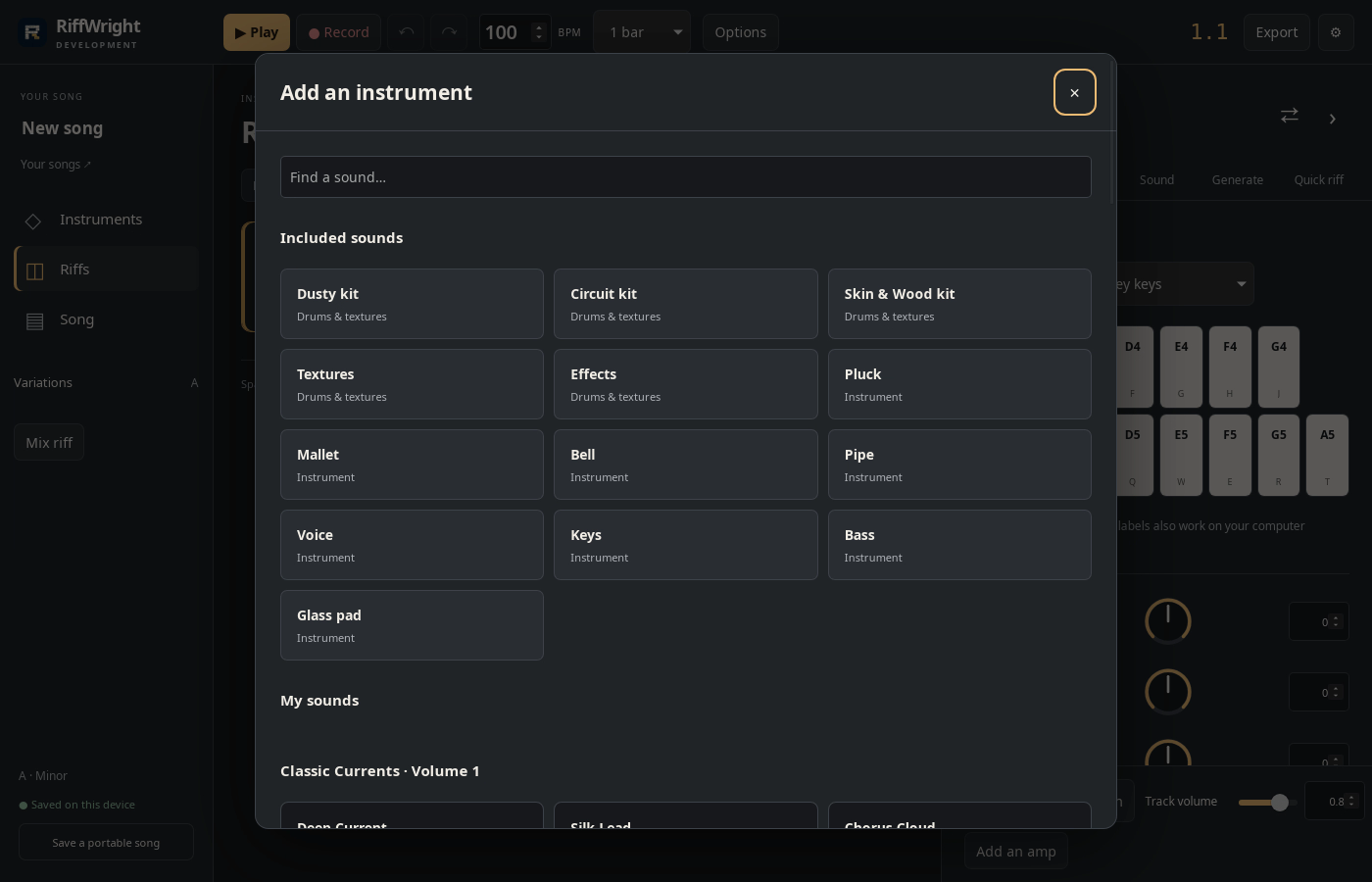
Click Bass. It becomes track 02.
3Record
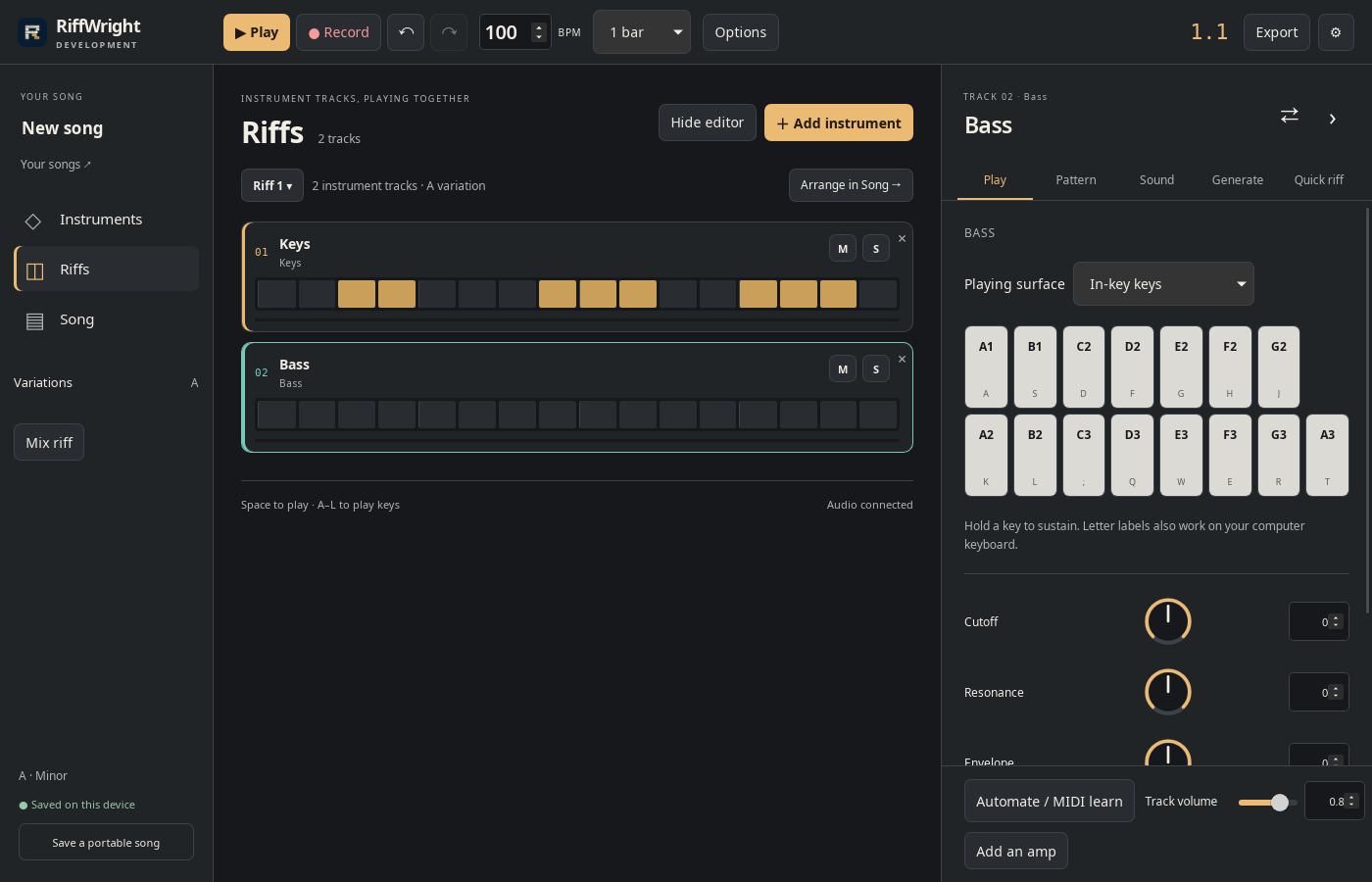
Click Record and play the keys while the loop runs. Click Stop.
4Hear both
Both tracks play together. M mutes a track, S solos it.
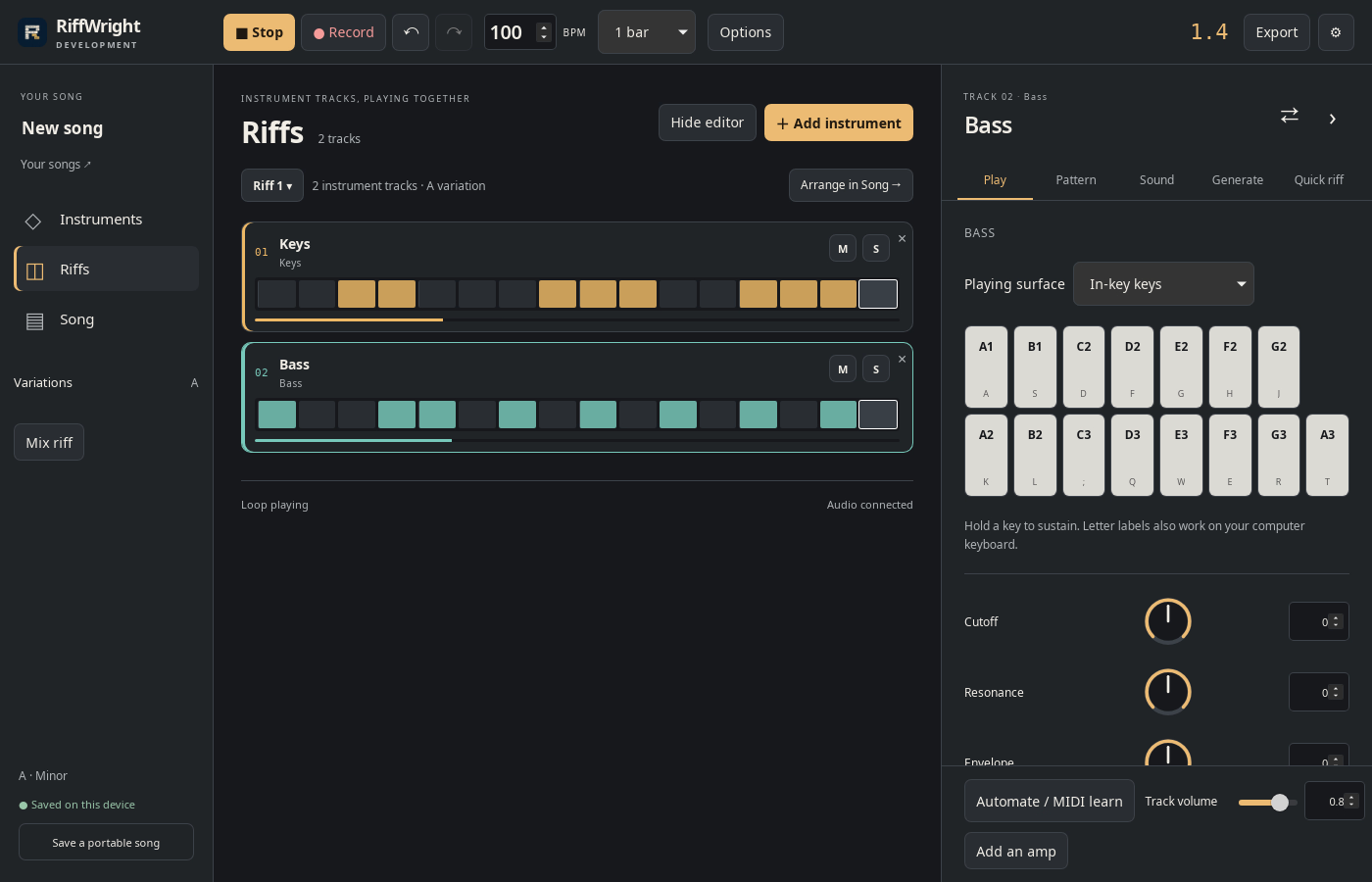
Result: Riff 1 has two tracks, Keys and Bass, playing together.