
388 million+
Christians face high levels of persecution or discrimination.
That is Open Doors’ estimate in its 2026 World Watch List. Individual experiences and pressures vary. Source: Open Doors.
For missionaries, pastors, and the people they serve
Access to the Word of God should never be taken for granted. Lamplighter brings reading, study, and sharing into a free app designed to keep useful tools close—even when a connection is out of reach.
Pew Research Center · 2023 observations · Published June 15, 2026
Tap a country, or choose it from the list.
These indexes cover restrictions on religion generally; they are not a single measure of Christian persecution. A low score does not establish safety. Gray areas have no matched score, including North Korea. Explore Pew’s research and methods. Boundaries: Natural Earth.
| Country or territory | Government restrictions | Social hostilities |
|---|
388 million+
That is Open Doors’ estimate in its 2026 World Watch List. Individual experiences and pressures vary. Source: Open Doors.
1 in 5
Wycliffe’s October 2026 figures list 812 languages with a full Bible and 3,204 with no Scripture. Translation availability is different from safe, practical access. Source: Wycliffe / ProgressBible.
Keep Scripture close
Open the included Bible library, explore commentary and original words, and keep highlights, notes, and study passages on your device. In 1.11.95, tap a word for its Hebrew or Greek details, or use Interlinear beside the chapter title. Settings → Reading lets you hide that button.
After you set up protection, the libraries and notes held in Lamplighter’s protected storage are encrypted on your device. Choose a playable game appearance, a board sequence or password, and a locking policy. Study, version, and commentary exports offer encrypted files with a separate decryption QR, or an explicitly readable JSON copy. The browser app also supports encrypted backups for moving saved work to a newer installation.
Pass it on sends a small Android reader first, then the selected library through a verified encrypted connection. Android’s secure Wi-Fi installer transfer verifies the sender through its QR code. Private Bitchat messages are end-to-end encrypted; public chats are public. Church mode supports a shared study. Private encouragement, prayer, resources, and wallet requests are part of the field-testing checklist.
Lamplighter’s encryption and game appearance cannot guarantee safety, privacy, anonymity, or that the app will escape discovery. Broader Bluetooth delivery, mixed radio relays, and long-distance use still need field testing. The Android-to-iPhone guide covers the temporary certificate checks, encrypted library transfer, and an offline reopening check after removing the setup. The revised full iPhone installation and backup migration, and the new Android file-export workflow, still await complete tests on real phones. This is the first public testing wave, not a claim that V1 is complete.
Actual app captures
These videos and screenshots come from real app sessions. Each recording identifies its Android app version. They show earlier builds; use the current study guide for the updated sidebar controls and the word-study guide for the new word cards and Interlinear controls. Captions and written steps are included.
Recorded from the actual Android app. Operating-system prompts and the keyboard are not shown. · Lamplighter 1.11.53 · Preview build
Start in the Berean Standard Bible. Your included library is available offline.
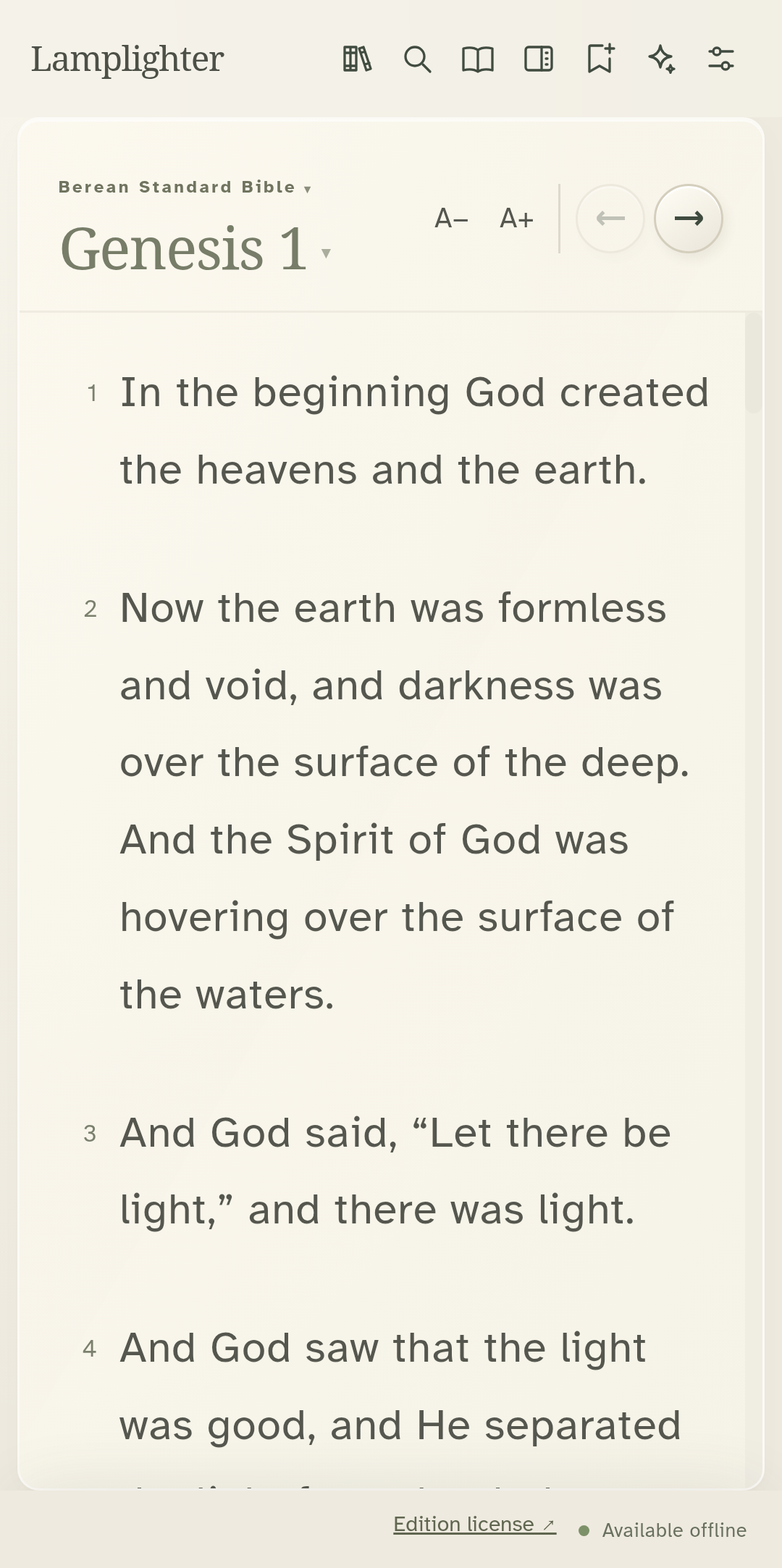
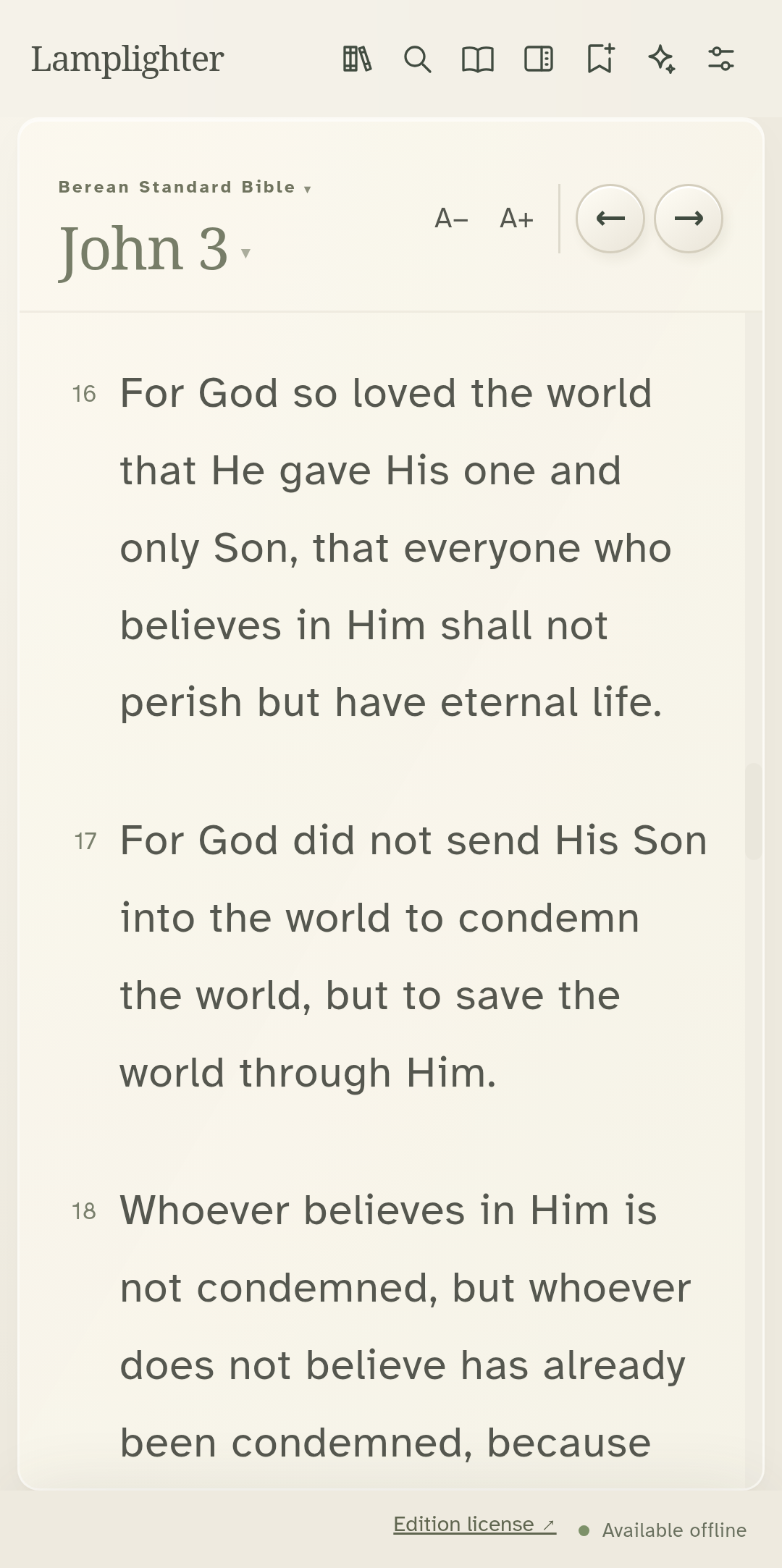
Tap the passage title and enter a reference, such as John 3:16.
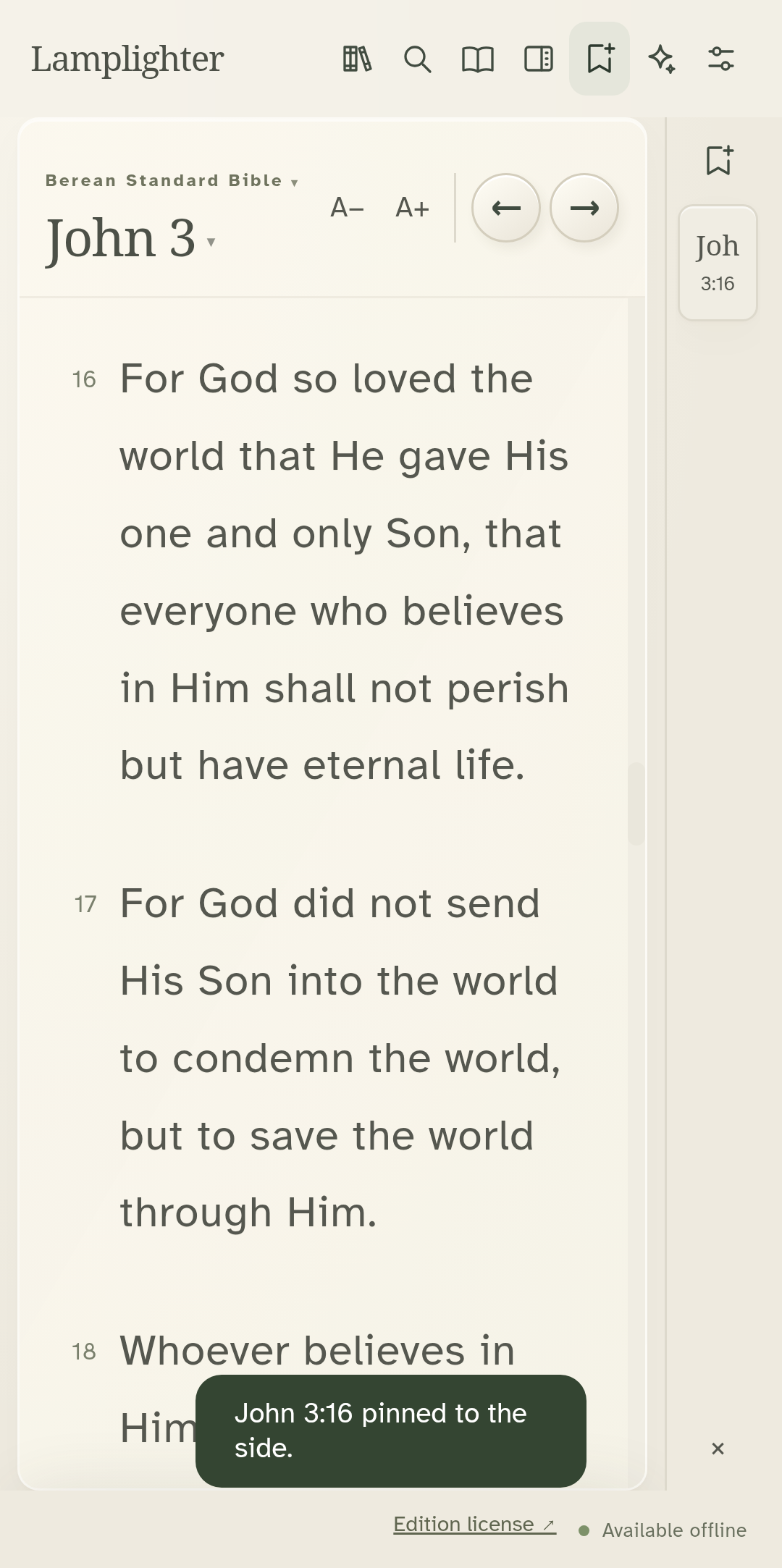
Pin the current passage to return to it quickly.
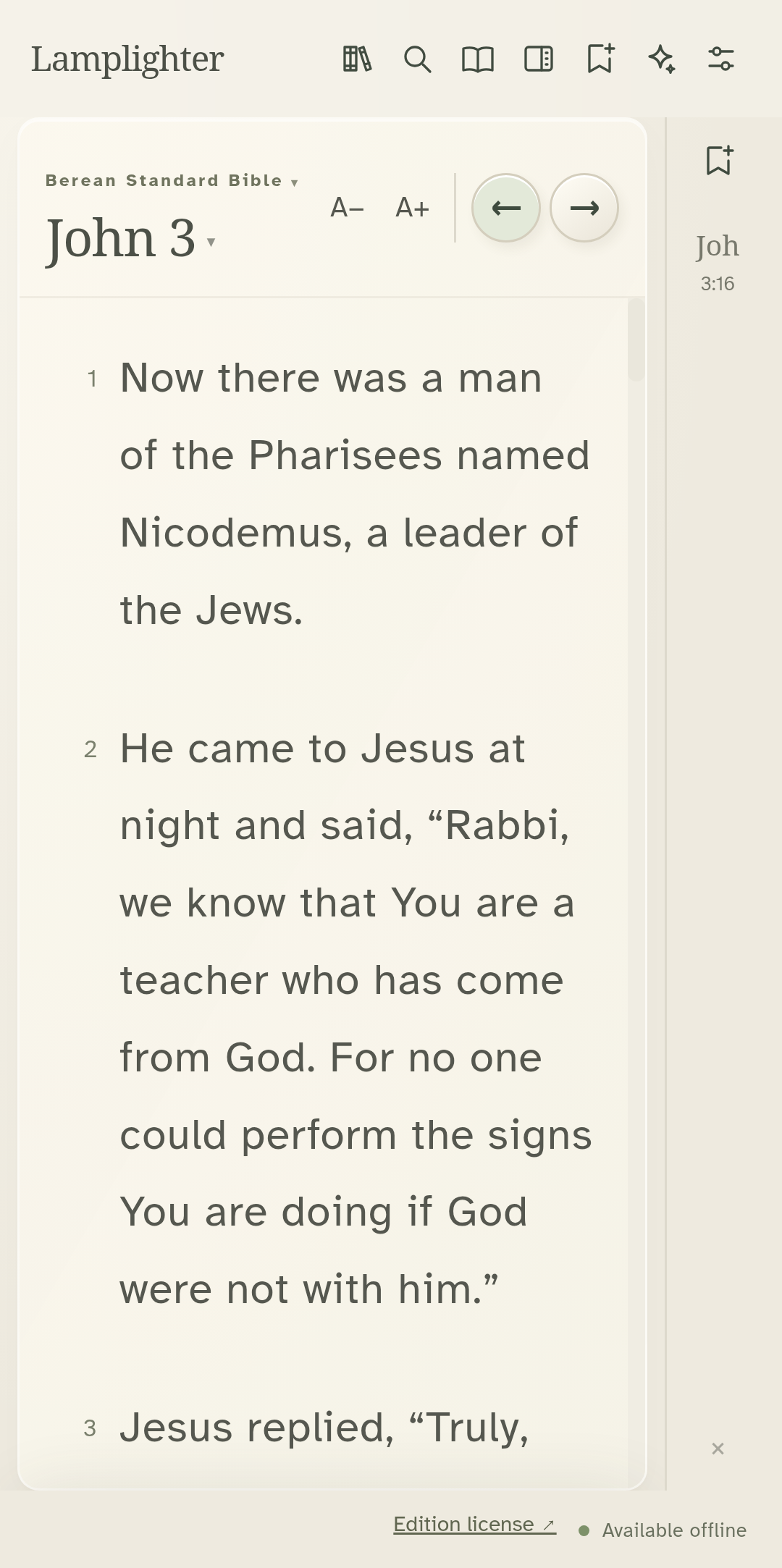
The small arrows move to the next or previous chapter.
Tap the open-book icon for reading mode.
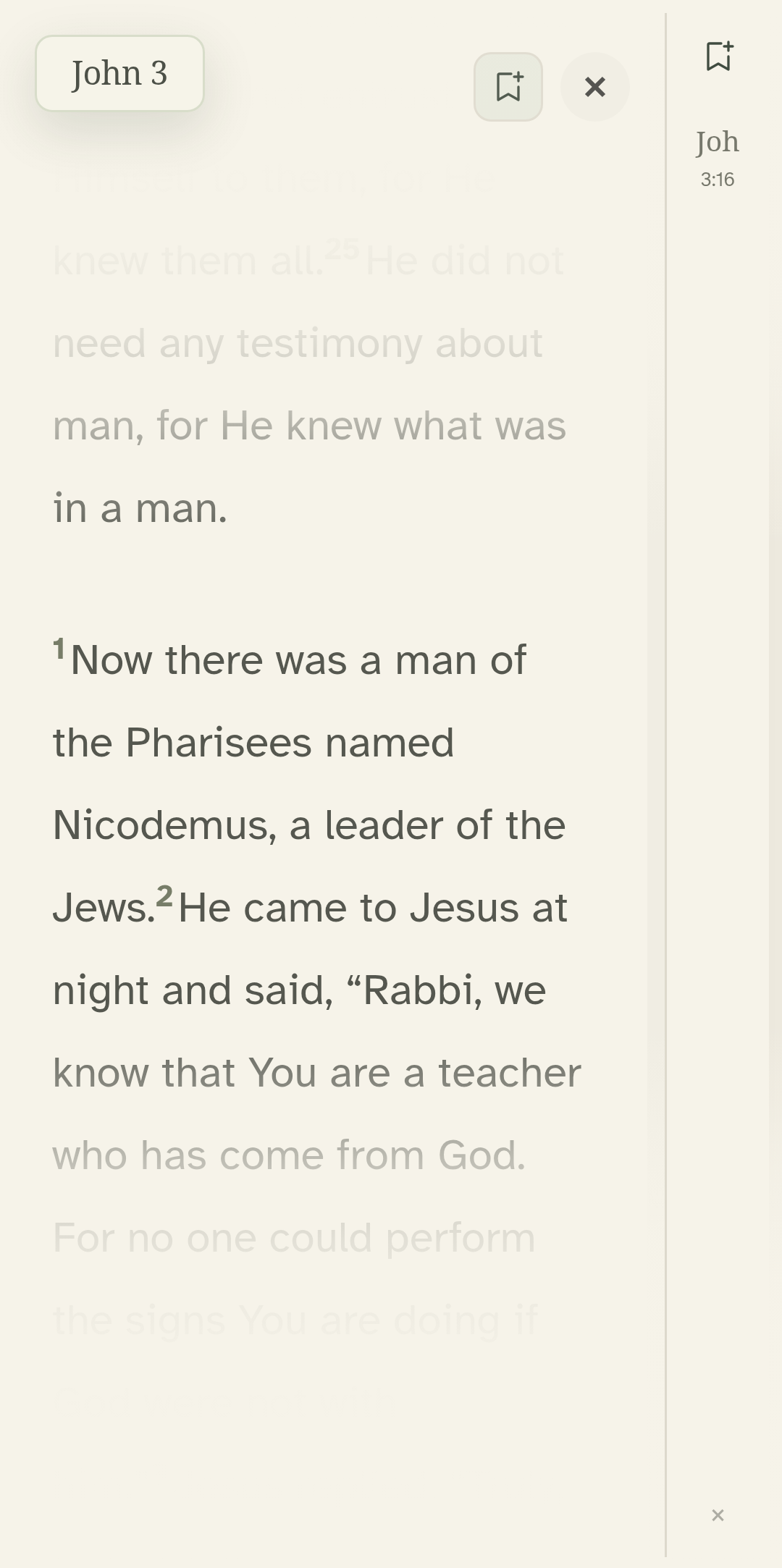
Use Exit reading mode to return to your study tools.
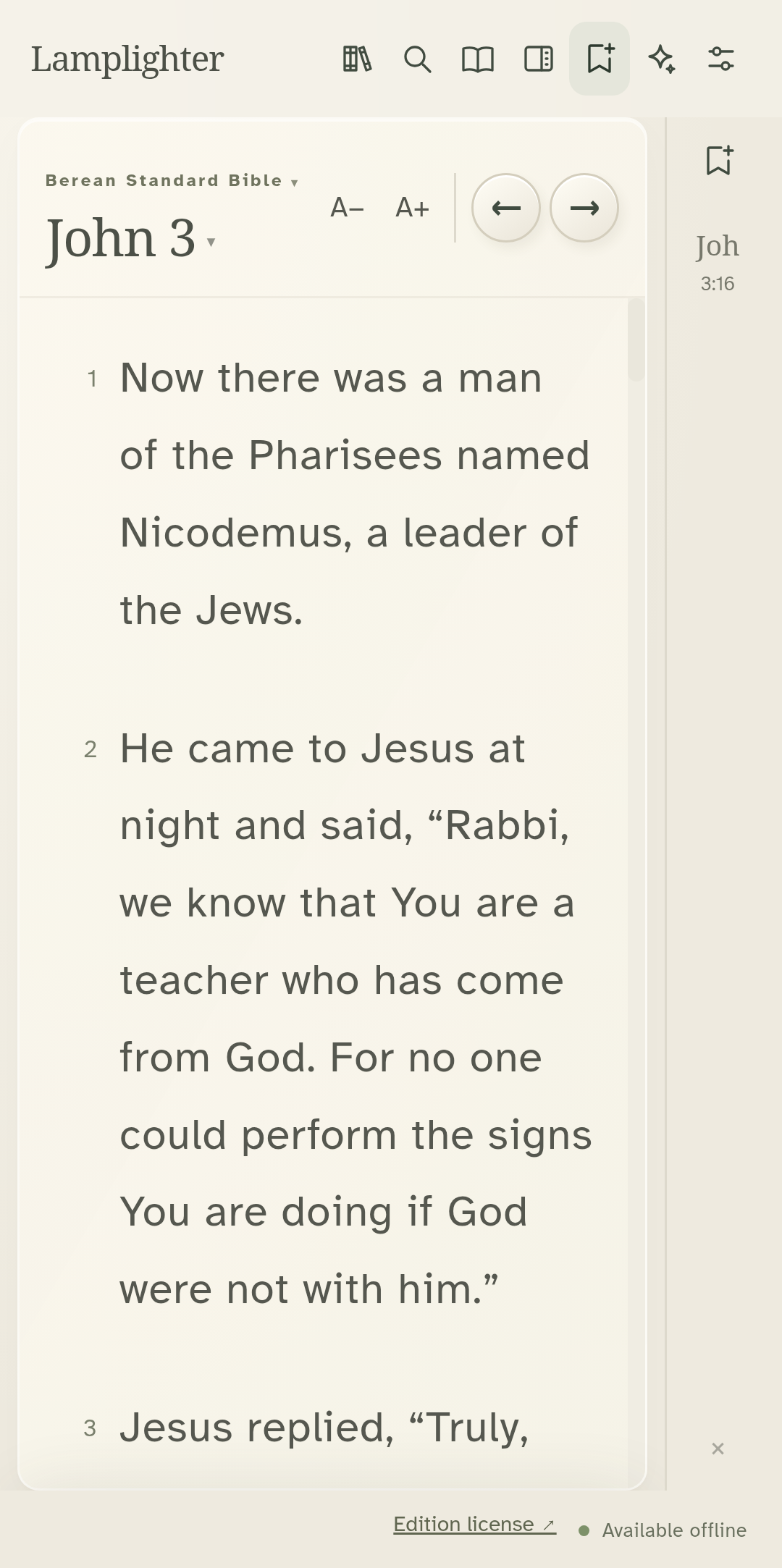
Settings also offers a dark theme.
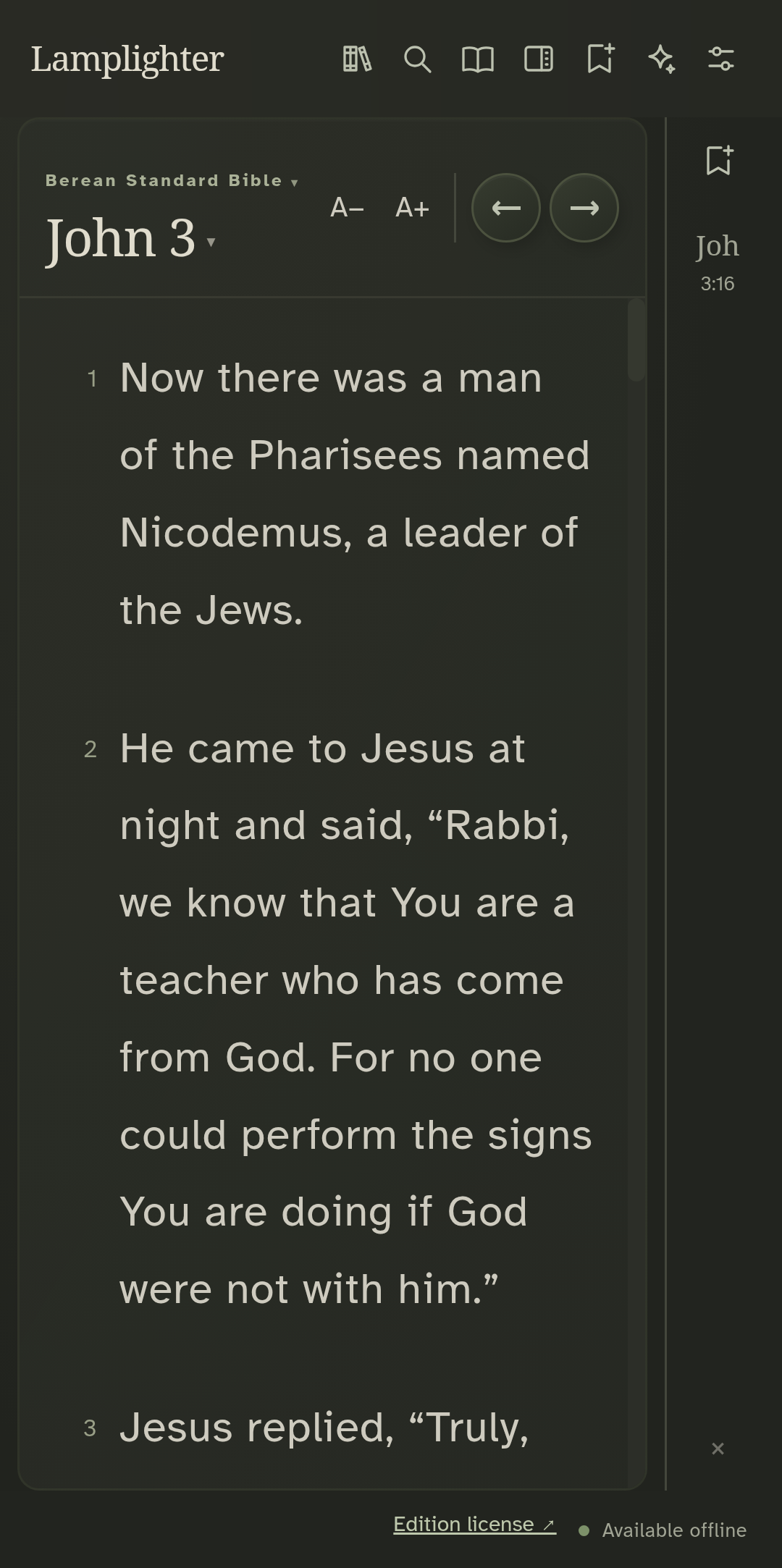
The same reading view is available in dark.
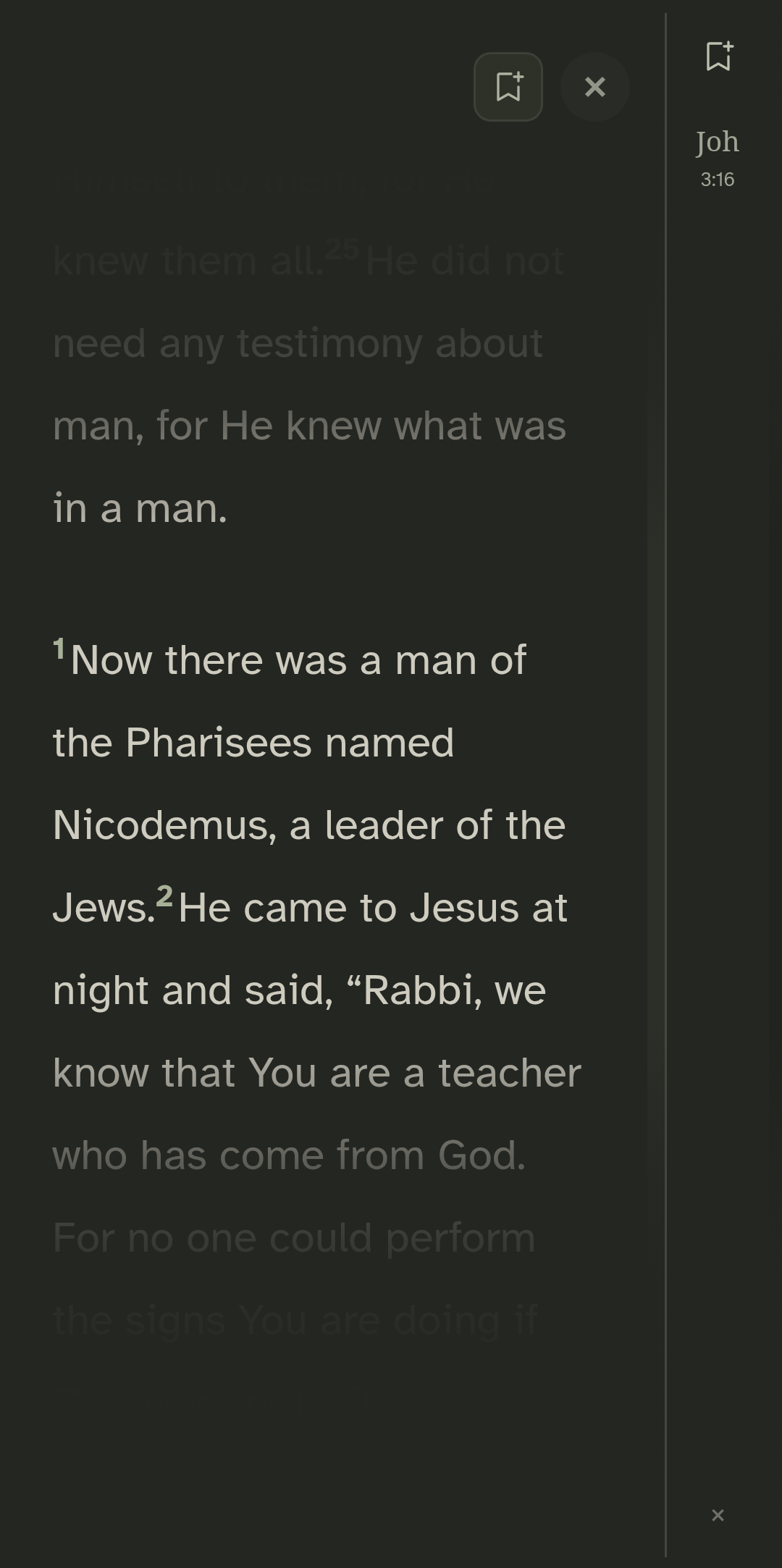
Recorded from the actual Android app. Operating-system prompts and the keyboard are not shown. · Lamplighter 1.11.53 · Preview build
Tap the sparkle icon to open the verse of the day.
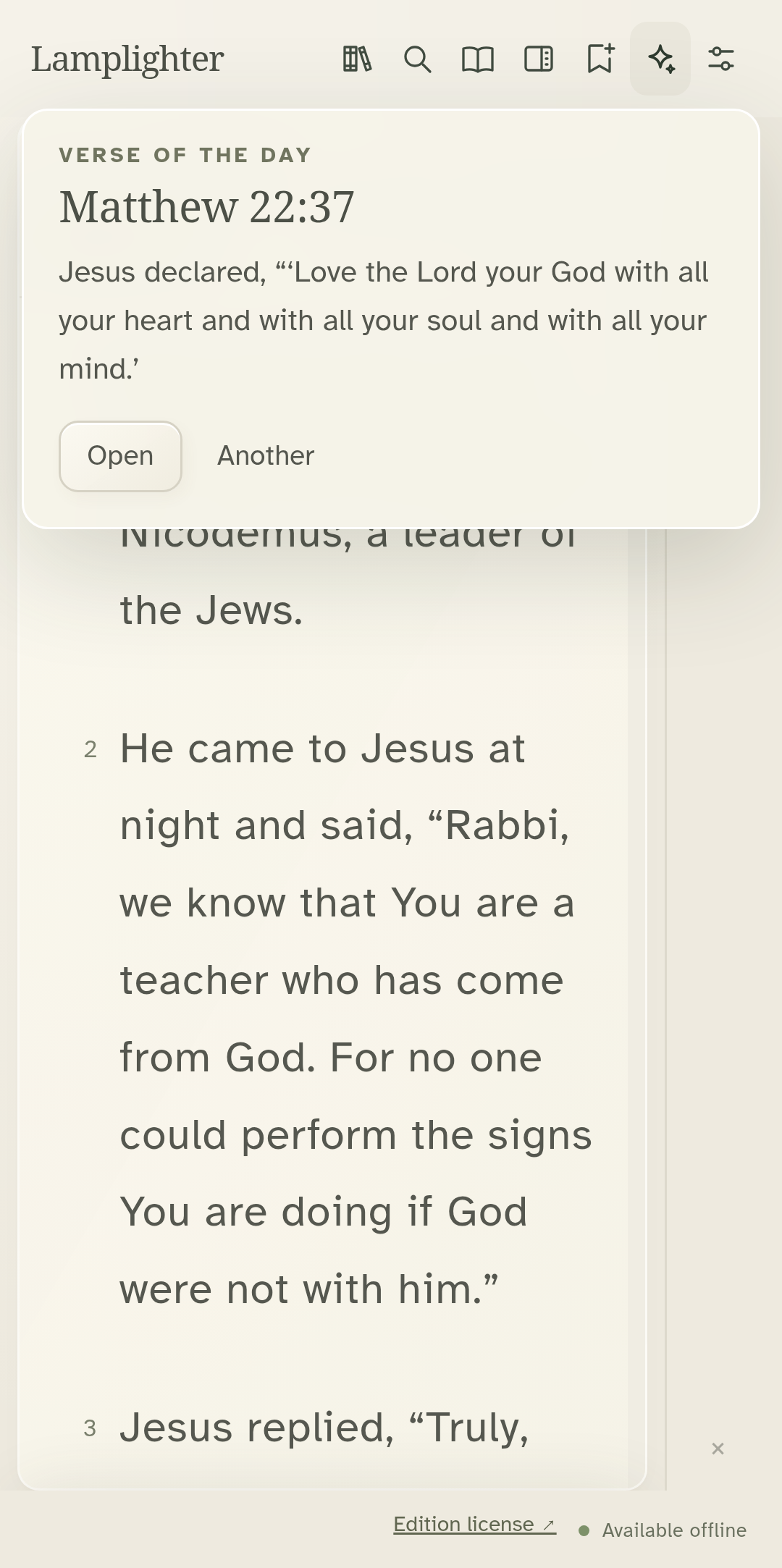
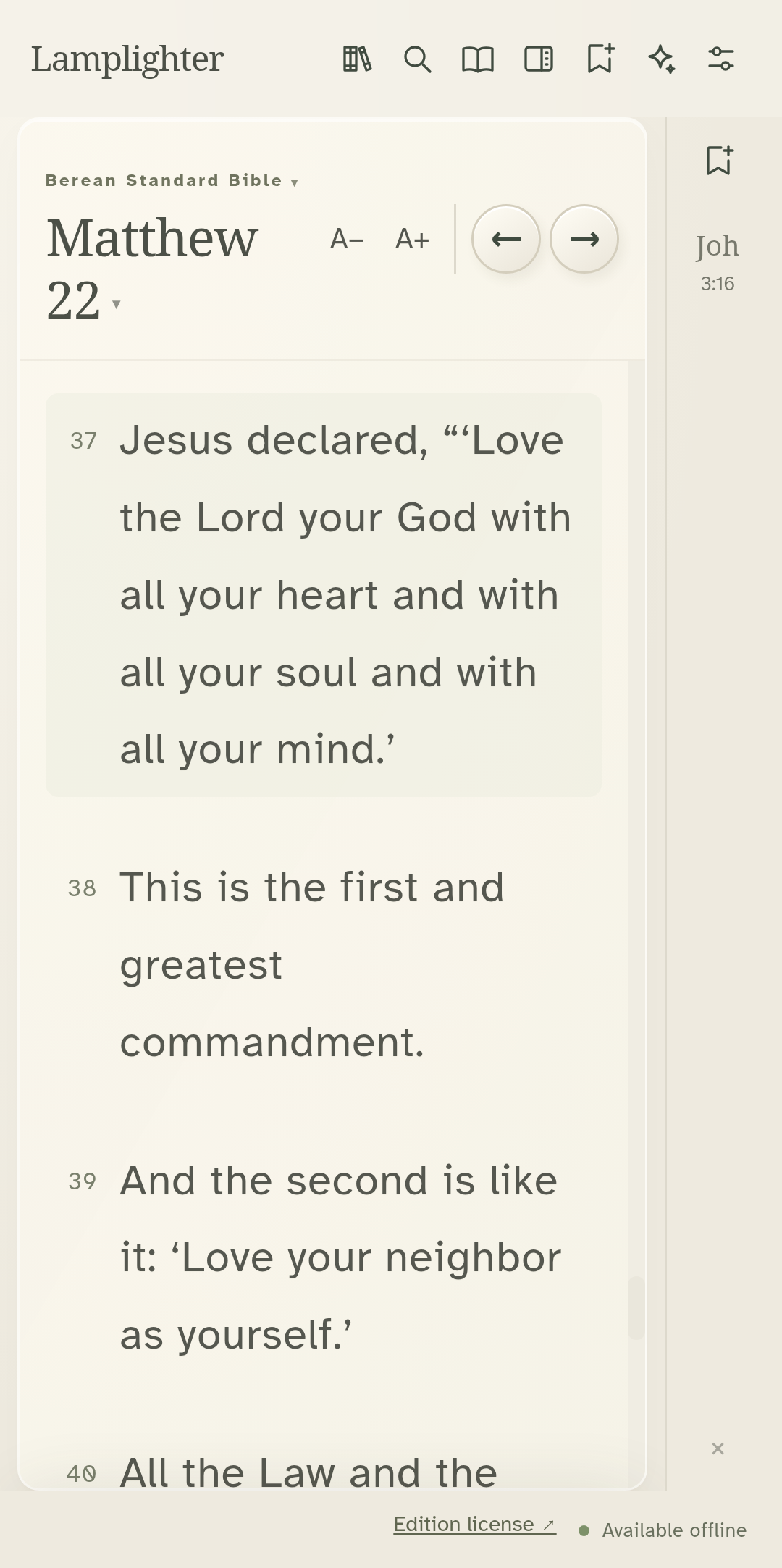
Open takes you to that verse in its chapter.
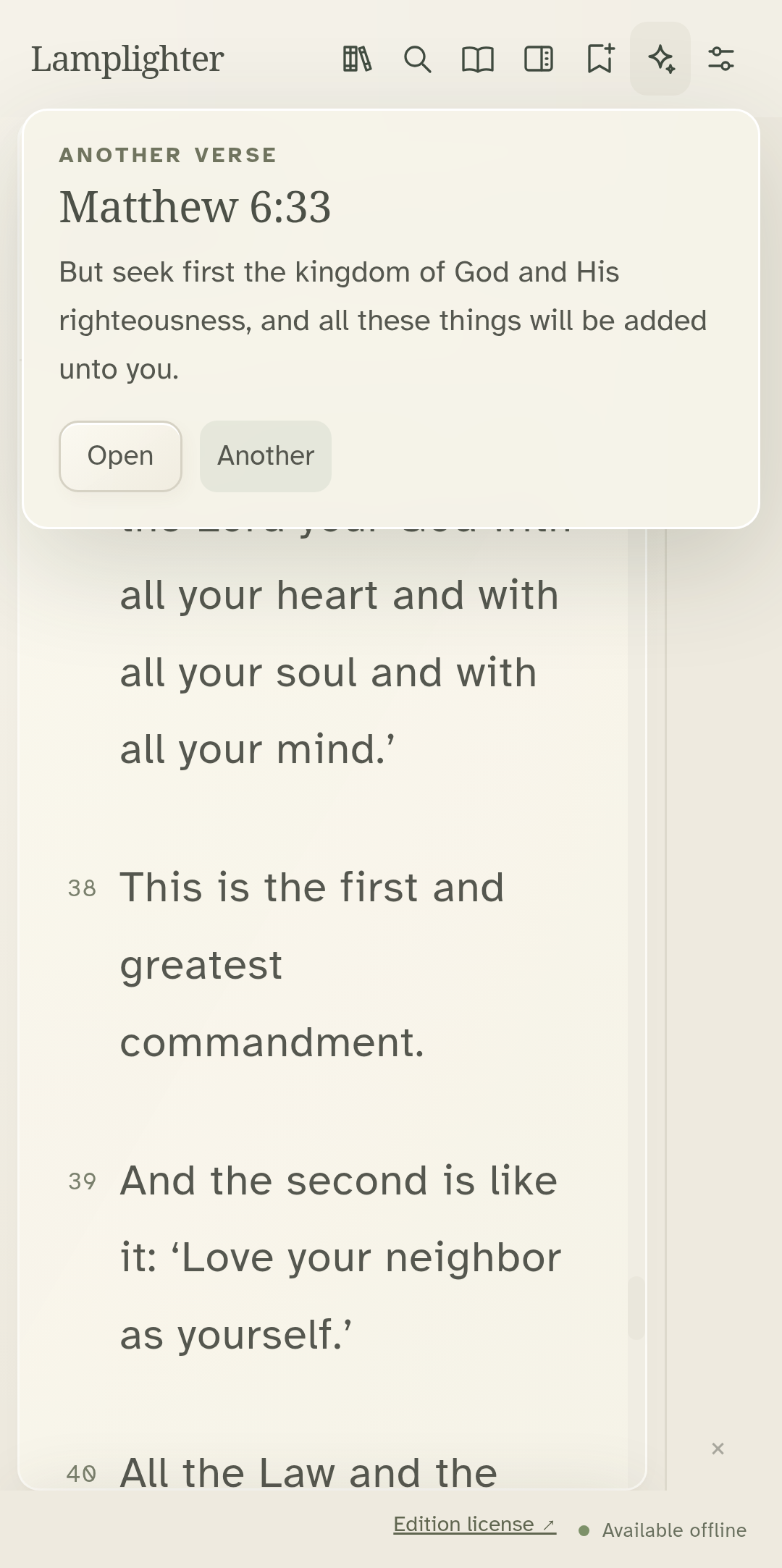
For another passage, open the card and choose Another.
Recorded from the actual Android app. Operating-system prompts and the keyboard are not shown. · Lamplighter 1.11.55 · Preview build
Select the verse you want to study.
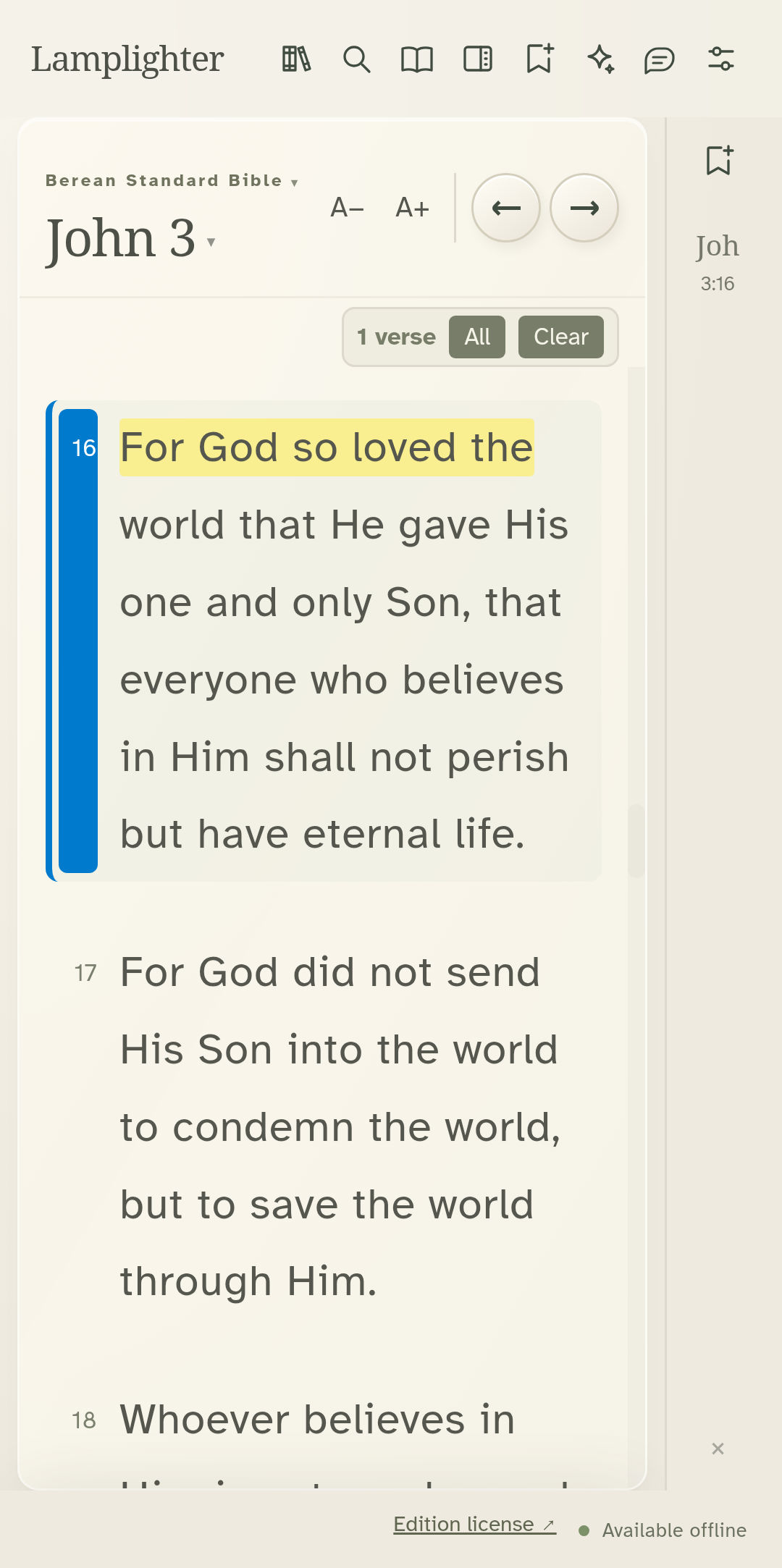
Open the study desk and choose Commentary.
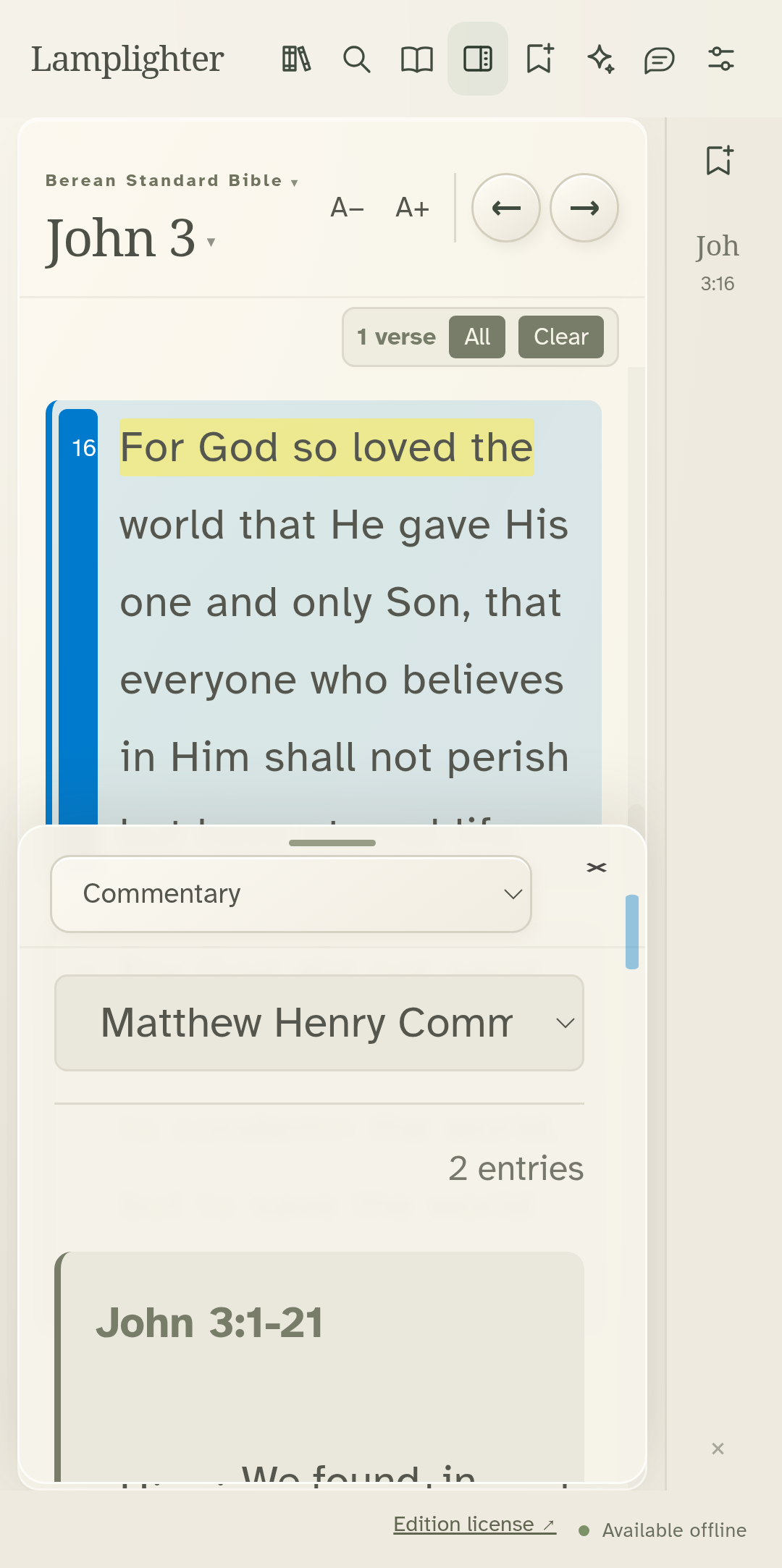
Choose Matthew Henry. The commentary follows the selected passage.
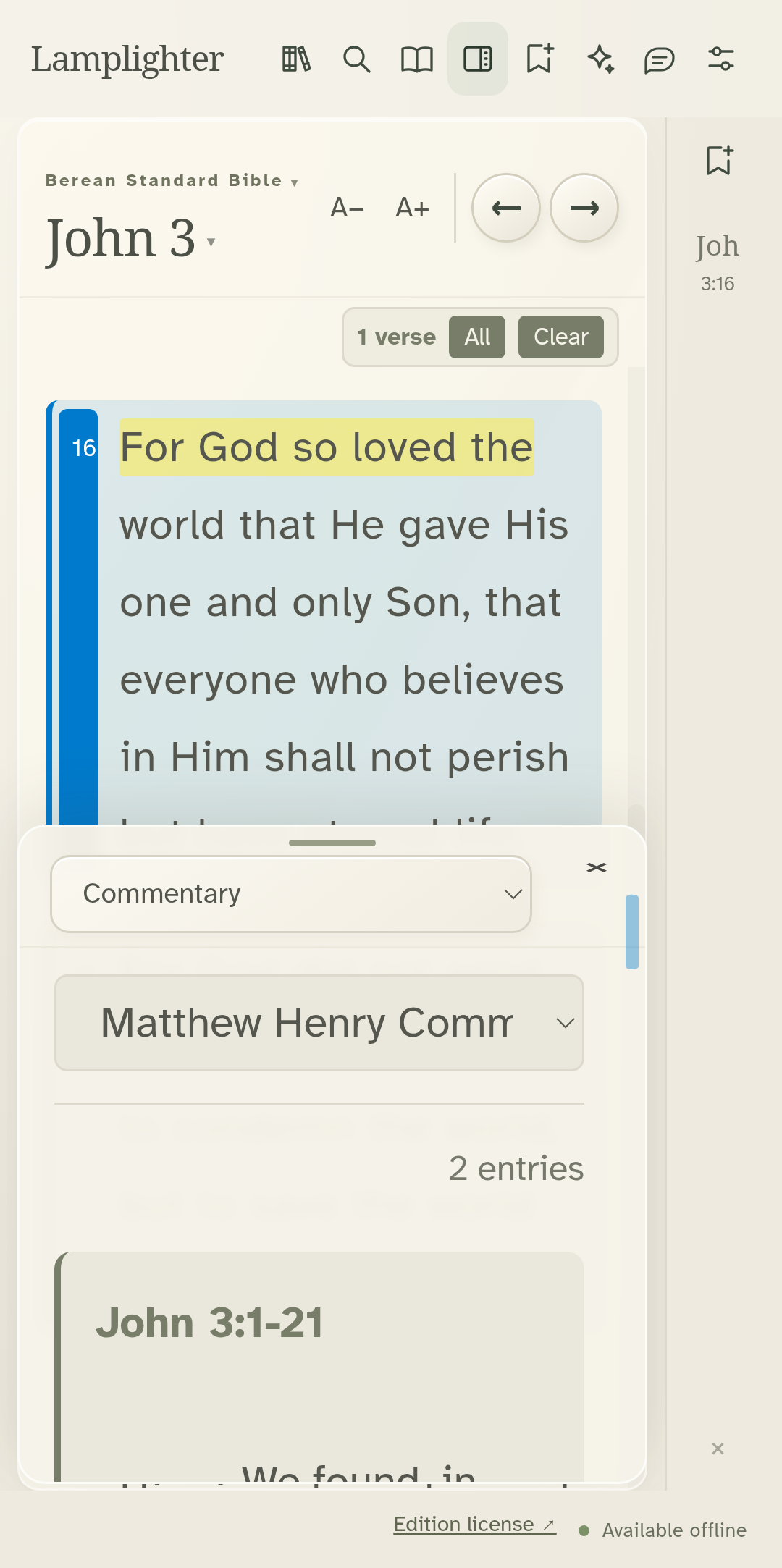
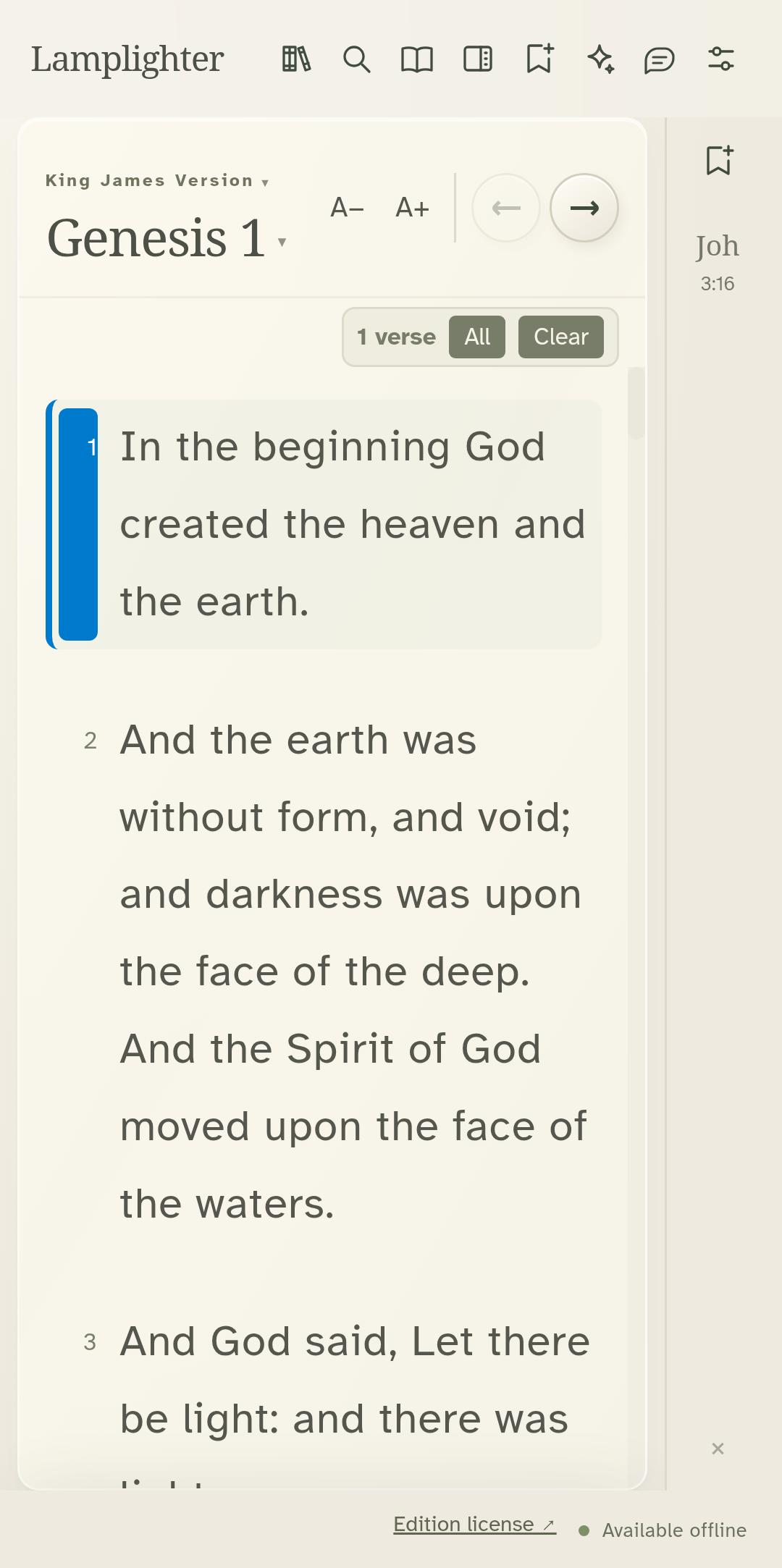
For linked original words, switch to the included King James Version.
Choose Original Language on the study desk.
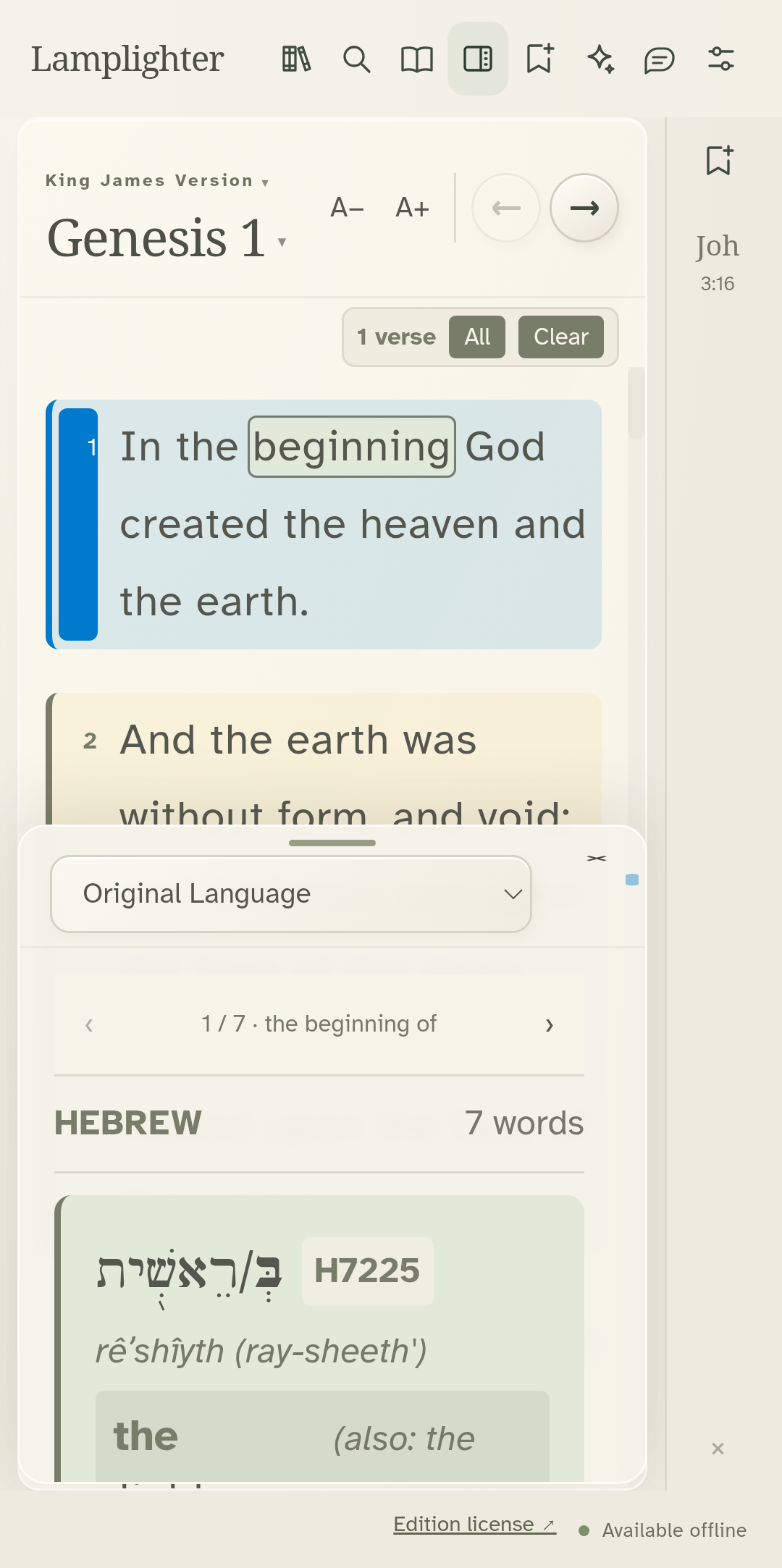
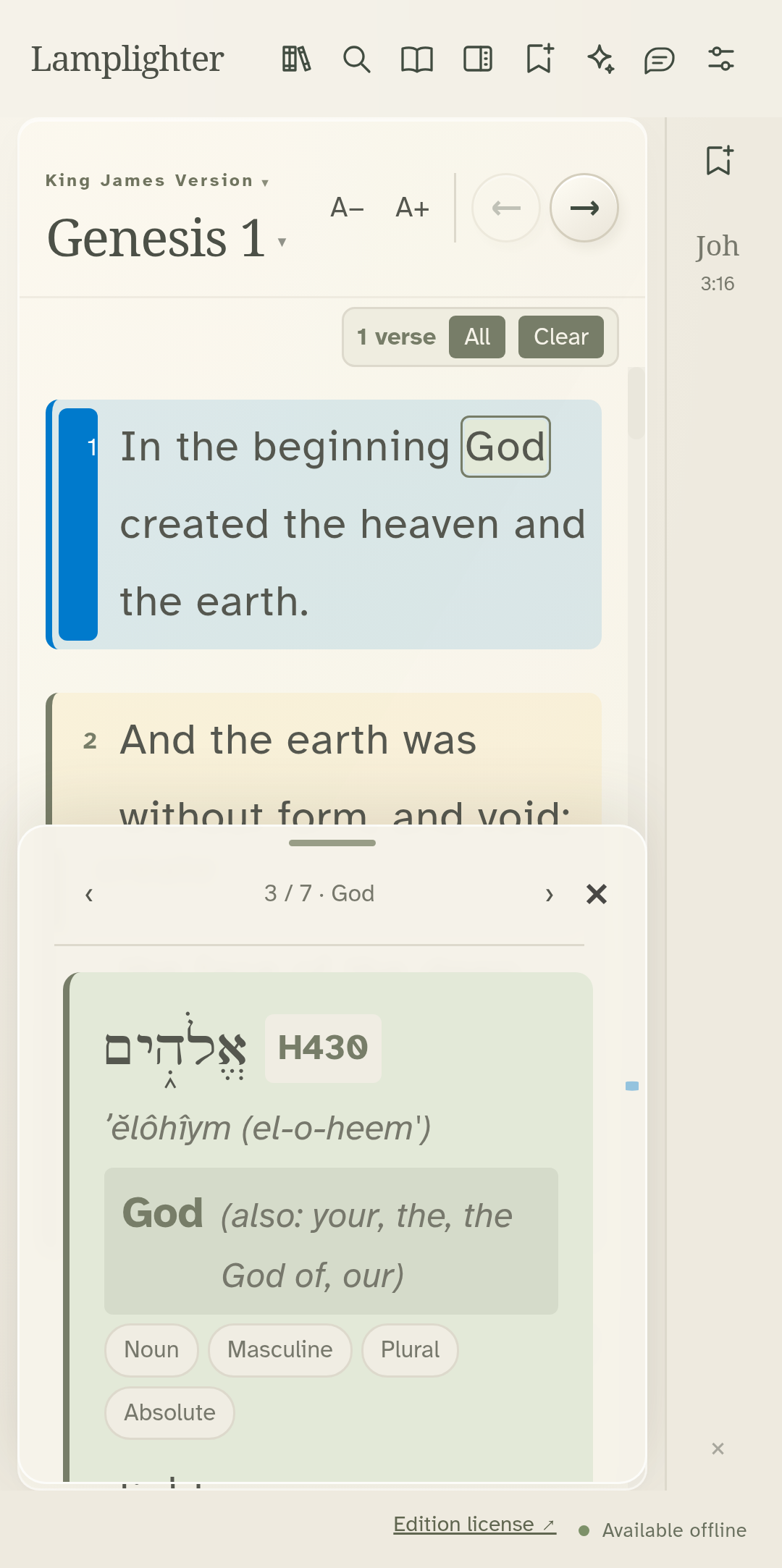
Tap an English word to bring its Hebrew entry into view.
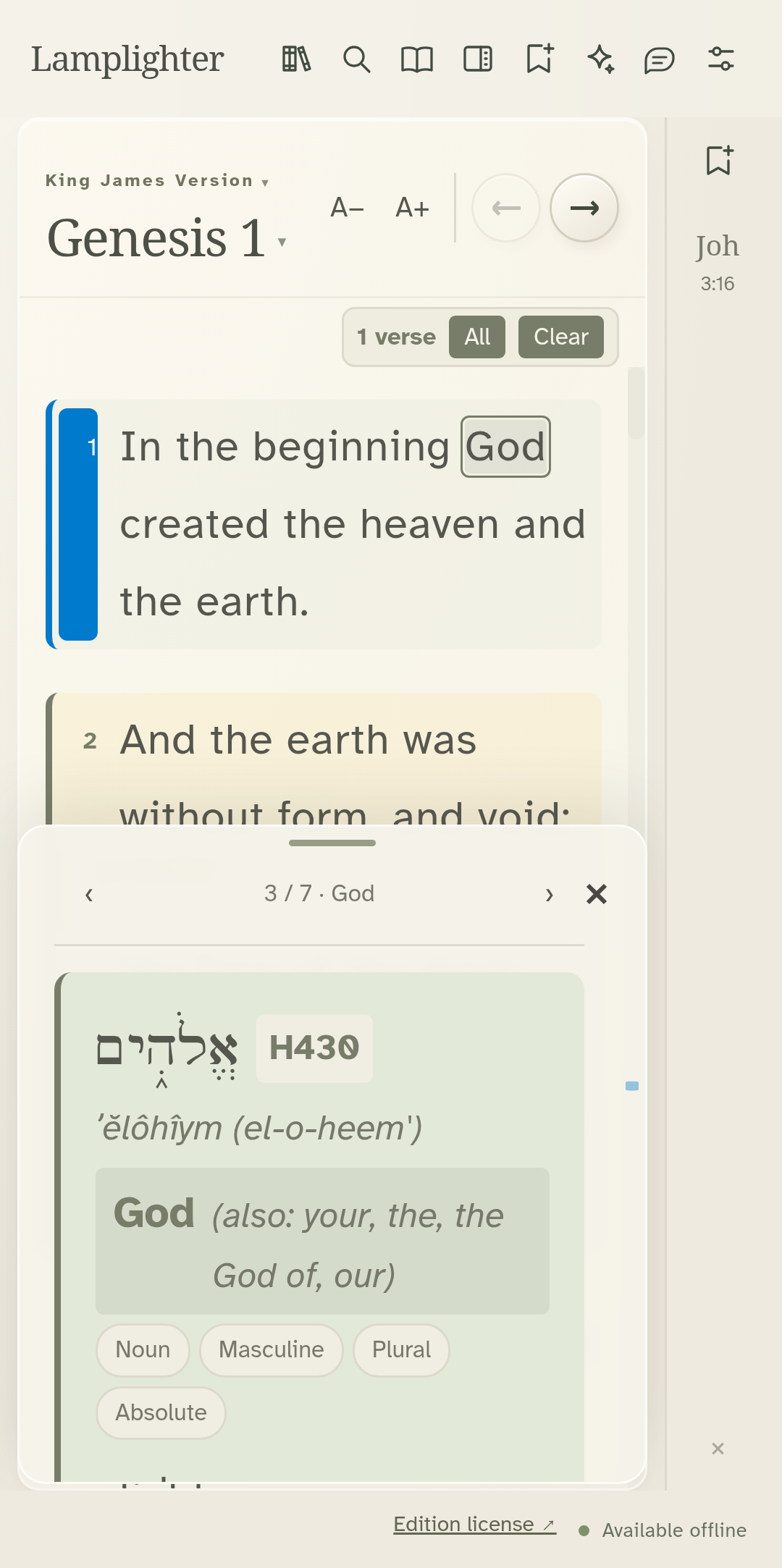
Use the word arrows to move back and forth through the verse.
Recorded from the actual Android app. Operating-system prompts and the keyboard are not shown. · Lamplighter 1.11.53 · Preview build
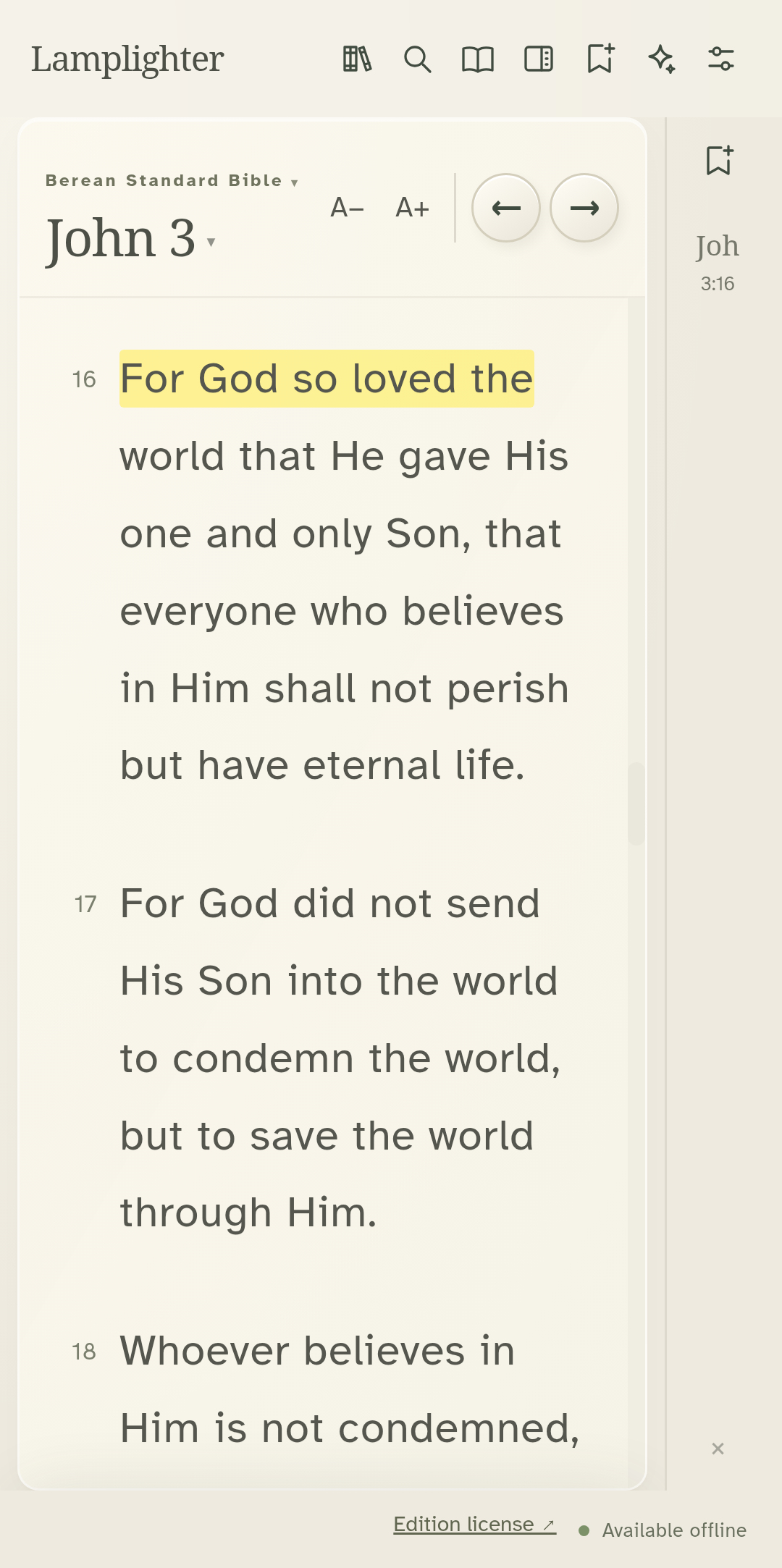
Select the words you want to keep, then choose a highlight color.
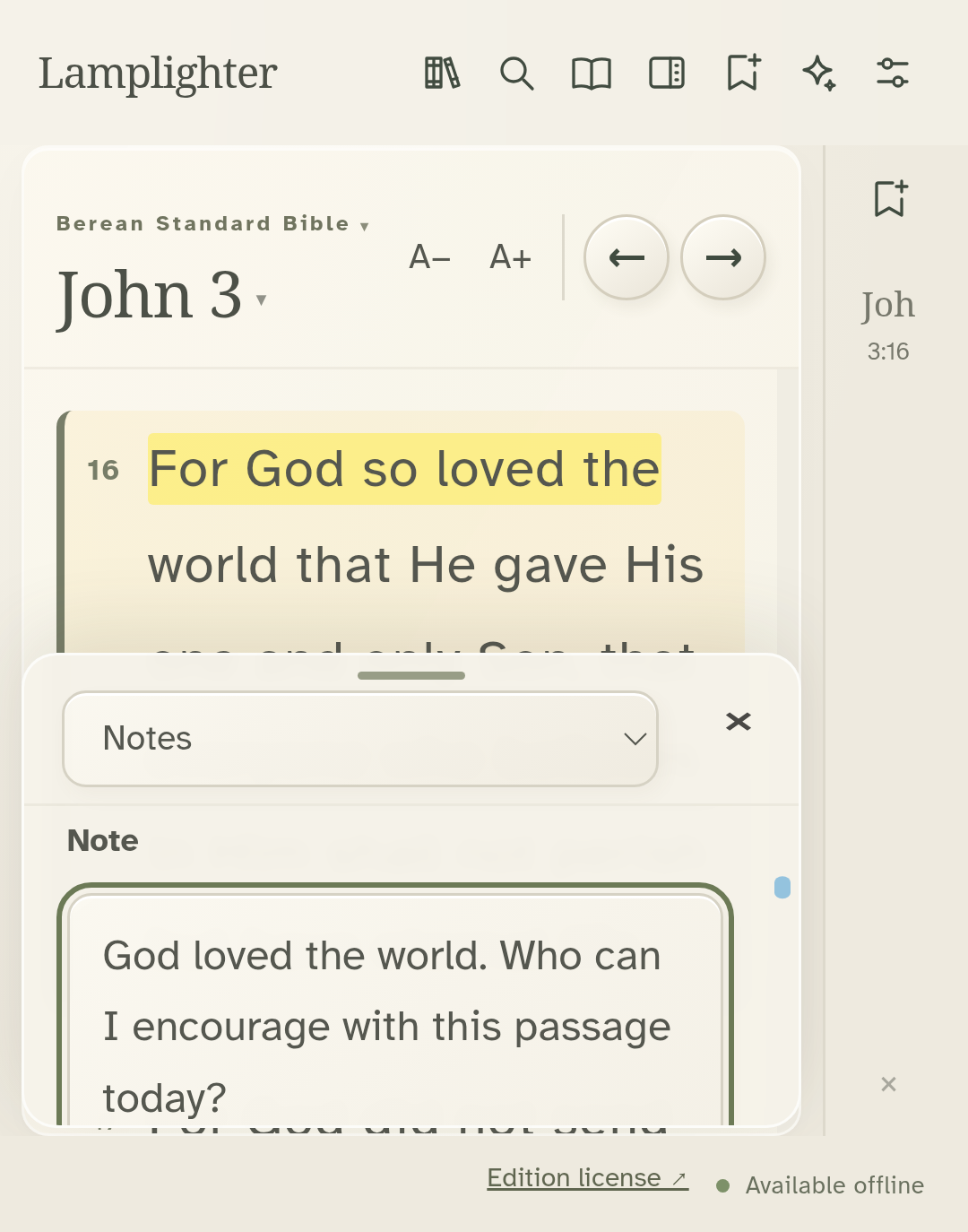
Open Notes on the study desk and choose New note.
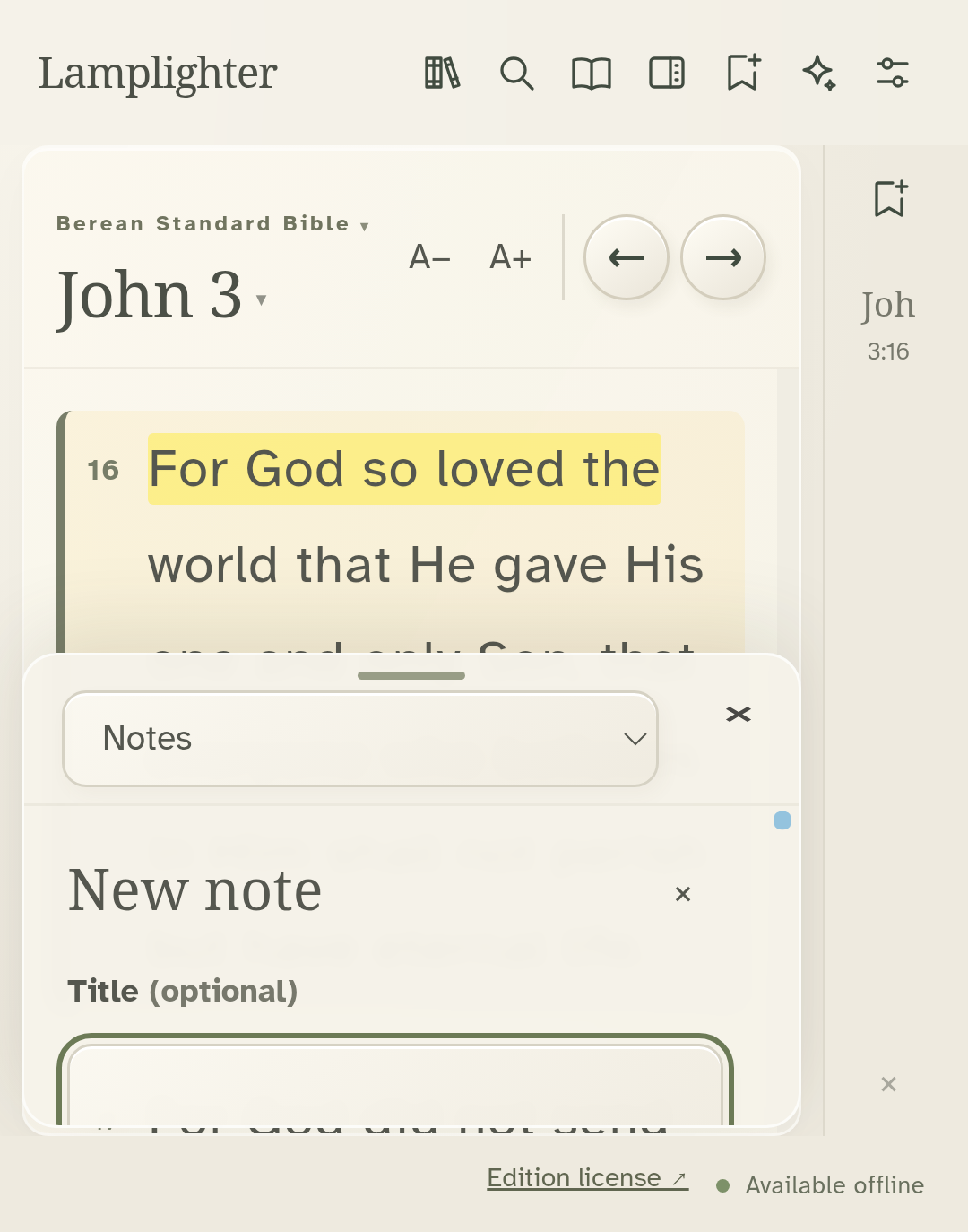
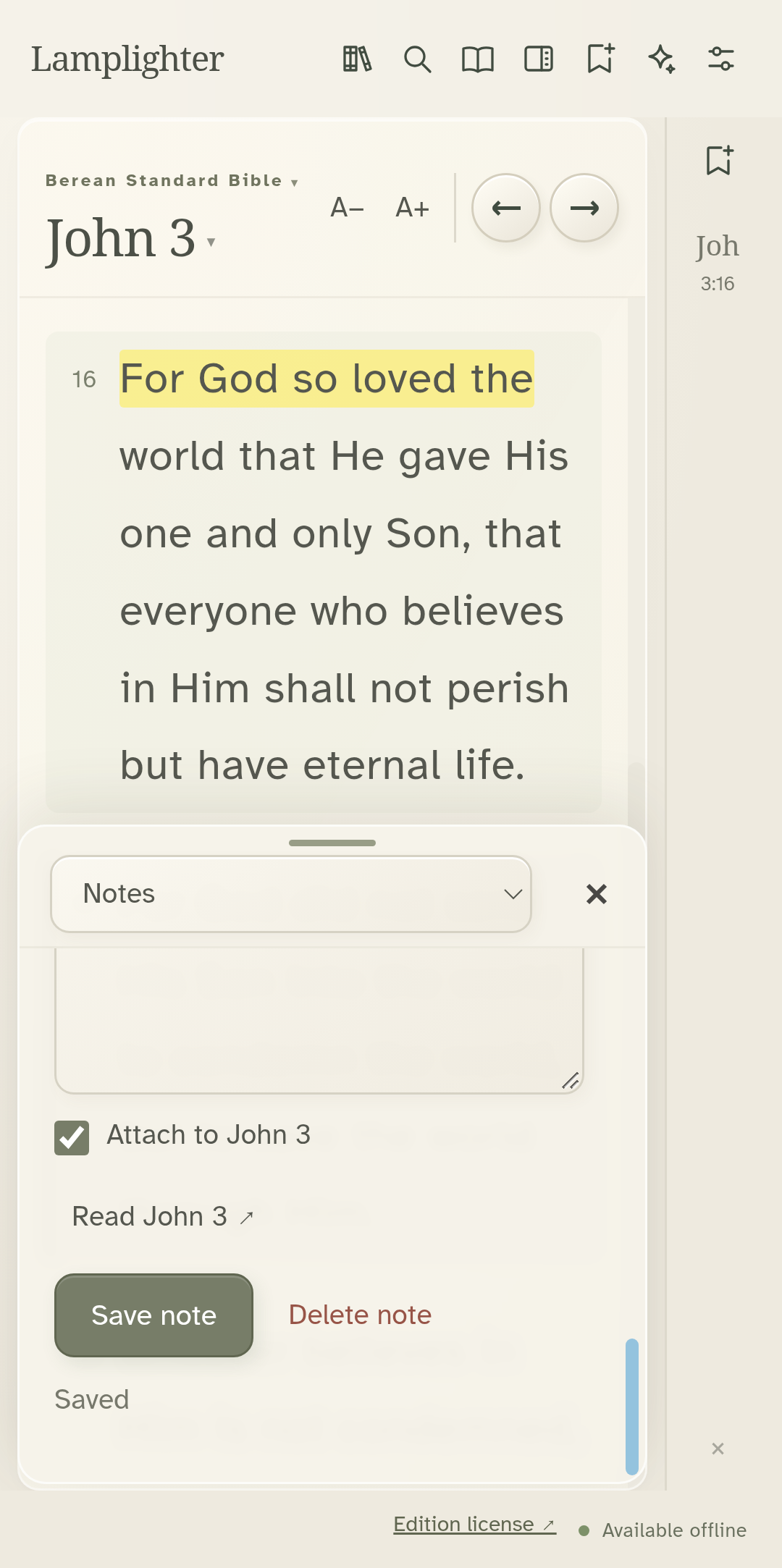
Give your note a title and write your thought. Keep the passage attached.
Save note keeps it on this device.
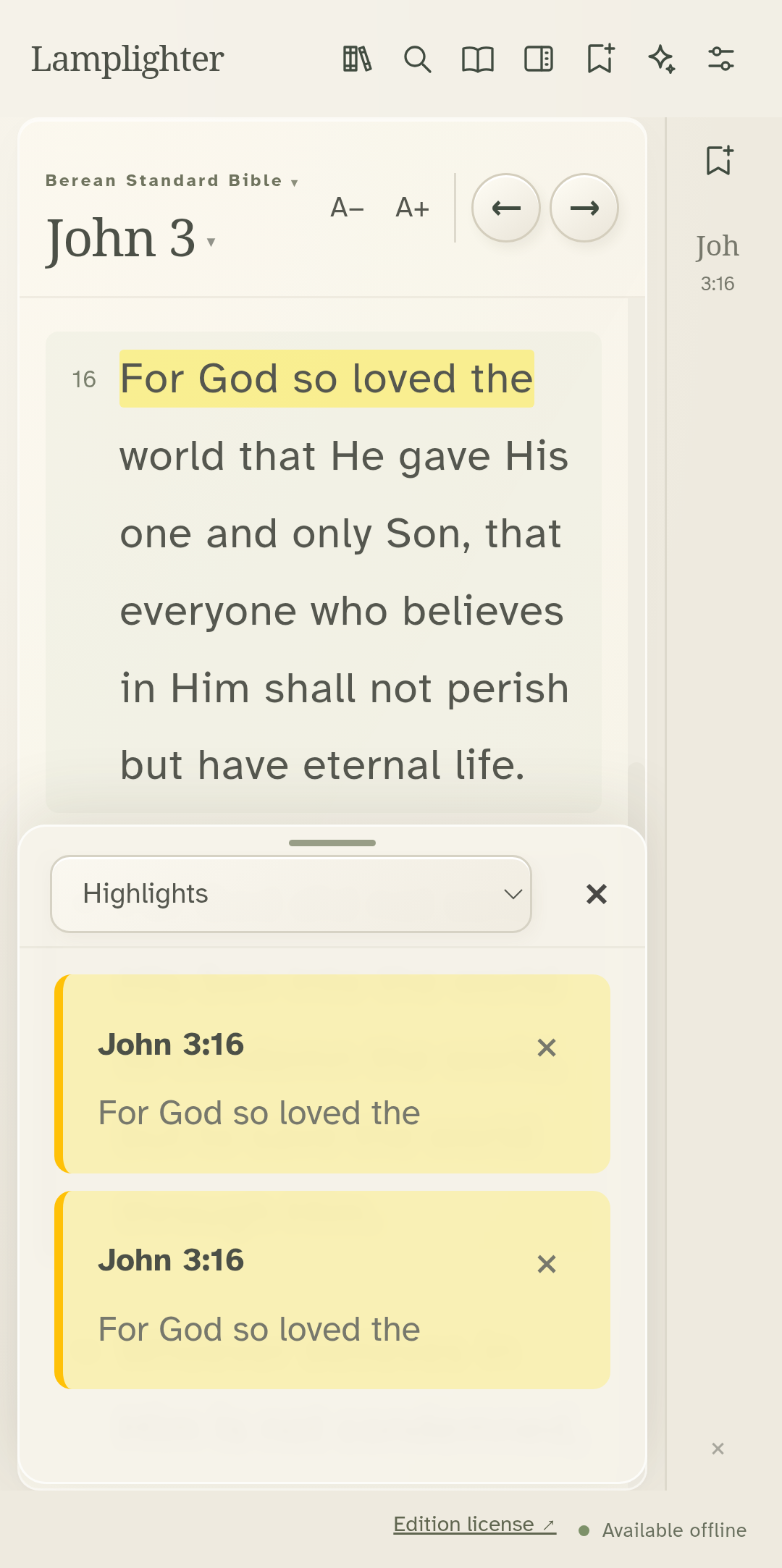
Choose Highlights to revisit the words you marked.
Recorded from the actual Android app. Operating-system prompts and the keyboard are not shown. · Lamplighter 1.11.55 · Preview build
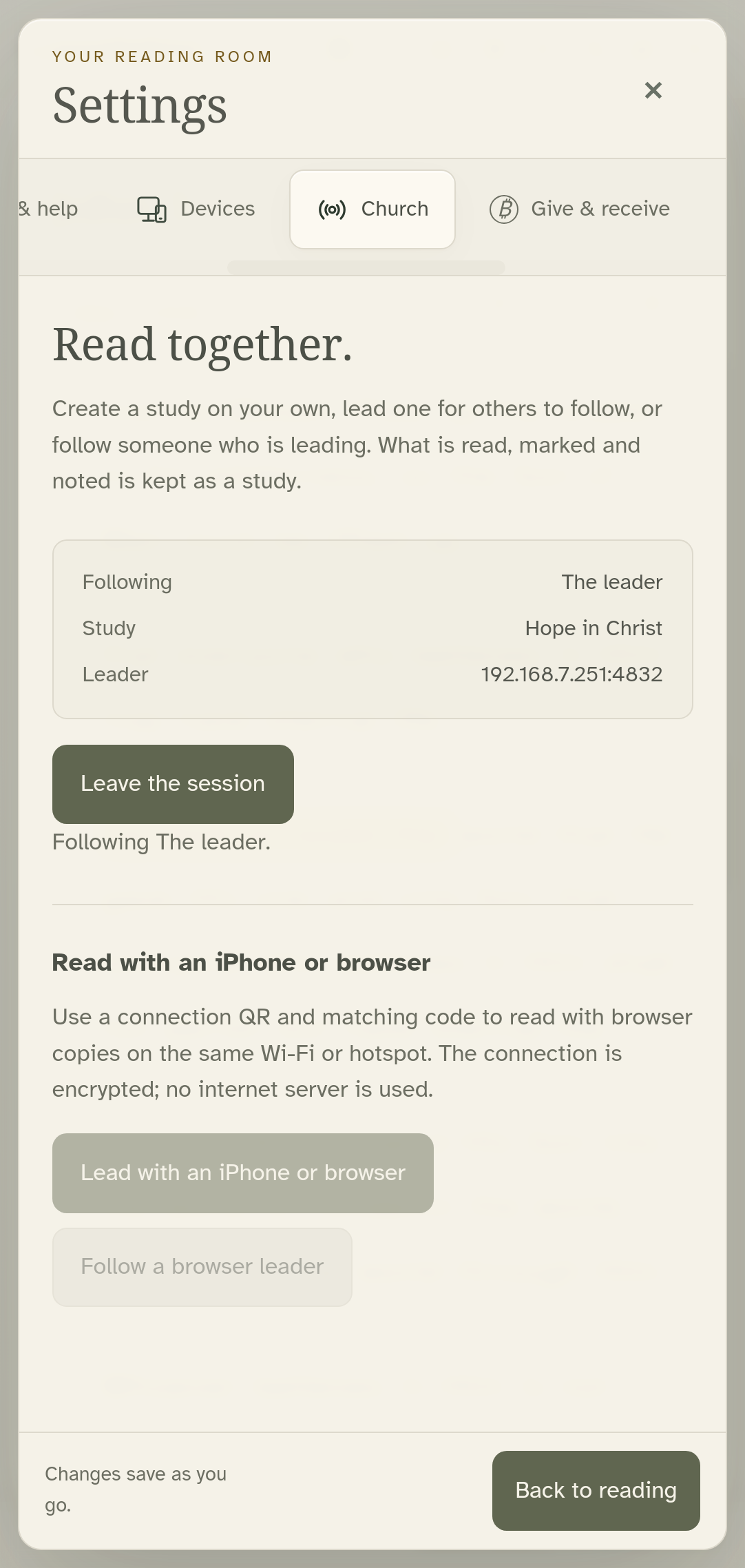
On the follower, open Settings, Church, and Follow a study.
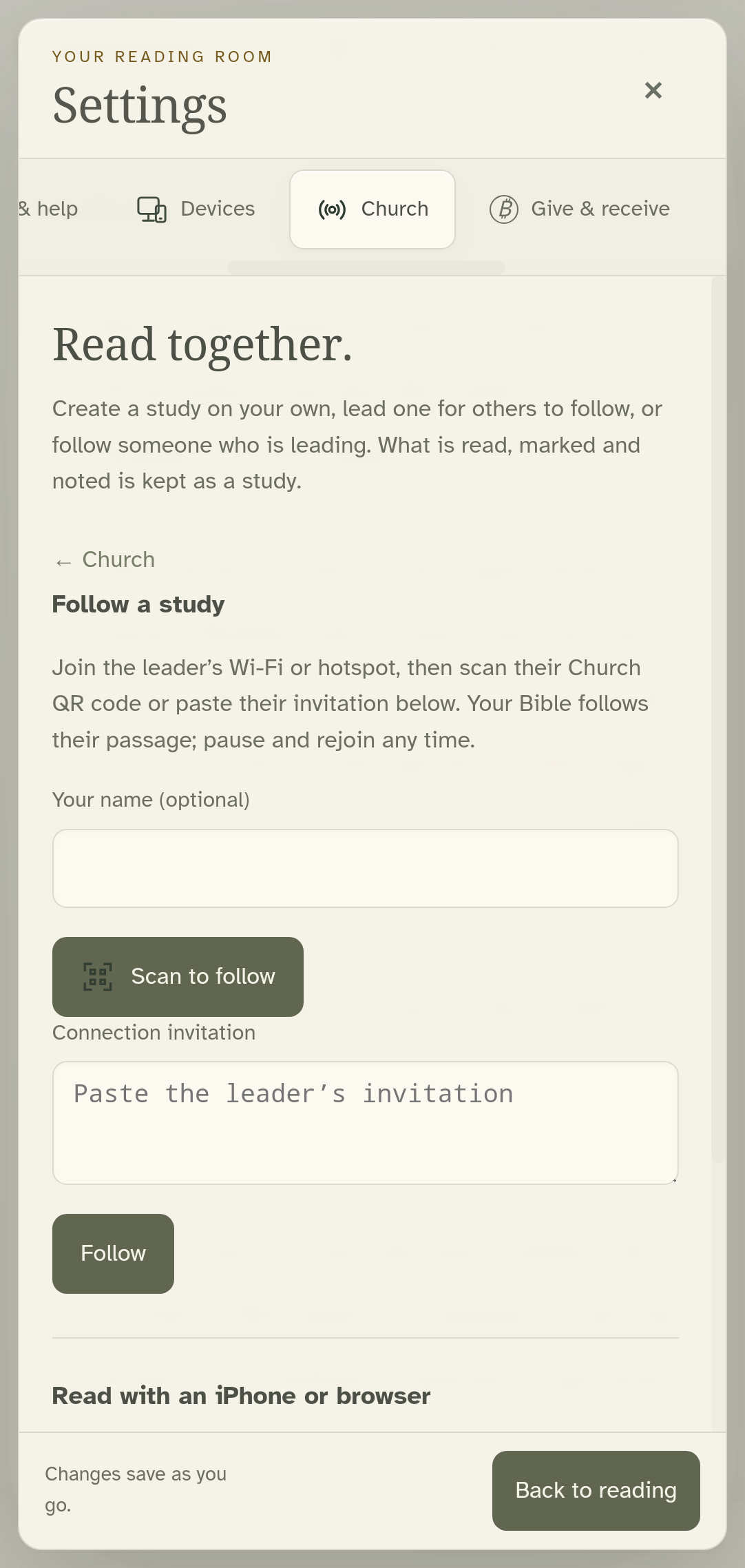
Phones can scan the leader’s QR. This emulator joins using the same shared invitation.
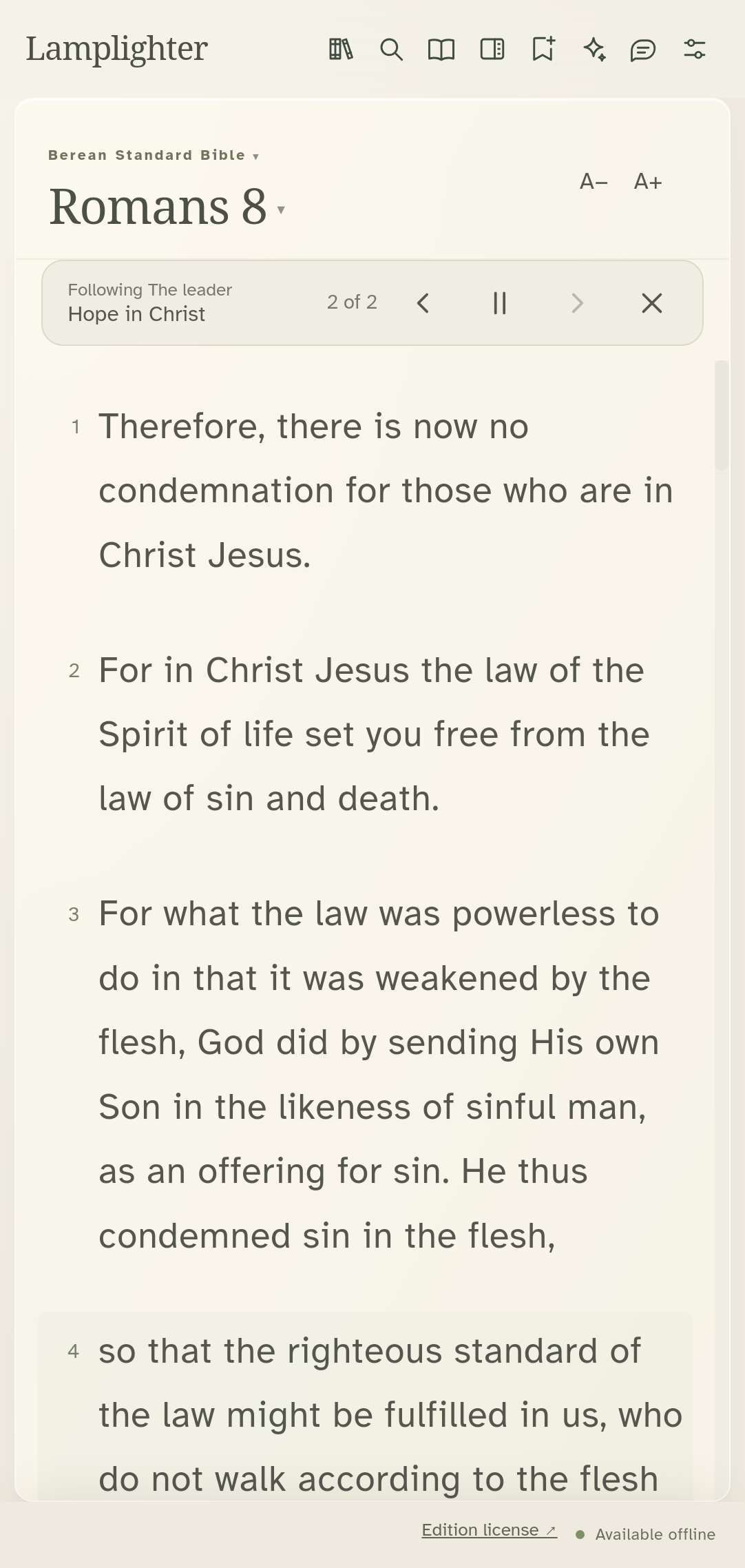
The follower arrives at the leader’s next passage.
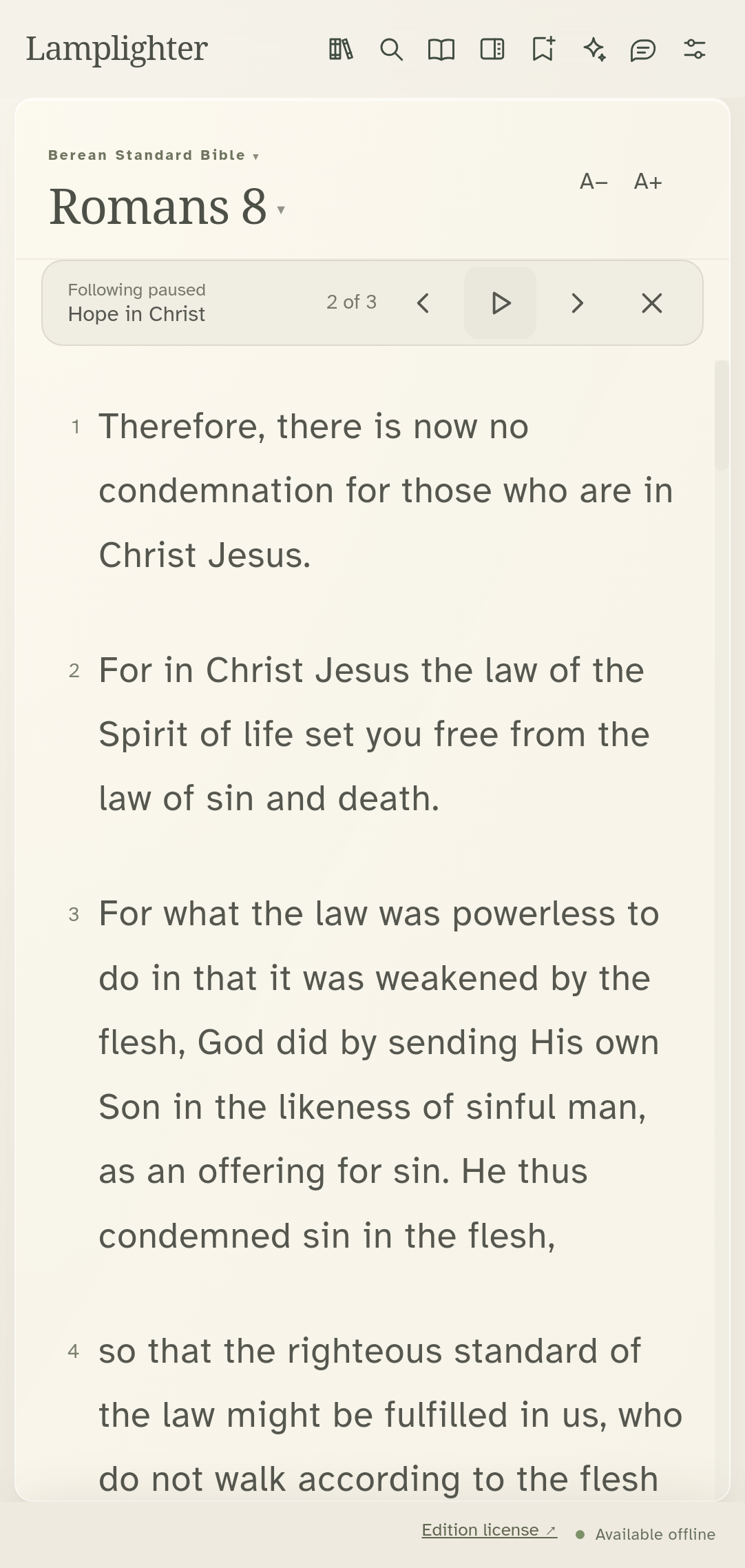
Pause following to stay on a passage while the leader moves on.
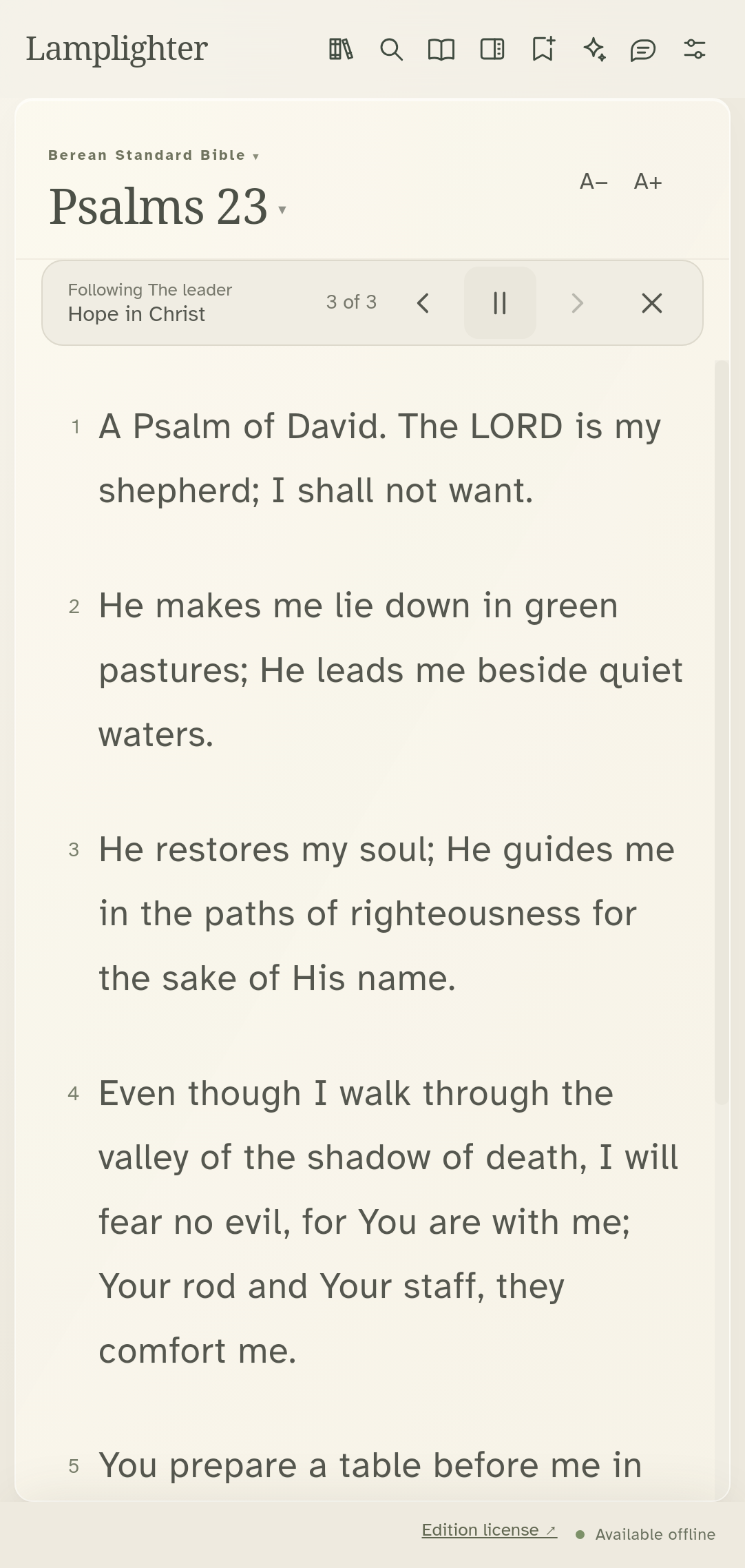
Resume following catches up to the leader.
Reopen Studies to revisit the passages after the session.
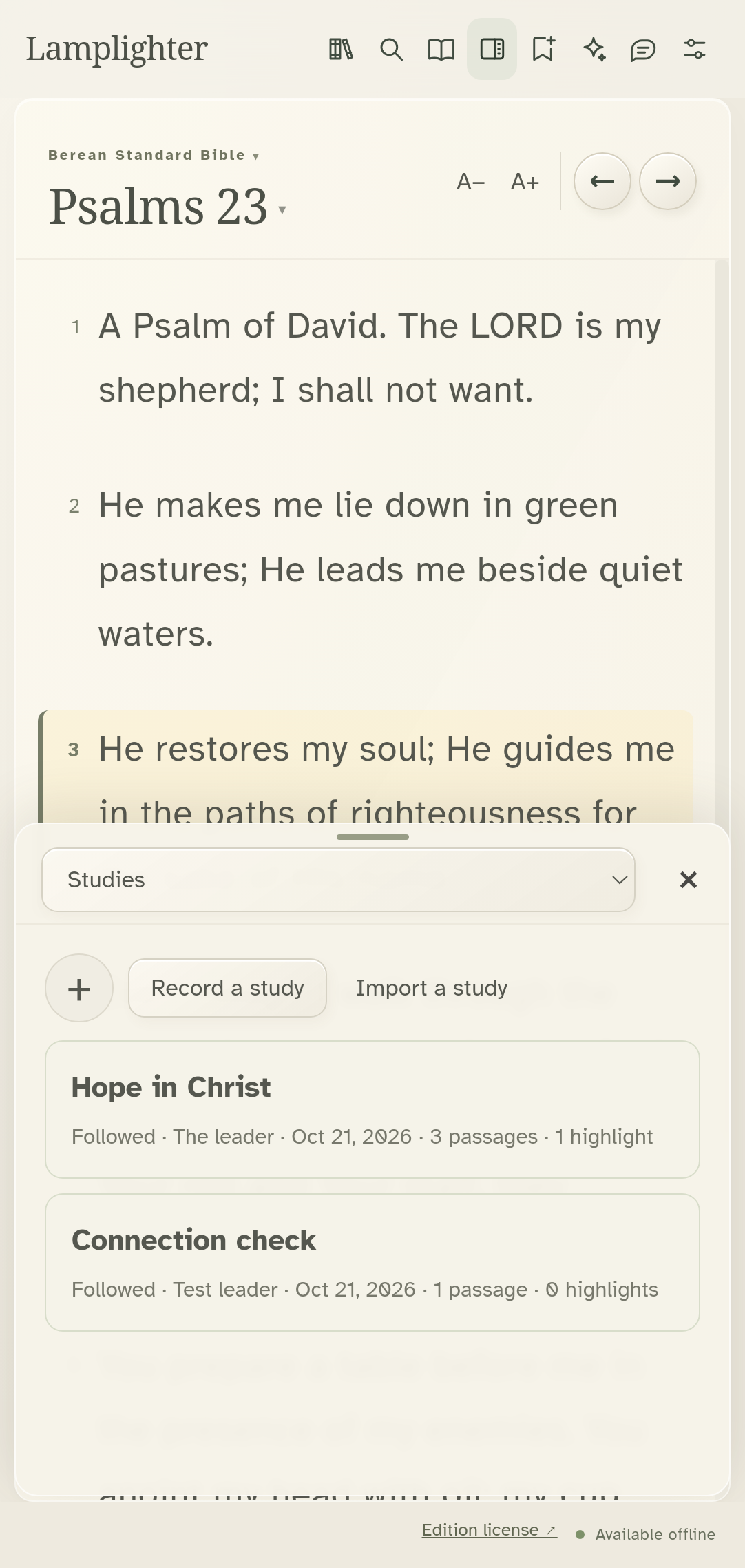
Recorded from the actual Android app. Operating-system prompts and the keyboard are not shown. · Lamplighter 1.11.60 · Preview build
In Settings, open Hide my app, then Game and unlock settings.
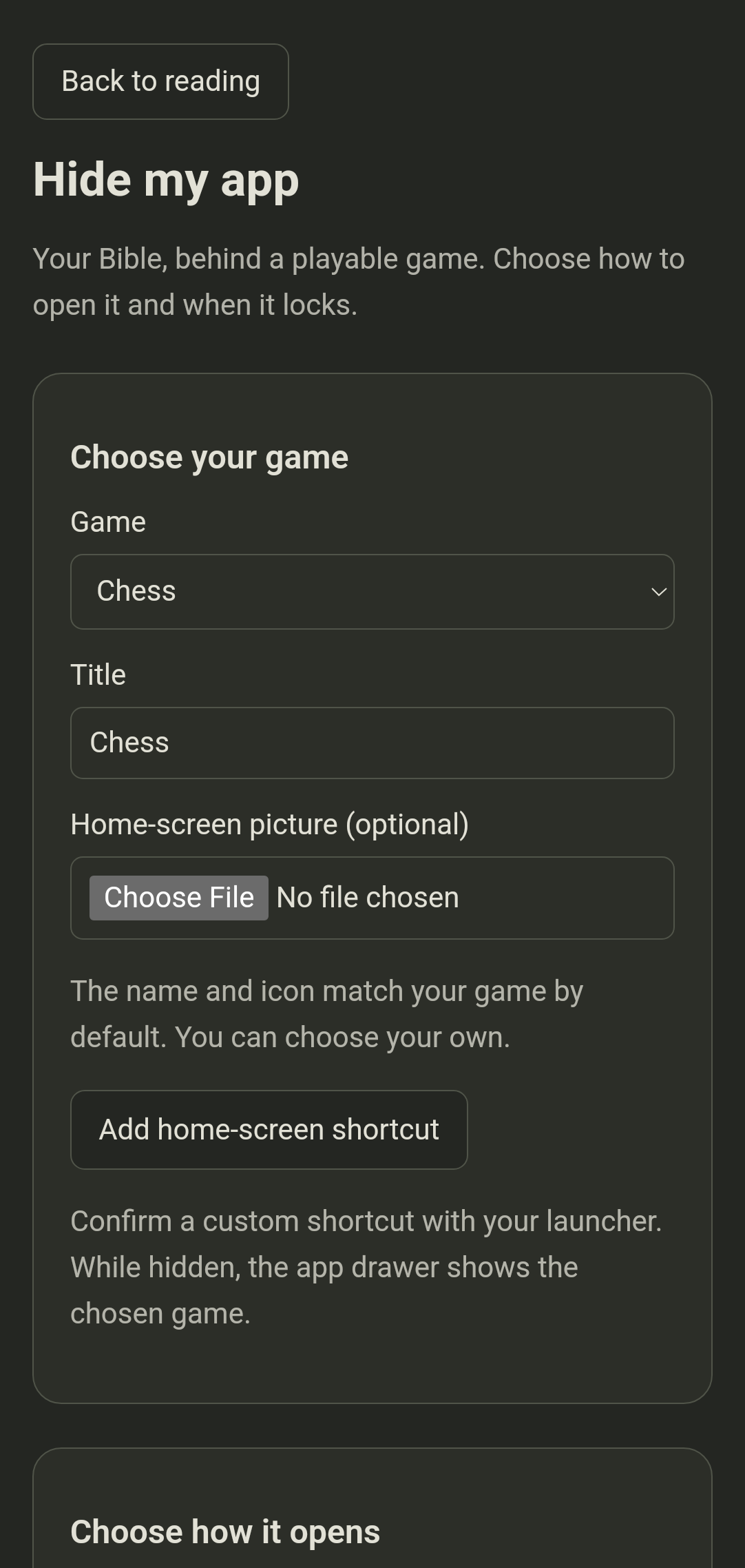
Choose the game people will see. This demonstration uses Chess.
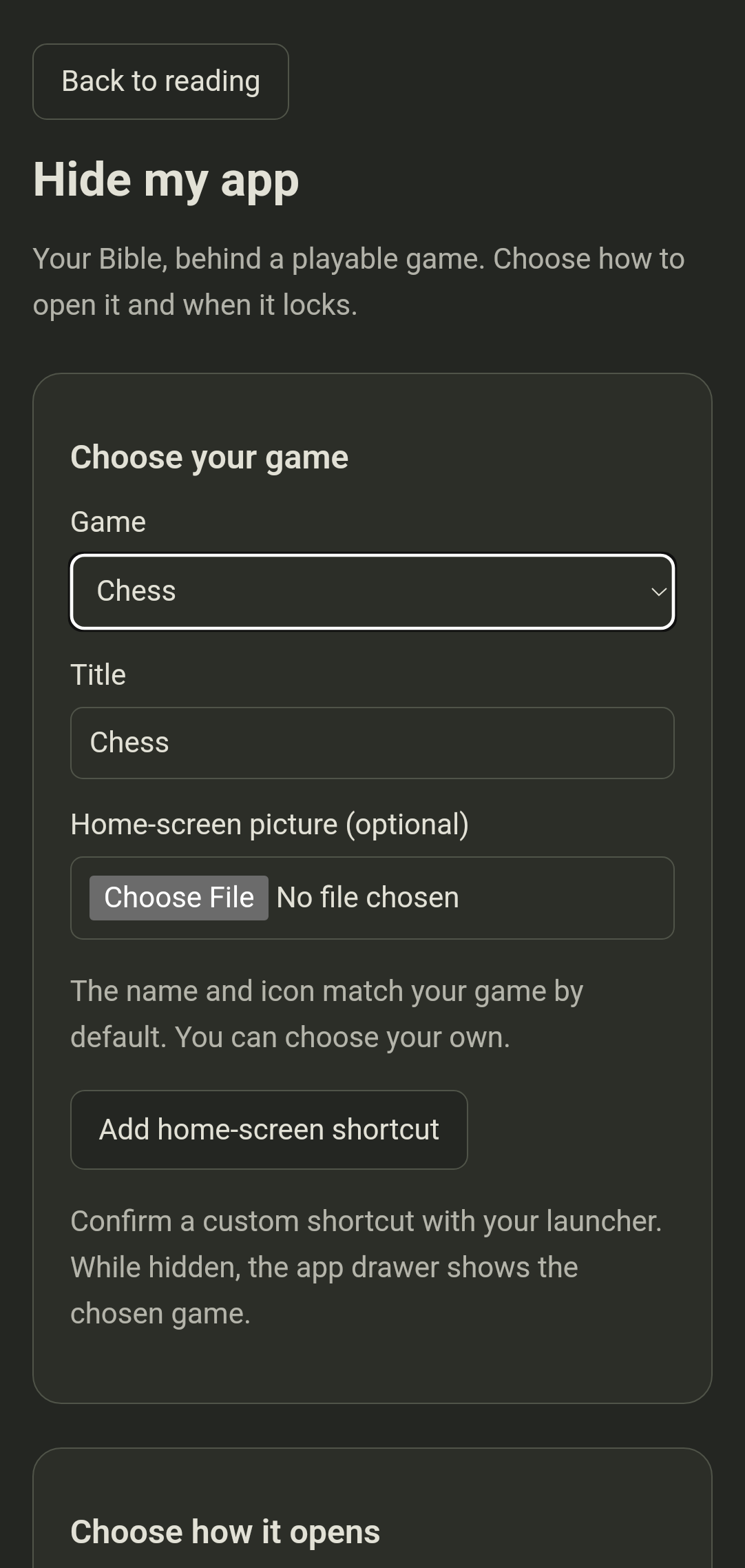
Choose when to lock. Here, leaving the app hides the reader immediately.
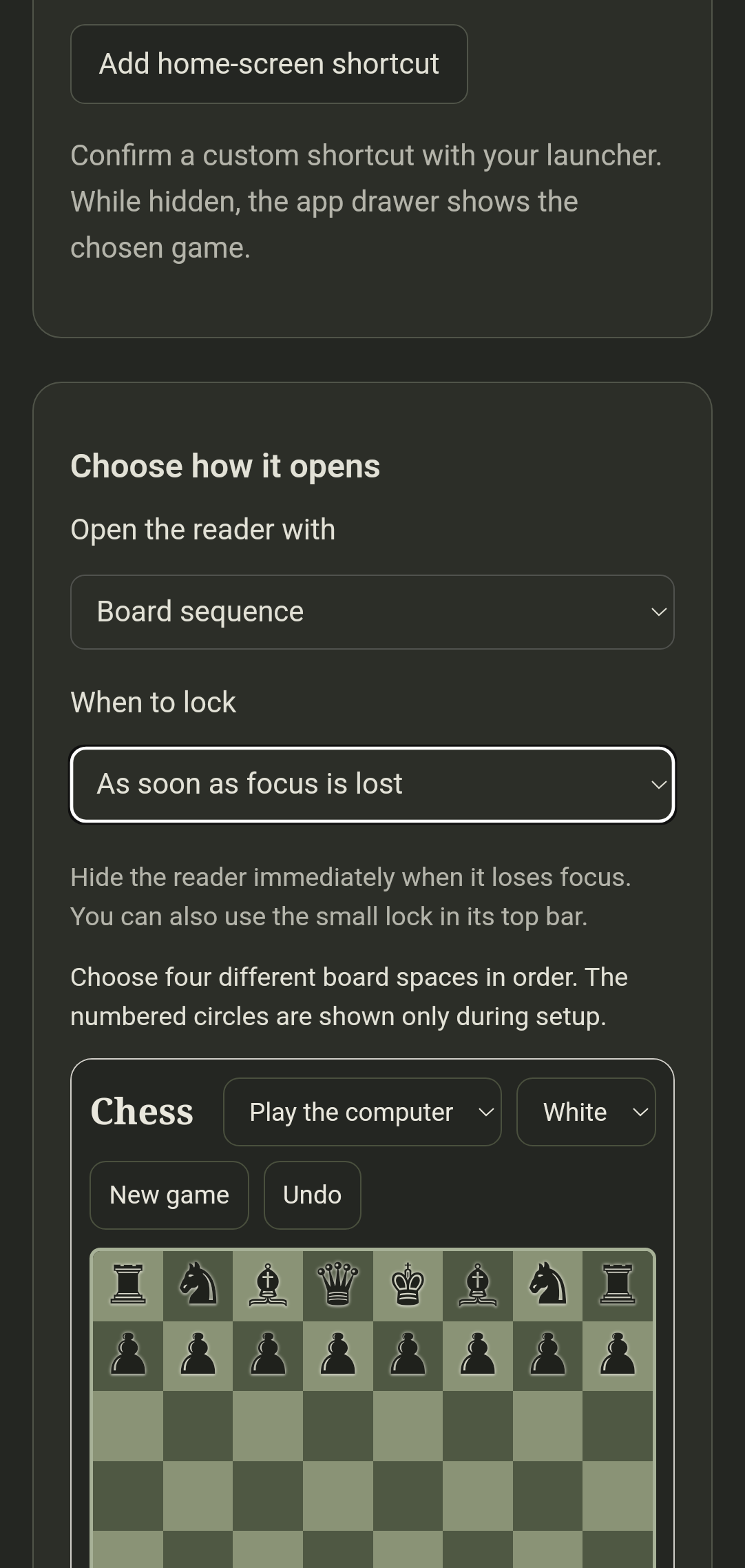
Choose four different board places in order. The numbered circles appear only during setup.
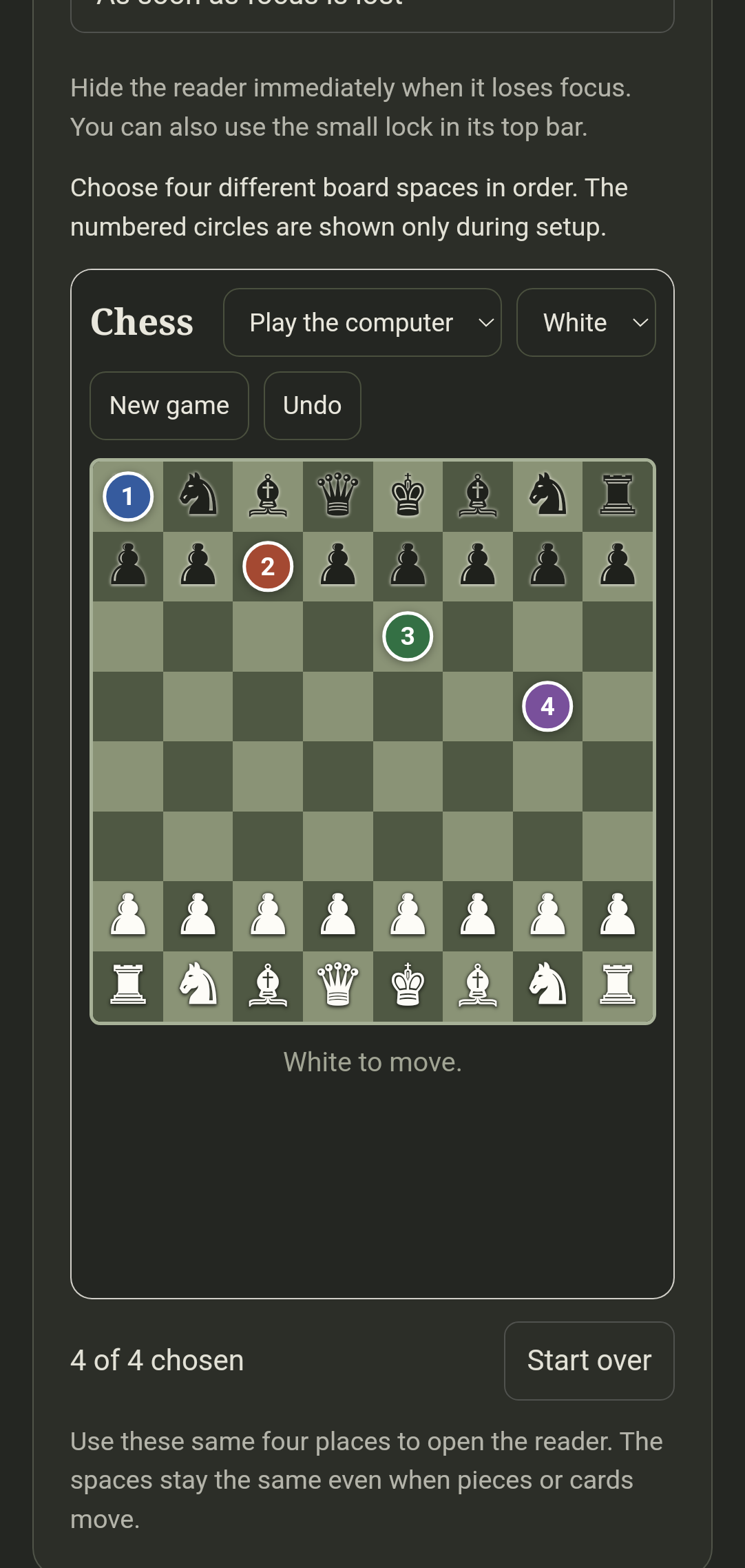
Save your choice. The app now shows the playable game.
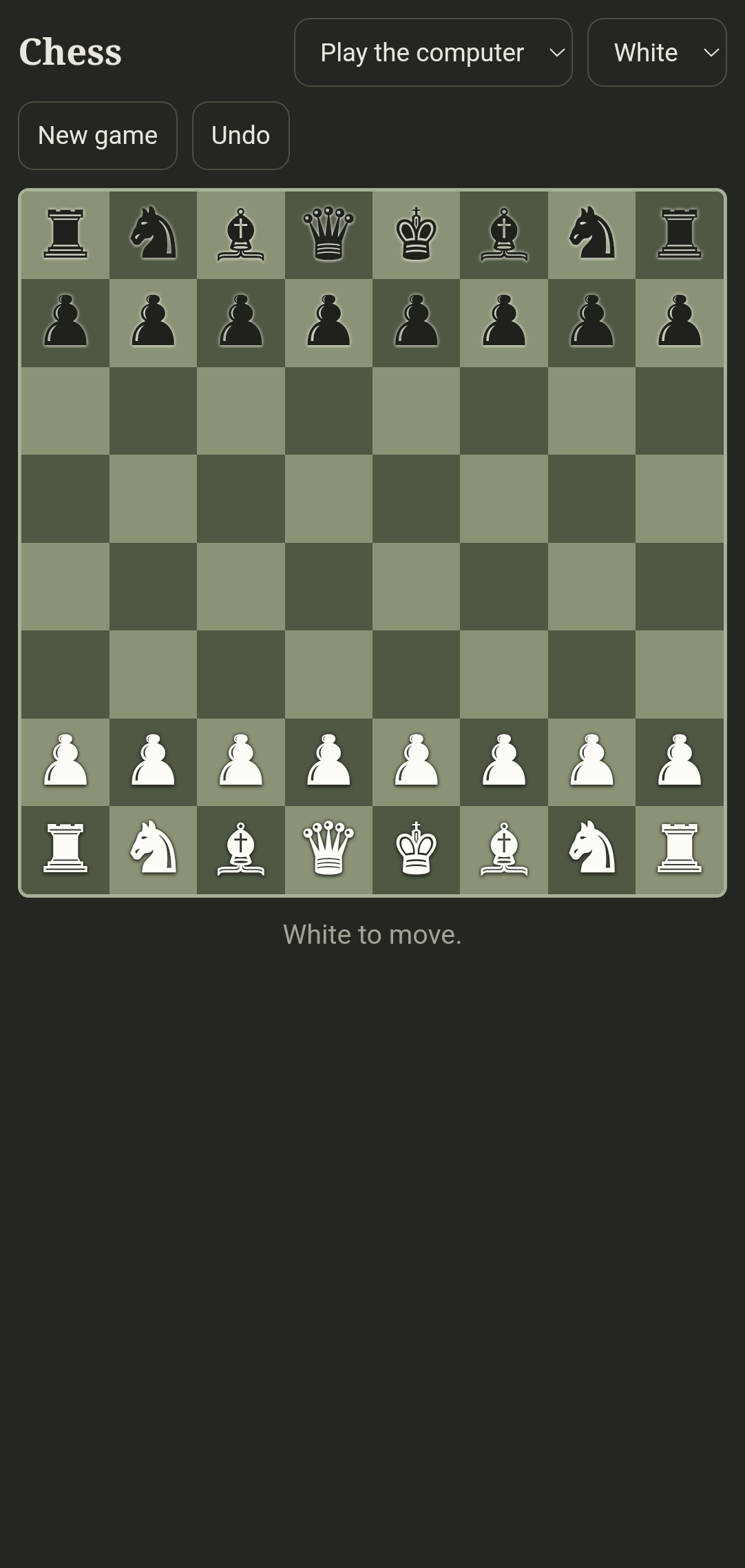
Tap your four chosen places to return. Checking and Decrypting show that it is opening.
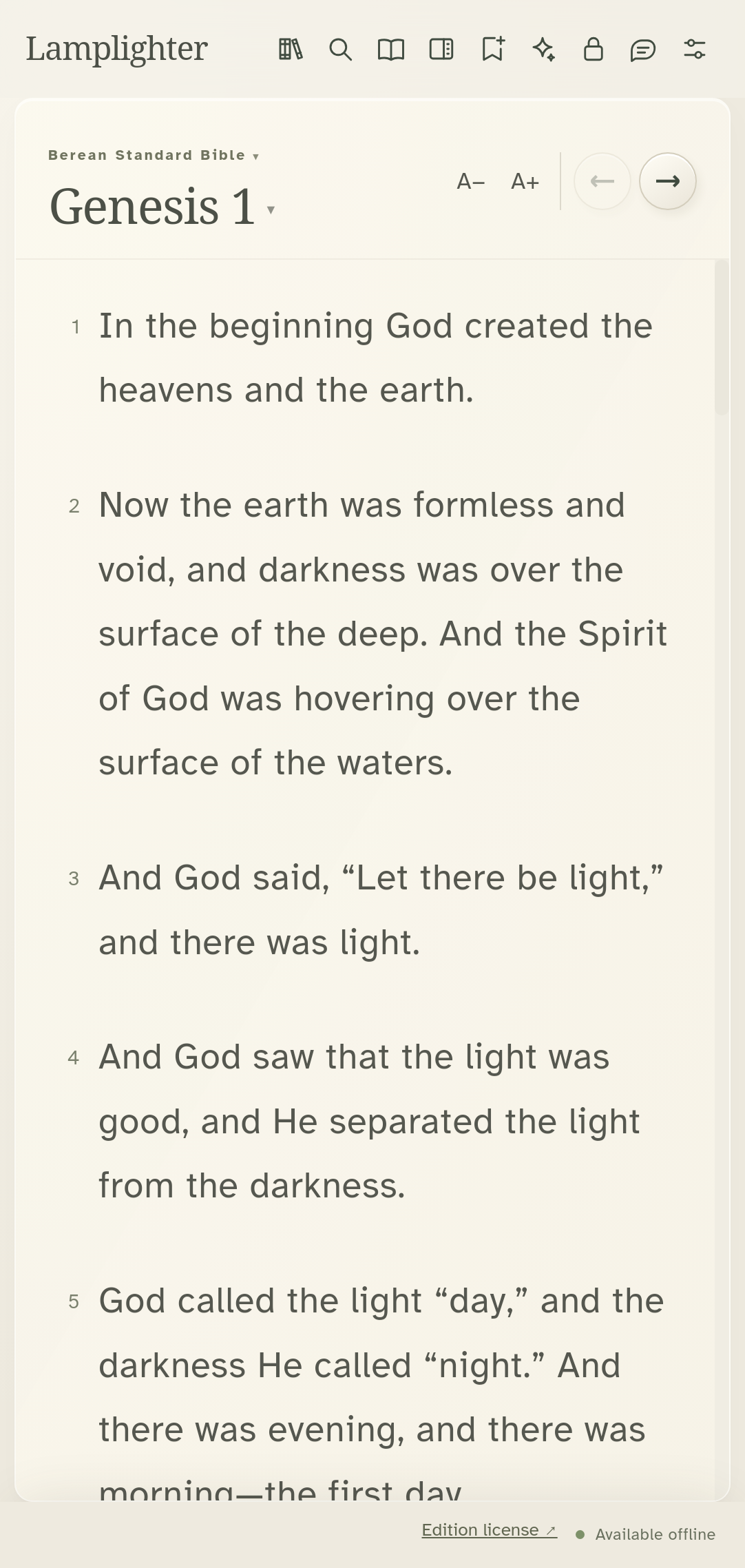
The small lock in the top bar hides the reader whenever you choose.
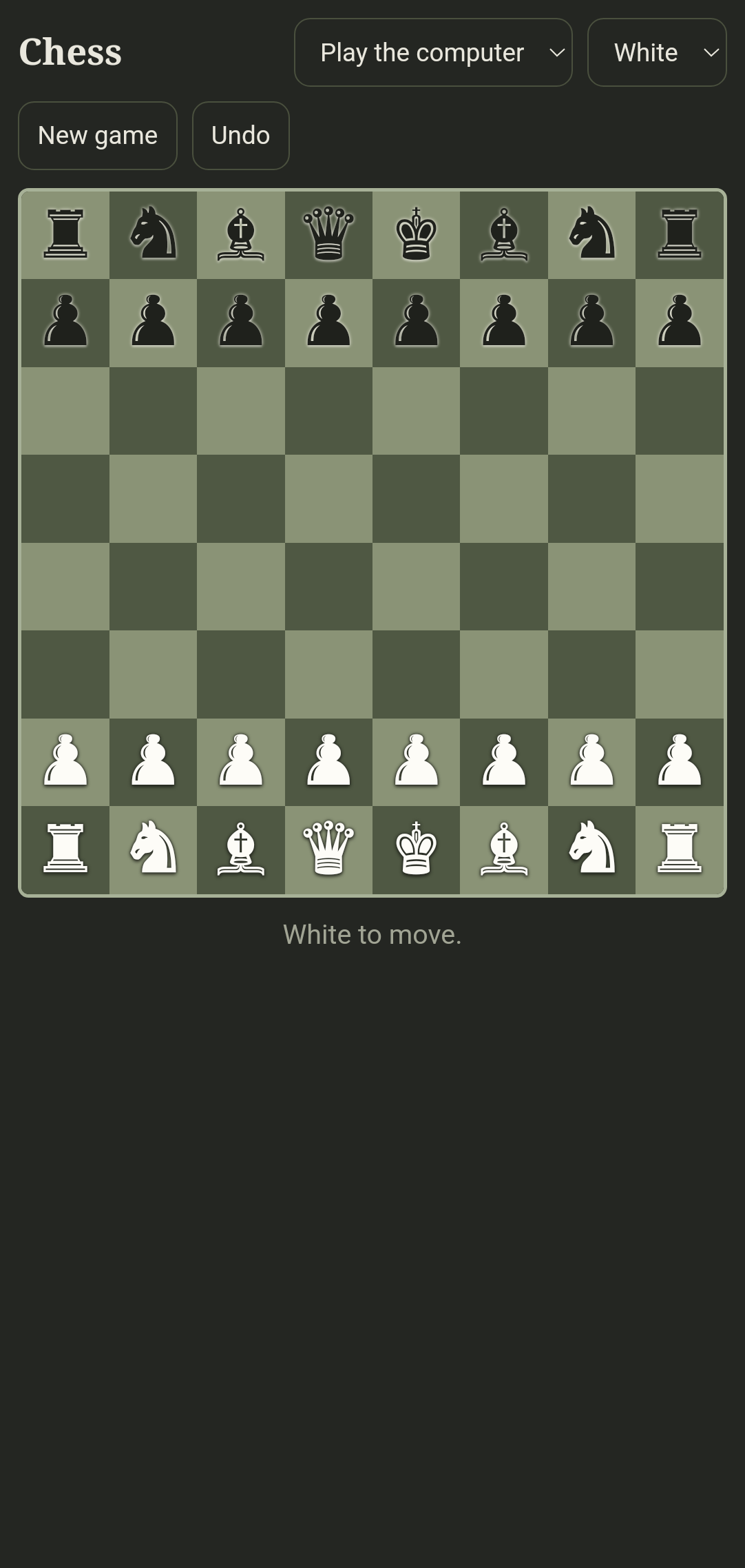
More walkthroughs are being verified: creating and leading a study with a clear pairing QR, contacts and private messages, wallet requests, adding resources, and installing or updating another phone. An emulator or an ADB-assisted installation is not proof of a physical Bluetooth transfer.
Your experience can make it stronger
Try the reader, study tools, device connections, and protected workflows in a safe test setting. The checklist names expected behavior and the capabilities still awaiting proof. Report the steps that failed and what would make the tool more useful.
Use synthetic names, notes, and contacts for testing. Review screenshots and reports before sharing; leave out real ministry locations, private conversations, and unlock sequences.
The checklist runs locally and lets you download a report. It does not automatically upload your answers.
Research checked October 21, 2026. The cited organizations do not endorse Lamplighter. Map data and source references.
Room to study
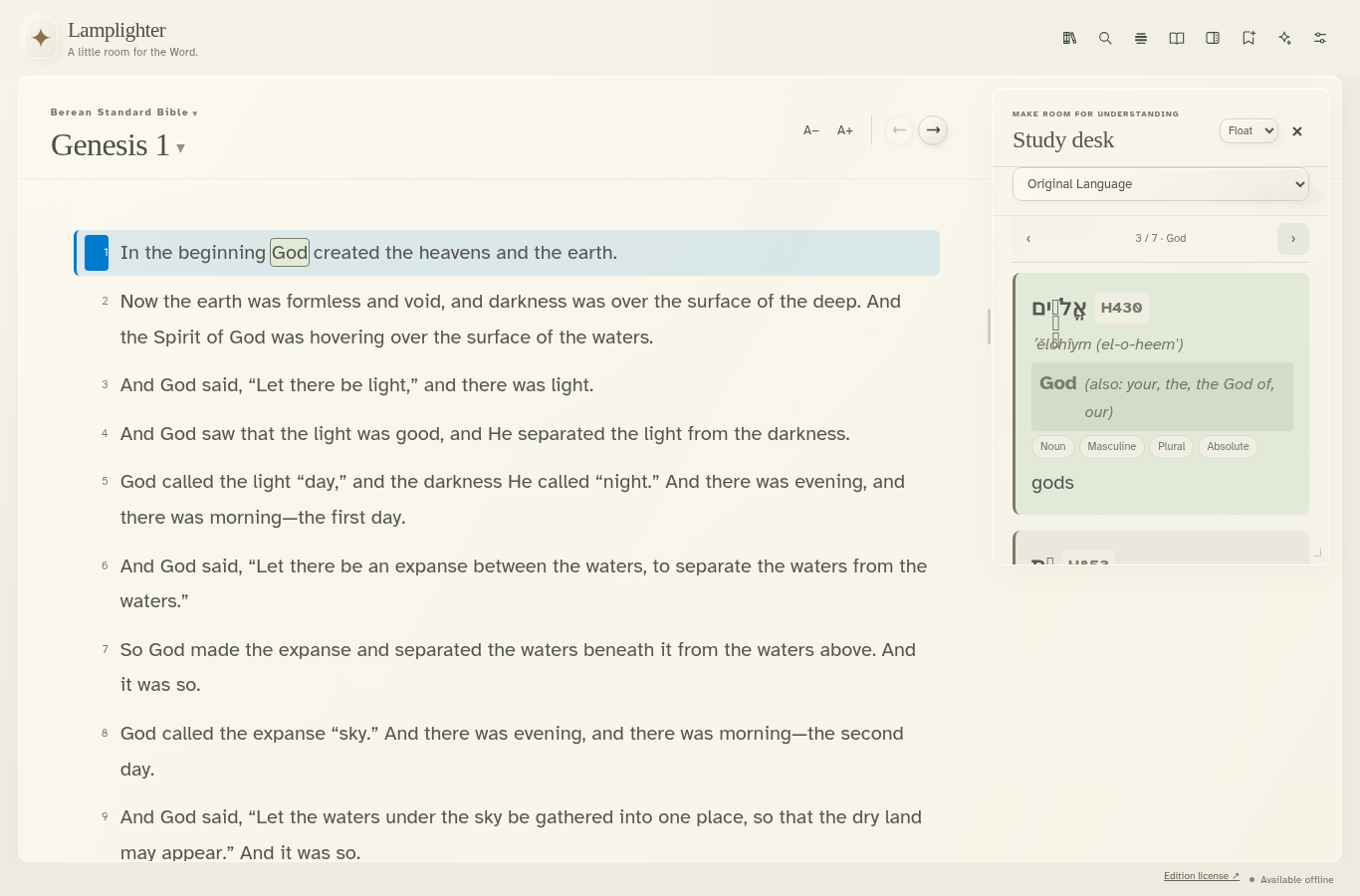
The desktop study desk keeps original-language entries beside the passage you are reading.
Free download
Free to use and share. No account, purchase, or invitation needed.
Join the first public testing wave and help make Lamplighter useful in your ministry.
These installers and browser-app resources are public and may contain readable bundled Bibles. Protection setup encrypts content in the app’s protected storage. Read what encryption covers.
Loading downloads…
EXE setup or MSI installer
Checking available installers…
DMG for Mac
Checking available installers…
AppImage, DEB, RPM, and Flatpak
Checking available installers…
APK for phones and tablets
Checking available installers…
Save editions for offline reading
Open browser appChoose a native download for your device or open the browser reader. The Lamplighter how-tos include Windows, macOS, every Linux package format, Android, and browser installation. On iPhone, follow the Safari and Home Screen guide.
The iPhone browser app offers a way to install when App Store access or availability is restricted. A protected Android phone can also send it locally with both phones offline: scan the Wi-Fi code, inspect a temporary certificate in iPhone Settings, then scan the installation code. No public website or online certificate preparation is required. The public setup guide and certificate use local HTTP; the app and library travel through HTTPS after both owners approve the connection. Remove the temporary certificate and network afterward. Android senders only: the PWA cannot pass Lamplighter on. Browser messaging and Bluetooth capabilities differ from Android.
Pastors, missionaries, and their teams are invited to this first public testing wave. Try offline reading, sharing and updates, Church connections, private messages, and game appearances on the devices you use. The field checklist helps you record results and send useful feedback.
The current update focuses on Android and the browser reader. Desktop downloads show their own version; some newer sharing and study controls may differ.
Open Studies in the sidebar and choose Create, Follow, or Import. Create a title, use Add passage to build your study, and save. Tap a saved study’s title to edit it; its actions are Lead, Export, and Delete. Choose Follow to join someone else’s study. Follow the study and broadcast guide.
Android’s Pass it on sends a small reader first, then your selected Bibles and commentaries through an encrypted connection. All installed resources are selected initially; choose fewer when the receiving device has limited space. Identical resources already installed are reused. Follow the app and library sharing guide.
Preparing a translation? The public Lamplighter formats 0.2.0 project includes templates, validation, and a conversion guide. Start with Prepare a Bible translation.
An optional software prototype connects each reader to a computer with an external Meshtastic USB radio. Both ends need a gateway. Start with short encrypted messages. Library sharing also offers a slow-radio option, but whole Bibles can take days or months; use Wi-Fi or Bluetooth when possible. The helper download is available in the guide. A desk test delivered private messages and encrypted receipts through two H1 radios; phone use, range, and mixed Bluetooth/radio routes still need field testing. Read the LoRa gateway guide for equipment, pairing steps, and limits.
Yes. The bundled editions work offline after installation. Online sources need a connection, and some require an account with their provider.
Lamplighter is free. You don’t need an account or a purchase to read and study.
Highlights, study notes, Journal entries, and studies stay on your device. Use the app’s export tools to keep a separate copy.
After you set up protection, Lamplighter encrypts the libraries and personal study data held in its protected storage on this device. Ordinary native app storage is not automatically covered.
Private Bitchat messages and library transfers between verified Lamplighter contacts are end-to-end encrypted. Public chats are public. Android’s secure Wi-Fi installer transfers use HTTPS verified with the sender’s QR code scanned inside Lamplighter.
Website installers and browser-app resources are public and may contain readable bundled Bibles. Android encrypts full installer blobs retained inside Lamplighter, then supplies an installable APK when Android needs it. The small phone-to-phone installer carries the reader; its library arrives separately into protected storage. The Android guide explains why APKs in Downloads remain outside this whole-file protection. Encryption and a game appearance cannot guarantee safety or privacy.
Operating-system screenshots and recent-app previews are separate from encrypted storage. Lock the reader explicitly and wait for the game screen before leaving; do not assume that pressing Home removes a previous reader image from Recents.
Need a hand? Contact Niche-Knack support. Read Lamplighter’s privacy policy.